



























How parents can set up and manage a child’s WhatsApp account: A step-by step

Hey Questers ❤️
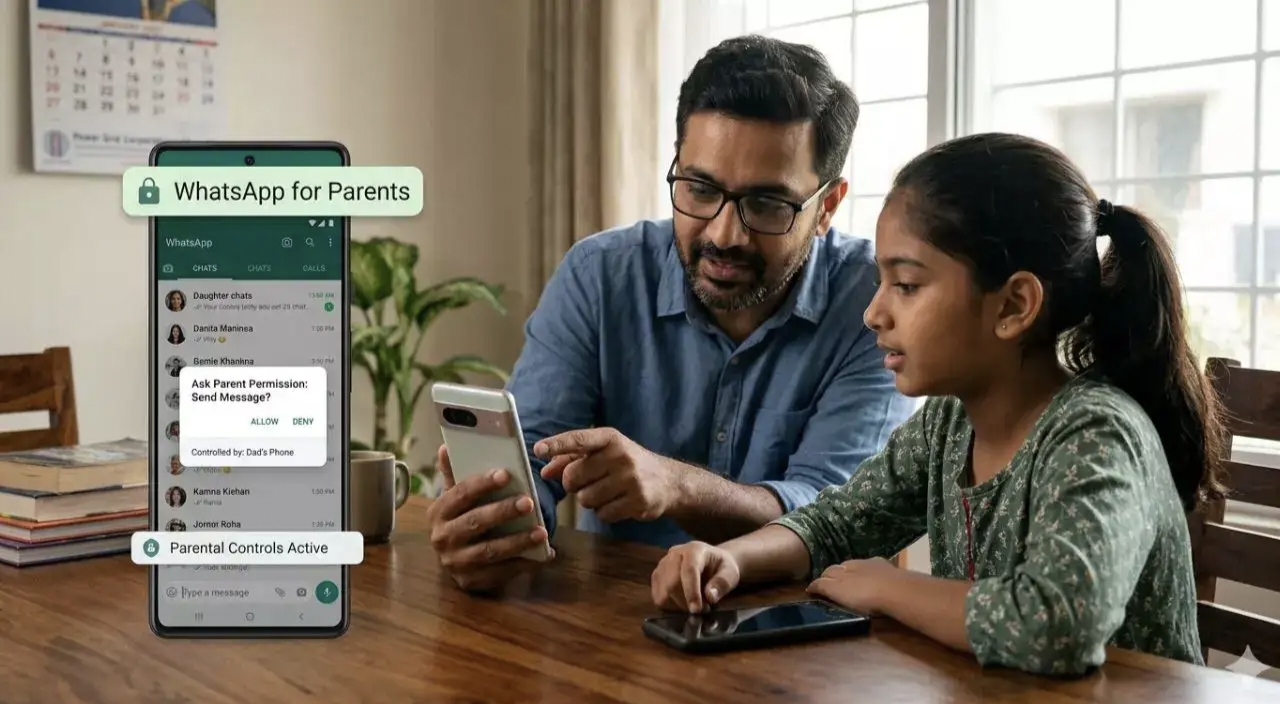
WhatsApp has introduced parent-managed accounts designed for children under the age of 13. The feature allows parents to supervise messaging activity and control privacy settings so younger users can stay connected more safely.
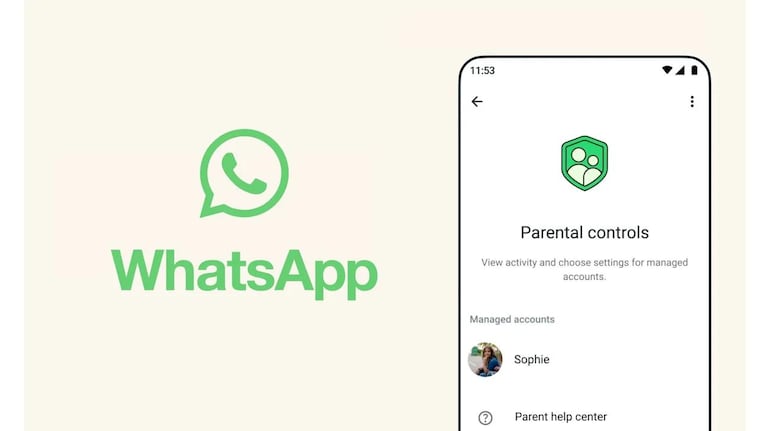
Instead of leaving moderation entirely to automated systems, the new setup lets guardians directly manage how their child’s WhatsApp account works. Once linked, parents can approve contacts, control group participation and manage privacy settings.
Here’s how to set up a parent-managed WhatsApp account for a child.
How to create a parent-managed WhatsApp account for your child
• Install WhatsApp from the Google Play Store or Apple App Store on your child’s phone.
•Open WhatsApp, select the language and tap Agree and continue.
•Tap More options and select Create a parent managed account.
•Add your child’s phone number and complete the verification process.
•Enter the child’s date of birth to confirm they are under 13. In some regions, Apple or Google may automatically share the device user’s age range with WhatsApp.
•Tap Continue to begin linking the child’s account to a parent account.
How to link your phone to your child’s WhatsApp account
•Use your phone’s camera to scan the QR code shown on your child’s device. This will open the link needed to connect both accounts.
•Tap Agree and continue when prompted so WhatsApp can verify adult supervision.
•Set up a six-digit parent PIN. This PIN allows access to your child’s privacy and safety settings and should not be shared with the child.
•Enter the PIN again and tap Next.
Tap Done to complete the setup on your child’s device.
What parents can control after setup
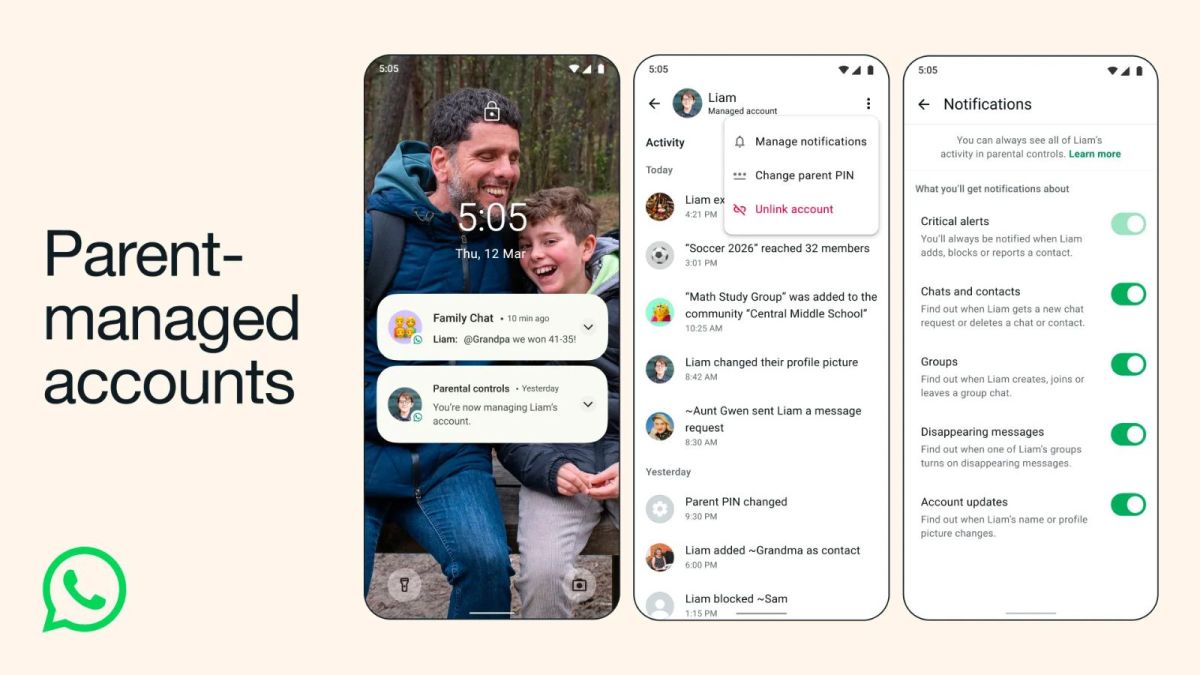
Once the accounts are linked, parents can configure several safety settings for the child’s account. For example, only approved contacts will be able to message or call the child. Parents can also review and approve group invitations through a Requests section before their child joins any group.
Children can still personalise their profile by adding their name and profile photo, but parents remain in control of the privacy and safety settings connected to the account.
Follow for such more informative threads ➡️ @RZ Nitin

Thank you 😊
Your qool Quester, Ranger : Nitin Mishra ❤️
@iQOO Connectcommunity 🥳🔥😍
@NipunMaryasir 🫡💫❤️
@parakram_hbhai 🫡✨🫂
@woahyashbhai 😍🔥❤️
Please sign in
Login and share