



























Audio Redirect - The most useful feature built-in Funtouch OS 🔥

Hey Guys,
In this thread, you will get to know one amazing and most important feature that you have built-in your iQOO Smartphone. I bet you didn't know about this before.
It's about Audio Redirect.
Let me give you a situation to help you understand about this better.
You are chilling somewhere with your Family/Friends and your device is connected to the bluetooth speaker to play songs. And, you got an important Phone call or whatsapp voice note which you have to respond to but you did not want to interrupt the party flow.
What will you do then?
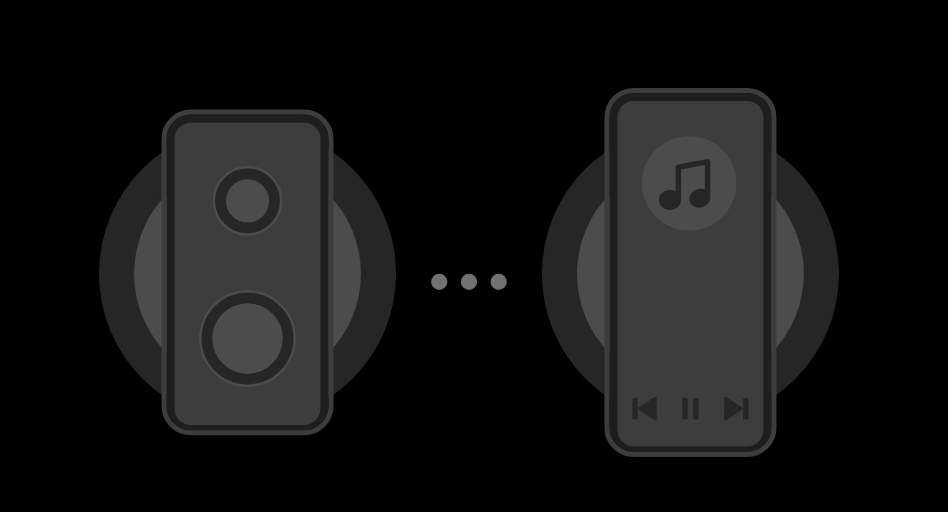
Here comes the Audio Redirect feature in action.
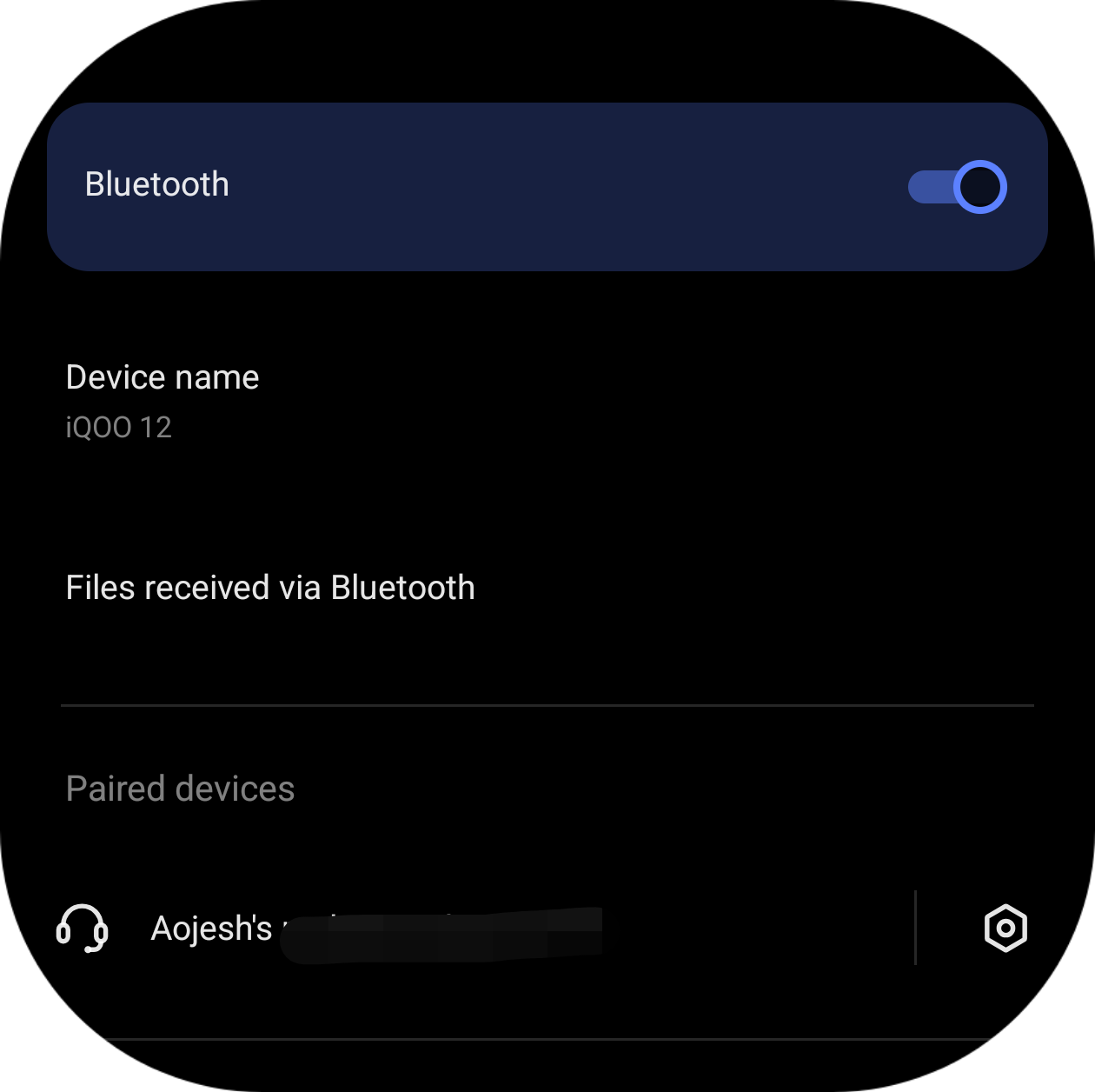
1. Connect your Bluetooth Audio device,
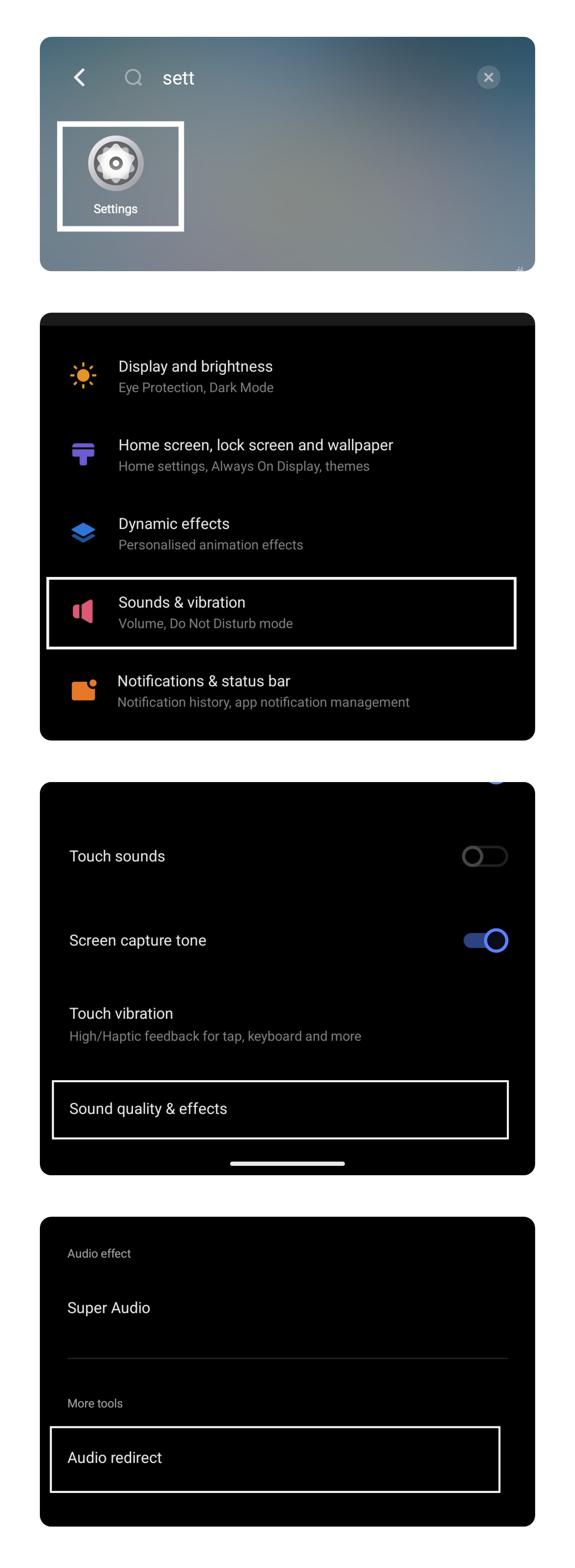
2. Go to Settings> Sounds & vibrations>Sound quality & effects> Audio Redirect,
3. Select the application which you don't want to be played in your Bluetooth device,
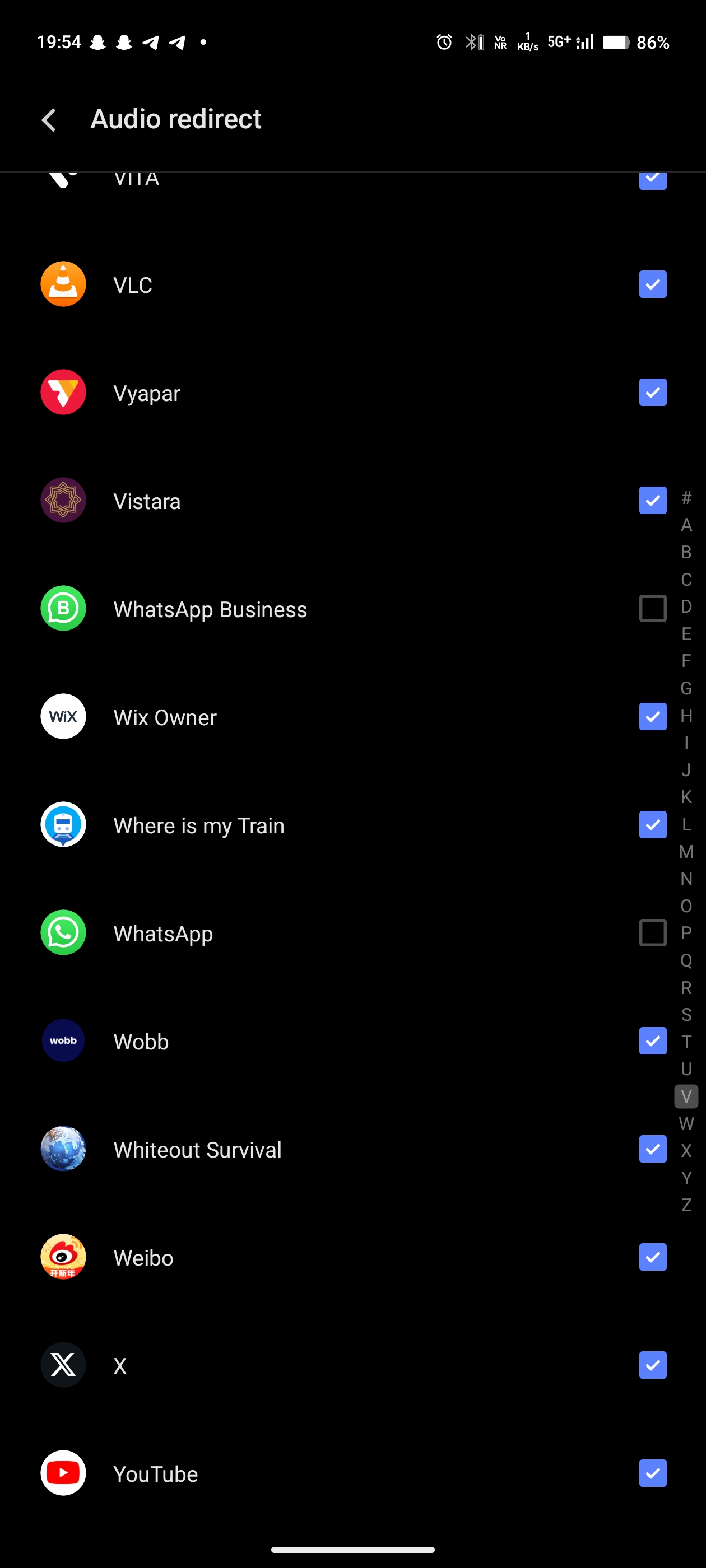
4. It's Done!
Hope this tip and feature will help you in the difficult situation.
If yes, then please let me know this in the comments below.
Please sign in
Login and share