Tech Insights | Part 3 – Hidden Treasures of Your iQOO Device

Hello everyone!
It's time for Part 3 of the Tech Insights series. In this thread, we'll explore some unique and lesser-known features of iQOO devices that you might not have discovered yet. These tips will help you make the most of your device and unlock its hidden potential. Let's get started............

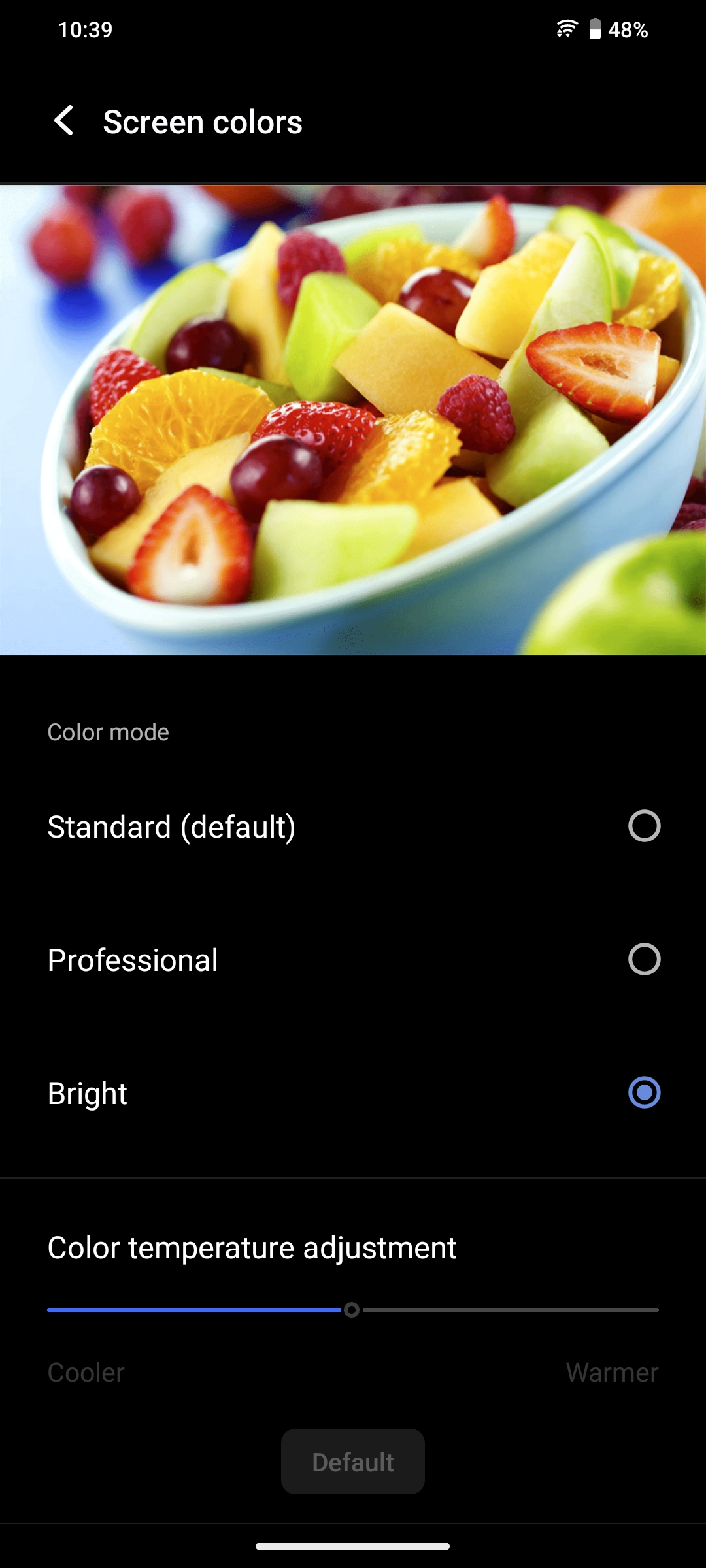
Screen Color Style – Customize Your Display
What It Does: Adjust the display's color temperature to suit your mood.
How to Enable:
Go to Settings > Display > Screen Colors.
Choose between Standard, Bright, or a Personalized profile.
Why Use It?: Enhance your Netflix nights or reduce eye strain during long usage.
App Clone – One Device, Two Accounts
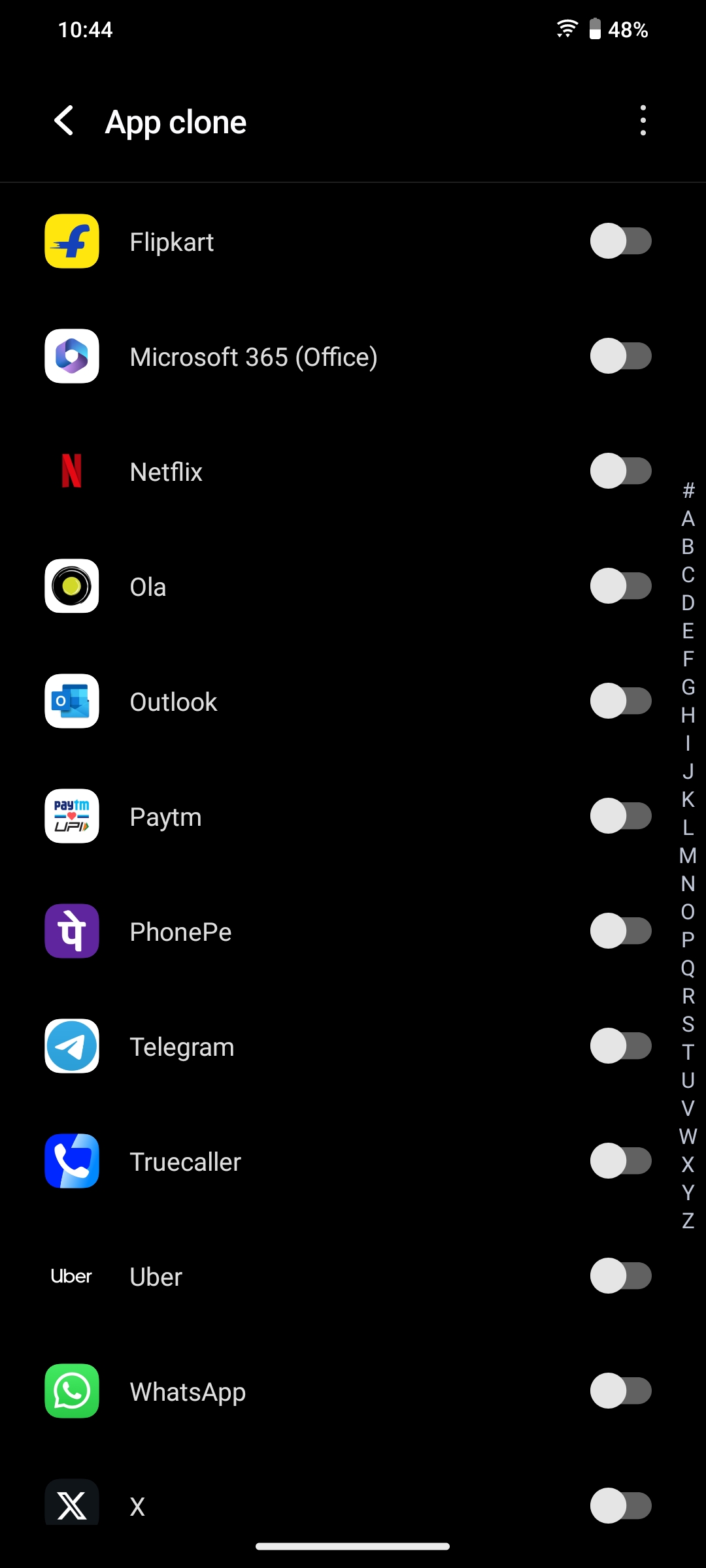
What It Does: Allows you to run two accounts of the same app.
How to Enable:
Go to Settings > Apps > App Clone.
Activate cloning for WhatsApp, Facebook, or other supported apps.
Perfect For: Managing personal and professional lives separately
4D Game Vibration
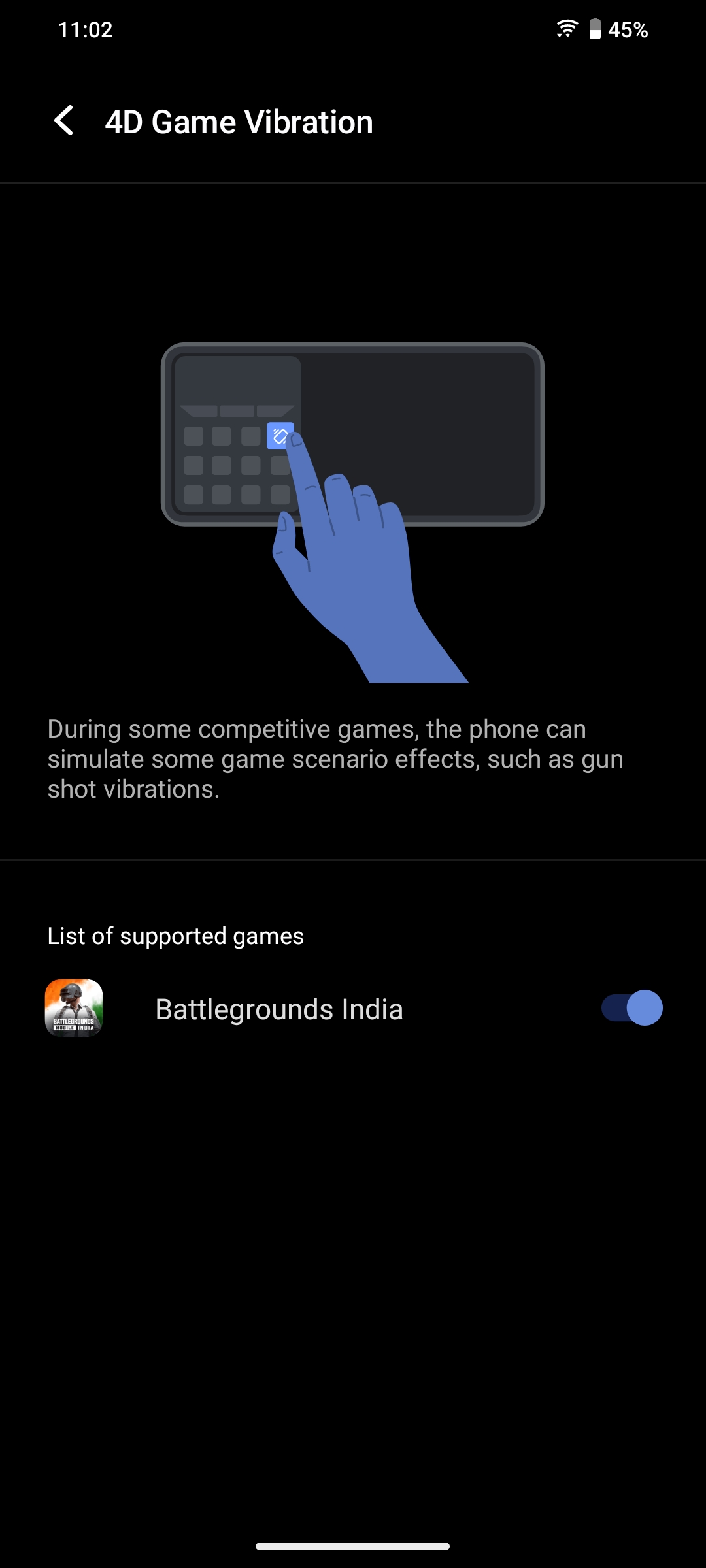
This feature offers real-time haptic feedback during gaming, making the experience more immersive.
How to Enable:
Open Ultra Game Mode.
Navigate to Game Sidebar and toggle on 4D Game Vibration.
Why It's Useful:
Enhances gameplay by providing tactile feedback corresponding to in-game actions.
Ultra Game Picture-in-Picture Mode
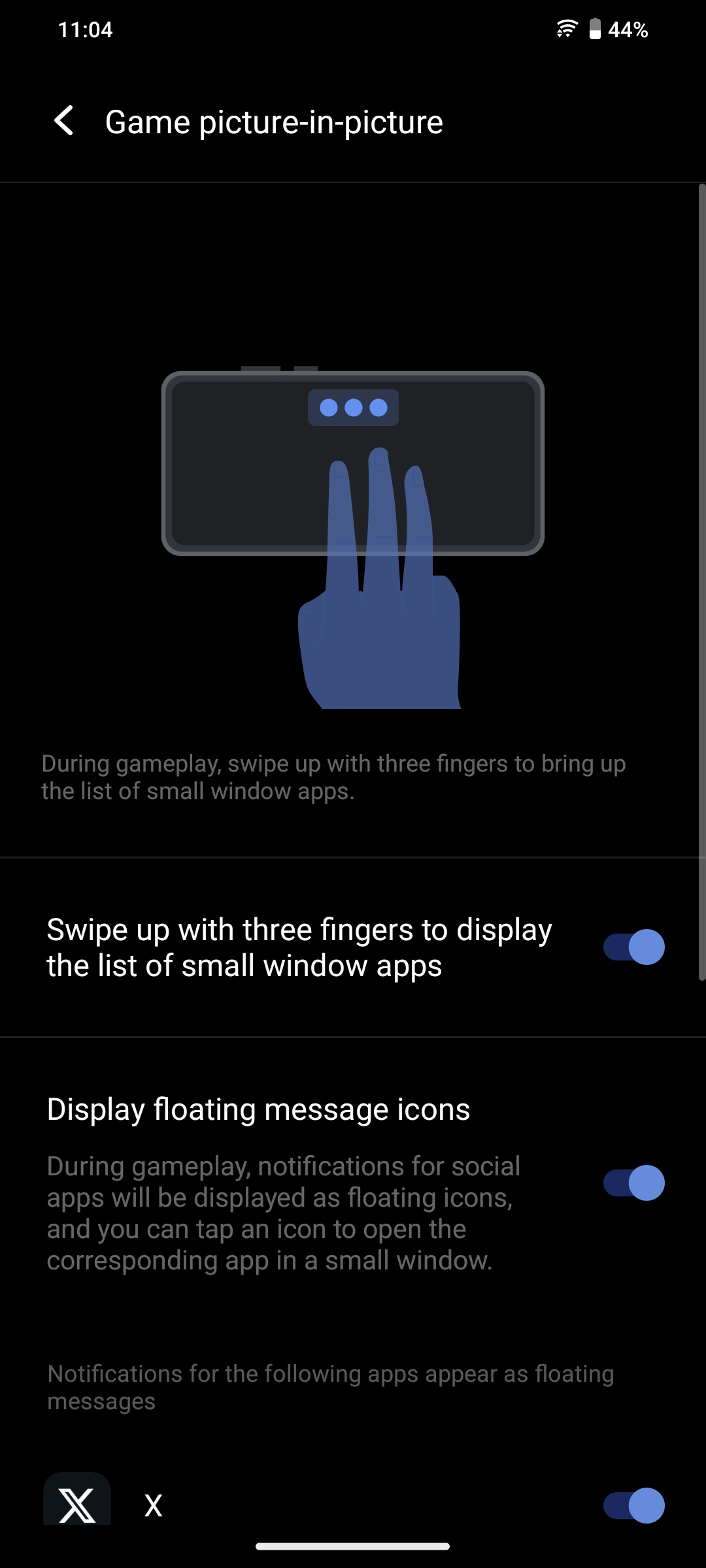
Allows you to open apps like messaging or browsers in a floating window while gaming.
How to Use:
During a game, swipe inward from the left or right edge to access the Game Sidebar.
Select the Picture-in-Picture option and choose the desired app.
Why It's Useful:
Enables multitasking without interrupting gameplay.
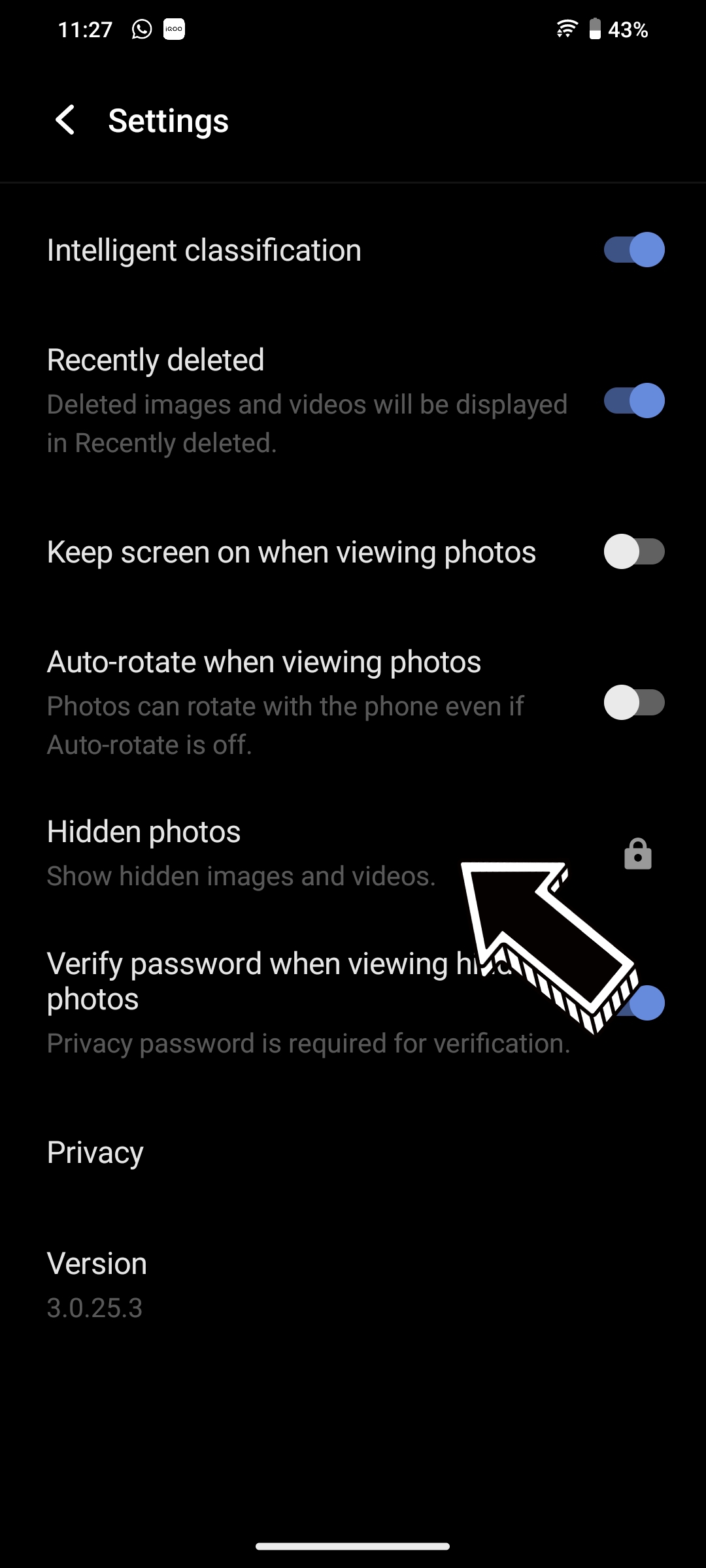
How to hide images in Gallery
Keep your private photos secure by hiding specific albums in the gallery.
How to Use:
Open the Gallery app.
Select the photos you wish to hide.
Select Hide from the options.
To view the photos go to settings in gallery and select "Hidden Photos"
This brings us to the end of Part 3 of the Tech Insights series.
Thank you for taking the time to explore these features.
Follow me to stay updated with this series,
Please sign in
Login and share