



























📸 Mobile Photography Tips – A Long Thread 🧵

1. Clean Your Lens Before Every Shot
Sounds simple, but a dusty or fingerprint-smudged lens can ruin sharpness and clarity.
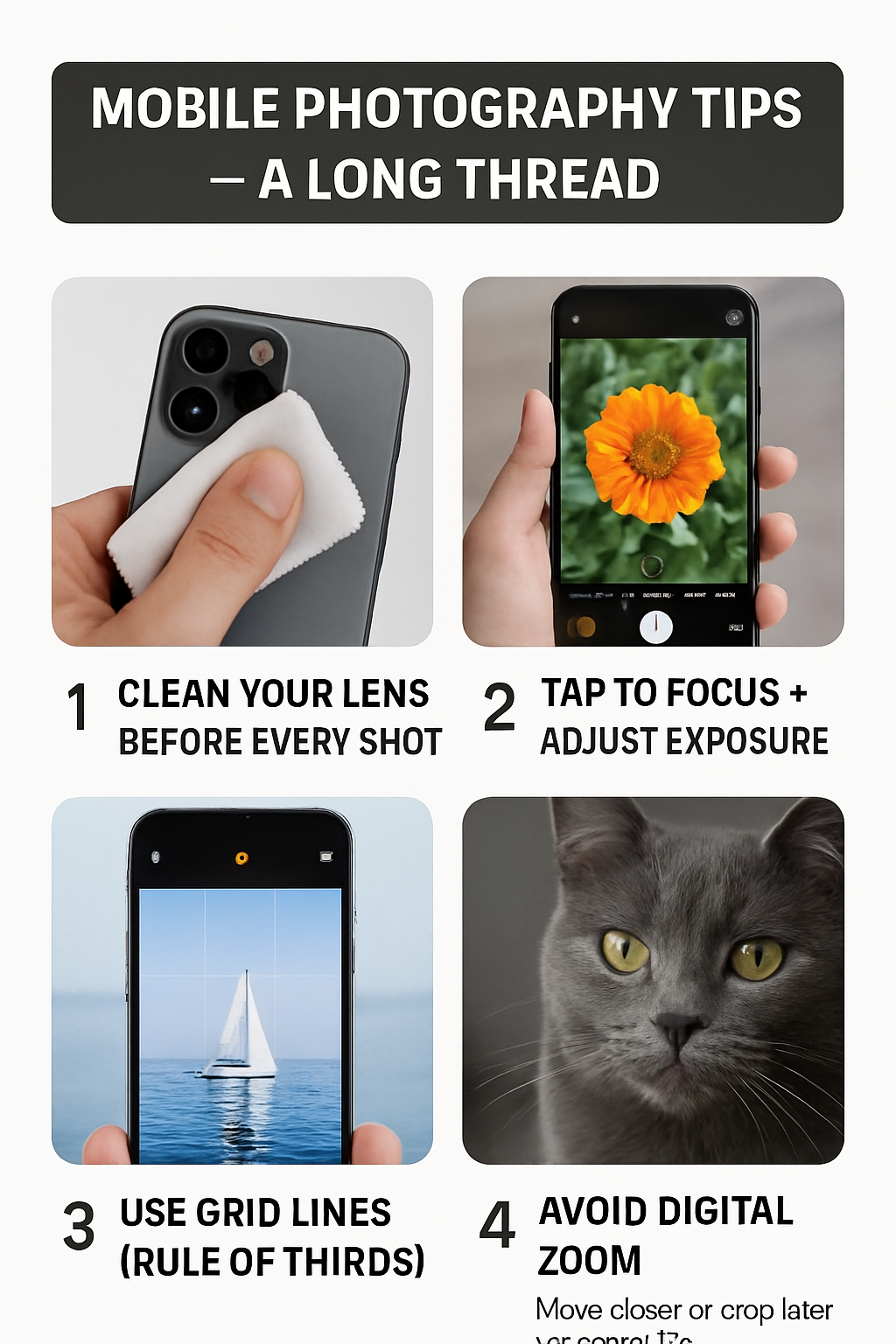
2. Tap to Focus + Adjust Exposure
Tap the subject on your screen to focus. Then slide the exposure bar (sun icon on most phones) to brighten or darken as needed.
3. Use Grid Lines (Rule of Thirds)
Turn on grid lines in your camera settings. Place your subject on the intersecting lines to create visually pleasing compositions.
4. Avoid Digital Zoom
Zooming in reduces image quality. Instead, move closer to your subject or crop later while editing.
5. Use Natural Light Whenever Possible
Avoid using flash. Position your subject near windows, doors, or outdoors in soft lighting—golden hour is best (early morning or before sunset).
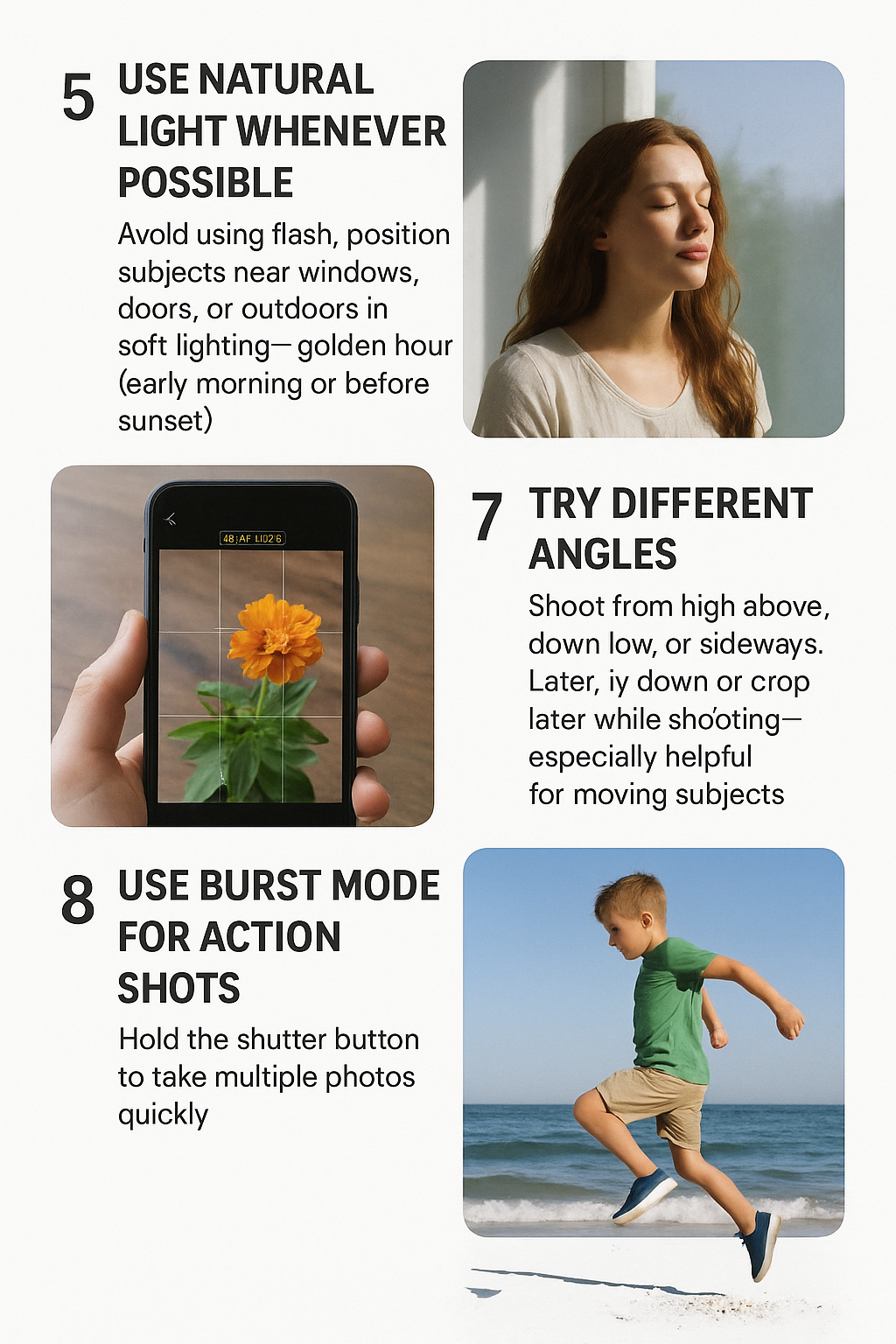
6. Try Different Angles
Shoot from high above, down low, or sideways. Unique angles make your photos stand out. Don’t be afraid to lie down or climb a step.
7. Lock Focus for Sharper Shots
Long-press the screen (AE/AF lock) so your camera doesn’t refocus while you’re shooting—especially helpful for moving subjects.
8. Use Burst Mode for Action Shots
Hold the shutter button to take multiple photos quickly. Later, pick the sharpest frame.
9. Use Portrait Mode Wisely
Great for people and close-up subjects. But be cautious—sometimes the blur looks fake. Adjust depth effect if available.
10. Mind Your Background
Keep it clean and simple unless you want it to tell a story. Avoid clutter that distracts from your main subject.
11. Shoot in HDR (When Needed)
HDR mode captures better dynamic range in scenes with both dark and bright areas—perfect for landscapes.
12. Use Third-Party Apps for Pro Control
Apps like:
- Adobe Lightroom Mobile
- ProShot
- Open Camera (Android)
- These give you manual control over ISO, shutter speed, and white balance.
13. Learn to Edit – It’s Half the Magic
Use editing apps like:
- Snapseed (powerful & free)
- Lightroom Mobile
- VSCO
- Editing brings out colors, fixes exposure, and enhances overall impact.
14. Shoot RAW When Possible
If your phone allows it (usually in Pro mode), shoot in RAW. It captures more detail and allows better editing flexibility.
15. Composition Over Gear
Even with a budget phone, great composition can create stunning images. Study framing, light, symmetry, and storytelling.
16. Use Leading Lines
Look for roads, bridges, fences, or shadows that lead your viewer’s eye into the photo—especially in street or travel shots.
17. Minimalism Works
Sometimes, less is more. A single subject in a clean background can be extremely powerful.
18. Practice Every Day
Try photo challenges (like 365 days of photography), shoot in your room, or on daily walks. Your eye will sharpen over time.
19. Join Photography Communities
Reddit, Instagram hashtags, and Discord groups are full of mobile photographers sharing feedback and tips.
20. Don’t Just Take Photos—Tell Stories
Think beyond snapping. What emotion or story do you want to capture? The best photos make people feel something.
follow your qool quester @Rohan6383for more amazing threads
signing out!!
@iQOO Connect
Please sign in
Login and share