




























My favorite iQOO UI display features

● Always on Display
With the self-illuminating Super AMOLED display, Always On Display in IQOO has a low power consumption.
To enable this go to settings > lock screen & wallpaper > Alway on Display, & here turn on its toggle. Now it will be visible all day on your IQOO device.
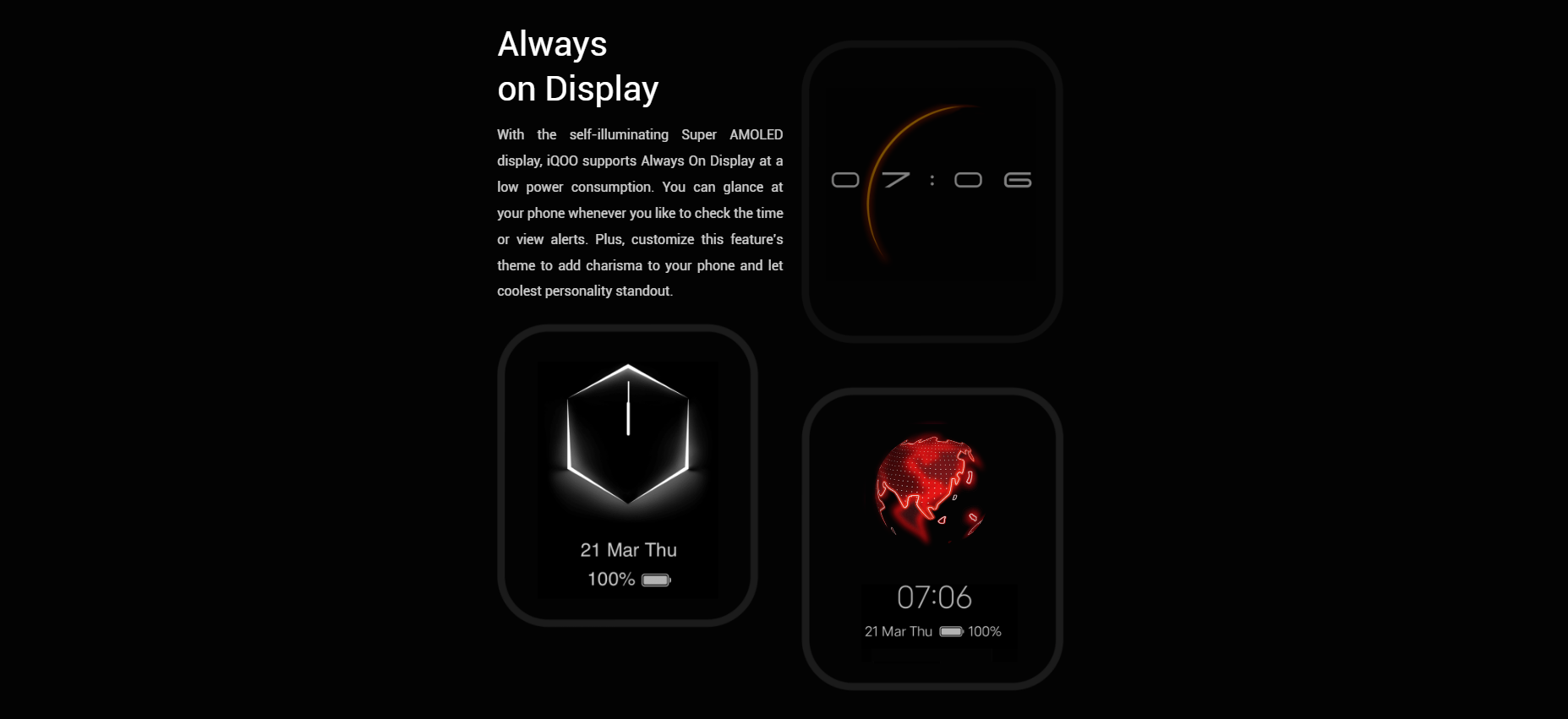
● Customizable AOD
To customize your Always on Display go to settings > lock screen & wallpaper > Alway on Display > Off-screen style.
From here you can choose the type of clock you want on the Always On Display.
you can set digit clocks & analog clocks as on the ambient display.
● Ambient Light Effects
To enable the edge lighting go to settings > dynamic effects >ambient light effect.
Now from here, you can choose the different light effects for calls as well as notifications. Ambient light effects can be easily customized.
Now when you get a notification then the edge will light up in your phone.
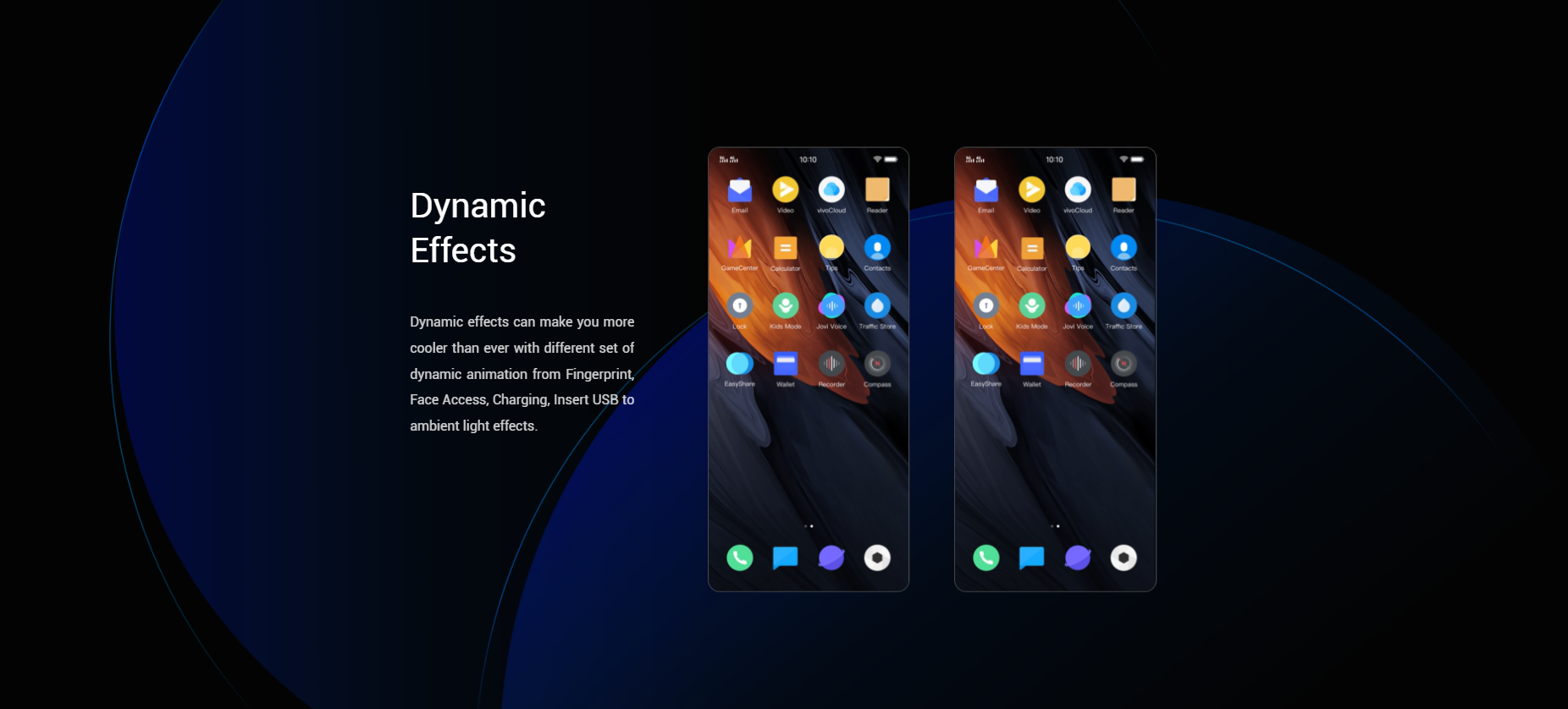
● Dynamic Effects
In the dynamic effects, you will be able to customize all animations in the phone.
From here you can change the home screen transition animation, unlock animation, unlock and enter home screen animation, facial recognition animation,
charging animation, USB inserting animation, screen on/off animation. Dynamic effects can make your phone cooler.
So that's all for this thread, thanks for reading, hope you got to know something good!
Sharon
Please sign in
Login and share