




























Your Android phone will soon backup and restore some very important settings

Switching to a new Android phone? You won't have to worry about Theft Protection anymore.
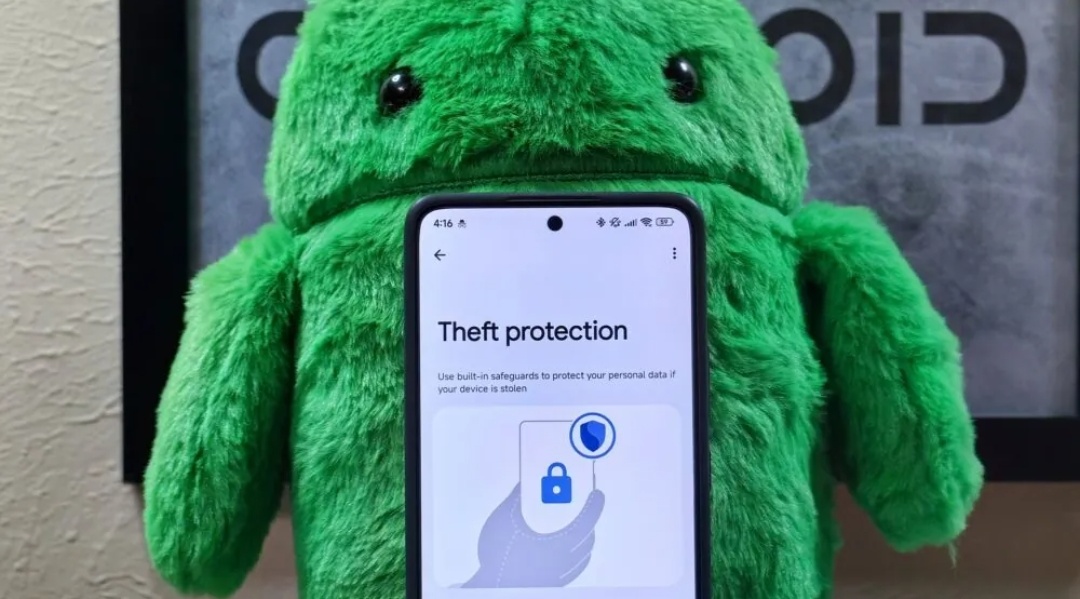
- Your Android device will soon automatically back up and restore Theft Protection settings.
- Android’s Theft Protection settings include Theft Detection Lock, Offline Device Lock, Remote Lock, and more.
- The backup and restore feature for Theft Protection will roll out with the September Play Services update.
Google has quietly introduced an update that automatically backs up and restores the Theft Protection setting on Android devices.
Android’s Theft Protection suite, including Theft Detection Lock, Offline Device Lock, Remote Lock, and more, helps safeguard your device in case it’s lost or stolen. Until now, users had to manually re-enable these protections after a factory reset or when switching to a new phone.
With the latest Play Services update, Google will now include these settings in your Android device’s cloud backup. This means that when you restore your backup on a new device or your current one, your Theft Protection preferences will come back automatically, without the need to manually set them up again. It also means that if you have Theft Protection features turned off, they will remain as such when you restore your Android device from a backup.
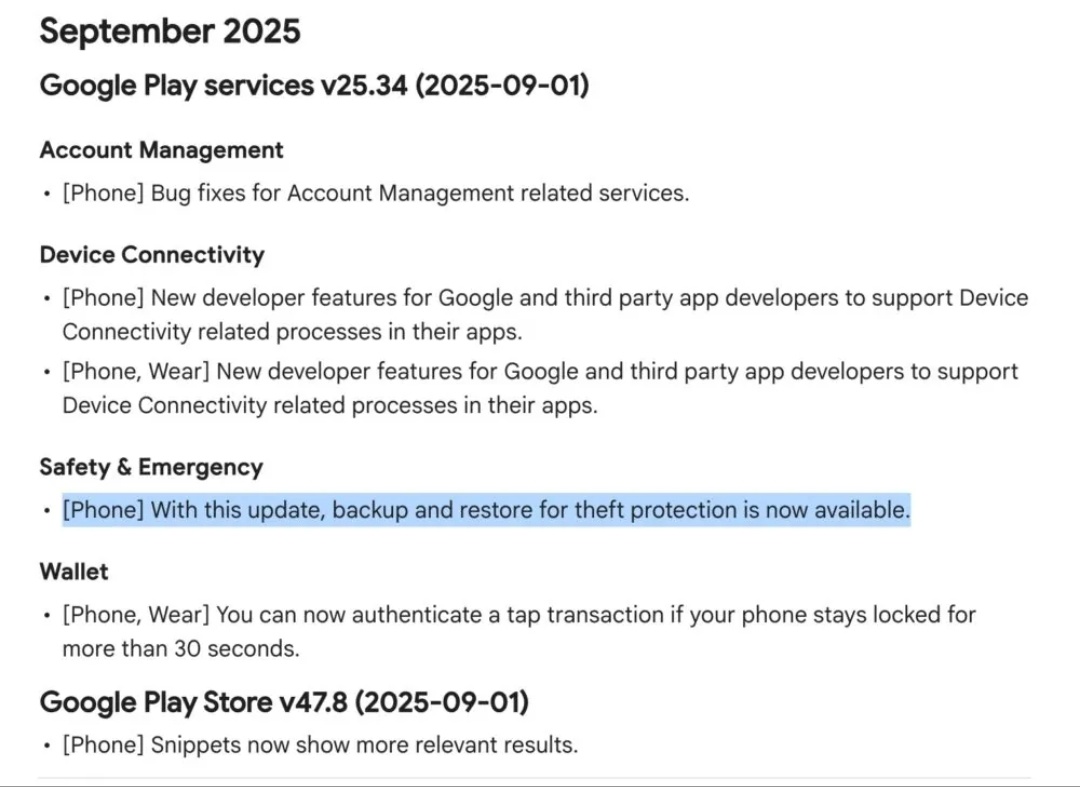
Google’s cloud backup already saves app data, Wi-Fi networks, and other settings, and now Theft Protection is joining the list. The backup and restore feature for Theft Protection is rolling out with the September Play Services v25.34 update, which won’t be available to everyone immediately and could take some time to reach all devices.
Source: Android Authority
Quester
Please sign in
Login and share