



























5 Hidden Android Features That Will Make Your Phone Smarter

Smartphones have become our daily companions, but most of us only use a fraction of what they can really do. If you are an Android user, your phone hides some powerful features that can save you time, boost productivity, and even improve security. Let's uncover a few gems.
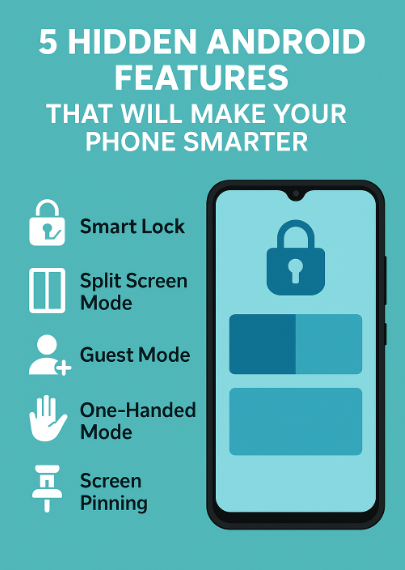
1. Smart Lock – Keep Your Phone Unlocked in Trusted Places
Tired of entering your password every time at home? With Smart Lock, you can keep your phone unlocked in trusted locations (like your house) or when connected to a device (like your smartwatch).
👉 Settings > Security > Smart Lock.
2. Split Screen Mode for Multitasking
Need to watch YouTube while replying on WhatsApp? Split screen lets you run two apps side by side.
👉 Open an app > Recent Apps > Tap the app icon > “Split screen.”
3. Guest Mode for Privacy
Handing your phone to someone? Turn on Guest Mode so they can not access your personal stuff.
👉 Settings > System > Multiple Users > Add Guest.
4. One-Handed Mode
Struggling with large displays? Activate One-Handed Mode to shrink the screen for easier thumb reach.
👉 Settings > System > Gestures > One-Handed Mode.
5. Screen Pinning for Focus
If you lend your phone but only want someone to use one app, pin it!
👉 Settings > Security > Screen Pinning.
Android phones are packed with smart features that go unnoticed. By using these hidden tricks, you will not only save time but also get more out of your device. Try them out today and see which ones change your daily phone experience.
Best Regards,
Honey
Please sign in
Login and share