



























Explaining My Favourite Ultra Game Mode Features I use in My iQOO Device 😎❤️

Hey Questers! Today I’m sharing My Favorite Features of iQOO Ultra Game Mode and a detailed look at the Ultra Game Mode in iQOO devices – a true game-changer for all gamers. here are all features 👇
1. Resource Management 🚀❤️
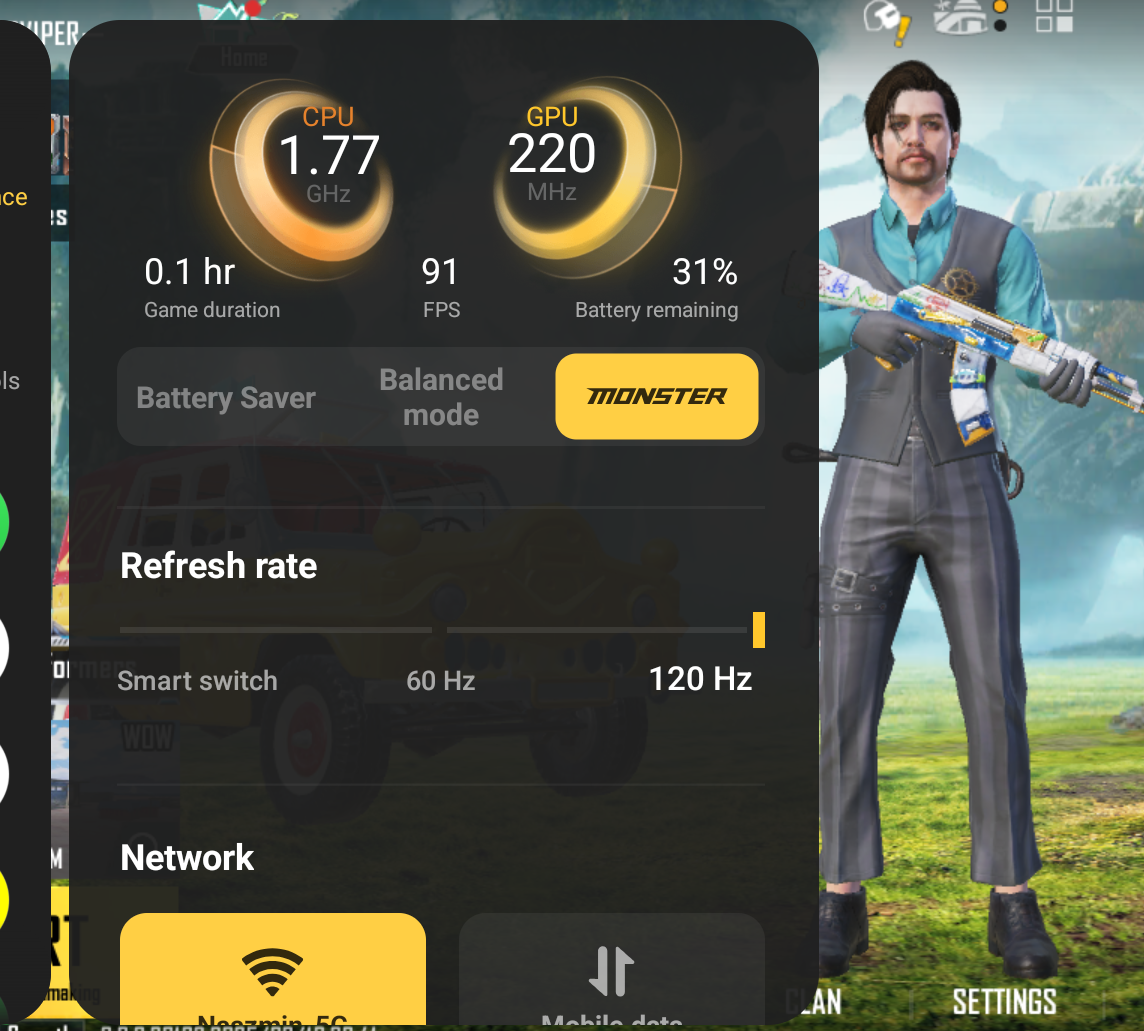
Ultra Game Mode smartly manages the CPU, GPU, and RAM to give priority to your game.
It reduces background processes so that your device runs smoother.This avoids frame drops or sudden lag while gaming.The feature ensures that performance is dedicated only to your gameplay.Result = buttery smooth experience even in heavy games.
• Gives CPU/GPU/RAM priority to your game.
• Reduces background apps for smoother gameplay.
• Avoids lags and frame drops.
• Ensures performance stays dedicated to gaming.
• Result = buttery smooth gaming exp
erience.
2. Do Not Disturb Mode ⛔📵

This feature blocks calls, notifications, and pop-ups while you’re in game.You won’t get disturbed by random WhatsApp or Instagram alerts.It helps you stay focused during critical moments.No distractions means better reaction time and gameplay. After finishing the match, you can check everything peacefully.
• Blocks calls & notifications while gaming.
• No random WhatsApp/Instagram pop-ups.
• Stay focused during intense moments.
• Improves reaction time and concentration.
• Peace of mind till the match ends.
3. Call Management 📞
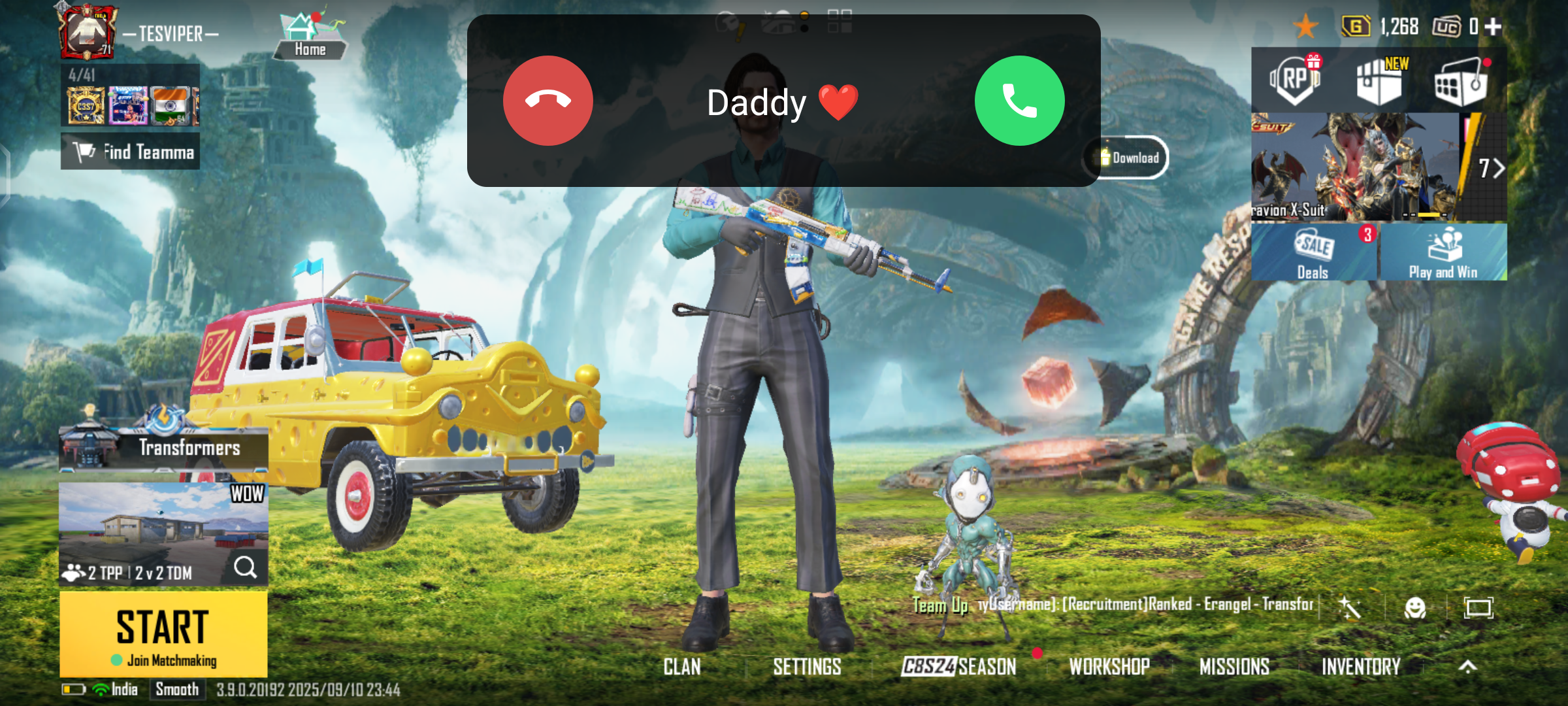
If someone calls during gaming, Ultra Game Mode doesn’t let it ruin your match.It gives you small floating call alerts instead of covering the whole screen.You can accept or reject without minimizing the game.This prevents accidental exits or missed gameplay action.Perfect for gamers who get a lot of calls daily.
• Incoming calls appear in mini floating alerts.
• No full-screen interruptions.
• Accept or reject without leaving game.
• Saves you from missed kills or exits.
• Perfect for gamers who get frequent calls.
4. Customizable Settings ⚙️
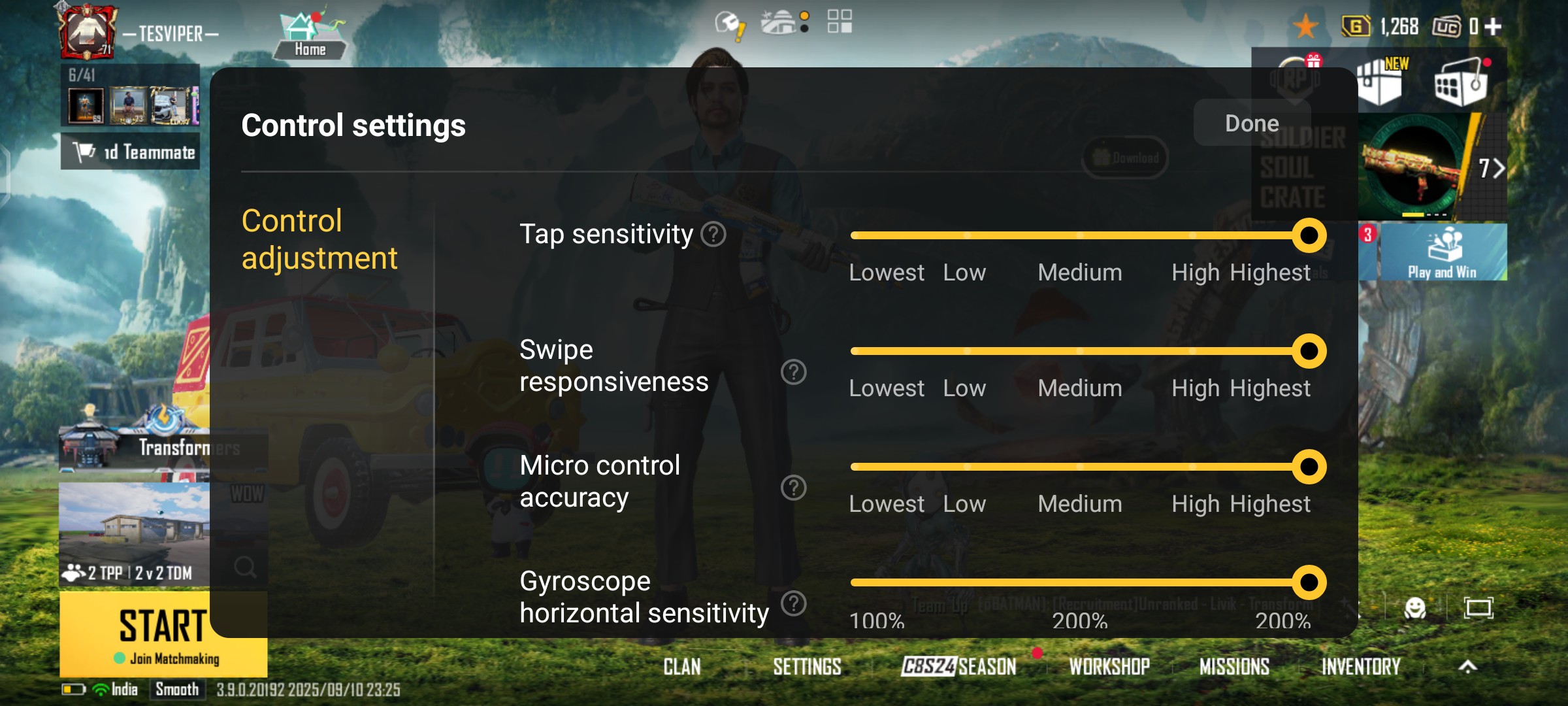
Ultra Game Mode allows you to adjust controls as per your comfort.You can change sensitivity, touch response, or visual modes.This gives you a personalized experience for each game.It adapts settings based on casual or competitive matches.More control = more fun + better performance.
• Adjust sensitivity, visuals & touch response.
• Personalize your gameplay experience.
• Set modes for casual or competitive matches.
• Full control over how you play.
• Play your way = win your way.
5.. Ultra Game Mode (Core)❤️🔥
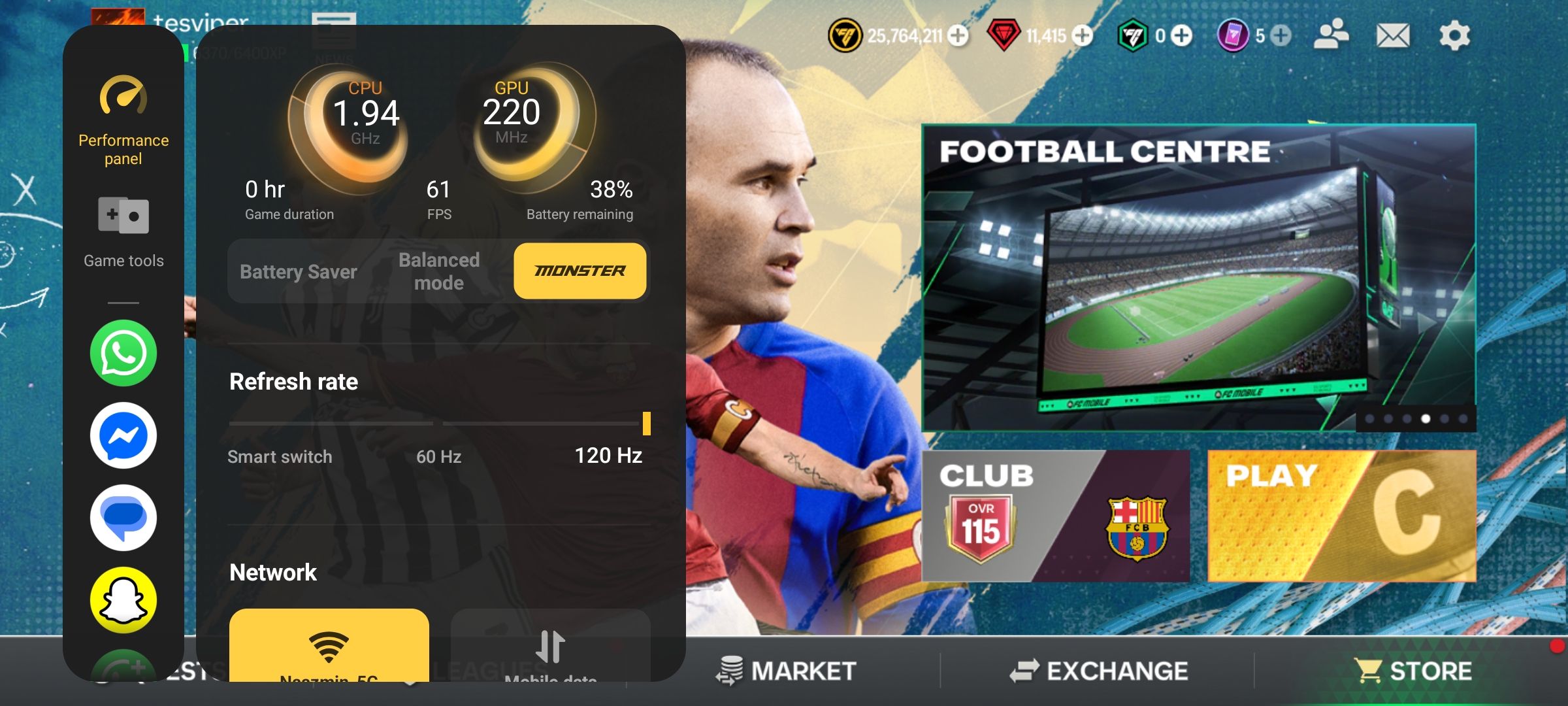
It’s the heart of iQOO’s gaming features.
It combines all performance enhancements together.You get high frame rates, better stability, and faster response.It feels like your phone transforms into a gaming device.Gamers feel the real difference in smoothness and speed.
• Combines all performance boosters in one.
• Delivers high FPS and stable gameplay.
• Faster response and reduced lag.
• Phone feels like a pro gaming device.
• A must-have mode for every iQOO gamer.
6. Eagle Eye Enhancements 👀
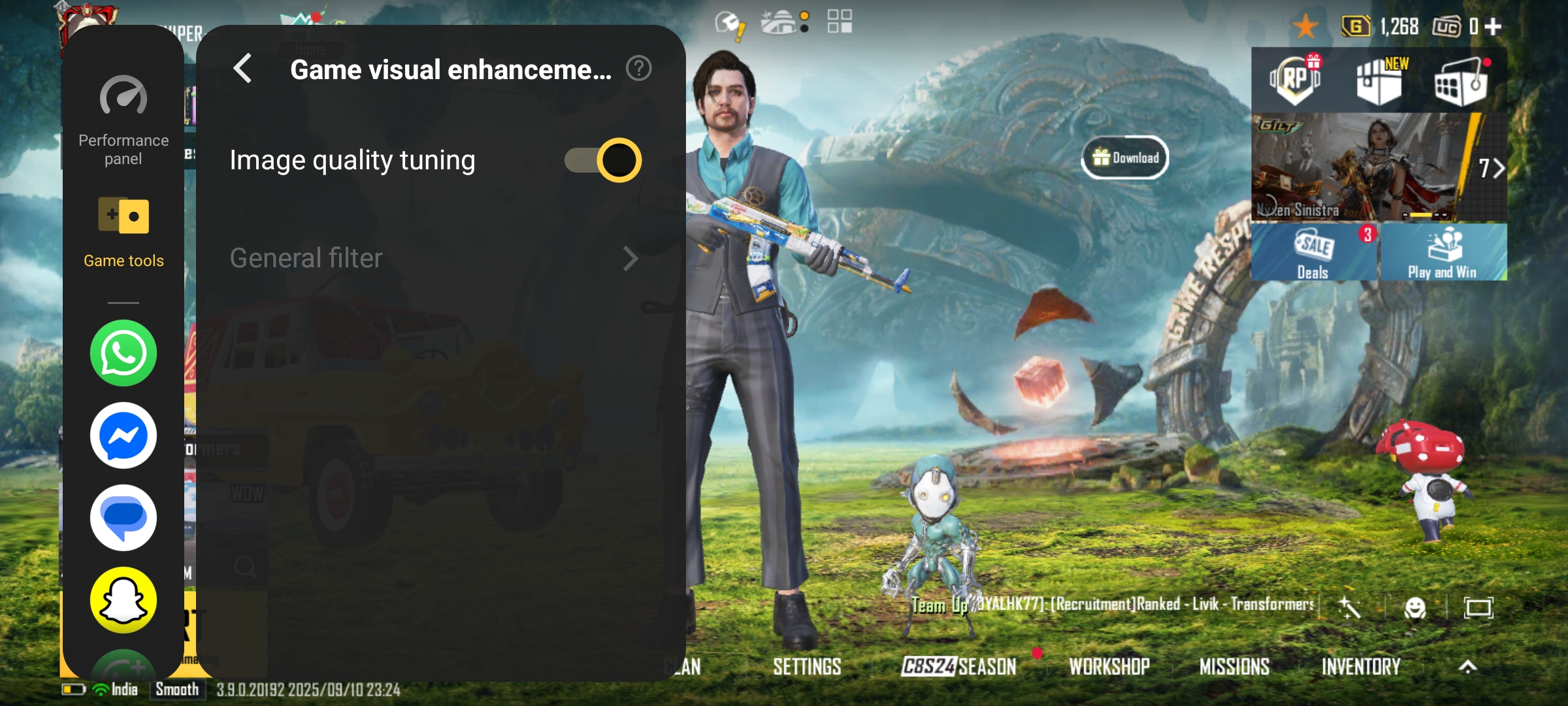
This feature improves the visuals of the game.
Colors, contrast, and brightness are adjusted smartly.It helps in spotting enemies, objects, or maps more clearly.Even in dark areas, details look sharper.It’s a huge advantage in competitive games.
• Enhances brightness, contrast & colors.
• Spot enemies or objects more clearly.
• Dark areas become sharper.
• Big advantage in competitive matches.
• Helps improve focus & reaction.
7. Game Space 🎮
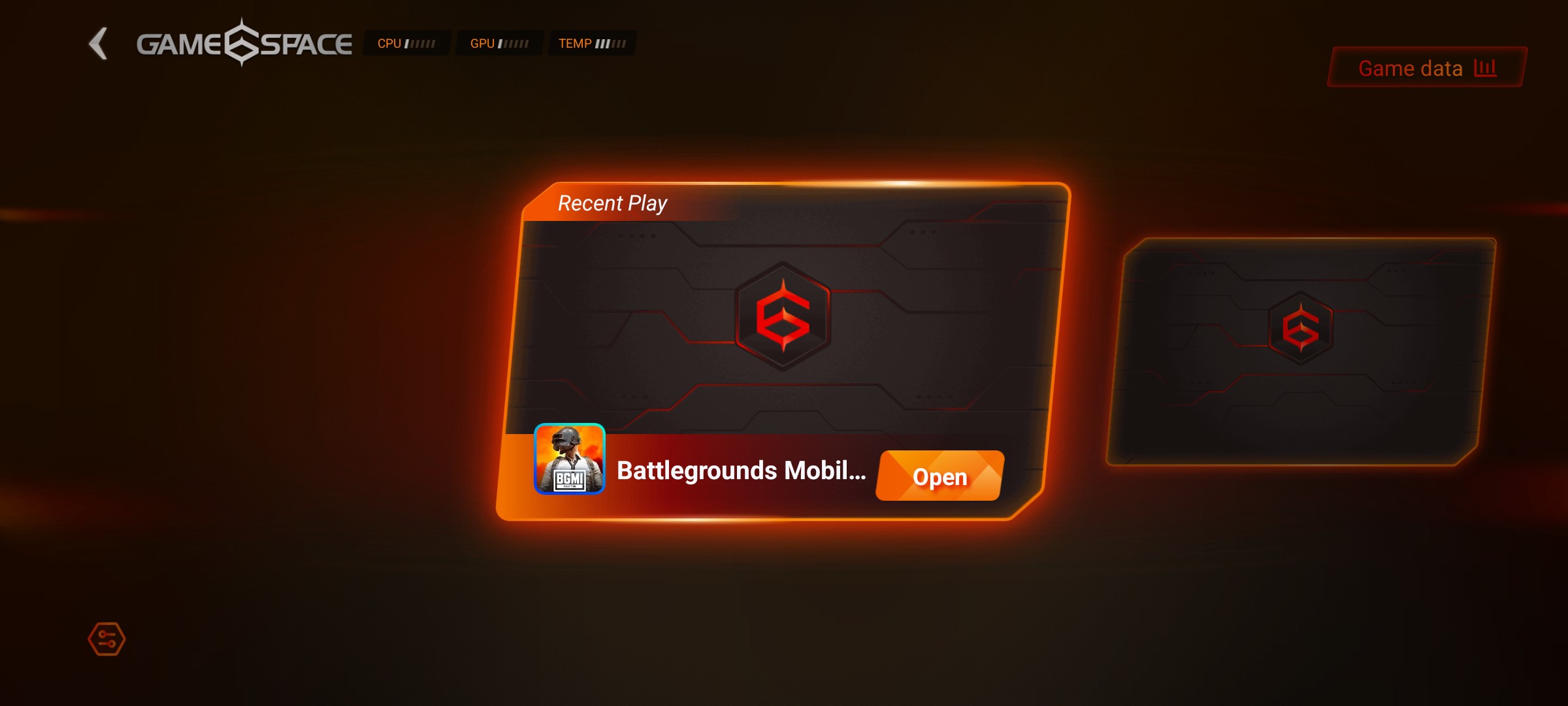
Game Space works like a special hub for all your games.It keeps your library organized in one place.You can access performance stats and settings quickly.It also shows playtime and device optimization info.This hub makes gaming feel more professional and neat.
• Hub for all your games in one place.
• Shows stats, performance & playtime.
• Quick access to settings & tools.
• Keeps games organized neatly.
• Professional gaming experience.
8. Picture-in-Picture Mode 📱
This allows you to open apps like WhatsApp or YouTube while gaming.Messages can be replied to without exiting the match.You can even watch guides or streams in small windows.Multi-tasking becomes super smooth.No break in your
gaming flow = maximum fun.
• Reply to WhatsApp or check apps mid-game.
• Watch guides/streams in mini windows.
• Multitask without exiting the match.
• Smooth, uninterrupted flow.
• Perfect for smart gamers.
9. Off-Screen Autoplay 🔄

When you minimize or lock screen, some games/music can still run.It saves battery by turning screen off while continuing background play.Perfect for autoplay farming games or background music.You don’t need to keep screen active all the time.Smart feature for efficiency and convenience.
• Lets games or music run even when screen is off.
• Saves battery while keeping progress.
• Best for farming or autoplay games.
• No need to keep display on.
• Smart + efficient feature.
10. Game frame interpolation
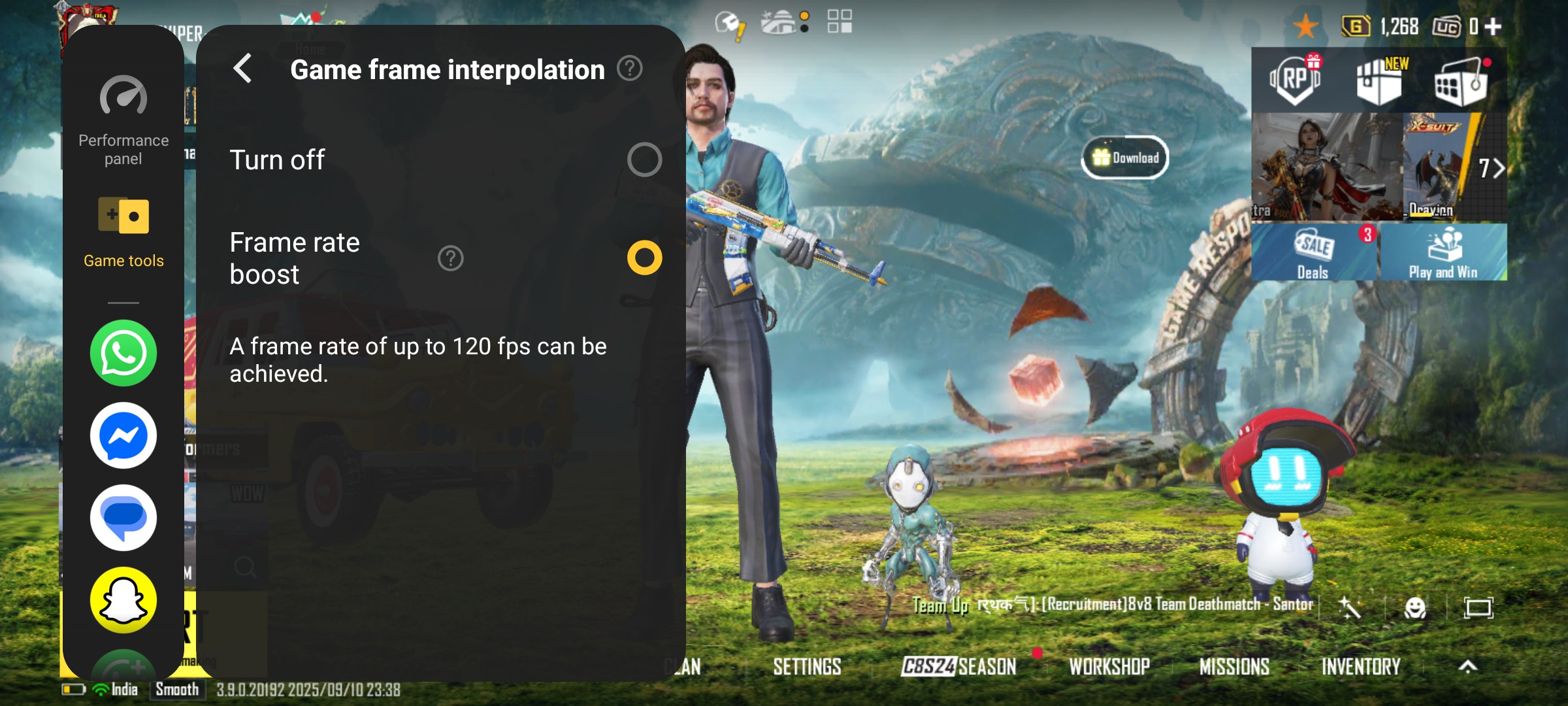
Game Frame Interpolation increases the frame rate of your games.It uses AI to insert extra frames between the original ones.A 60 FPS game can be boosted up to 90 or even 120 FPS.This makes gameplay smoother, faster, and more immersive.It may use a little more battery, but the experience feels like console-level smoothness.
• This feature boosts the frame rate of your games beyond the original support.
• For example: if a game supports 60 FPS, with GFI it can be pushed up to 90 FPS or 120 FPS (depending on device support).
• It uses AI and motion prediction to insert extra frames between the original frames.
• This makes animations and movements look much smoother and fluid, especially in fast-paced action or racing games.
• It gives you a console-level smoothness right on your iQOO smartphone.
⚠️ Note: Enabling GFI may consume a little more battery, but the gaming experience feels far more immersive and responsive.
11. Battery Optimization 🔋
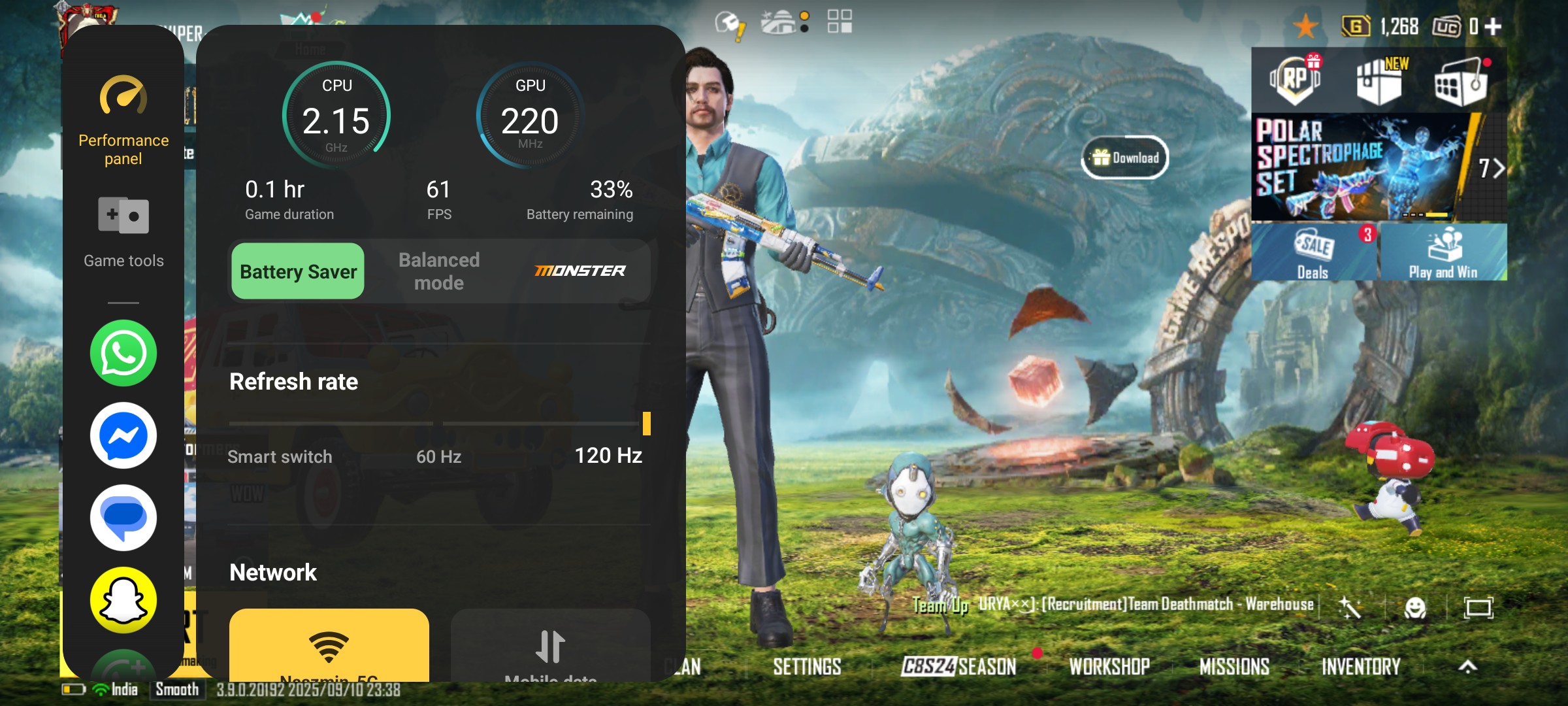
Battery is managed smartly for long play sessions.It reduces unnecessary power usage while maximizing performance.Even in heavy games, battery drain is balanced.You can game longer without worrying about charging.This feature ensures a perfect balance of power and playtime.
• Reduces power drain without hurting performance.
• Play longer without worrying about charging.
• Perfect balance between speed & battery life.
• Essential for marathon gamers.
• Keeps you gaming non-stop.
My Favourite Features ✨❤️
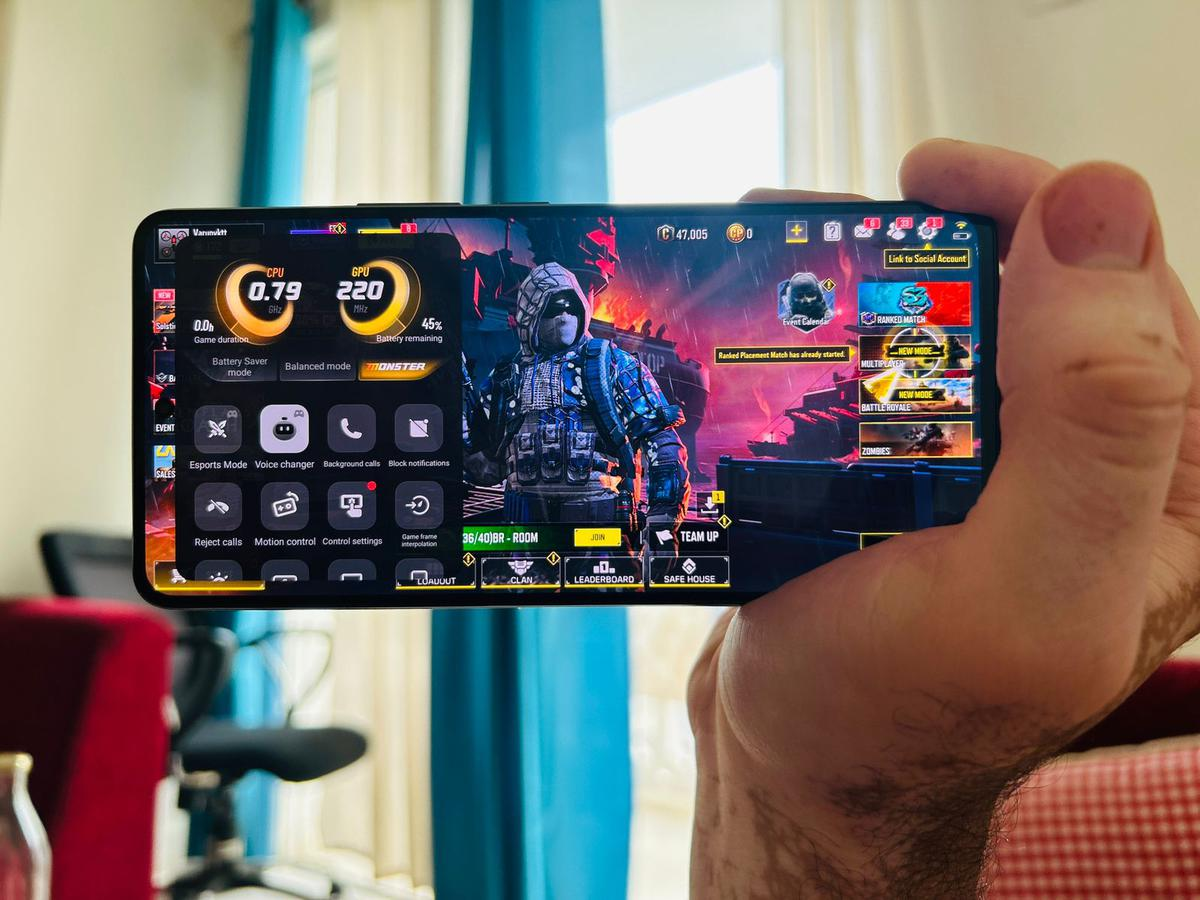
Among all these, my favourite features are:
Eagle Eye Enhancements – because it makes enemies stand out clearly in dark maps.
Battery Optimization – helps me play longer without worrying about charging.
Off-Screen Autoplay – very useful for auto-farming or long background sessions.
My Experience with Ultra Game Mode🎮❤️
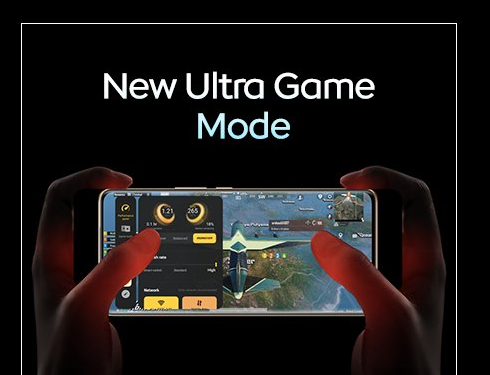
I really love Ultra Game Mode – it boosts power & performance while making gaming smoother. My favourite is Eagle Eye Enhancements 💙. It makes vision so clear and sharp, very helpful for focus even though I wear spectacles – and it’s not harmful for my eyes. I also love Battery Optimization, as I can play for hours without heavy drains. And Off-Screen Autoplay is amazing – I can check WhatsApp or do small tasks without leaving the match.Overall, Ultra Game Mode is just 🔥 for gamers like me! 😄❤️
Thankyou so much 🙏❤️ @iQOO Connect & iQOO Tech Team For This Amazing Ultra game mode i really love it 🤩❤️ can't wait to see upcoming features and new iQOO Ultra Game Mode 🎮❤️
What’s your favourite Ultra Game Mode feature, Questers? Drop it in the comments 👇
Follow For More : @TESVIPER10
I QUEST ON AND ON 💛 🖤
Please sign in
Login and share