




























How to use screenshot iQOO neo 10

📸 Method 1: Button Shortcut
1. Go to the screen you want to capture.
2. Press Power button + Volume Down button together.
3. You’ll see the screen flash, and the screenshot will be saved in Gallery > Screenshots.
---
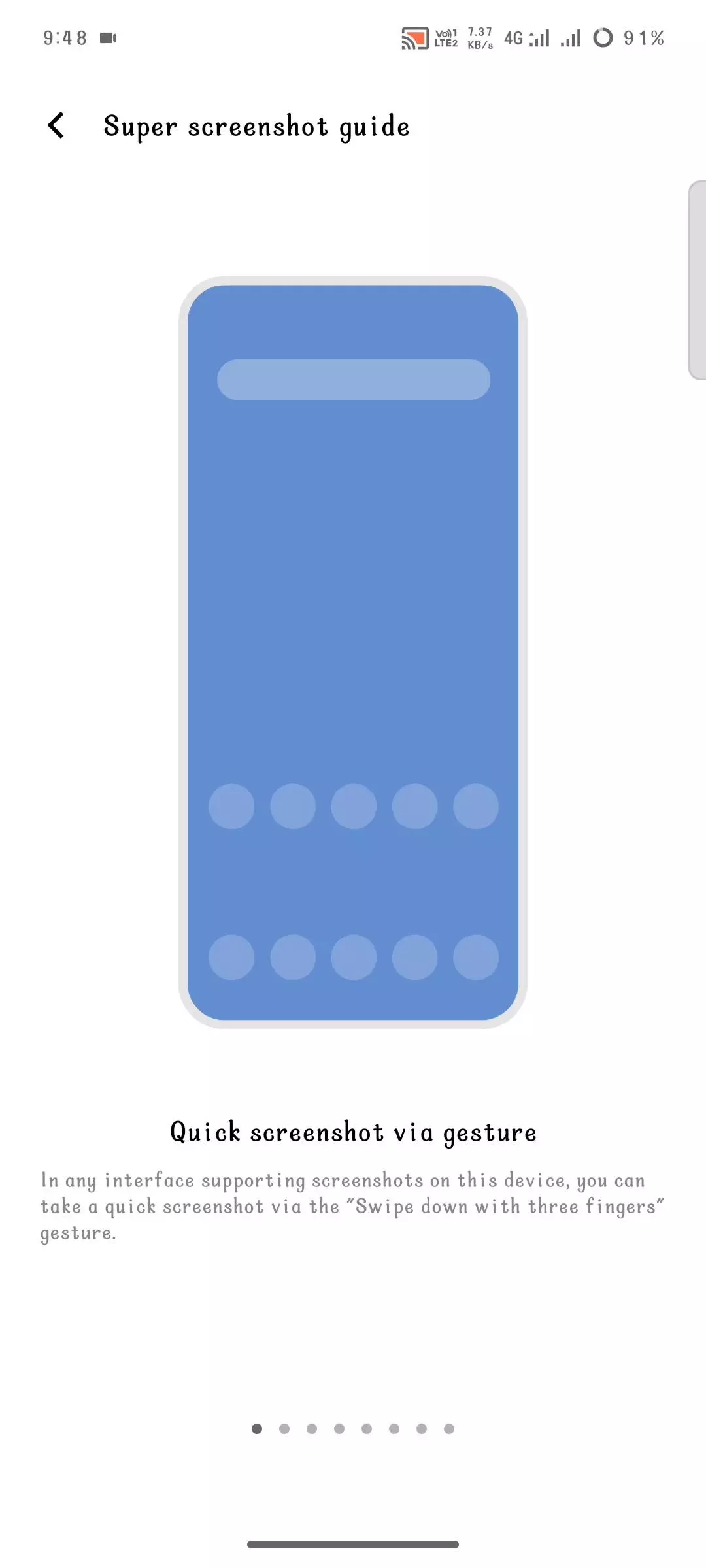
📸 Method 2: Three-Finger Swipe
1. Place three fingers on the screen.
2. Swipe downward.
3. Screenshot will be captured instantly.
---
📸 Method 3: Control Center
1. Swipe down from the top of the screen.
2. Look for the Screenshot icon.
3. Tap it to capture.
---
📸 Method 4: S-capture (Advanced Screenshots)
1. Swipe down to open the Quick Settings panel.
2. Tap on S-capture.
3. Choose options like long scre
enshot, rectangular screenshot, or doodle screenshot.
Tech
77
4
Please sign in
Login and share
Sign in