



























📰 How to Register Your BGMI Team For Transfer Window — Step-by-Step Explained

The Battlegrounds Mobile India (BGMI) esports ecosystem continues to evolve as Krafton India Esports officially opens the Player Transfer Window — a period that allows organizations to make crucial roster changes ahead of upcoming BGMI tournaments. This window gives teams a chance to register, release, or transfer players between organizations under official rules and oversight.
What is the Player Transfer Window?
Just like in traditional sports, the BGMI Transfer Window is a set duration during which esports teams can make official changes to their player rosters. Whether it’s signing new talent, removing inactive players, or transferring pros between orgs, this system ensures complete transparency and fairness across all competitive events organized by Krafton.
Step-by-Step: How to Register for the BGMI Player Transfer Window 📃❤️
Krafton has provided a clear process for teams and managers to follow during the registration period.
Here’s how you can do it 👇
1. Log In to Your Team Account
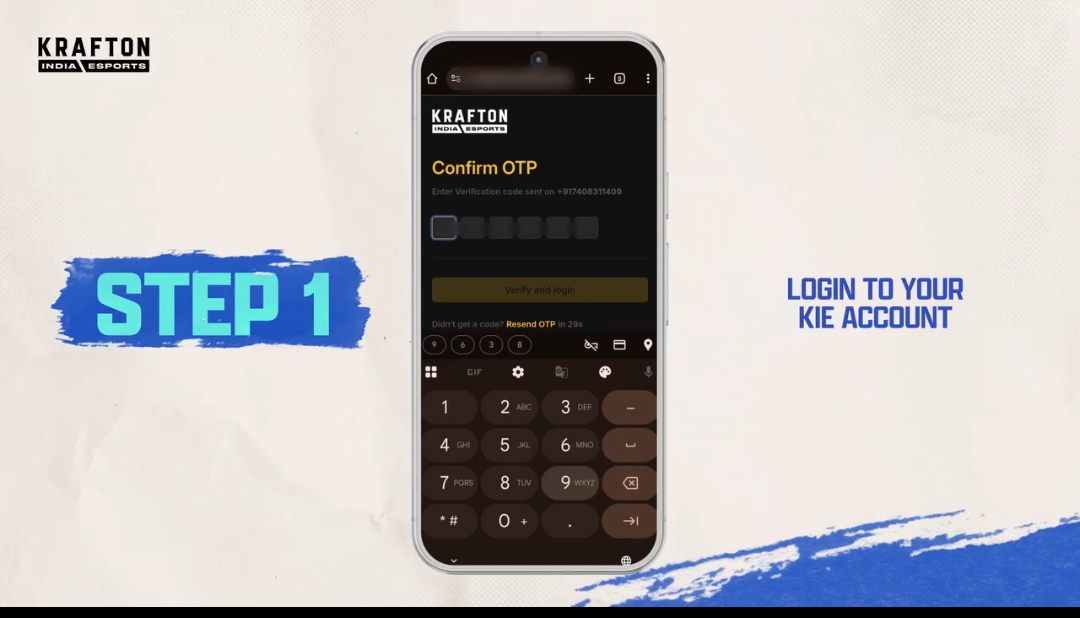
Go to Krafton india Esports Website this is Krafton India’s official esports portal for all team-related actionsUse the team credentials that were used during BGIS registration. Only team owners, captains, or managers can access the Transfer Window dashboard.
2. Access the Team Management Section
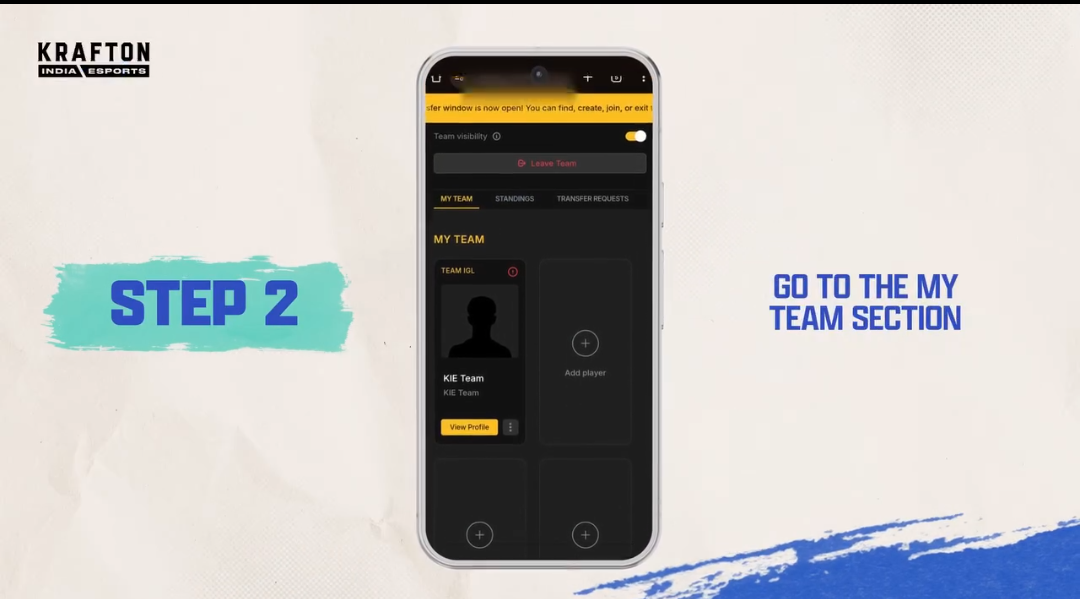
After logging in, head to the “Team Management” or “Roster” tab on the dashboard. You’ll find the option labeled “Transfer Window” once the registration period is active.
3. Initiate Player Transfer or Registration
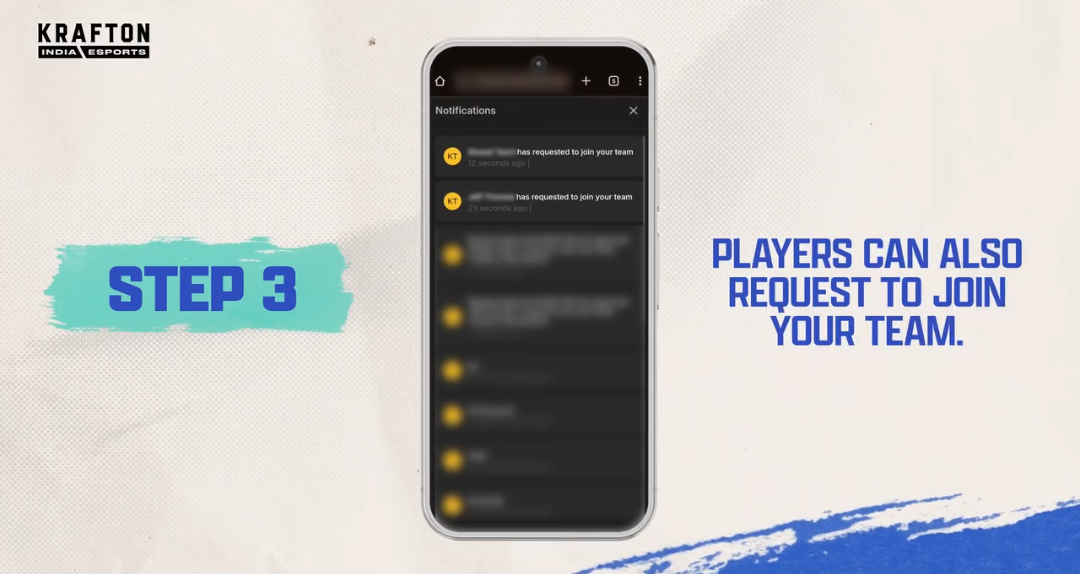
Inside the transfer panel, organizations can:
Add a new player to the team roster
Remove an existing player
Transfer a player from another organization
Each option requires proper consent and verification from both the player and the previous team (if applicable).
5. Submit and Await Krafton Approval
Once submitted, Krafton India Esports will review and verify all details. Only after official approval will the player be eligible to compete under the new team in upcoming BGMI tournaments.
Important Note 📝❤️

The Transfer Window remains open for a limited time — once it closes, roster changes are locked until the next official window.All player changes must comply with Krafton’s esports policies and tournament eligibility criteria.Unauthorized roster modifications may lead to penalties or disqualification from official events.The BGMI Player Transfer Window represents a significant step toward a more professional and transparent esports structure in India. Krafton’s streamlined registration process not only strengthens team management but also opens doors for fresh talent to rise through official channels.As teams prepare for major tournaments like BGIS and BMPS, the transfer period could reshape the competitive landscape — and fans can expect exciting new lineups in the weeks ahead.
INFORMATION CREDIT : Google
Follow For More : @TESVIPER10
I QUEST ON AND ON 🖤 💛
Please sign in
Login and share