



























⚡ Performance & Gaming Boost Tricks for IQOO Phones

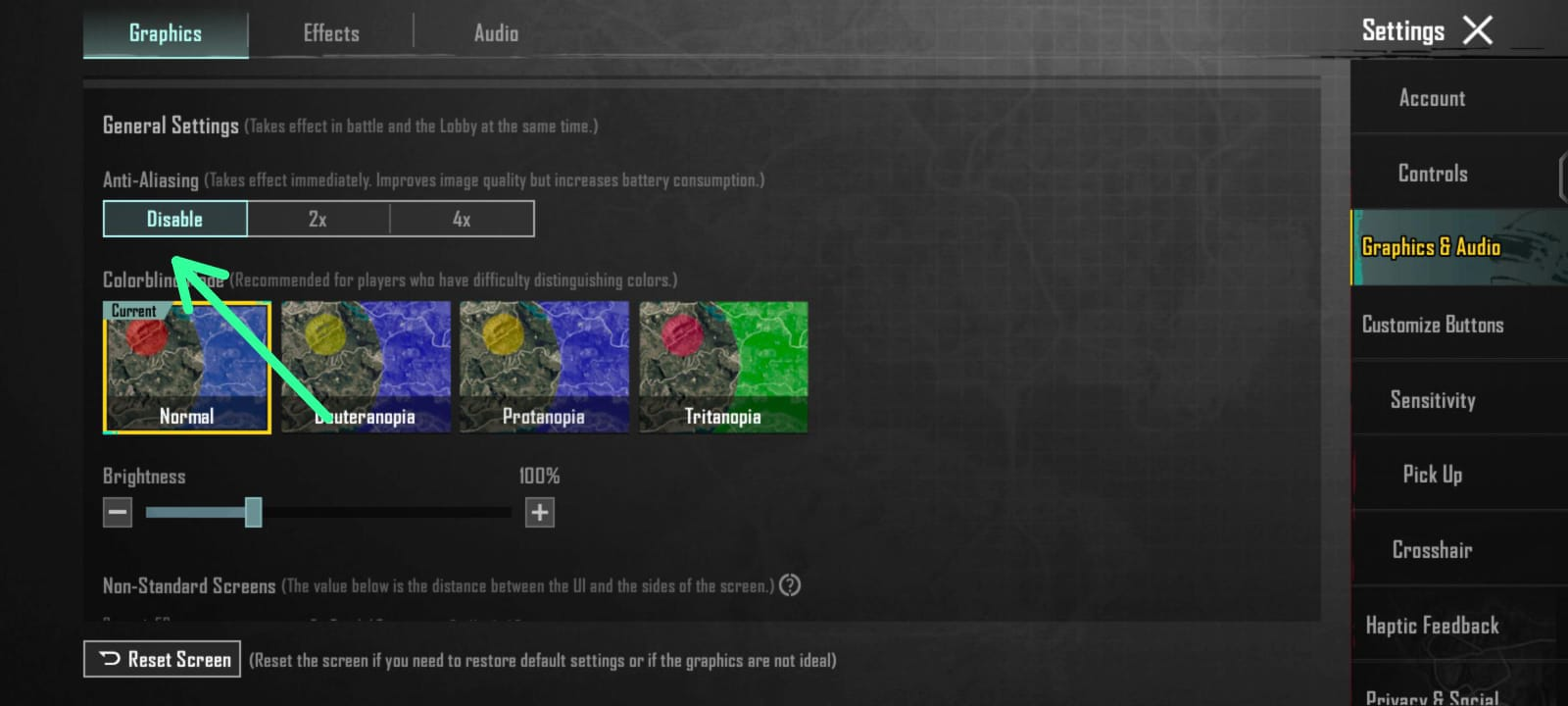
If you’re a gamer who loves BGMI or Call of Duty Mobile, your IQOO phone is already a beast — but with a few smart tricks, you can unlock even smoother FPS and zero lag performance! 🚀
🔹 1. Enable Ultra Game Mode
Go to Settings → Ultra Game Mode → Game Assistant → Esports Mode.
This disables background processes, blocks notifications, and focuses all CPU/GPU power on your game. You’ll instantly notice smoother gameplay and fewer frame drops.
🔹 2. Set “Performance Mode” to Maximum
Open iManager → Battery → Performance Mode → High Performance.
This boosts system performance and keeps your frame rate stable, especially in BGMI’s 90 FPS mode.
🔹 3. Use Monster Mode for Max Power
Swipe down from the top → Tap the Monster Mode icon.
It increases CPU frequency for faster response, perfect for ranked matches or TDM fights. 🧠⚔️
🔹 4. Disable Auto Brightness & Background Apps
Auto brightness can cause FPS fluctuations. Set manual brightness around 70–80%.
Also, close heavy apps before gaming using iManager → Phone Cleaner.
🔹 5. Customize Game Display
In Game Assistant → Display Enhancement, choose Vivid for better visuals and Balanced Mode for smooth control.
💬 Bonus Tip: Turn on 4D Game Vibration and Voice Changer for a fun, immersive experience during matches!
Thank you
Your Qool Quester
Ayush pandey
Please sign in
Login and share