



























🚀 Exploring OriginOS 6: Daily Feature Dive: Day 2–Lock Screen Customization

Hey Questers 👋!
All new OriginOS 6 is super feature rich, packed with new features and I have been exploring it since yesterday, and today I want to share some cool Lock Screen Customizations,
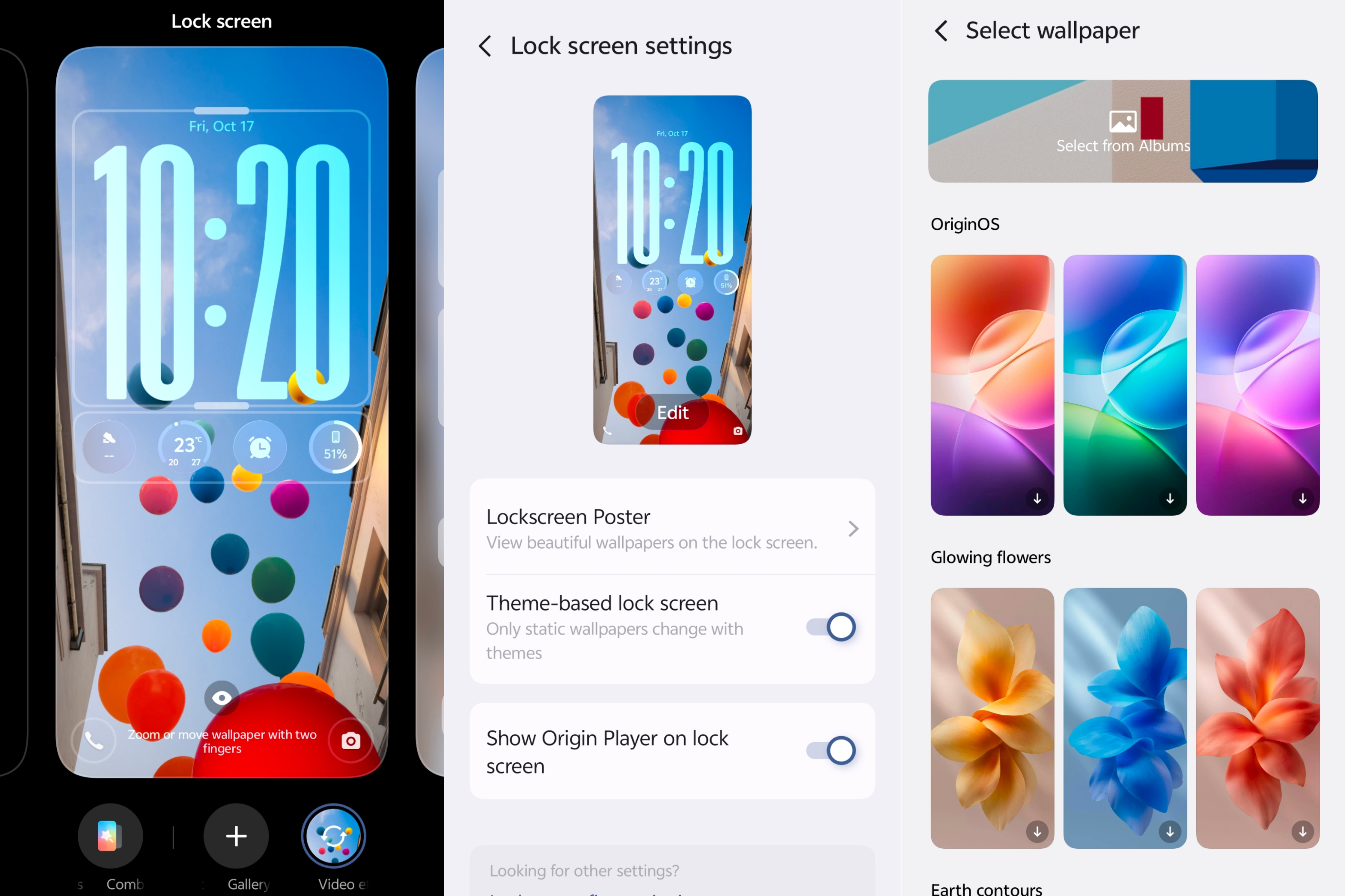
Your lock screen is now fully personalizable - move the clock, set widgets, and make it your own.
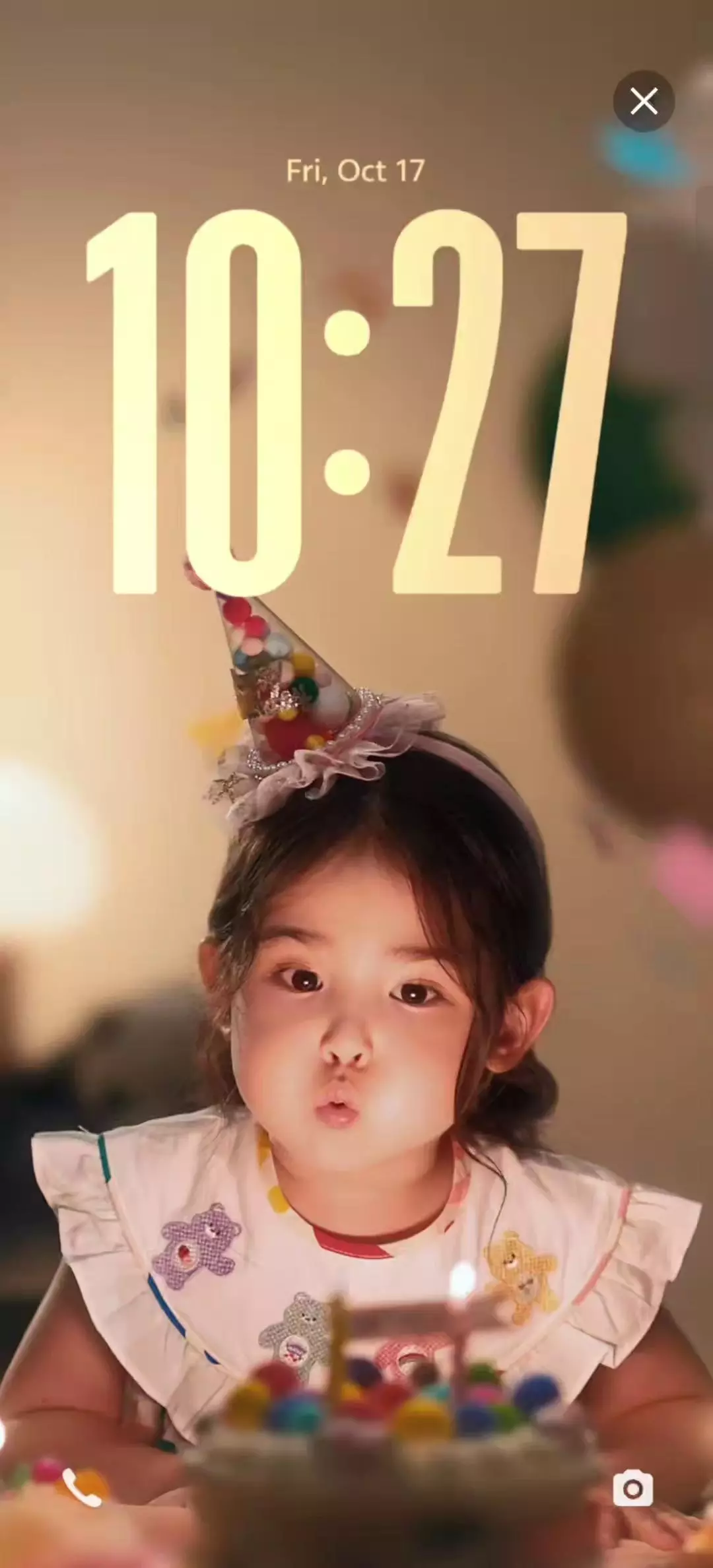
🎴 Flip Cards - Fun in Every Tilt
Your lock screen is now a living canvas. Choose 2–4 wallpapers and, as you tilt your phone, they shift and come to life.
👉 Pick from 4 transition animations
👉 Pause midway for cool frozen-motion looks
👉 Rearrange the wallpaper order easily - set your favorite order.
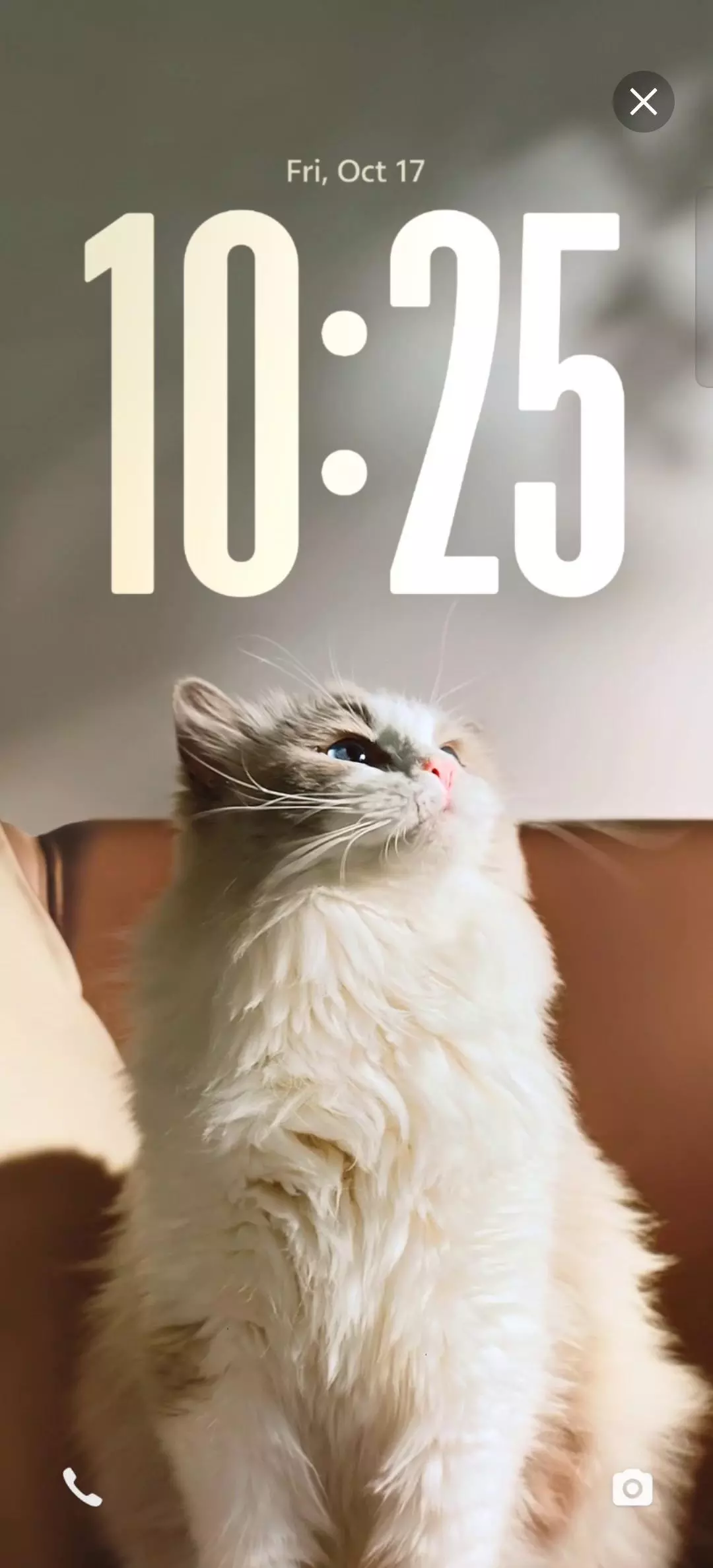
It's not about showing more - it's about showing differently.
💬 I haven't found any best pics for creating a Flip Card of my own, tried with some random images, and it's amazing! The results are here 👇
🕒 Lock Screen Clock - Style Time, Your Way
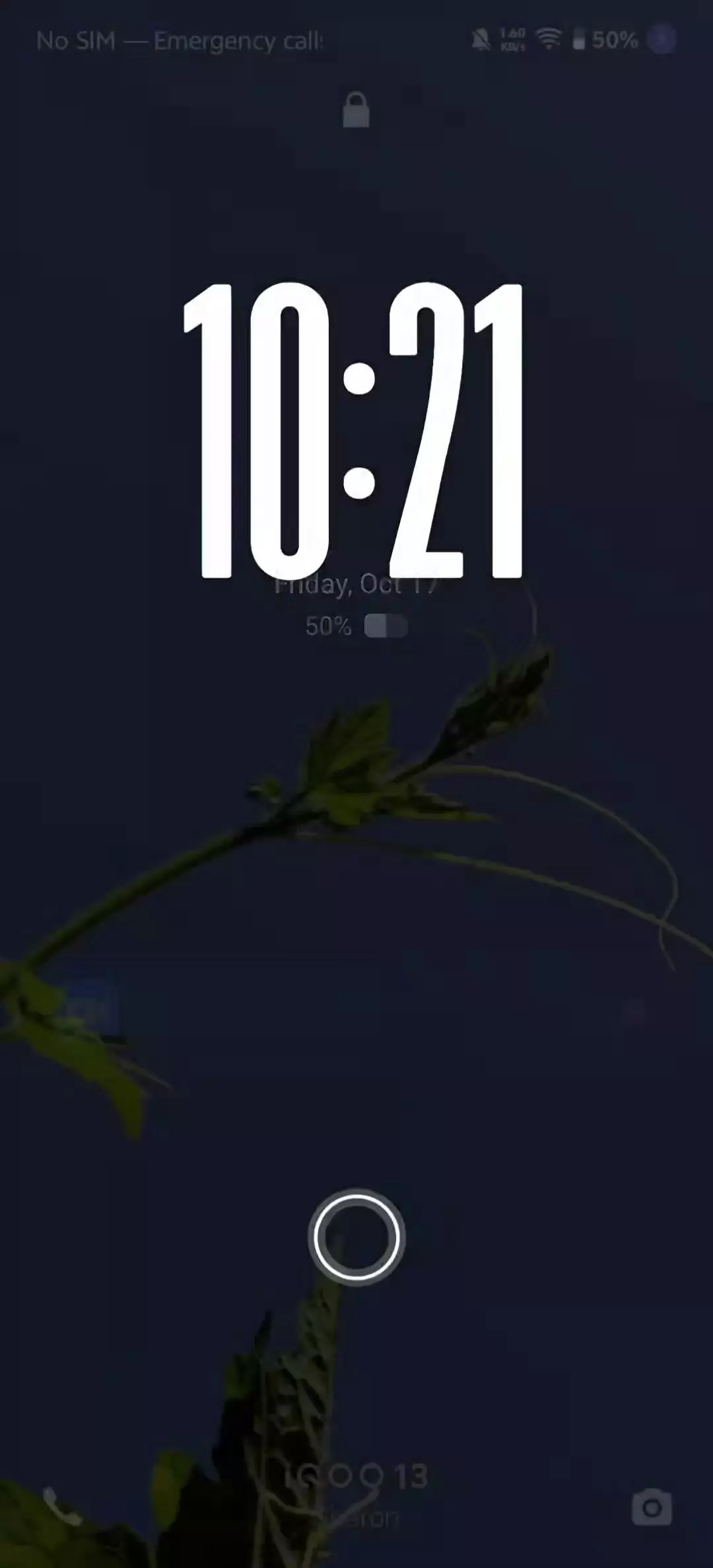
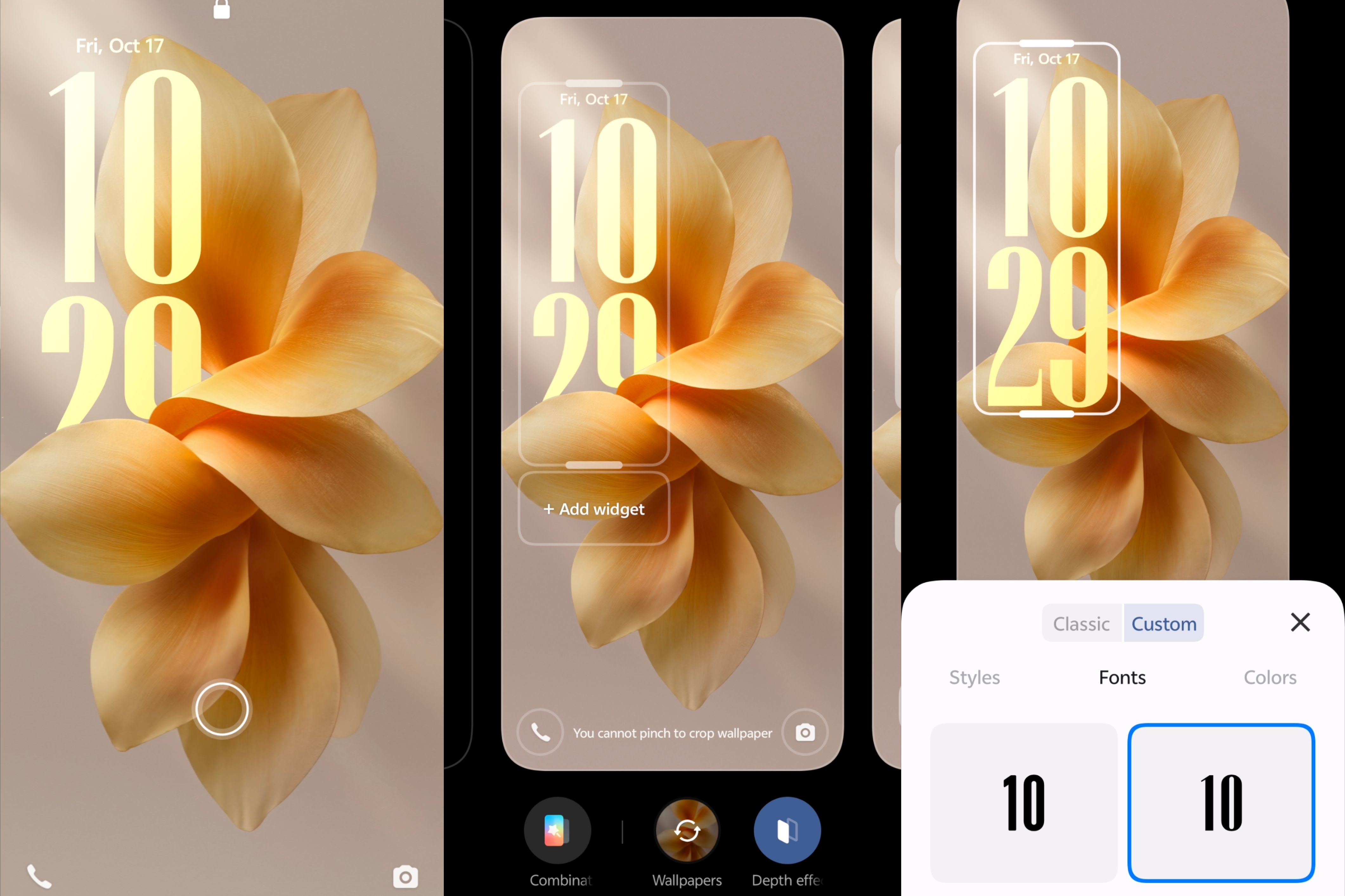
OriginOS 6 introduces a new set of lock screen clock styles
You can now:
👉 Choose from diffrent opacity, styles, colours, dept effect etc.
👉 Adjust fonts, sizes, and layout on the new Lock Screen Grid.
It's elegant, personal, and gives your device a premium aesthetic.
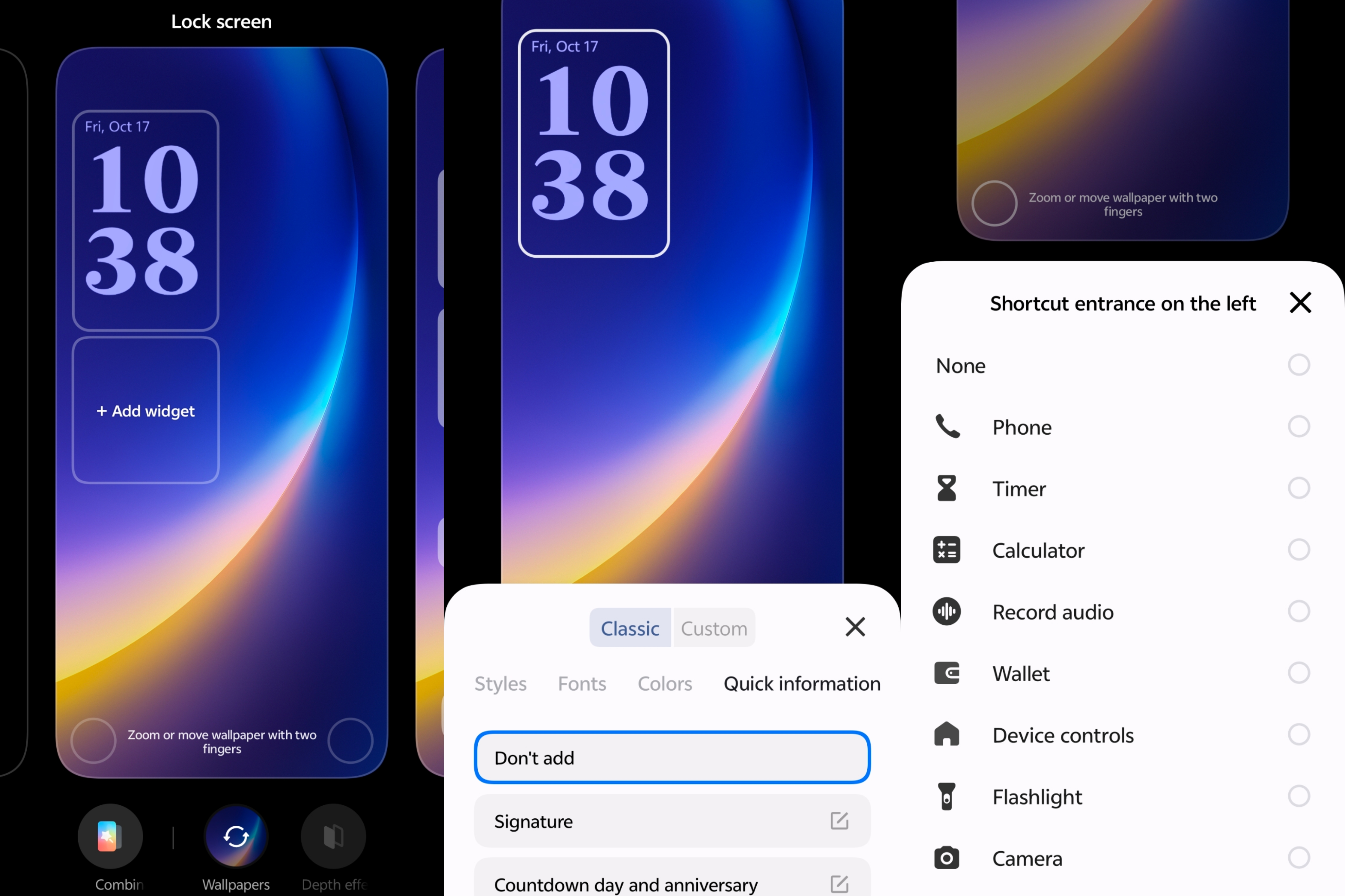
💡 Tip: Combine a transparent clock with a dark wallpaper - it looks absolutely stunning!
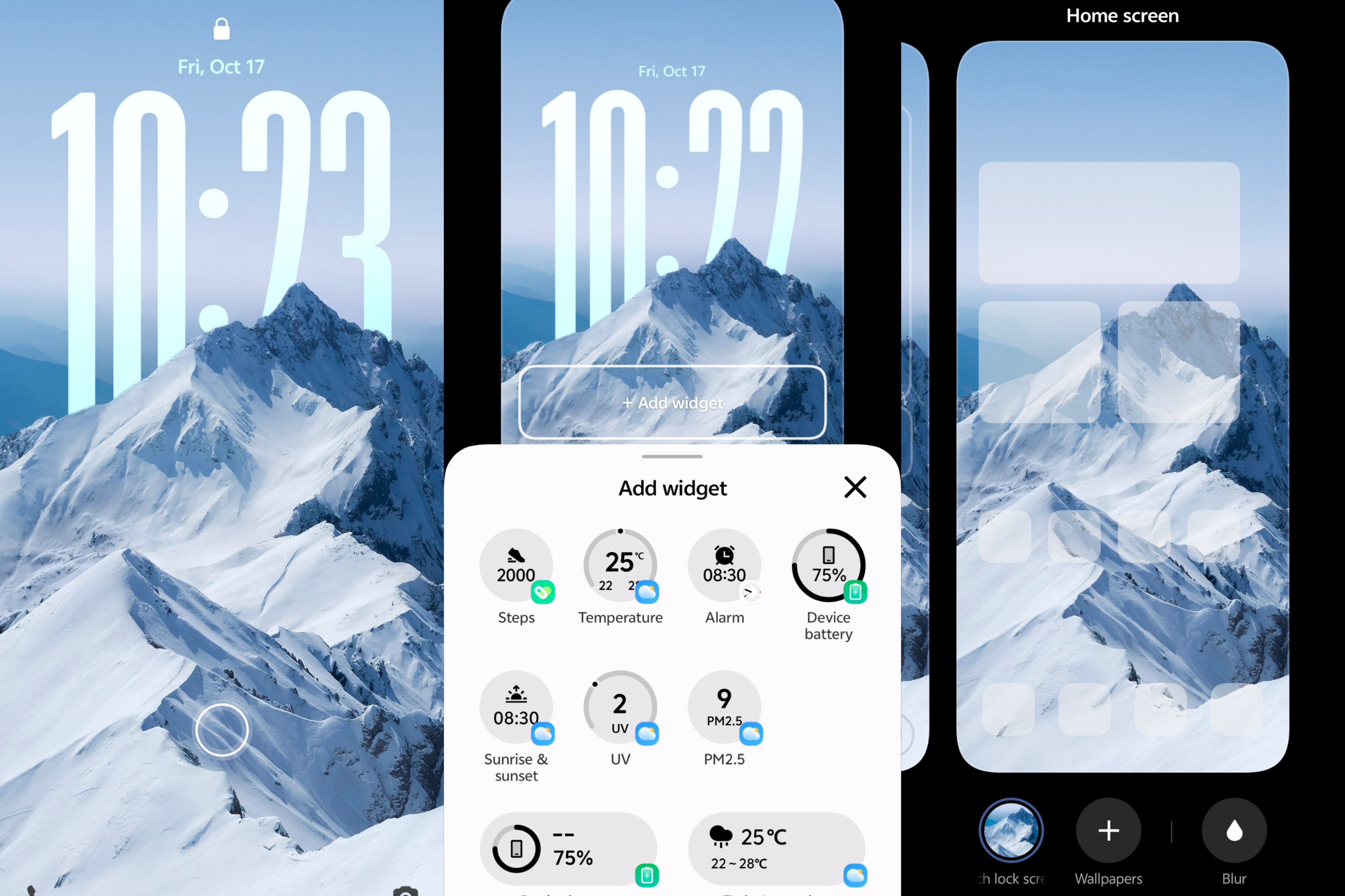
🧩 Origin Widgets on Lock Screen - Information at a Glance
Weather, UV, Battery, Steps, Upcoming Alarm - all right on your lockscreen.
No unlocks, no hunting - just the data you need, when you need it. Quick, readable, and balanced even when you're in a rush.
5️⃣ Five new Lock screen styles are also added:
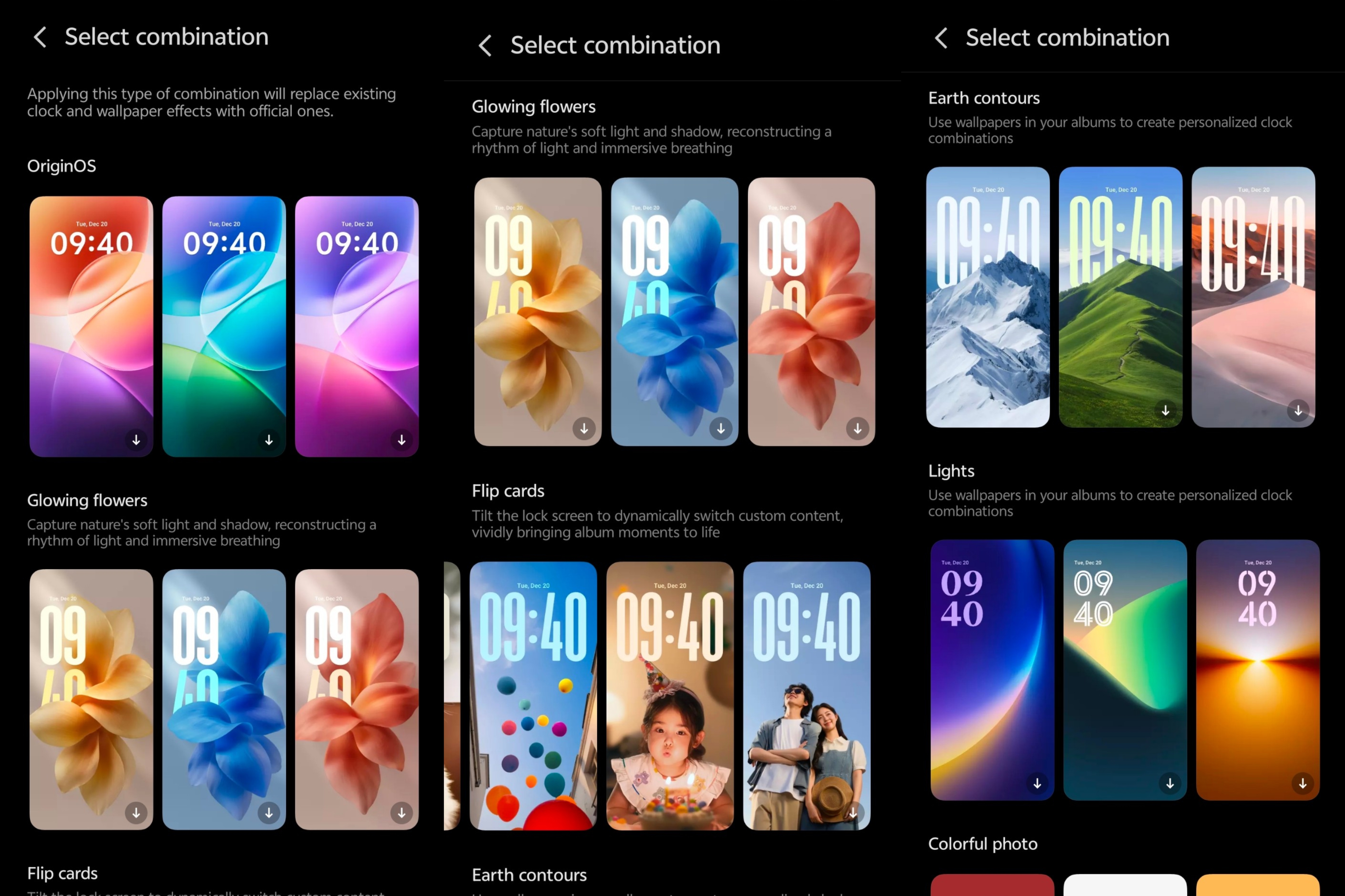
💗 Origin OS:
Native Origin OS lock screen with new Origin OS 6 wallpapers with customization.
✨ Glowing Flowers:
Capture nature's soft light and shadow, reconstructing a rhythm of light and immersive breathing.
🎴 Flip Cards:
Tilt the lock screen to dynamically switch custom content, vividly bringing your album moments to life.
🌍 Earth Contours:
Use wallpapers from your albums to create personalized clock combinations with beautiful nature wonders as the background.
💡 Lights:
Use wallpapers in your albums to create personalized clock combinations that shine your personality through design.
Would you like to see Flip Cards expand to the home screen next? 🤔
That's all for today's feature dive!
💬 Drop your comments, feedbacks below -would love to see them!
👋 See you tomorrow with another cool OriginOS 6 feature!
Happy Questing ✨
✒️ Sharon Anto
@iQOO Connect - Moderator
Please sign in
Login and share