



























🚀 4 Pro Tips to Unlock Your iQOO's Full Potential!

Hey, Questors!
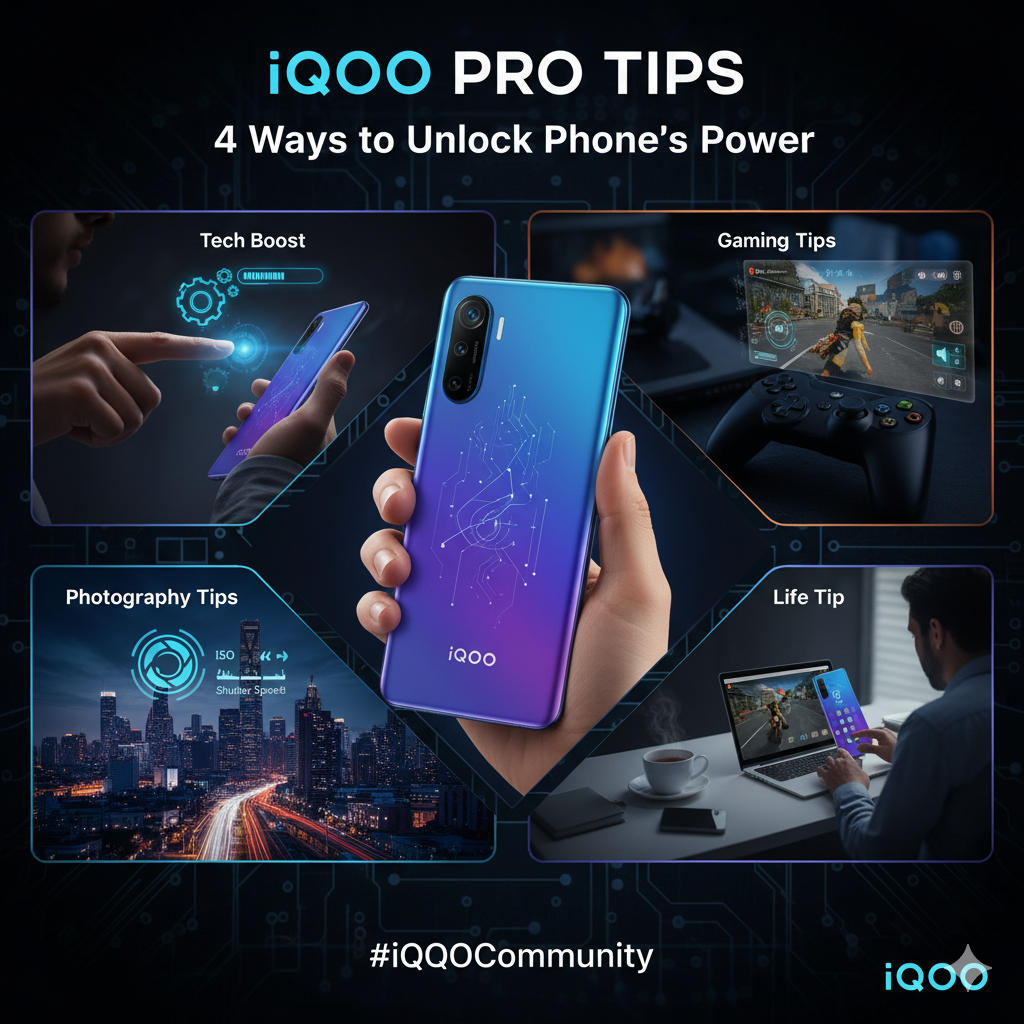
Yashita Sharma from Kolkata here! I'm a huge tech enthusiast, and my goal is always to dive deep into the devices we use every day to find those little secrets that make a good experience a great one. Today, I want to share four of my favourite, game-changing tips for your iQOO that cover Tech, Gaming, Photography, and even daily life.
Let's get straight to it!
🧑💻 Tech Tip: The "Animation Speed-Boost"
Ever feel like your phone is fast, but it could be faster? This trick reduces the time animations take to open and close apps, making your iQOO feel instantaneous.
- Enable Developer Options: Go to Settings > About Phone > Software Information. Tap on the Build Number 7 times until you see "You are now a developer!"
- Access Developer Options: Go back to Settings > System > Developer options.
- Adjust Animation Scale: Scroll down until you find Window animation scale, Transition animation scale, and Animator duration scale. By default, they are at 1x. Change all three to 0.5x.
- Result: Your phone will now feel noticeably snappier. It's a small change with a huge impact on the perception of speed!
🎮 Gaming Tip: Master Your Senses with Custom 4D Vibration
iQOO's 4D Game Vibration is more than a gimmick—it's a competitive advantage. But don't just leave it on default!
- Enter the Game: Launch your favourite game (e.g., BGMI, Call of Duty).
- Open Ultra Game Mode: Swipe in from the side to bring up the Game Mode sidebar.
- Find 4D Vibration: Tap on 4D Game Vibration.
- Customize: Instead of just turning it on, explore the settings. Many games allow you to customize the intensity for different actions like shooting, footsteps, or vehicle sounds. Increase the intensity for gunfire and lower it for footsteps.
- Result: You'll be able to "feel" where enemies are shooting from more accurately, giving you a tactical edge that audio alone might not provide.
📸 Photography Tip: "Go Pro" for Stunning Night Shots
Tired of grainy, blurry night photos in Auto mode? The secret is taking manual control with Pro Mode.
- Open the Camera App: Swipe over to Pro Mode.
- Set ISO: ISO is the camera's sensitivity to light. In low light, Auto mode cranks this up, causing noise (grain). Manually set your ISO to a lower value (e.g., 100-400).
- Adjust Shutter Speed (S): Because you lowered the ISO, you need to let more light in. Do this by slowing the shutter speed. Set it to 1/15s, 1/4s, or even 1s or longer. IMPORTANT: You MUST keep your phone perfectly still. Rest it on a wall, a tripod, or a beanbag.
- Result: You'll get a crisp, clean, and beautifully lit night shot with minimal grain, capturing details you'd miss on Auto. It's how professionals get those amazing city light trail photos!
💡 Life Tip: Create a "Focus Zone" with One Tap
We all get distracted by notifications. Use the built-in Focus Mode to create a personalized "Do Not Disturb" environment for work or study.
- Go to Settings: Navigate to Digital Wellbeing & parental controls.
- Select Focus Mode: You'll see a list of your apps.
- Create Your Zone: Select all the apps that distract you the most (Instagram, WhatsApp, YouTube, etc.). You can save this as a preset.
- Activate: Now, whenever you need to focus, just pull down your notification shade and tap the Focus Mode tile. All selected apps will be greyed out, and their notifications paused until you turn it off.
- Result: A simple, effective way to reclaim your attention and get things done without having to manually silence every single app.
I hope these tips help you get more out of your amazing iQOO device! This is just a fraction of what our phones can do, and I'm excited to share more with this community in the future.
What are some of your favourite hidden features or tricks? Let me know in the comments below! Let's help each other become power users.
Power to the Questors!
Please sign in
Login and share