



























Optimize Your Phone’s Battery with the Power of Dark Mode

For phones equipped with an AMOLED or OLED display (which includes most modern flagships and many mid-range devices), Dark Mode is more than just an aesthetic choice—it's a significant battery saver
Go into your phone’s Display Settings and set the system theme to Dark Mode. Ensure you also enable Dark Mode within supported apps like YouTube, Chrome, and social media platforms.
The Science:
Unlike traditional LCD screens, AMOLED and OLED panels display the color black by completely turning off individual pixels. By switching to a dark theme, your phone illuminates far fewer pixels, resulting in a direct and tangible reduction in power consumption. This simple switch can noticeably extend your phone’s daily use time.
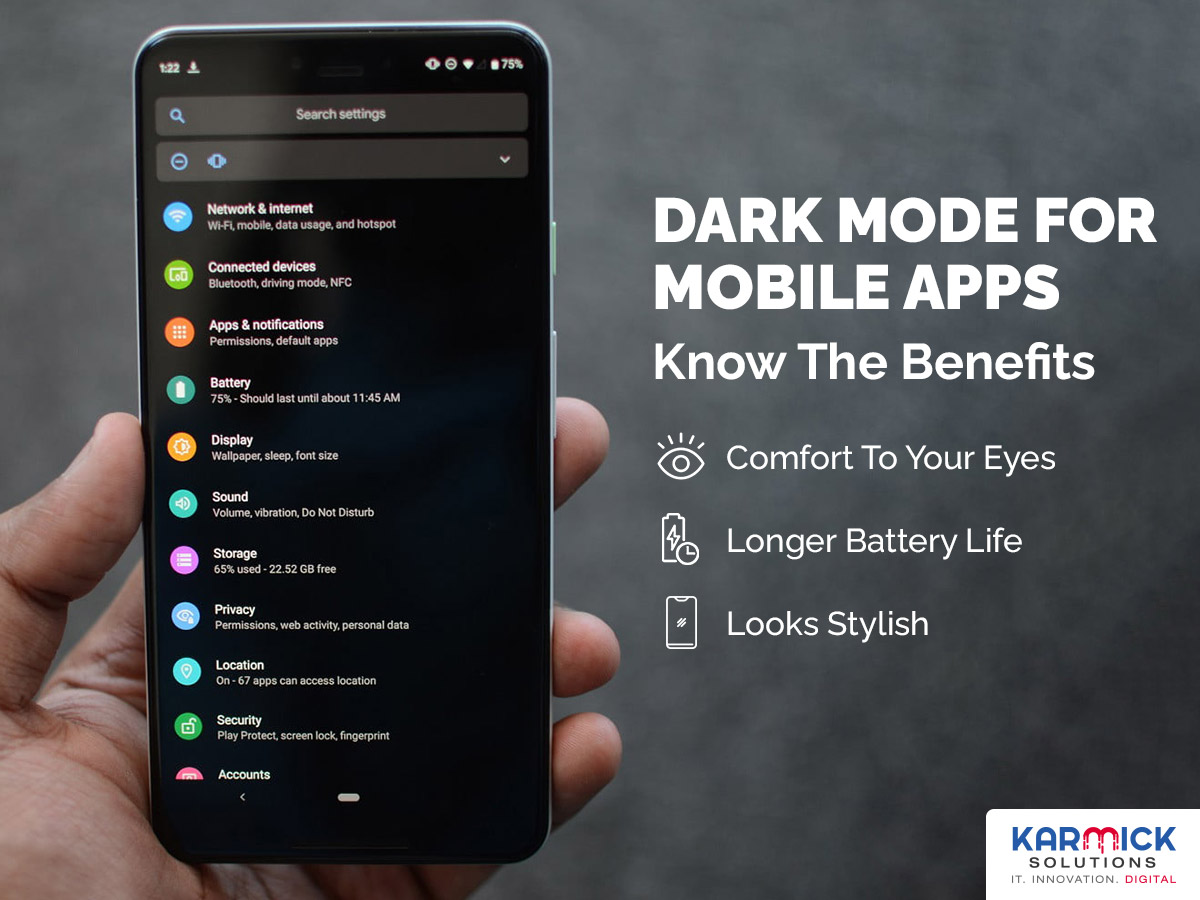
Figure 1, view larger image
Karmick solutions
Tips & Tricks
302
4
Please sign in
Login and share
Sign in