



























Smartphone Storage Full? Try These Smart Fixes & Hidden Tricks! 📱

💾 Smartphone Storage Full? Try These Smart Fixes & Hidden Tricks! 📱
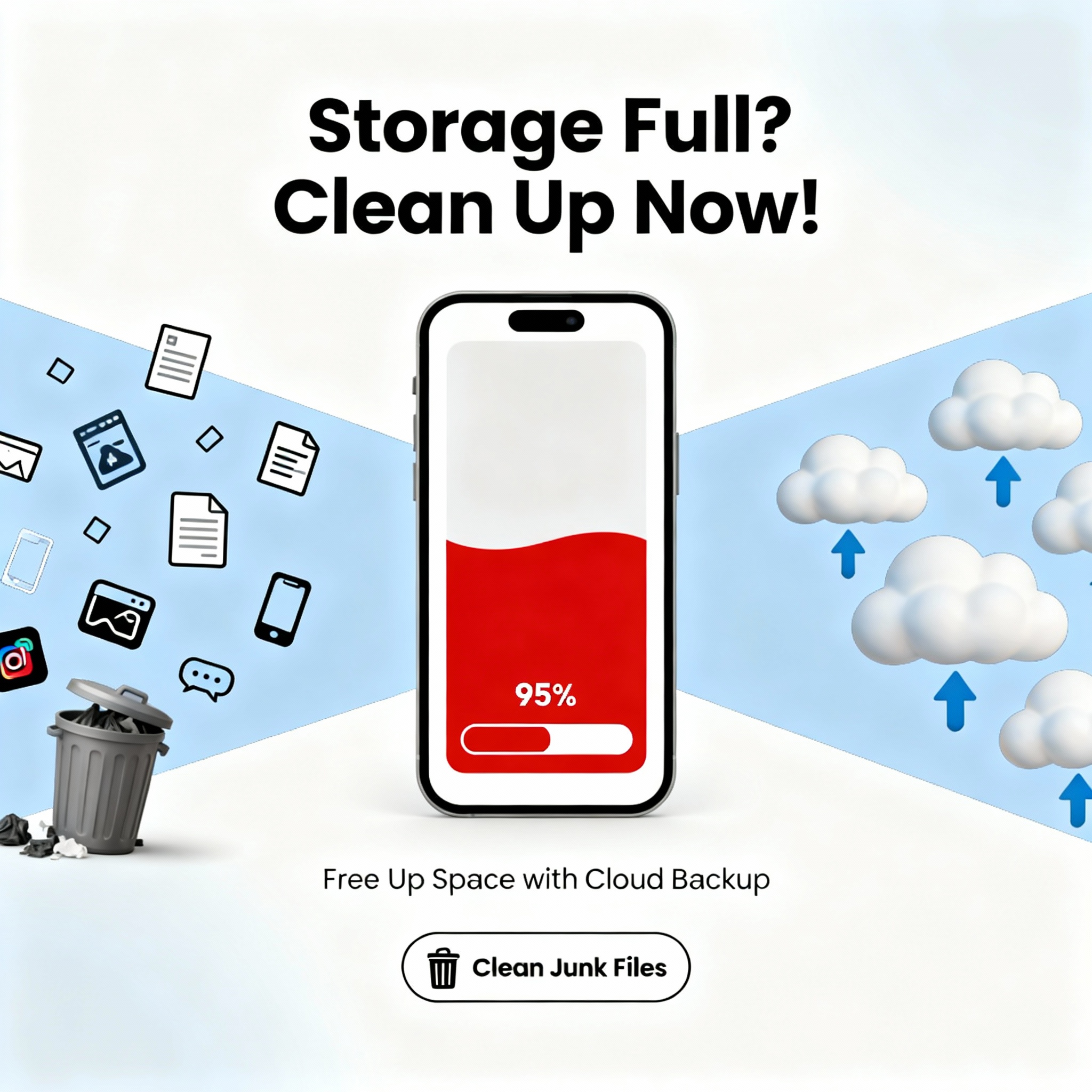
We’ve all been there — one day your phone says “Storage almost full” 😩 and suddenly everything slows down.
But don’t worry — here are proven tips & hidden tricks to clean your storage and boost performance without deleting important stuff! 🚀
---
🧹 Use Files by Google — The Smart Cleaner
If you haven’t tried it yet, this is a must-have app!
👉 Download Files by Google → Tap on “Clean” tab.
It automatically detects:
Junk files
Duplicates
Unused apps
WhatsApp media spam
✅ Tip: Do this cleanup once a week — you can easily save up to 2–5GB space!
☁️ Move Photos & Videos to the Cloud
Your camera roll is the biggest space-eater!
Use Google Photos, Drive, or OneDrive to upload your media.
Steps:
1. Open Google Photos → Backup & Sync ON
2. After upload → Use Free up space option
✅ Trick: You can still access your photos anytime through the app — no need to store them locally.
Clear App Cache, Not Data
Cache files pile up quietly and slow your phone.
To remove them safely:
Settings → Apps → [Select App] → Storage → Clear Cache
⚠️ Don’t clear “Data” unless you want to log out or reset the app.
✅ Apps like Instagram, Chrome, and YouTube often eat GBs of cache!
📦 Uninstall or “Offload” Unused Apps
Go to Settings → Apps → Sort by Last Used
You’ll find many apps you haven’t opened in months 😅
✅ Trick:
If you’re unsure, “disable” instead of uninstalling — it can be reactivated anytime!
🗂️ Clean WhatsApp Storage Smartly
WhatsApp media takes huge space — especially group forwards.
Here’s how to fix it:
WhatsApp → Settings → Storage & Data → Manage Storage
✅ You can delete large videos, duplicates, or memes without deleting chats.
Pro Tip 💡: Use Storage Manager to review big files before deleting.
🎵 Stream Instead of Downloading
Music & OTT apps can fill your storage fast.
👉 Use Spotify, Netflix, or YouTube in streaming mode instead of downloading episodes or albums.
✅ Tip: If you must download, set it to “Low quality” to save data and space.
⚙️ Use Lite or Web Versions of Heavy Apps
Some apps are unnecessarily heavy!
Try:
Facebook Lite
Instagram Lite
Telegram X
Or simply open websites in Chrome.
✅ Trick: Add web apps to your home screen — works just like the app but takes 10x less space!
🔄 Compress & Backup Old Videos
Use apps like Video Compressor Panda or CapCut to reduce video size before saving.
Or transfer them to your PC or pen drive every few months.
✅ Trick: Keep only highlights or short clips — remove raw recordings you’ll never watch again.
💡 Use Storage Analyzer Tools
Use apps like DiskUsage or Storage Analyzer & Disk Usage to find which folders take the most space.
You’ll often discover huge hidden folders from Instagram, Telegram, or WhatsApp backups.
🚀 Always Keep 10–15% Space Free
Phones need free space to run updates and function smoothly.
Try to always keep at least 10% storage empty for better speed and longer life.
🔚 Final Tip
Don’t panic when your storage fills up — it’s usually fixable in minutes.
Follow these tricks once a week and your phone will stay fast, clean, and efficient 💨
---💬 Your Turn:
How much storage does your phone have — and what’s eating up most of it, photos or apps? Let’s discuss below 👇
#AndroidTips #TechHacks #StorageFix #SmartphoneTricks #iQOOCommunity
Please sign in
Login and share