



























🪫Battery Draining Fast? Try These Proven Fixes ⚡

🔋 Battery Draining Fast? Try These Proven Fixes ⚡
Ever feel like your phone’s battery is vanishing faster than your weekend? 😅
Don’t worry — here are proven tips and tricks that actually work to make your phone last longer 🔥
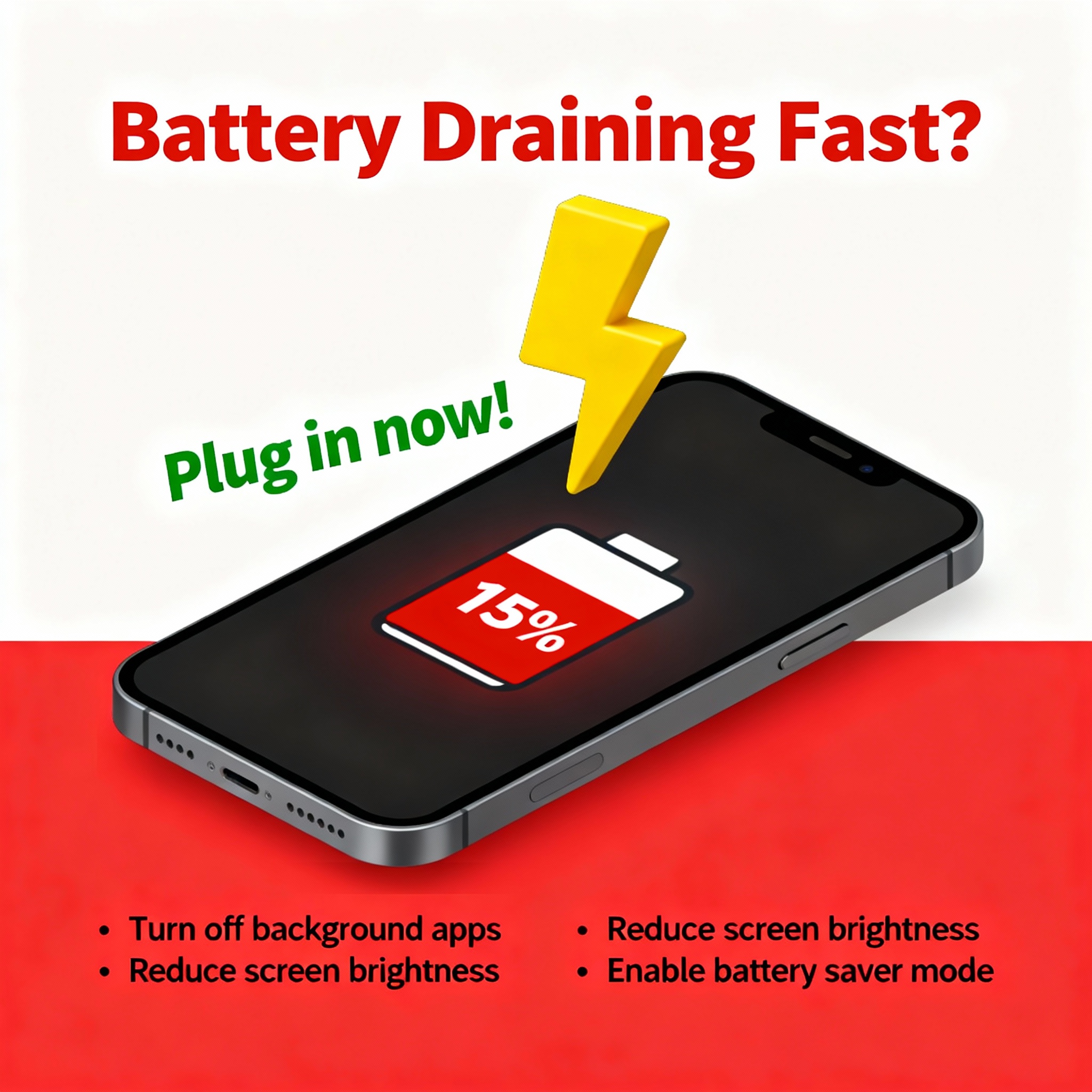
⚙️ Check What’s Eating Your Battery
Go to Settings → Battery → Battery Usage.
You’ll see which apps are draining power the most.
✅ Trick: If an app you rarely use shows up on top, it’s running in background → Force Stop or Restrict background activity.
🌙 Turn On Battery Saver or “Optimized Mode”
Almost every Android has a built-in Battery Saver or Adaptive Battery option.
🧠 It reduces background activity, limits high refresh rate, and pauses unnecessary syncing.
✅ Tip: Keep it ON all day — you won’t even notice a difference in performance!
💡 Reduce Brightness & Screen Timeout
Your display is a major battery drainer 🔥
👉 Lower brightness manually or enable Auto Brightness.
👉 Reduce screen timeout to 30 seconds or 1 minute.
✅ Pro Tip: Avoid keeping Always-On Display ON all the time (it looks cool, but eats juice fast ⚡).
📶 Turn Off 5G, GPS, Wi-Fi, and Bluetooth When Not Needed
These radios constantly search for connections = battery loss!
✅ Trick: Use Quick Settings toggle to turn off Wi-Fi or Bluetooth when idle.
If you don’t need 5G speed, switch to 4G — battery lasts longer!
💤 Limit Background Apps
Many apps run silently even when closed 😤
Steps:
Settings → Apps → Special Access → Battery Optimization → Optimize All Apps
✅ Bonus: Use “Restricted” mode for heavy apps like Instagram or Snapchat when not using them.
🎮 Control Gaming Power Usage
If you’re a gamer 🎮, battery drains faster due to high GPU load.
✅ Tips:
Lower game graphics from Ultra to High or Medium
Close background apps before gaming
Plug in after 20–30 minutes of gameplay to reduce battery stress
🌡️ Keep Your Phone Cool
Heat = battery killer ☀️
Avoid using your phone while charging, and don’t charge under sunlight.
✅ Ideal temperature: 20°C–35°C.
Even slight overheating shortens long-term battery health.
🔋 Avoid 100% Charging Daily
Charging from 0 to 100% daily wears out lithium batteries.
✅ Best Practice: Keep your charge between 20%–85% for long-term health.
If your phone supports smart charging, turn it ON!
🧹 Update Software Regularly
OEMs often fix power consumption bugs in updates.
✅ Go to Settings → About Phone → Software Update and keep your device updated.
🧠 Bonus: Use Dark Mode & Static Wallpapers
Dark Mode actually saves power (especially on AMOLED screens).
✅ Also, avoid live wallpapers or heavy animations — they secretly drain battery.
⚡ Final Words
A few smart settings can make a big difference!
Follow these tricks and your phone will easily last a few extra hours every day 🔋
---
💬 Your Turn:
How long does your battery last on average — full day or less? Drop your screen-on time in comments 👇
#AndroidTips #BatterySaving #TechTricks #SmartphoneGuide #iQOOCommunity
Please sign in
Login and share