


















Instagram’s new Restyle feature lets you edit Stories using Meta AI

Hey Questers ❤️
Instagram is launching a new AI-powered editing tool called Restyle, letting users modify photos and videos in Stories using natural language prompts - just like Google Photos’ Help Me Edit feature.
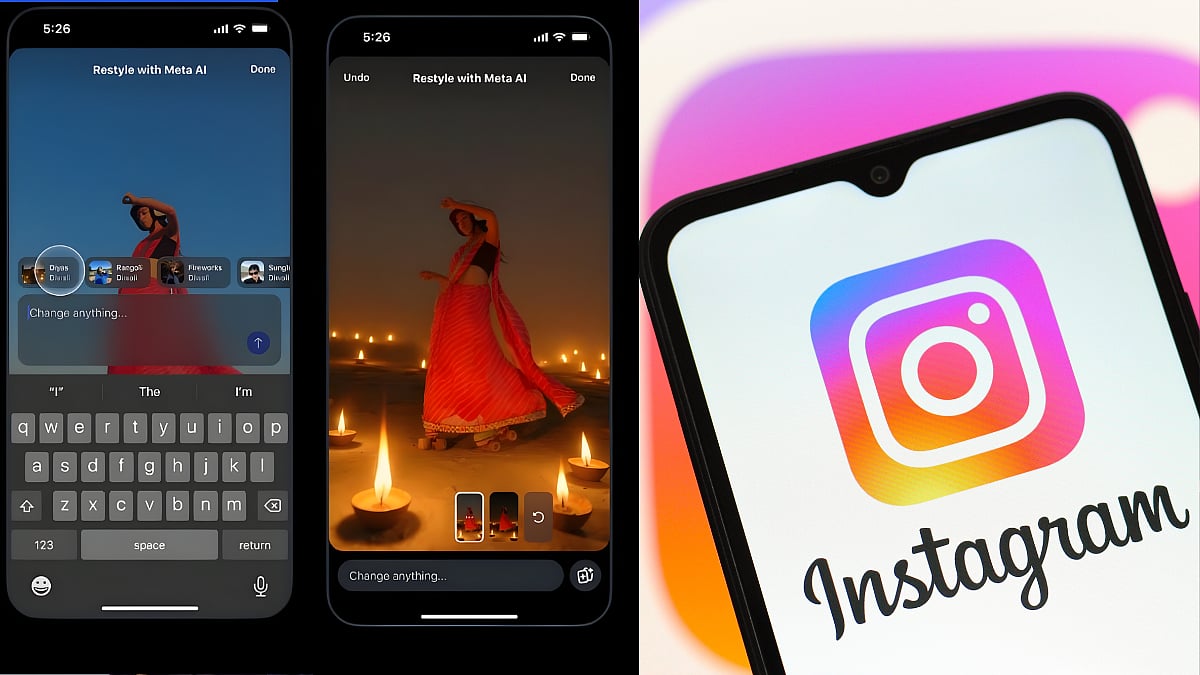
Meta-owned social media platform Instagram is rolling out a new feature which will enable users to edit images and videos in Stories using Meta AI. This is pretty similar to Google Photos new Help Me Edit feature, which allows users to edit images using natural language prompts.
In a post, Instagram said that its new Restyle feature is really helpful if you want to “simply remove an unwanted detail from your story, include a playful element, change the vibe using a whimsical effect, or start a trend with your friends.” Instagram already had a feature that offered AI-powered image editing, but these tools were previously limited to the integrated Meta AI chatbot. However, the addition of the AI chatbot to Stories will make it much more accessible than before.
How to use Instagram Restyle for photos and videos?
To get started, open Instagram and tap on the + button from the top left of the screen.
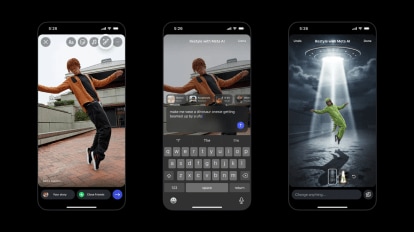
Select the image from your camera roll that you want to add to story and click on the restyle button (it has a paintbrush-like icon).
Now, you will be able to add and remove unwanted details or objects, and even ask Meta AI to change the background using natural language prompts.
Once you are done editing the photo, press the Done button and you are good to go.
The same process applies to videos, but instead of being able to add, remove or modify objects, Meta AI will let you choose from a bunch of presets.
Meta also shared a guide that will help users write better prompts. The tech giant says you should consider the subject, lighting and mood, composition needs, style and location to edit photos and videos to your liking.
Follow for such more informative threads ➡️ @RZ Nitin

Thank you 😊
Your qool Quester , Ranger : Nitin Mishra ❤️
@iQOO Connectcommunity 🫂🔥😍
@NipunMaryasir 🫡💫❤️
@parakram_hbhai 🫡✨🫂
@ParthNirmalbhai 🥳😍🔥
@woahyashbhai ❤️🫶🫂
Please sign in
Login and share