



























Tips & Trick Series Part-15:Lost Your IQOO Device Here How to Get It Back Fast!

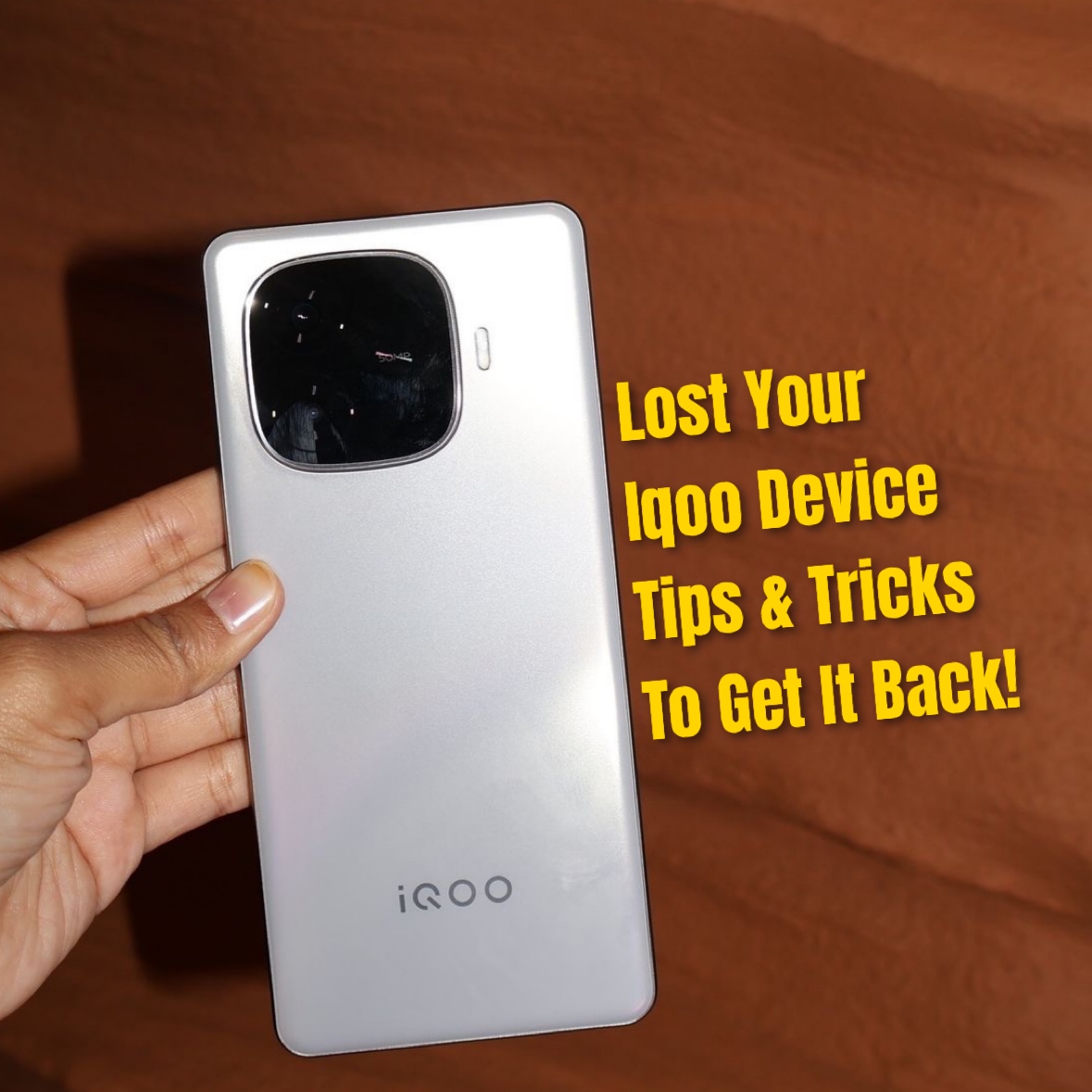
Hey Questers, it’s Manab here.
We all have that one scary moment when our phone goes missing — trust me, I’ve been there too.
So here’s how you can find your lost iQOO easily, the same way I do 👇
1️⃣ Go straight to Google’s Find My Device
Just type google.com/android/find on any browser and log in with your Google account.
You’ll see your iQOO’s last location, and you can ring it, lock it, or even erase data if needed.
2️⃣ Always keep Location & Internet ON
This helps Google track your device in real time.
Even if it’s far, it’ll show the nearest area.
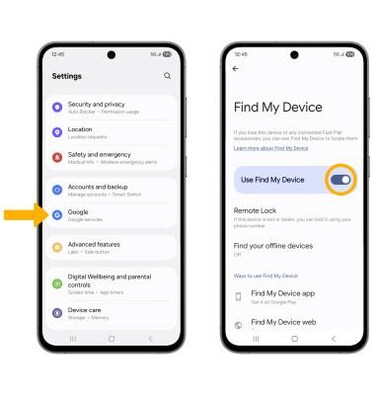
3️⃣ Turn ON Find My Device inside settings
Go to Settings → Security → Find My Device → Enable it
It works even if someone restarts your phone.
4️⃣ Try iQOO Cloud too
Visit cloud.vivo.com and log in.
You can track, ring, or secure your phone from there easily — I always keep this on as backup.
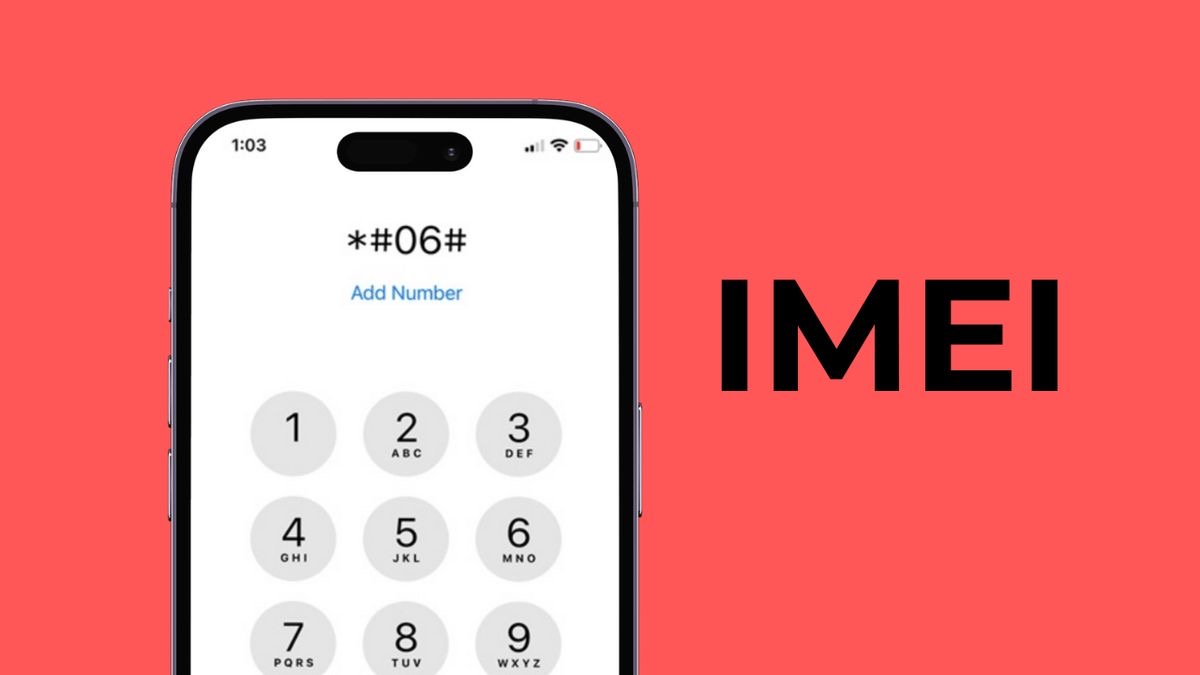
5️⃣ Don’t forget the IMEI trick
If it’s stolen, use your phone’s IMEI number (on the box or bill) to report it to the local police.
It helps them trace or block your phone.
💡 My Tip: Always keep your Google account and iQOO Cloud synced.
It just makes everything smoother if something goes wrong.
Tagline:“Be smart with your tech — your iQOO can find its way back if you set it right.”
@iQOO Connect ❤️
@NITIN @TechSAM009 @JStreetS @YasirTheJOD @Swagg_rohit
Signing Off ✍️
Follow For More - @Manab10

Please sign in
Login and share