



























iQOO Performance Hacks: Smoother, Faster, Better!

⚡ iQOO Performance Hacks: Smoother, Faster, Better!
Hey everyone! Yashita Sharma from Kolkata back again, ready to share more insights into getting the absolute most out of your iQOO device. We all love our iQOO for its raw power, but there are always ways to fine-tune it for an even smoother, faster, and more enjoyable experience across the board.
Today, I'm focusing on "Performance Hacks"—small changes that yield big results in your daily tech, gaming, photography, and overall life.
Let's dive in!
🧑💻 Tech Tip: "Deep Clean" Your Storage for Speed
A cluttered phone isn't just annoying; it can slow down your device. Don't just delete photos – do a proper deep clean!
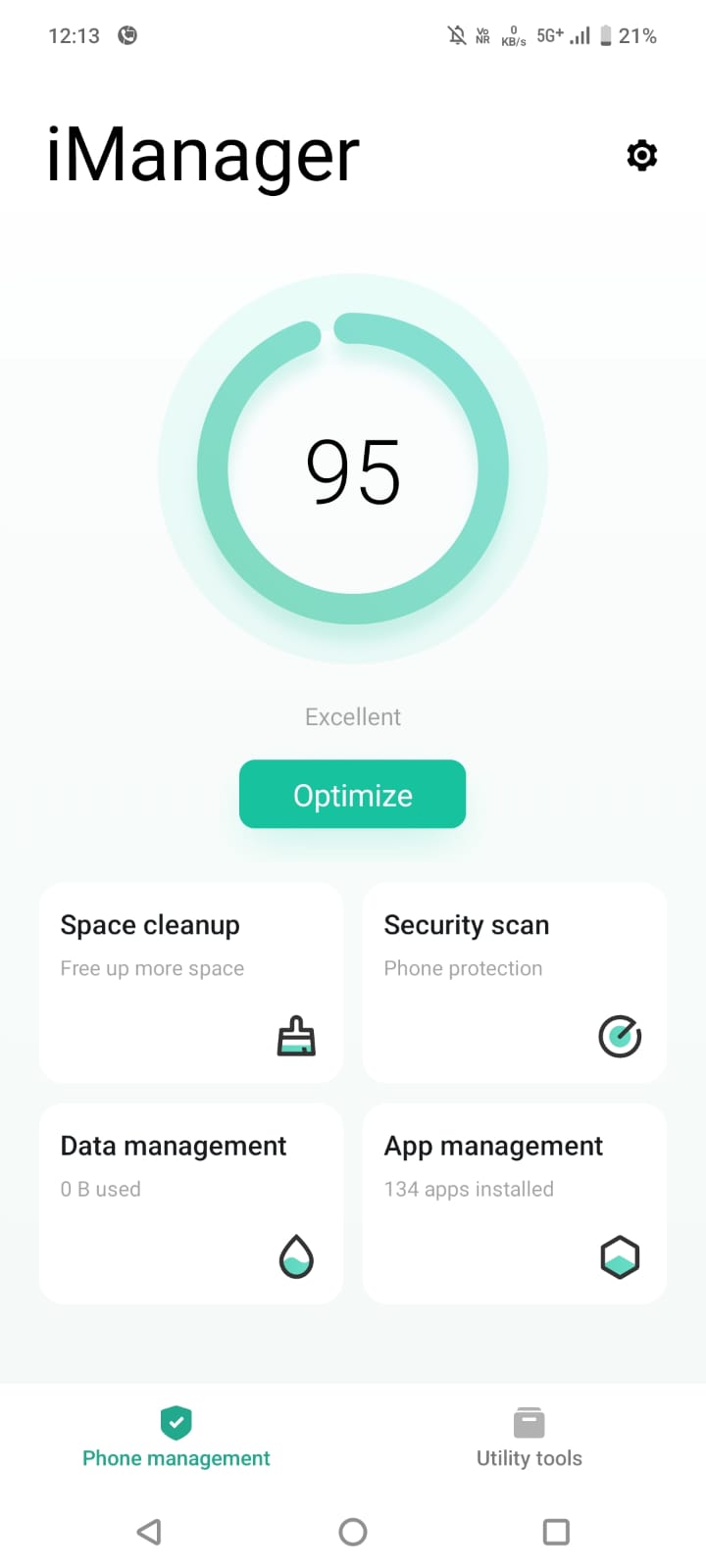
- Use iManager: Open the pre-installed iManager app. This is your iQOO's command center for optimization.
- Access Space Cleanup: Tap on Space Cleanup.
- Smart Cleanup: Let iManager scan. It'll categorize "junk files," "large files," "unused apps," and even "duplicate photos."
- Review and Clean:Crucially, don't just hit "Clean All." Go into each category (especially "Large Files" and "Unused Apps") and manually review what you're deleting. You might find old game data or forgotten downloads hogging gigabytes!
- Result: Freeing up significant storage space directly translates to faster app loading, smoother multitasking, and better overall system responsiveness. It’s like giving your phone a breath of fresh air!
🎮 Gaming Tip: Optimize Network for Zero Lag
Even with the best hardware, a shaky network can ruin your gaming experience. Here's how to prioritize your game's connection.
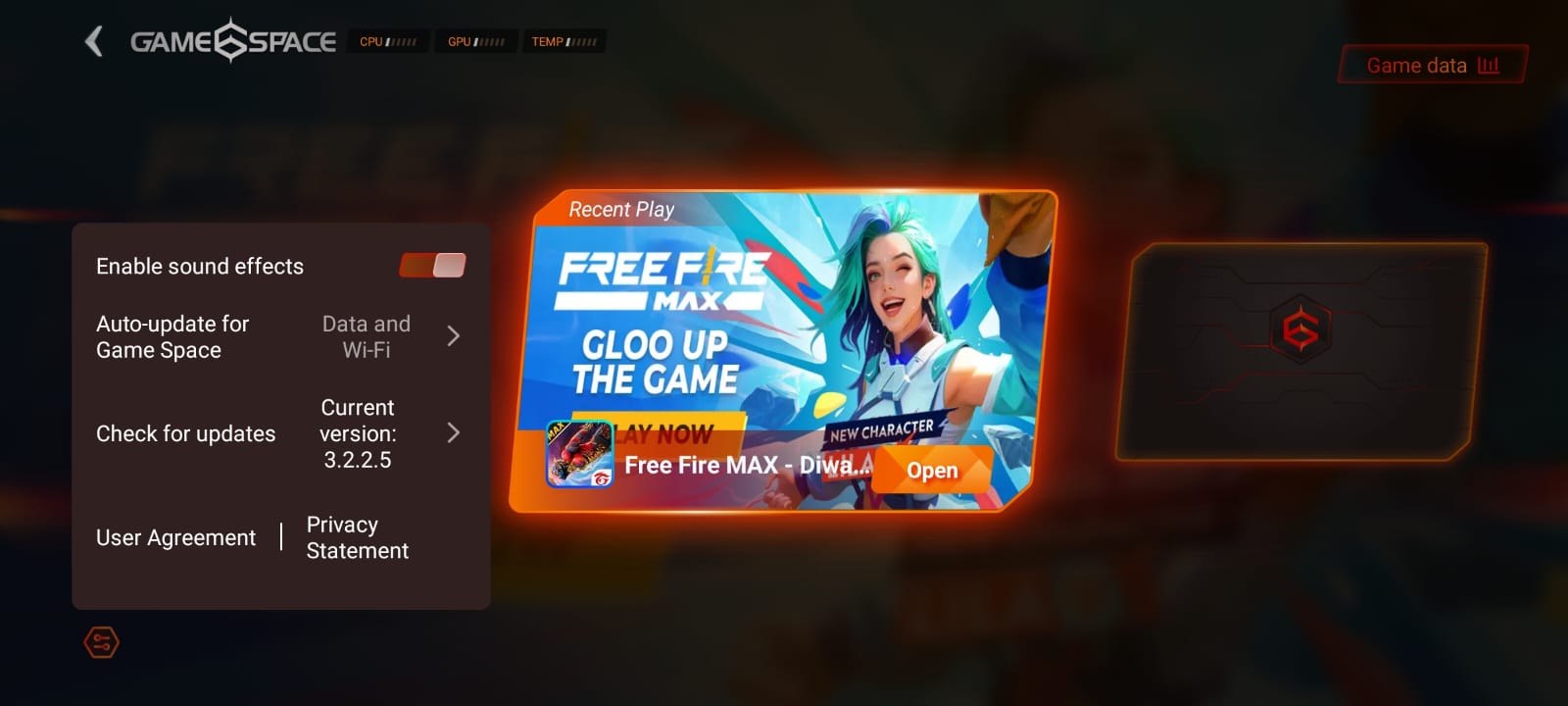
- Activate Ultra Game Mode: Launch your favorite online multiplayer game (e.g., Free Fire, Genshin Impact) and activate the Ultra Game Mode sidebar.
- Game Antenna: Look for the Game Antenna option. This feature is designed to intelligently switch between Wi-Fi and mobile data to maintain the most stable connection.
- Network Optimization: Within Game Antenna, ensure Network Optimization is toggled ON. Some iQOO models even offer Dual-Band Wi-Fi which allows your phone to connect to both 2.4GHz and 5GHz Wi-Fi bands simultaneously for improved stability and speed.
- Result: By letting your iQOO intelligently manage your network, you'll experience fewer lag spikes, reduced ping, and a more consistent connection, leading to a much more competitive and enjoyable gaming session.
📸 Photography Tip: Pro Mode White Balance for True Colors
Auto white balance is usually good, but for truly vibrant and accurate colors, especially in tricky lighting, manual White Balance in Pro Mode is a game-changer.
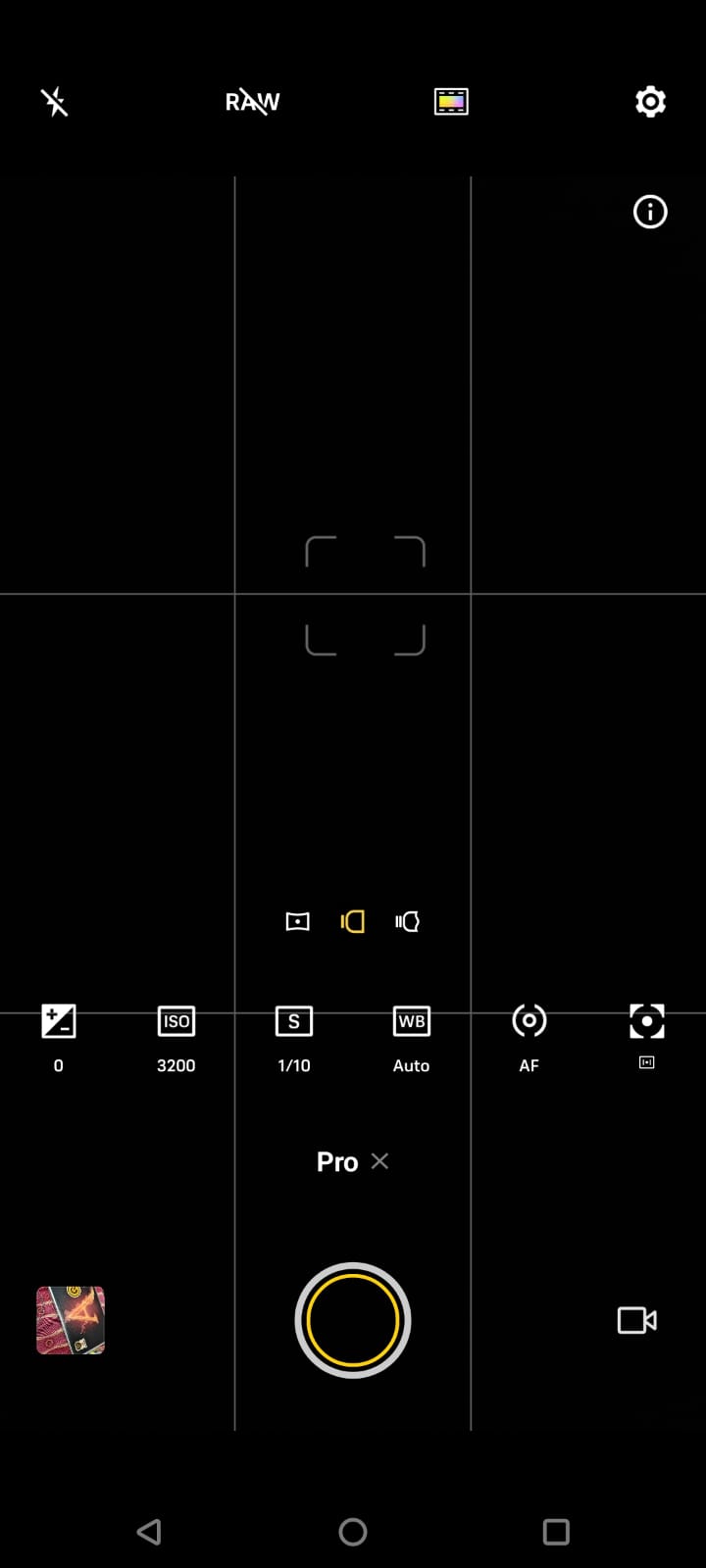
- Open Pro Mode: Go to your camera app and switch to Pro Mode.
- Identify WB (White Balance): Look for the WB icon (often represented by a sun, cloud, or Kelvin temperature).
- Match the Lighting:
- Sunny Outdoors: Choose the Sun icon (around 5200K).
- Cloudy Day: Choose the Cloud icon (around 6000K).
- Incandescent/Warm Indoor Lights: Choose the Lightbulb icon (around 2800K).
- Fluorescent/Cool Indoor Lights: Choose the Fluorescent icon (around 4000K).
- For ultimate precision, use the Kelvin (K) slider to fine-tune it to match your exact lighting conditions.
- Result: Your photos will have accurate, natural-looking colors that truly reflect the scene, without any unwanted yellow, blue, or green casts that auto mode sometimes introduces. Your subjects will pop with realism!
💡 Life Tip: Schedule Dark Mode for Eye Comfort & Battery Life
Dark Mode isn't just aesthetic; it's a practical hack for reducing eye strain and, on AMOLED screens, saving battery.
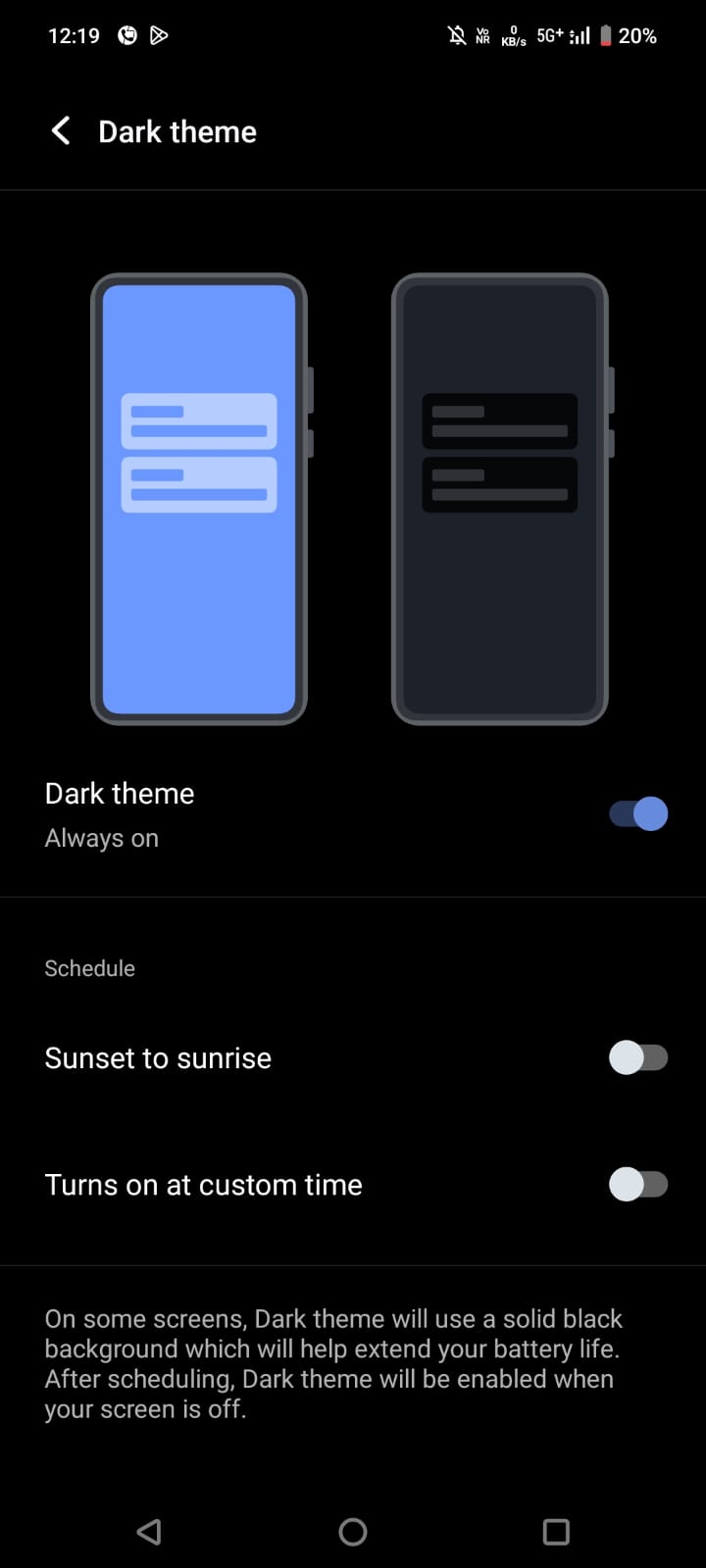
- Go to Display Settings: Navigate to Settings > Display & brightness.
- Find Dark Mode: Tap on Dark mode.
- Schedule It: Instead of just turning it on/off, select Scheduled turn on.
- Custom Time or Sunset to Sunrise: You can either set a Custom time (e.g., 7 PM to 7 AM) or, even better, choose Sunset to sunrise for automatic adjustment based on your location's natural light cycle.
- Result: Your eyes will thank you, especially during late-night scrolling, and your battery will last noticeably longer as black pixels on AMOLED screens consume less power. It's a win-win for comfort and endurance!
There you have it—another round of tips to help you get the absolute best performance out of your iQOO device! I hope these hacks make your daily usage even more enjoyable and efficient.
What are your go-to performance boosts or hidden settings? Share them in the comments below! Let's build a powerhouse of knowledge together.
Power to the Questors!
Please sign in
Login and share