



























✅ Tips & Tricks Part - 16 “Turn Your iQOO Into A Gaming Monster 💀

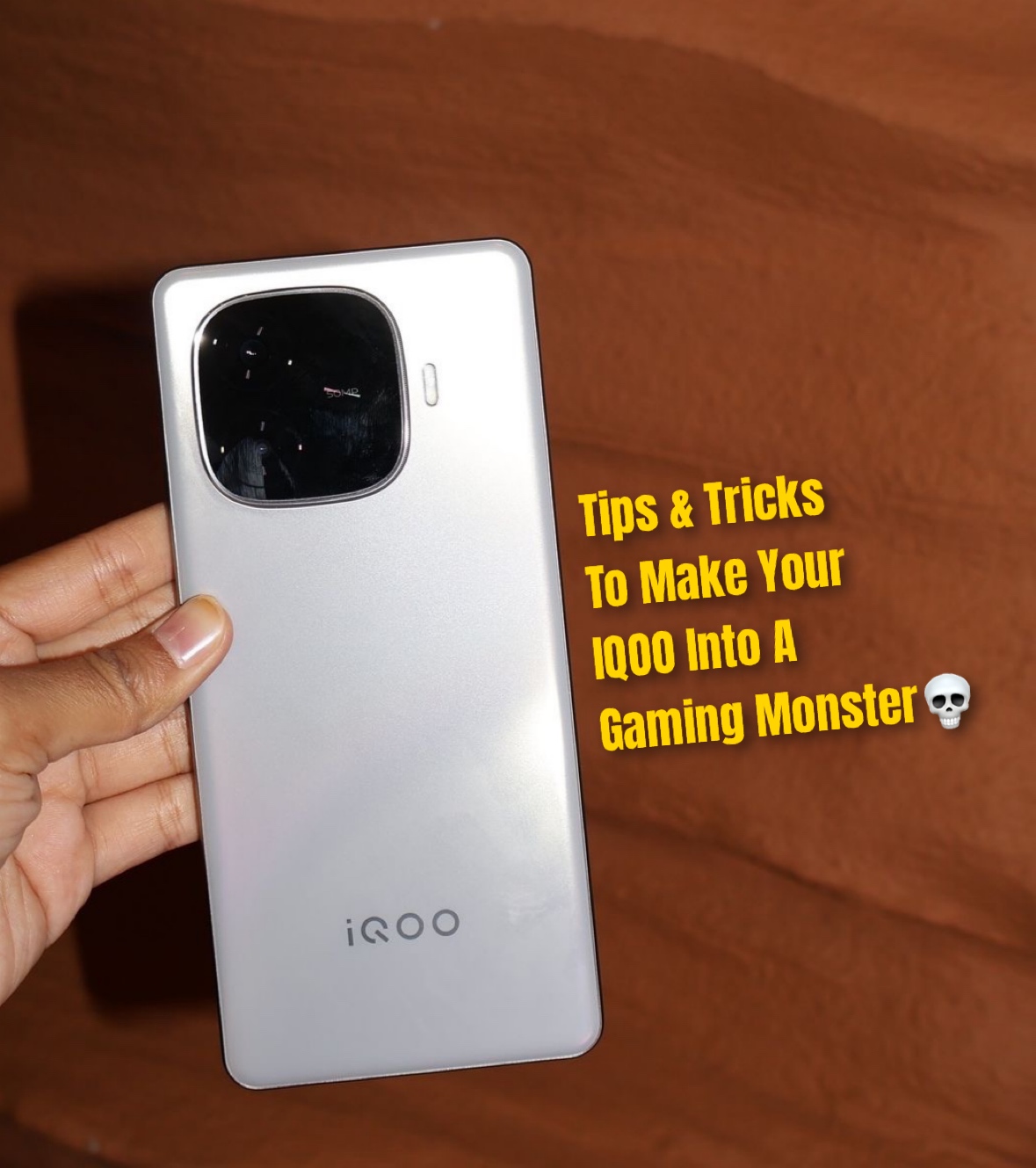
Hey Questers, I’m Manab and today in Tips & Tricks Part -16 I’m diving into one of my favorite topics boosting gaming performance on your iQOO device. If you love gaming like I do, these simple tweaks can turn your phone into a beast mode machine.
Let’s Explore ☠️

1️⃣ Ultra Game Mode — The Real MVP
Go to Settings → Ultra Game Mode.
Turn it ON and explore features like:
• Game Sidebar for quick access to tools
• 4D Game Vibration for immersive feel
• Do Not Disturb to block calls mid-battle
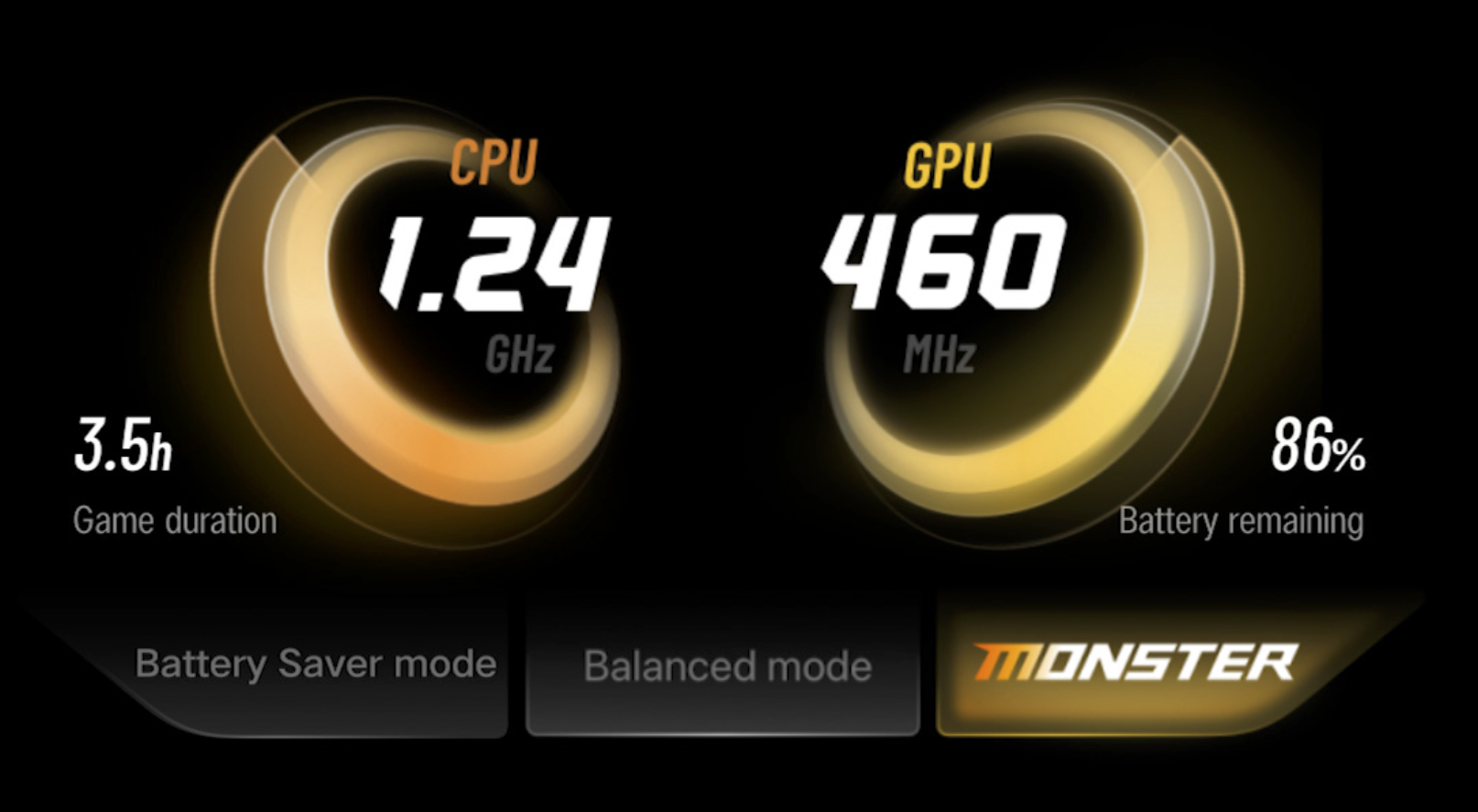
2️⃣ Monster Mode On = Max Power
Pull down the control center → Tap Monster Mode.
It pushes your iQOO’s CPU & GPU to full throttle.
Perfect for BGMI, CODM, or Genshin sessions.
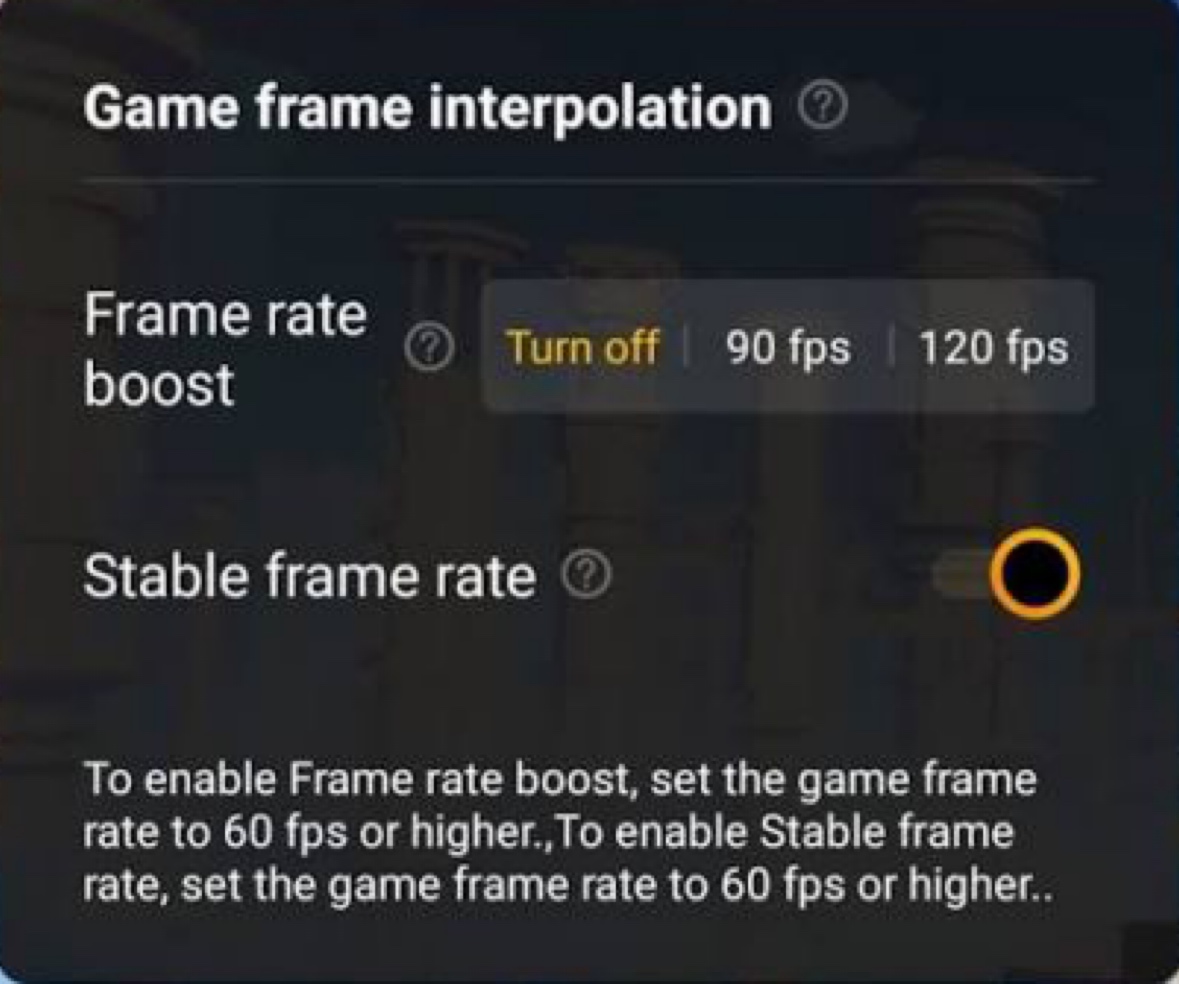
3️⃣ Game Frame Interpolation
In Ultra Game Mode → Frame Rate Settings, enable Game Frame Interpolation.
This boosts your FPS for smoother visuals — ideal for action-packed scenes.
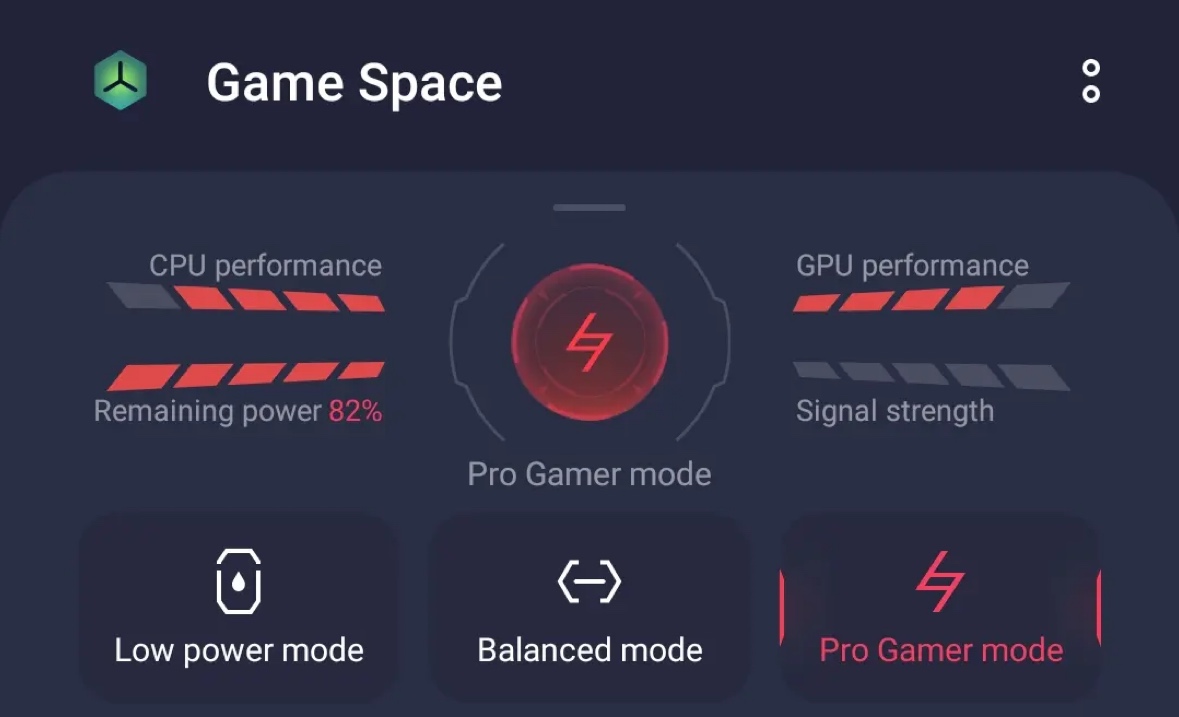
4️⃣ Game Space Customization
Add all your favorite games inside iQOO Game Space.
It optimizes RAM, network priority, and temperature for each game automatically.
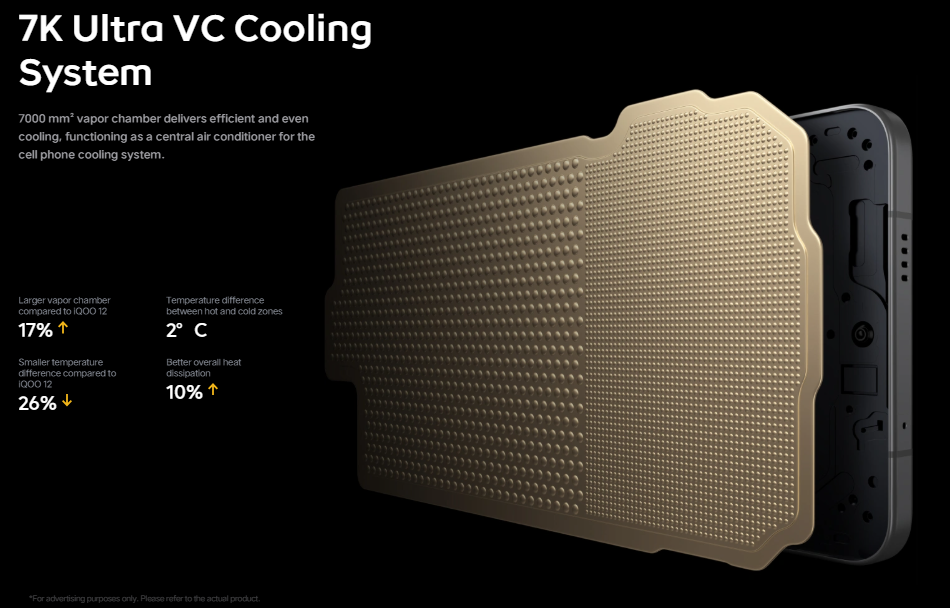
5️⃣ Performance & Thermal Control
It also has 7k Ultra Vc Cooling System or else Use iManager → Device Health → Temperature Management to monitor heat.
Keep your phone cool = consistent gaming performance.
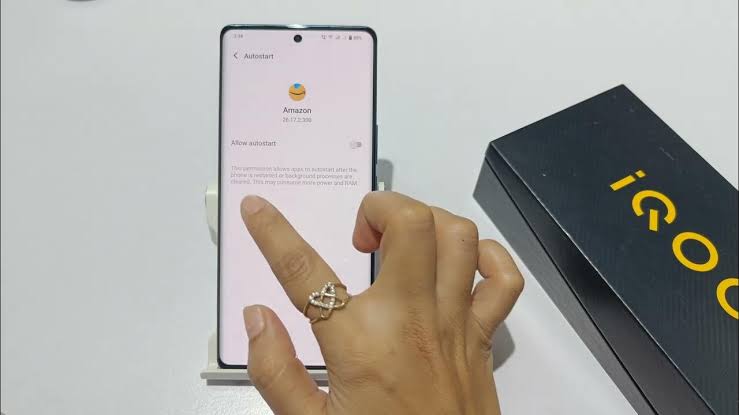
6️⃣ Disable Background Apps
Before gaming, clear all apps from memory.
No lags. No frame drops. Just pure speed.
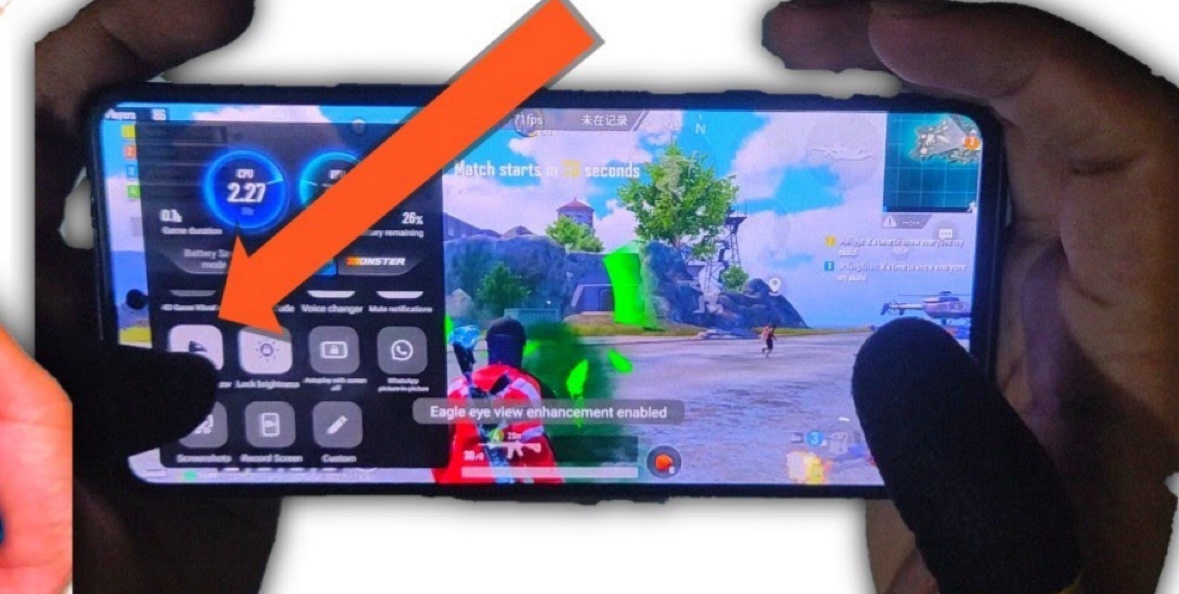
7️⃣ Sound & Touch Optimization
Turn on Eagle Eye Enhancement and Audio Booster.
Sharper visuals, deeper sound — more immersion in every match.
💥 My Take:
My Favourite is Monster Gaming Mode as always ❤️ iQOO isn’t just a smartphone it’s a gaming engine packed in your palm.
Tweak these features, and your device will thank you with buttery-smooth gameplay.
Comment Your Favourite Gaming Mode ?
@iQOO Connect ❤️
@NITIN @TechSAM009 @JStreetS @YasirTheJOD @Swagg_rohit
Signing Off ✍️
Follow For More Thread - @Manab10

Please sign in
Login and share