




























✅Tips & Tricks Part -17 :Smart Motion & Handy Gestures On iQOO ✋📱

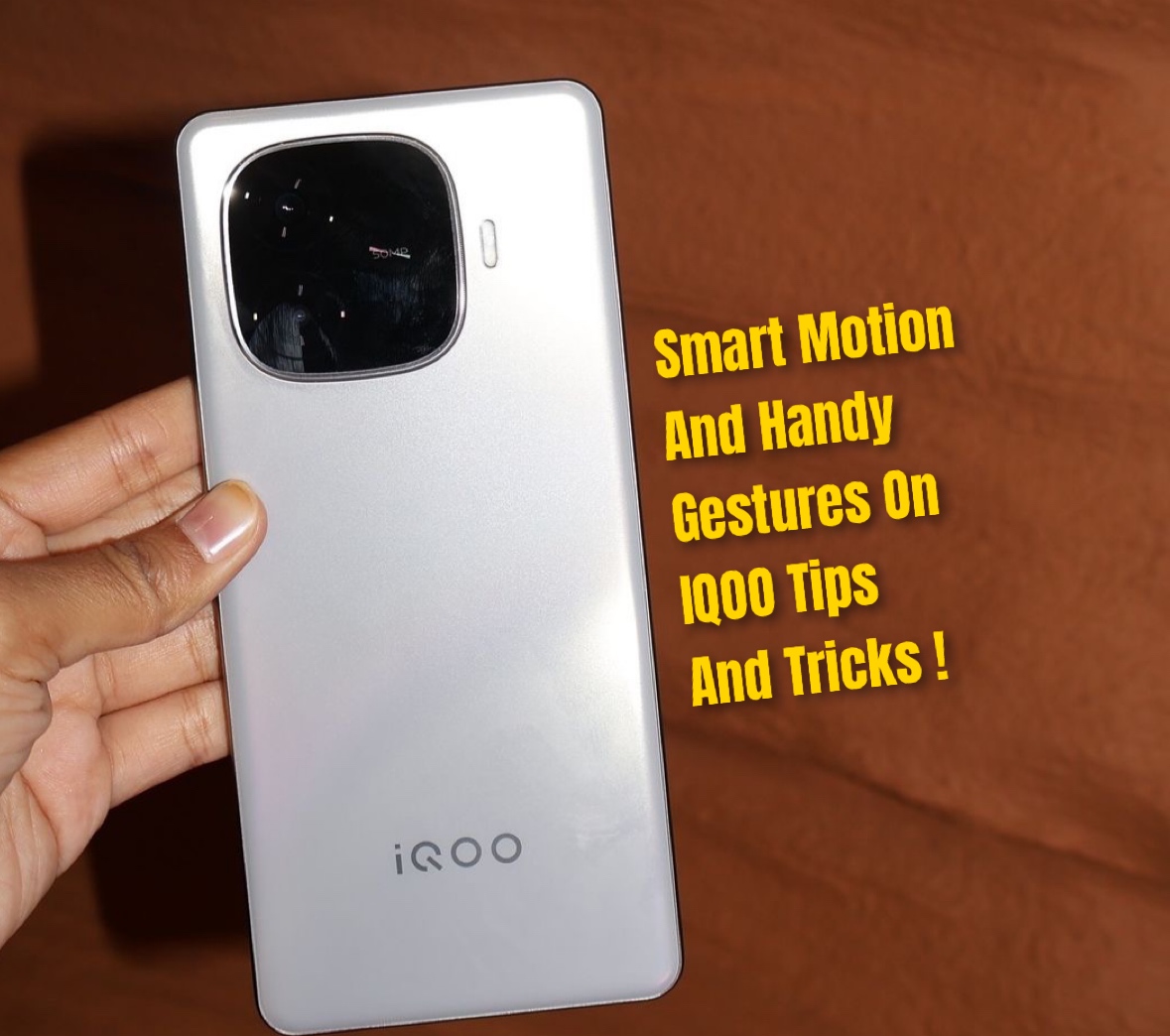
Figure 1, view larger image
Hey Questers 👋It’s Manab here!Today I’m sharing some cool and useful gesture features on our iQOO phones that make daily use super easy and smooth.
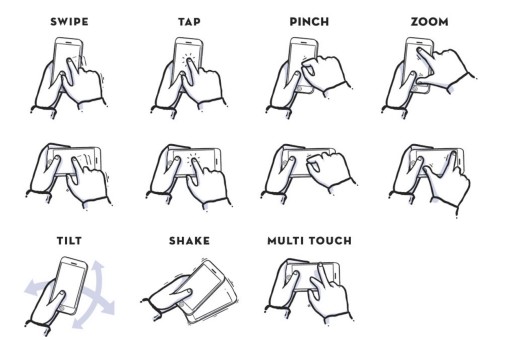
Figure 2, view larger image
Let's Explore How to Turn It On
Go to Settings
Tap Shortcuts & Accessibility
Open Smart Motion
Turn ON the gestures you like
🖐️ Some Handy Gestures
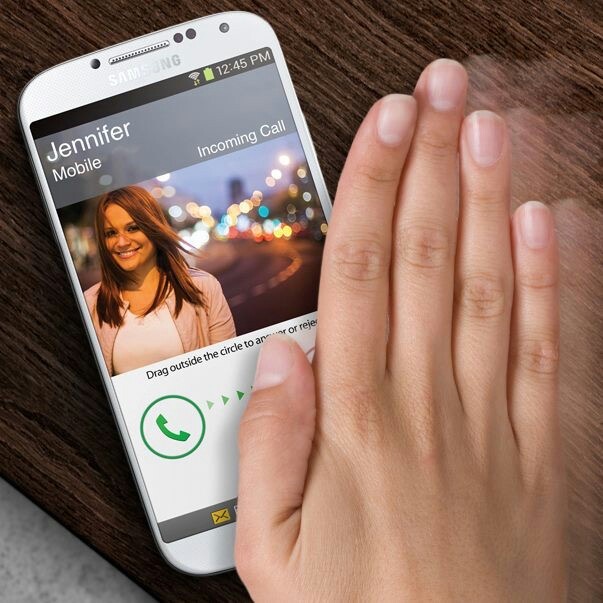
Figure 3, view larger image
📞 Wave to Answer – Just wave your hand to pick up calls.
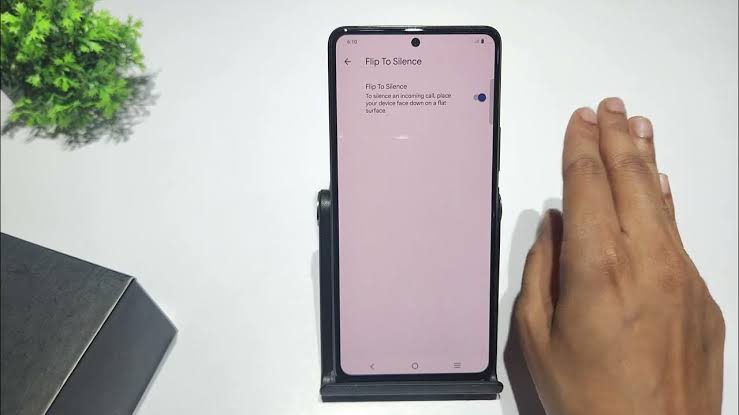
Figure 4, view larger image
🔇 Flip to Silence – Flip your phone to mute calls instantly
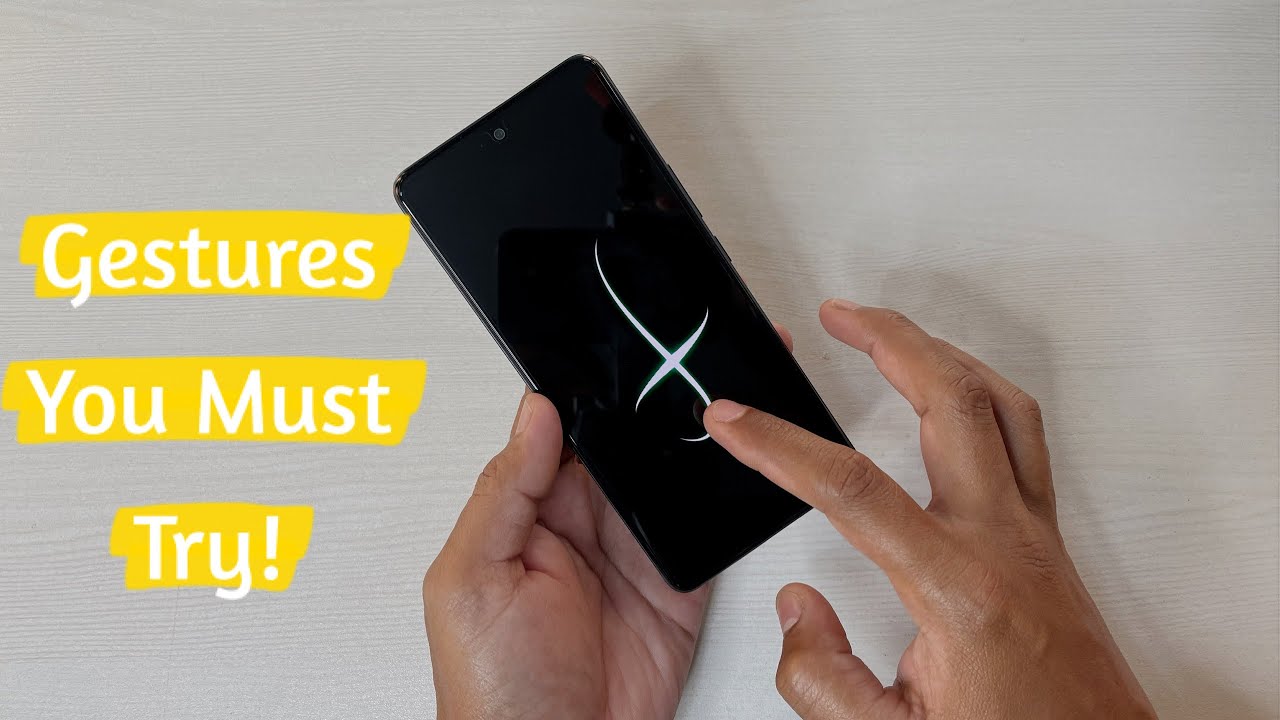
Figure 5, view larger image
🌙 Smart Wake – Draw letters on the screen to open apps directly (like C for Camera, M for Music).
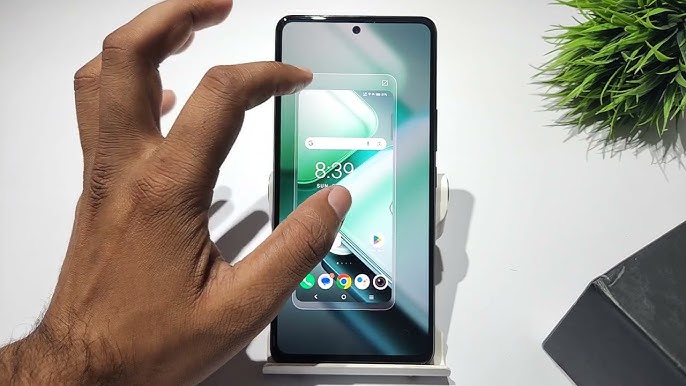
Figure 6, view larger image
🤏 One-Handed Mode – Swipe diagonally from the bottom corner to make your screen smaller — perfect for easy one-hand use!
💡 Manab’s Tip
One-Handed Mode is super helpful when you’re using your phone on the go or while holding something.
That’s all for today Questers!
Try these gestures and make your iQOO experience even smoother and smarter
@iQOO Connect❤️
@NITIN @TechSAM009 @JStreetS @YasirTheJOD @Swagg_rohit
Signing off ✍️
Follow for more -@Manab10
Figure 7, view larger image
Tips & Tricks
944
9
Please sign in
Login and share
Sign in