



























Must-Have Tools for Staying Organized


Staying organized is not just about tidiness; it's about streamlining your workflow, making your tasks manageable, and ensuring that you have more time for what you love. With so many digital and physical tools available, picking the right ones is the first step toward a more productive, peaceful life.
Todoist: Clean and Customizable To-Do Lists
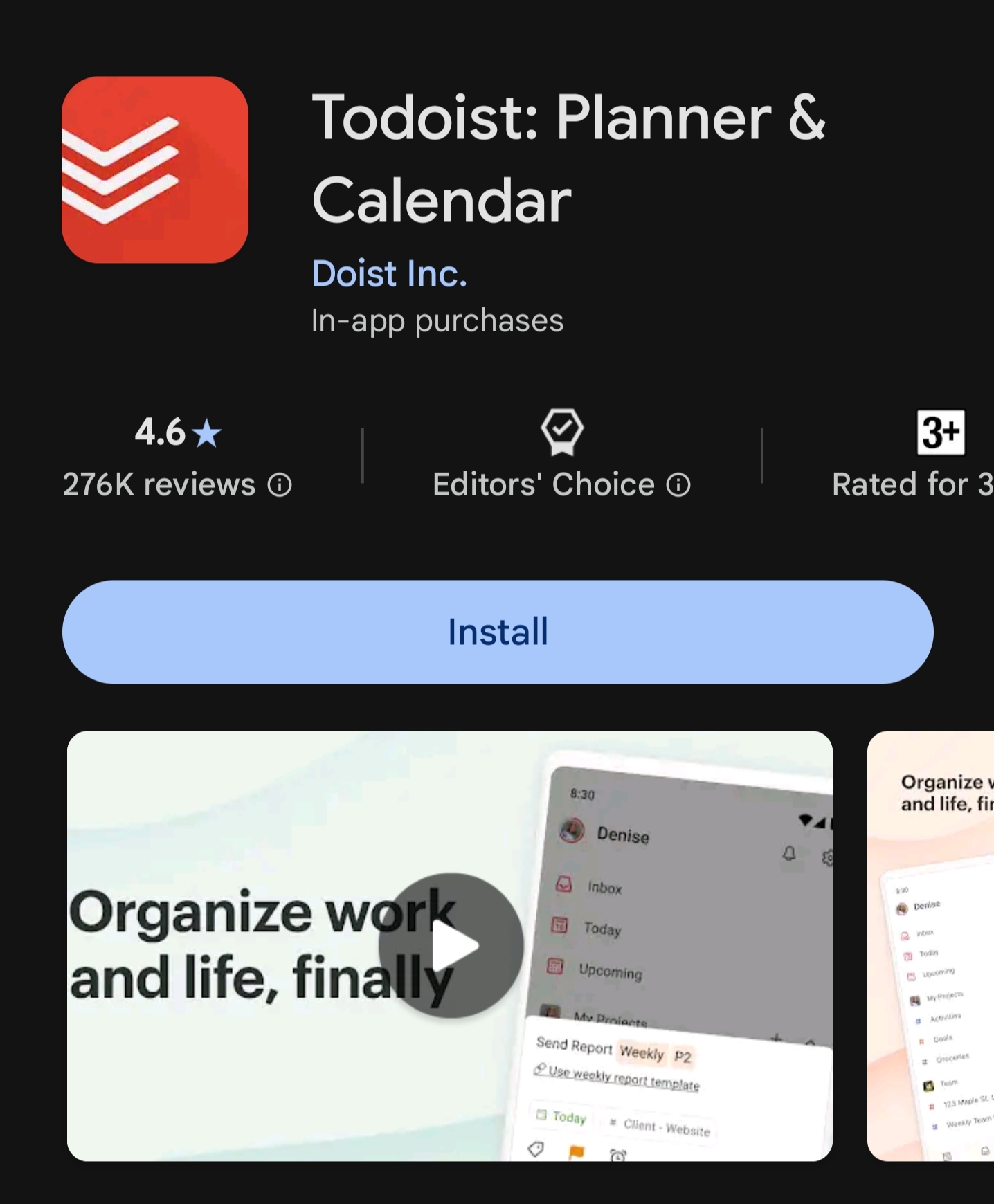
Todoist's sleek interface lets you create, categorize, and prioritize tasks - ideal for students, professionals, or anyone who loves the satisfaction of ticking off completed items. It supports subtasks, labels, reminders, plus calendar sync for all-round task management.
Trello: Visual Project Management Boards
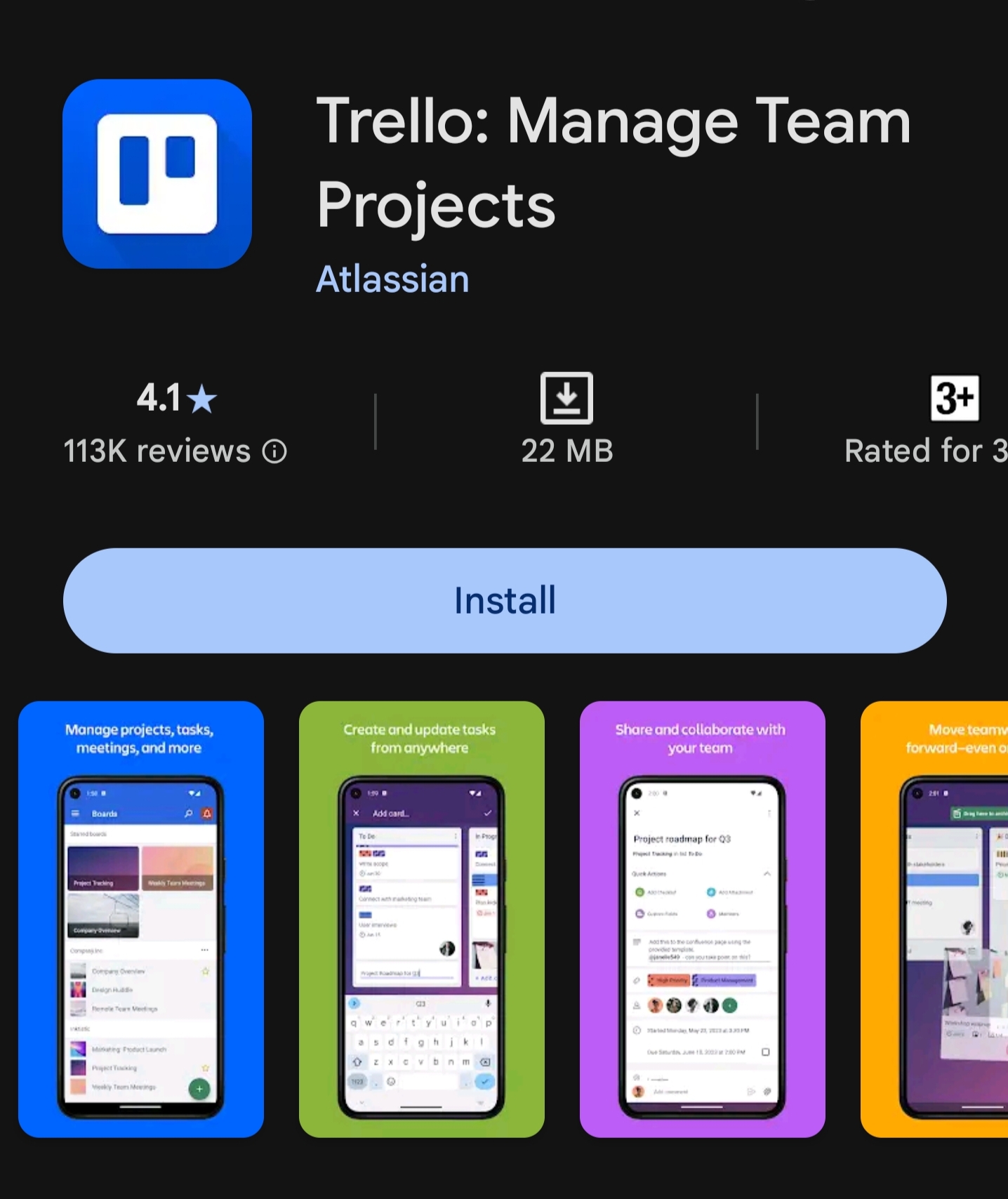
Trello's board-and-card system is perfect for visual thinkers. You can plan projects, track progress, delegate to teammates, or manage personal goals by moving cards through stages - making even big projects feel manageable.
Google Calendar: Your Digital Planner
Google Calendar is the go-to tool for time management. Schedule meetings, set reminders, invite others, and color-code all your activities. Its mobile and desktop sync ensures you're always on top of your appointments.
Notion: The All-In-One Organizing Workspace
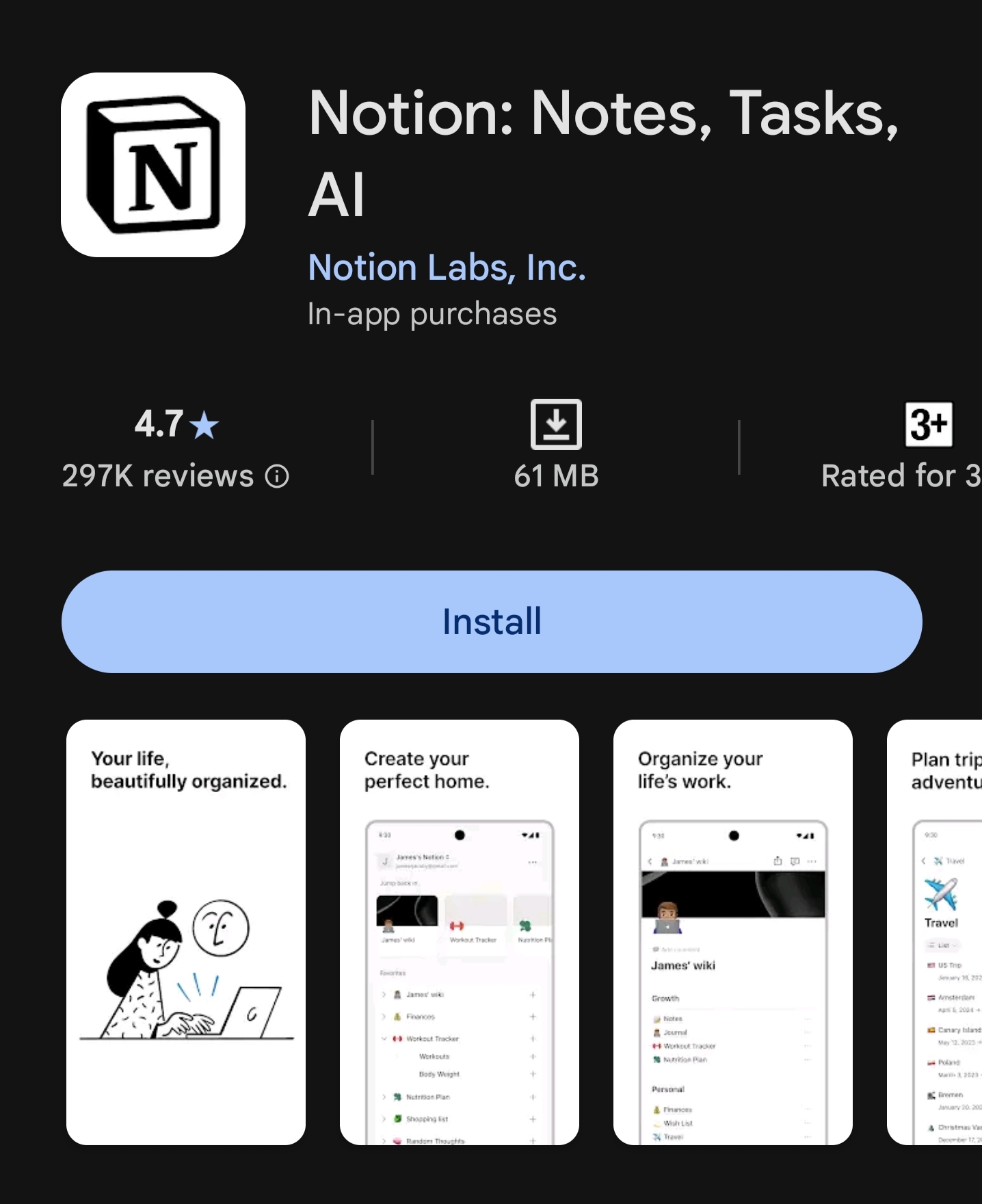
Notion goes beyond simple lists to provide notes, databases, habit trackers, and collaborative pages - all in one customizable platform. It's a powerful hub for students, project managers, and creatives alike.
Evernote & OneNote: Effortless Note Organization
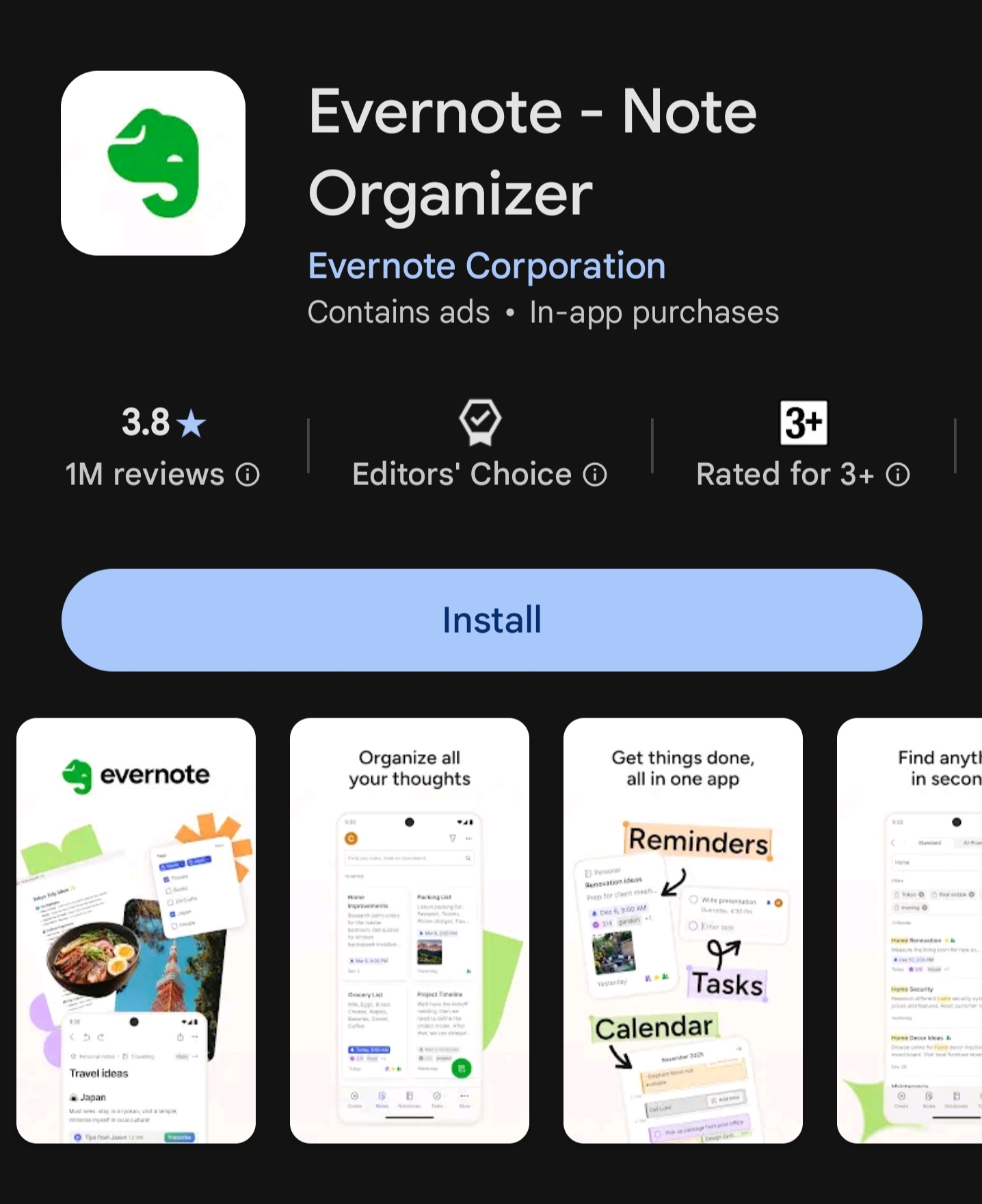
If scattered notes are an issue, Evernote and OneNote let you capture everything from to-dos to inspiration clippings, audio, images, and web pages, with strong search and syncing across devices.
TickTick & Any.do: Advanced Task Managers
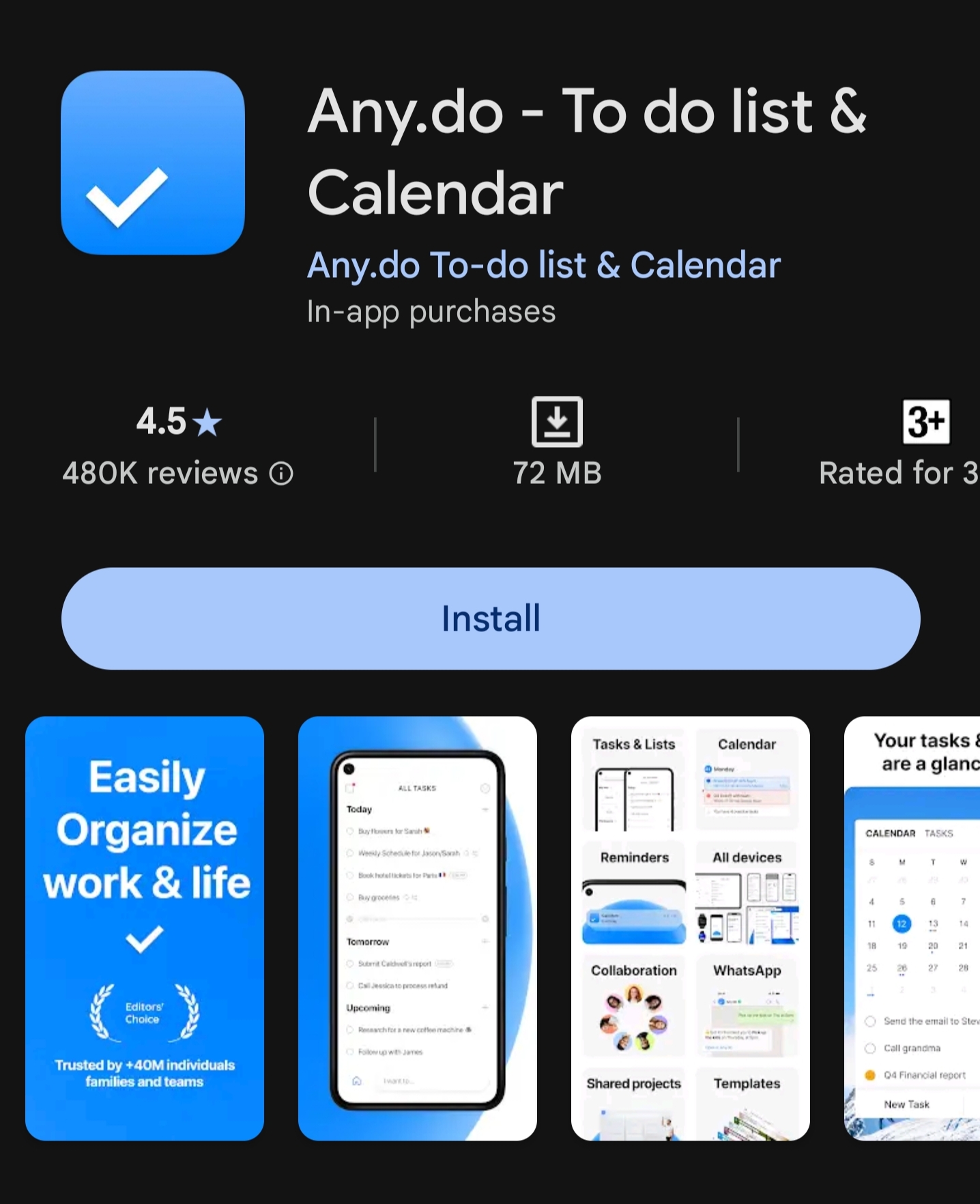
Both TickTick and Any.do offer robust task, list, and habit-tracking features. TickTick includes Pomodoro timers and customizable themes, while Any.do excels at calendar integration and smart reminders.
ClickUp: Professional-Grade Productivity
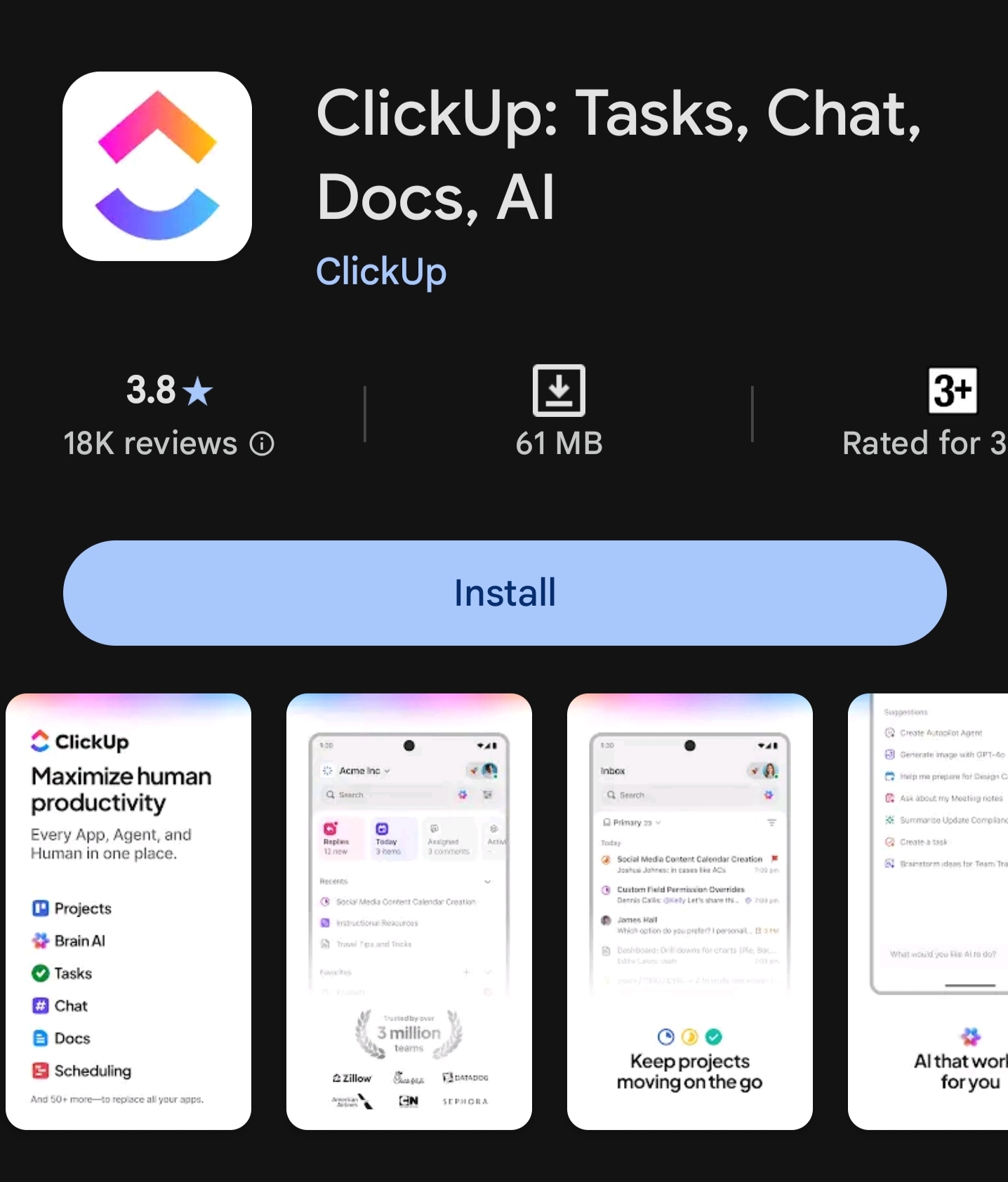
ClickUp is ideal for detailed project planning, integrating time tracking, goal setting, docs, and automations - making it a favorite for teams and freelancers handling complex workflows.
Slack: Organized Communication
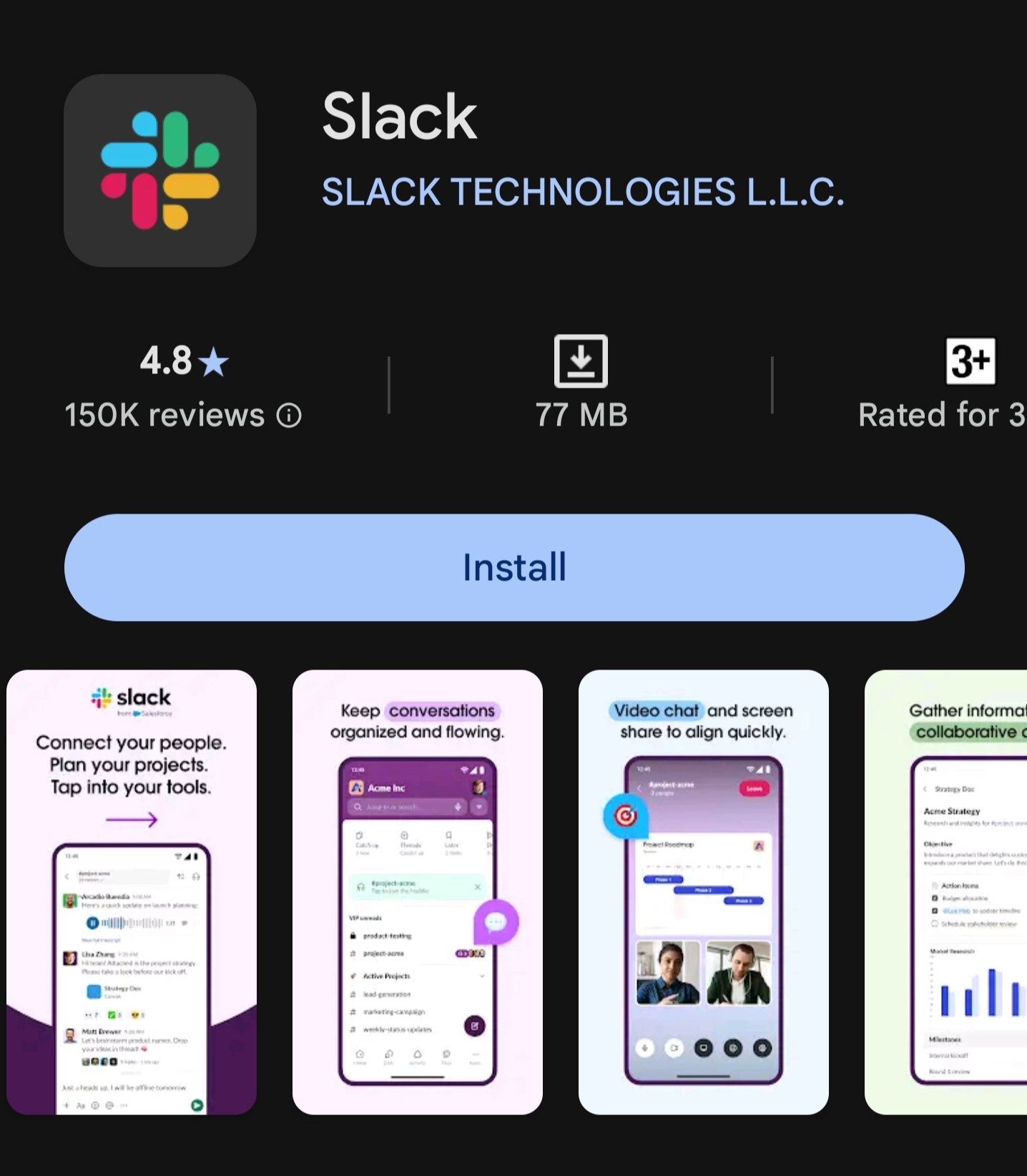
For teams or group projects, Slack organizes communication into channels, integrates with calendars and reminders, and keeps collaboration clear and centralized.
Choosing the right blend of tools can spark organization and productivity in every area of life. Try different combinations to see what works best for your workflow, and remember: true organization is about making technology work for you, not the other way around. Tell which productivity tool you like the most or you would like to try at first.
Signing off
iQOO Moderator
Please sign in
Login and share