



























🚀 Seamless Sharing for the Global Age: Unpacking One-Tap Transfer in Origin OS

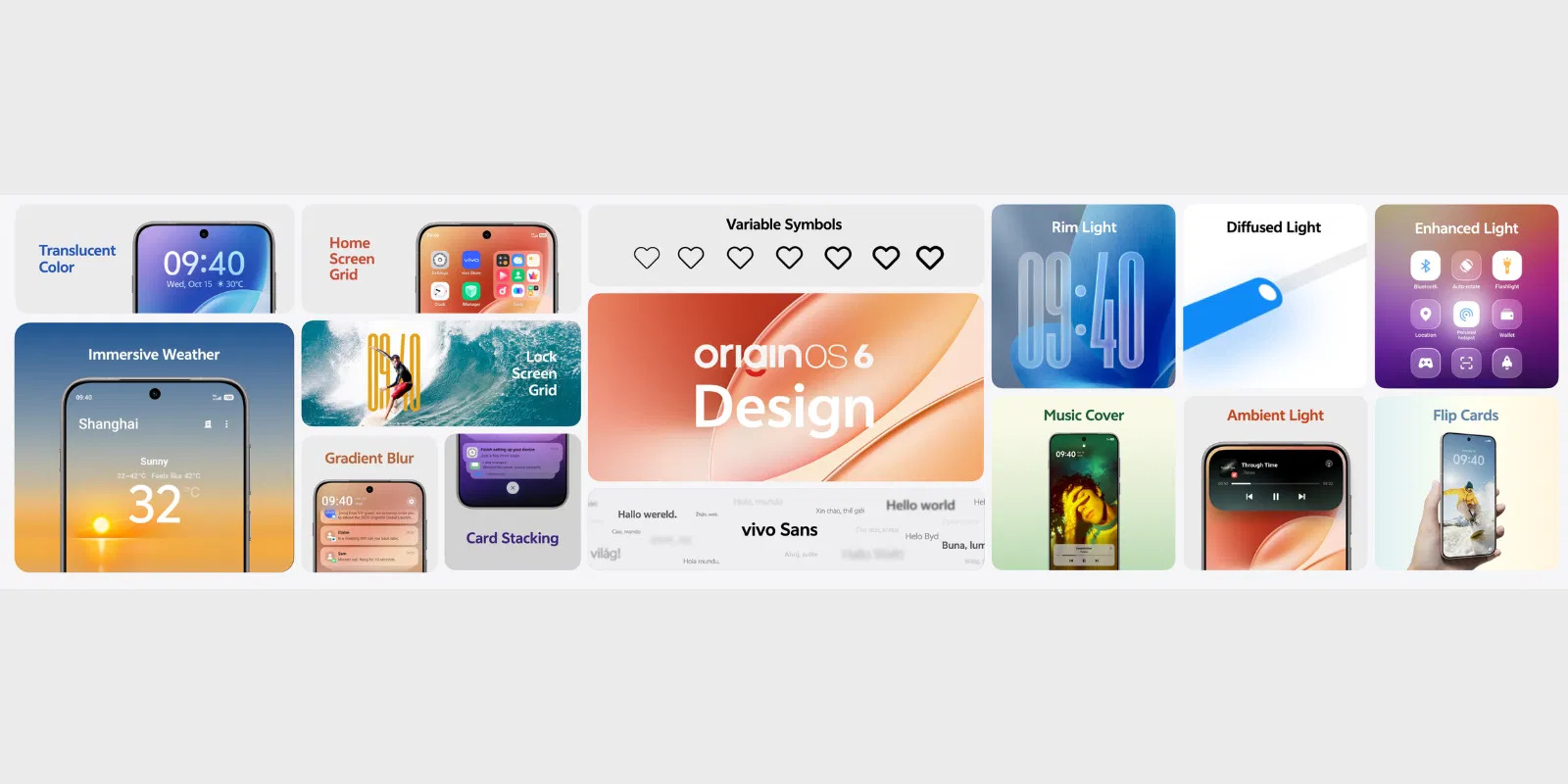
Vivo/iQOO has officially launched OriginOS 6 globally, replacing the older FunTouch OS and ushering in a new era of performance, design, and AI integration. Among the suite of features designed to enhance cross-device productivity, the new One-Tap Transfer stands out as a critical tool for simplifying the digital lives of users worldwide.
What is One-Tap Transfer?
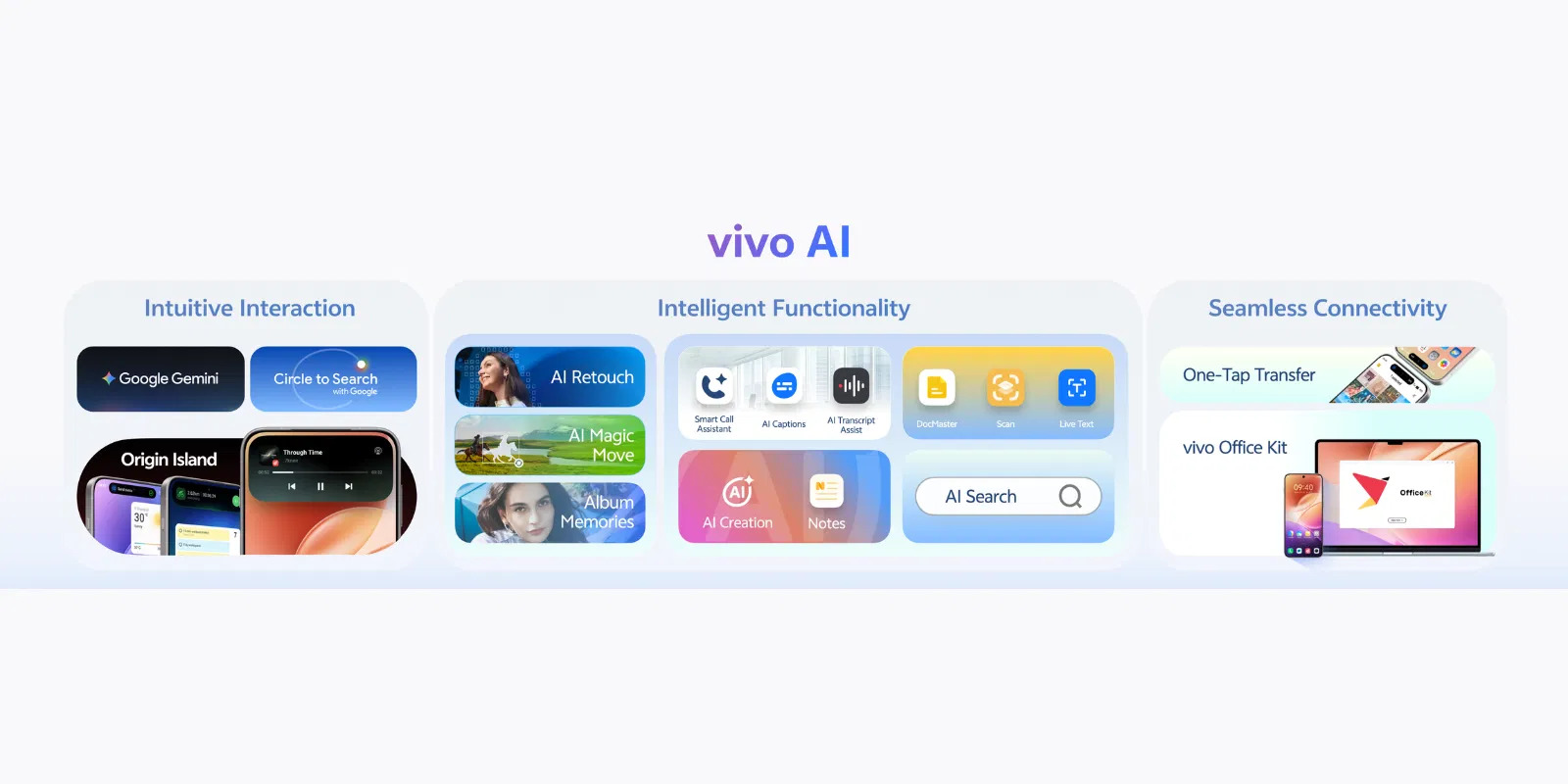
The One-Tap Transfer feature in OriginOS 6 is a key component of Vivo/iQOO's commitment to a seamless, cross-device experience. It is designed to facilitate incredibly fast, direct, and hassle-free file sharing between your Vivo/iQOO device and other operating systems, including Windows, Mac, and significantly, even Apple's iOS/iPadOS devices.
This feature moves beyond basic Bluetooth or cloud sharing. It is positioned as an integral part of the larger Office Kit and Connection Center in OriginOS 6, creating a unified ecosystem where your work and media flow effortlessly between your smartphone and computer, or even when migrating from an old phone to a new one.
Key aspects of the feature
- Cross-Platform Compatibility: The ability to transfer files instantly not just to another Android phone, but also to a PC (Windows/Mac) and an iPhone/iPad.
- Speed and Efficiency: Leverages high-speed local network capabilities to ensure transfers of large files, photos, and documents are completed almost instantly.
- Simplified Migration: It serves as a superior "phone replication" tool, allowing users to automatically and securely migrate all their content—from photos and apps to contacts and call records—from an old device to a new one with minimal steps.
Which App is Required for One-Tap Transfer?
For the One-Tap Transfer functionality, particularly for cross-platform and phone-to-phone migration, the required application is EasyShare.
- EasyShare is the official, fast, and secure file transferring and sharing application developed by Vivo/iQOO.
- It operates independently of an internet connection (using local Wi-Fi or hotspot technology) and boasts lightning-fast transfer speeds, reportedly up to 40 Mbps or even higher.
- Crucially, EasyShare is necessary for completing the "phone replication" process, which is the most common use case for the "One-Tap Transfer" experience when moving to a new Vivo or iQOO device.
For PC/Mac connectivity and advanced features under the "Office Kit" additional companion software may need to be installed on the computer to enable drag-and-drop file transfer and screen mirroring, but EasyShare is the dedicated app for the one-tap data migration and file sharing function.
Beyond Transfer: OriginOS 6's Ecosystem Focus
The One-Tap Transfer is one piece of the broader ecosystem vision in OriginOS 6, which emphasizes smart productivity. Other related features include:
- Office Kit: A multi-device workspace that connects your phone, Windows PC, and Mac for tasks like screen mirroring and seamless file sharing.
- Copy & Go: An intelligent feature that automatically suggests the next logical action (like calling, messaging, or creating a calendar event) the moment you copy a specific piece of data.
- Drag & Go: Allows users to simply drag an image or piece of text onto the new Origin Island (the dynamic, AI-powered hub) to instantly suggest and open the best app for editing or sharing it.
In essence, the One-Tap Transfer with EasyShare provides the structural backbone for moving large amounts of data, while the other features like Copy & Go and Drag & Go handle the smaller, smart, everyday transfers of information.
OriginOS 6 is rolling out globally in phases, starting in November 2025 for flagship and premium mid-range devices for iQOO.
Please sign in
Login and share