


























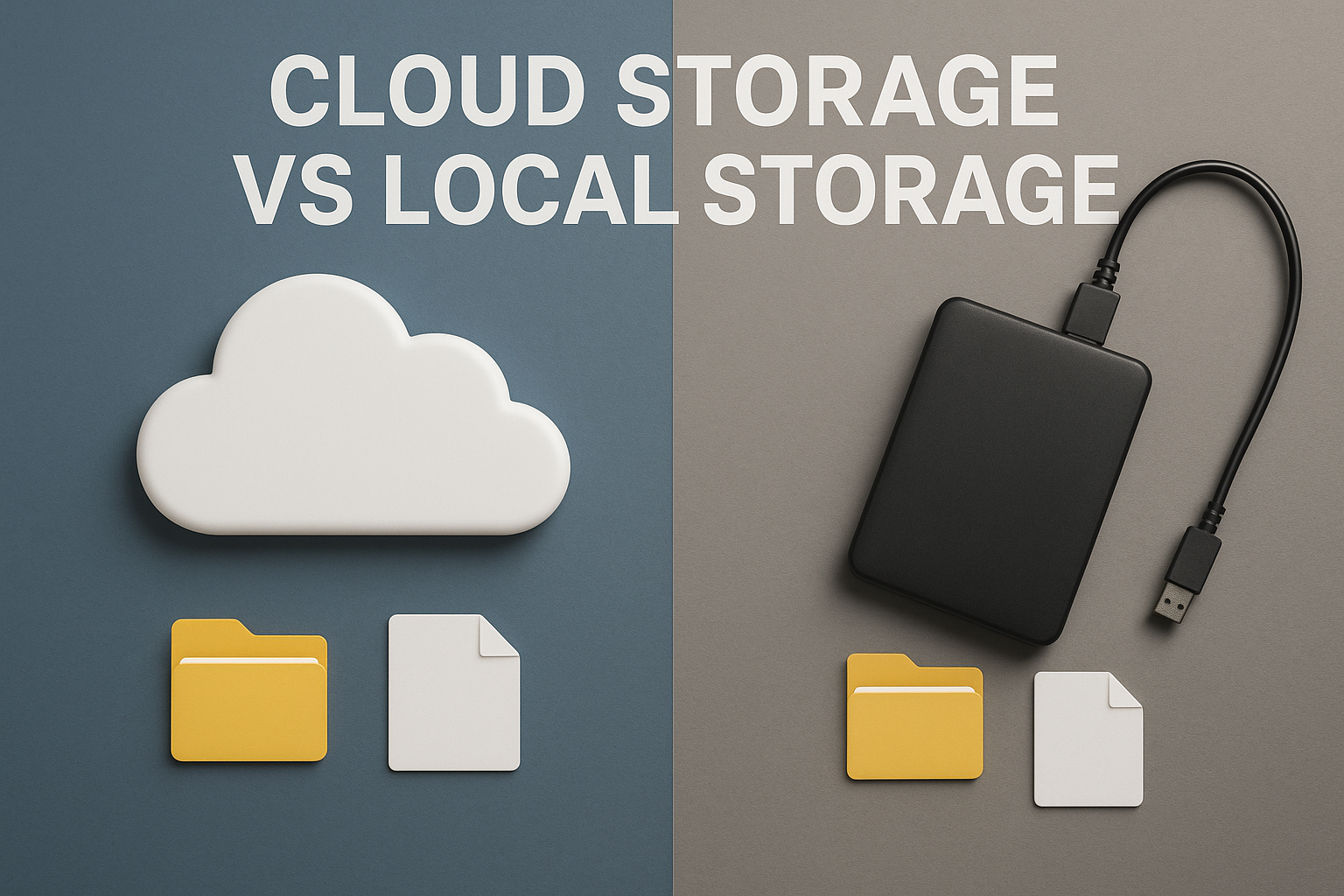
☁️ Cloud Storage vs Local Storage: Which One Keeps Your DataSafer?

In today's world, where everything from memories to work files lives inside our devices, data safety has become one of the biggest concerns. Whether it's photos, documents, or entire app backups — we all want to keep them safe. But the real question is: should you trust the cloud or stay with local storage?
Let's break it down simply.
💾 What Is Local Storage?
Local storage means saving data directly on your device — your phone, laptop, or an external hard drive. It's the traditional way of keeping data safe in your hands.
Pros of Local Storage:
- ✅ Full control – Your data stays with you, no internet needed.
- ⚡ Faster access – No upload/download time, just plug and use.
- 🕵️♂️ Offline privacy – No cloud servers involved, reducing online risks.
Cons:
- ⚠️ Physical damage – If your phone crashes or drive fails, data can be lost.
- 🔐 No backup – If you forget to back up regularly, there's no recovery option.
☁️ What Is Cloud Storage?
Cloud storage means saving your files on remote servers run by companies like Google Drive, iCloud, or OneDrive. You can access them anywhere, anytime.
Pros of Cloud Storage:
- 🌍 Access anywhere – Log in from any device and continue working.
- 🔁 Automatic backup – Your photos and files sync automatically.
- 🔒 Encryption & protection – Reputed providers secure data with advanced encryption.
Cons:
- 📶 Internet dependent – You can't access or upload without connectivity.
- 🧾 Subscription cost – Most cloud services charge for extra space.
- 🔓 Privacy concerns – You're trusting a third party with your data.
⚖️ So, Which One Is Safer?
There's no one-size-fits-all answer — it depends on how you handle your data.
If you value speed and privacy, local storage wins.
If you value convenience and backup safety, cloud storage takes the lead.
The best solution?
👉 Use both.
Store important files locally and keep a secure backup in the cloud. This hybrid approach protects against both hardware damage and online risks.
🔐 Final Thoughts
In 2025, with smartphones becoming smarter and data becoming larger, balancing security and accessibility is the key. Whether you prefer your files locked in a hard drive or floating in the cloud, the real safety lies in how consistently you back up and protect them.
So next time you snap a photo or save an important file — ask yourself: is it backed up somewhere safe?
Living the quest. Sharing the best.
@4Aniket with you, always on @iQOO Connect.
Please sign in
Login and share