



























Origin OS 6 Tips & Tricks Every iQOO User Should Know

Hey iQOO fam,
These Origin OS 6 tips will change the way you use your iQOO 📱
Here are some must-try tricks to unlock the Monster Performance inside ⚡
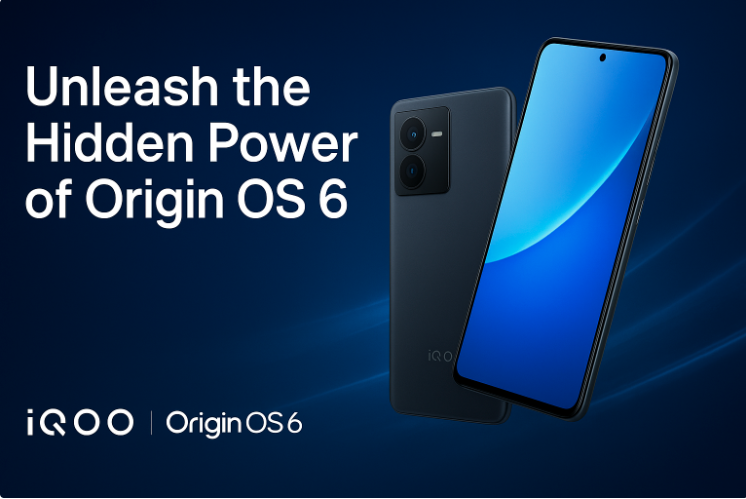
1. Custom Lock Screen
Make your lock screen uniquely yours.
- Go to Settings → Lock screen & password → Clock style
- Try the “Flip Cards” animation
- Add shortcuts like camera or flashlight for instant access
2. Smart Home Screen Setup
Organize your home screen efficiently.
- Use Widget Stacking to save space
- Explore Space Design Layouts for better icon placement
- Adjust animation style for smoother transitions
3. Quick Control Center Hacks
- Pull down the top bar for redesigned toggles
- Long-press any tile to customize shortcuts
- Enable Ultra Game Mode for distraction-free gaming
4. Boost Performance & Battery
Keep your device fast and efficient.
- Turn on Micro Power Saver when battery runs low
- Check app usage in Settings → Battery → Consumption
- Enjoy up to 18% faster app launches with Origin Smooth Engine
5. Explore Smart Features
- Use Origin Island for easy multitasking
- Try AI tools like Object Eraser and Smart Photo Expand
- Connect your phone and PC through Office Kit
6. Privacy & Comfort Settings
- Use Private Space for sensitive data
- Enable Sleep Comfort Mode for eye protection
- Review and manage app permissions regularly
7. Quick Tricks
- Three-finger swipe down → Screenshot
- Long-press apps → Rename or customize
- Smart Motion Gestures → Launch camera or music instantly
8. Join the Conversation
Origin OS 6 is packed with features worth exploring.
Share your favorite tip or hidden feature in the comments below.
Let's build the ultimate iQOO Tips thread together.
@iQOO Connect @TechSAM009 @arjunbansal @Sameer Shaikh @KrishnaQ @KETAN @JStreetS @RZ Nitin @V J ANANTH KRISHNA @KrishnaVamsi @NITIN @Hasratsingh @HasanRazaKhan @TechieGuy15 @Jabir007 @ARITRA @Akshay Naik
Please sign in
Login and share