



























How to automatically change your Android wallpaper based on time of day

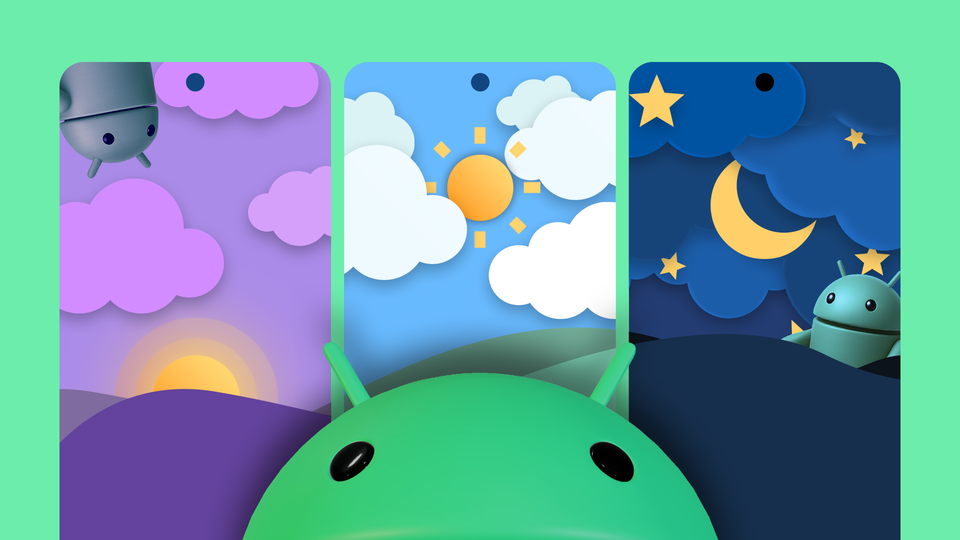
Hey iQOO fam! 👋You can spruce up the wallpaper on your Android to match the time of day. Instead of a boring static wallpaper, you can set the phone to change wallpapers dynamically. For example, you could have your phone display a light mode wallpaper during the day, which transitions to a dark mode wallpaper at night. I’m going to show you three ways you can do so.
Get a live wallpaper (The Easy Way)
As opposed to static image wallpapers, live wallpapers are interactive and animated. Most live wallpapers are just interactive and animated, but there are some live wallpapers that are also designed to change based on ambient weather, current time, or season. All you have to do is install a live wallpaper like that, set it up, and you’re good to go.
I’m using an app called Chill Vector Live Wallpaper for this demo. It’s free, doesn’t have ads, doesn’t collect any data (according to the Play Store page), and doesn’t require any permissions. Plus, it has a ton of customization features. The Play Store has a bunch of similar live wallpapers that change depending on what time it is, so you can take your pick.
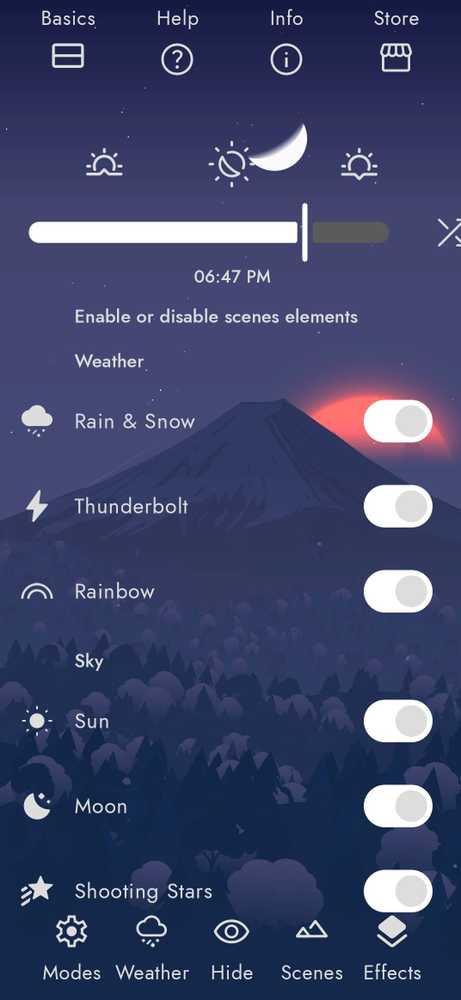
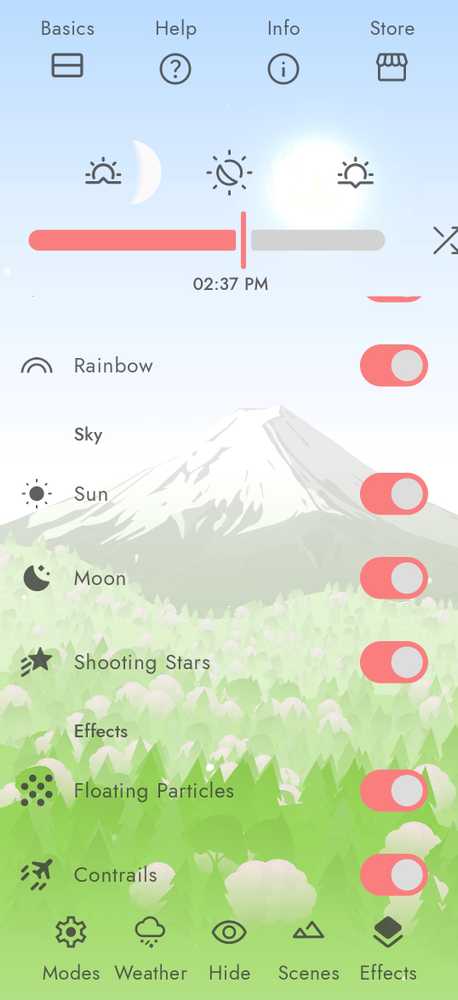
The live wallpaper is an interactive landscape that dynamically changes throughout the day. The moonrise and the sunrise correspond with real-world timings. You can also change the weather conditions of this scene—make it misty, change the cloud cover, adjust rain or wind strength. You can even give the app access to your live location and enable weather updates to have the scene correspond with the weather in your locale. For further customization, try switching effects like contrails, floating particles, shooting stars, rainbows, and so on.
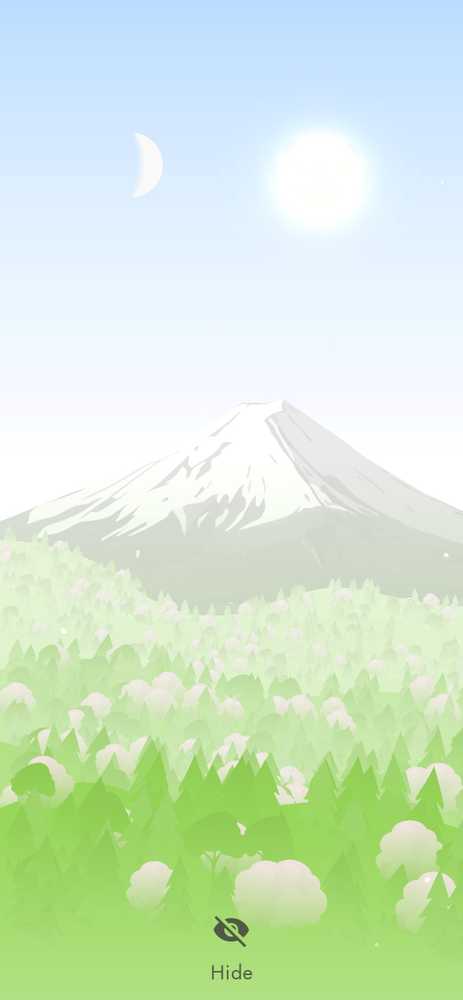
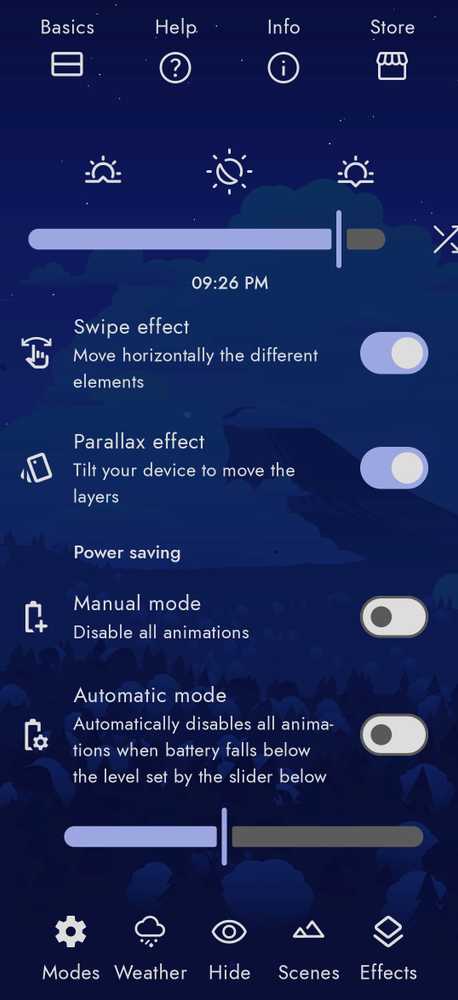
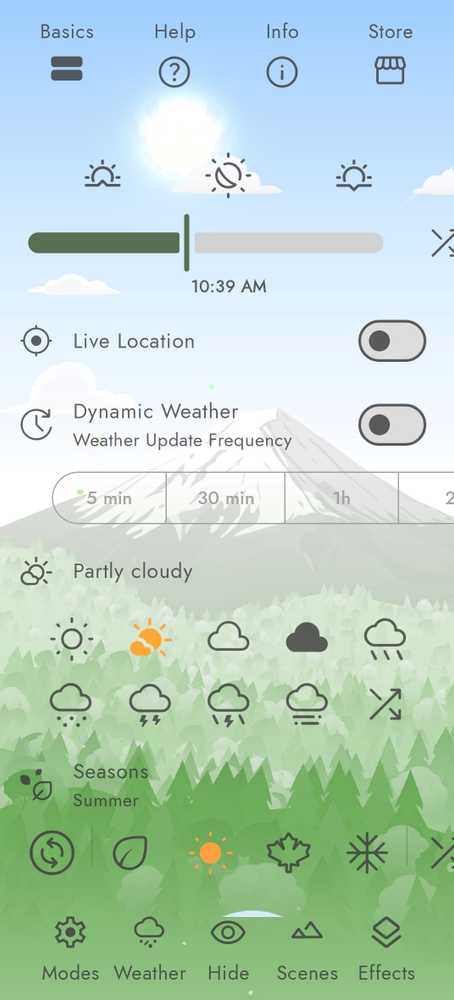
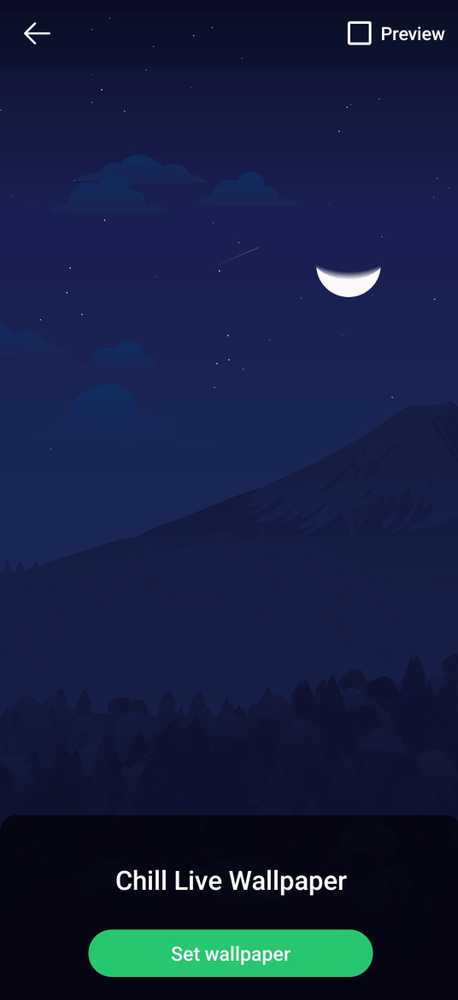
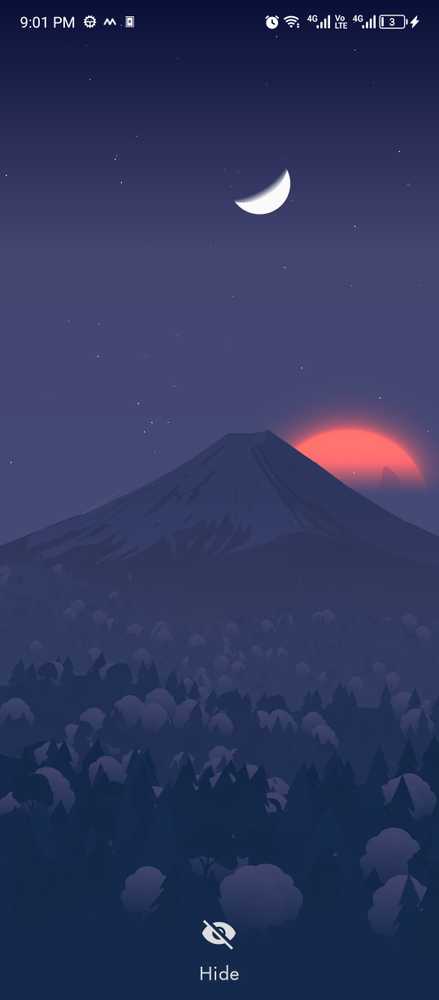
The live wallpaper is an interactive landscape that dynamically changes throughout the day. The moonrise and the sunrise correspond with real-world timings. You can also change the weather conditions of this scene—make it misty, change the cloud cover, adjust rain or wind strength. You can even give the app access to your live location and enable weather updates to have the scene correspond with the weather in your locale. For further customization, try switching effects like contrails, floating particles, shooting stars, rainbows, and so on.
Create your own dynamically changing wallpaper (medium difficulty)
With a live wallpaper app like Chill Vector, you can’t change the wallpaper itself. What you can do is create a live wallpaper of your own that changes the images on a timer. There are dedicated apps like Wallpaper Changer that you can configure with pictures of your choice, set them to change over time automatically, and set the collection as a live wallpaper.
Start by downloading the wallpapers you want to use for the transitions. Then install the app from the Google Play Store.
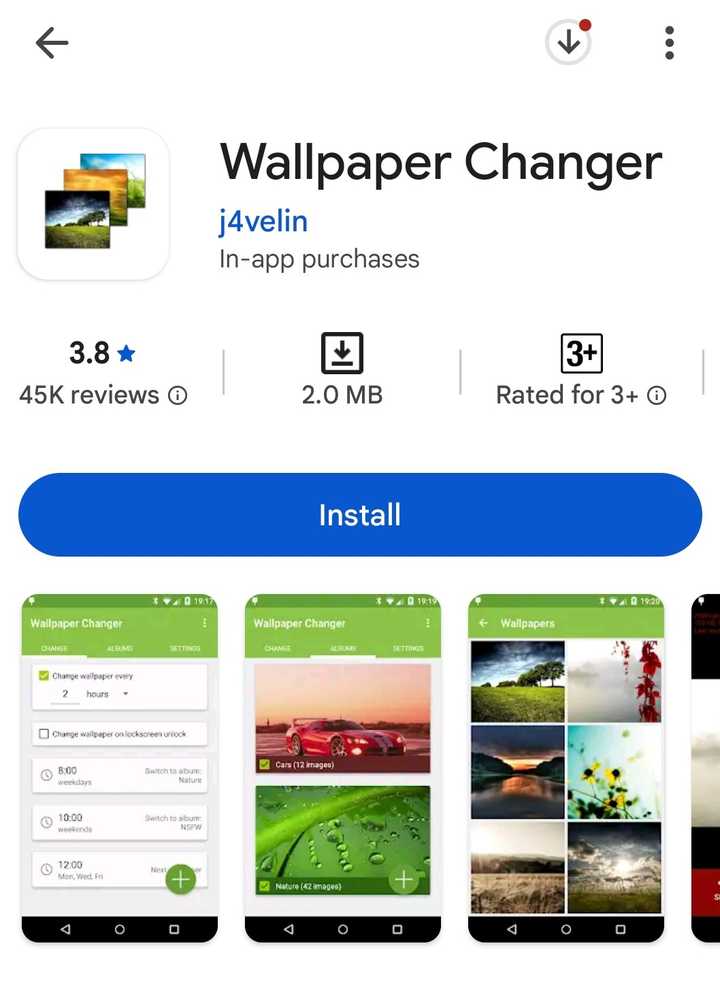
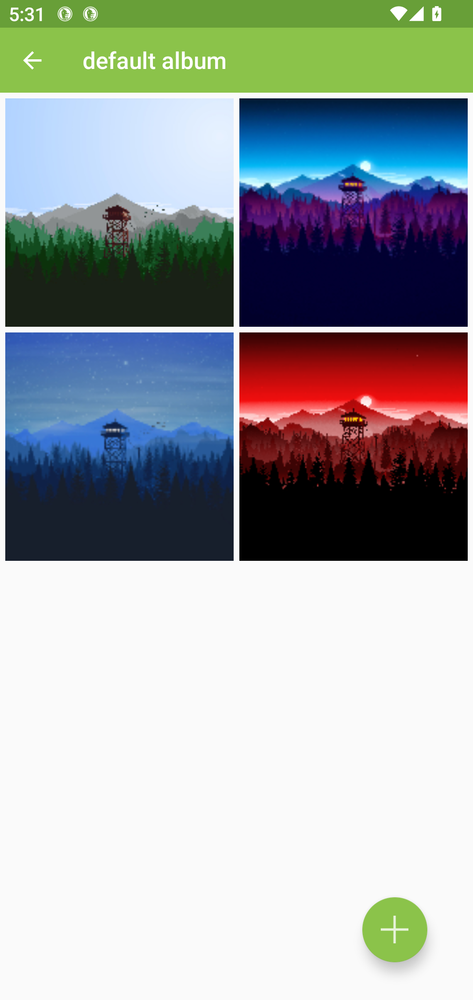
Open the app and switch over to the Albums tab. Tap “Default Album” and then tap the “+” icon at the bottom. The app will let you add an entire folder or separate images to the album. I’ve chosen four wallpaper images for the album and set the app to change the wallpaper every six hours.
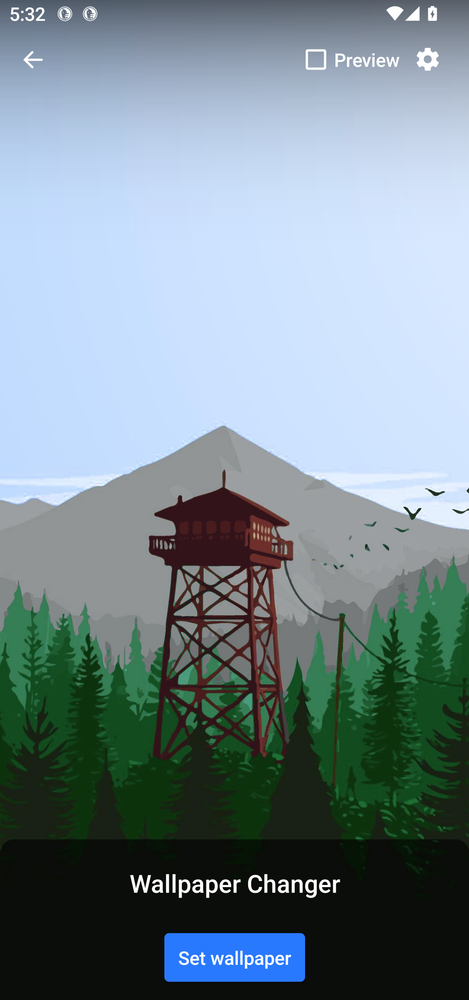
Once that’s set up, tap the orange banner that sets the album as a live wallpaper. Then tap “Set Wallpaper” and choose between “Home Screen” and “Home Screen and Lock Screen” options.
Please sign in
Login and share