



























Tech Behind Gaming | Part – IV | Touch Latency ⚡

Touch Latency is the REAL “reaction time killer.”
Even if you have 120Hz + high touch sampling, high latency ruins everything.
Here’s the breakdown:
✅ 1. What Touch Latency Actually Means
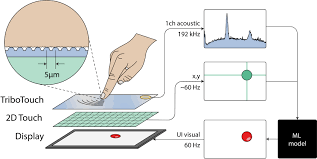
It’s the total delay between:
You touching the screen → the action happening in the game.
If your phone has:
- Great refresh rate ✅
- High touch sampling ✅
- but latency = high ❌
- your aim will still feel slow.
✅ 2. How Touch Latency Affects Gaming
Lower latency = faster response + higher accuracy.
With low latency:
✅ Shots register instantly
✅ Movement feels crisp
✅ Peek → shoot feels natural
✅ Gyro + touch combo becomes deadly
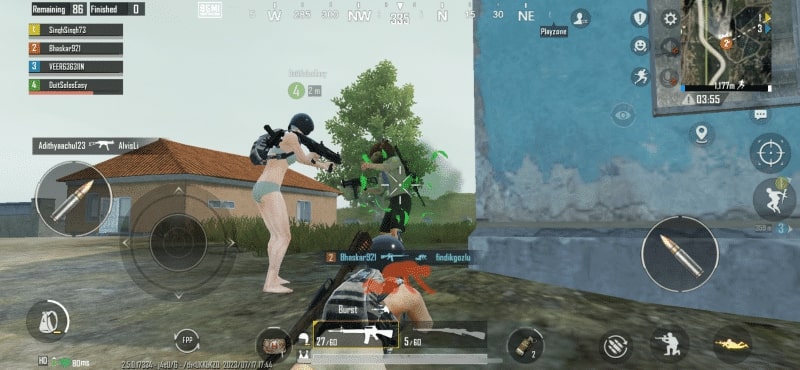
With high latency:
❌ Bullets feel delayed
❌ Screen drag feels heavy
❌ Aim corrections slow
❌ Close fights feel unfain
✅ 3. What Causes Touch Latency?
Several things add up like a chain:
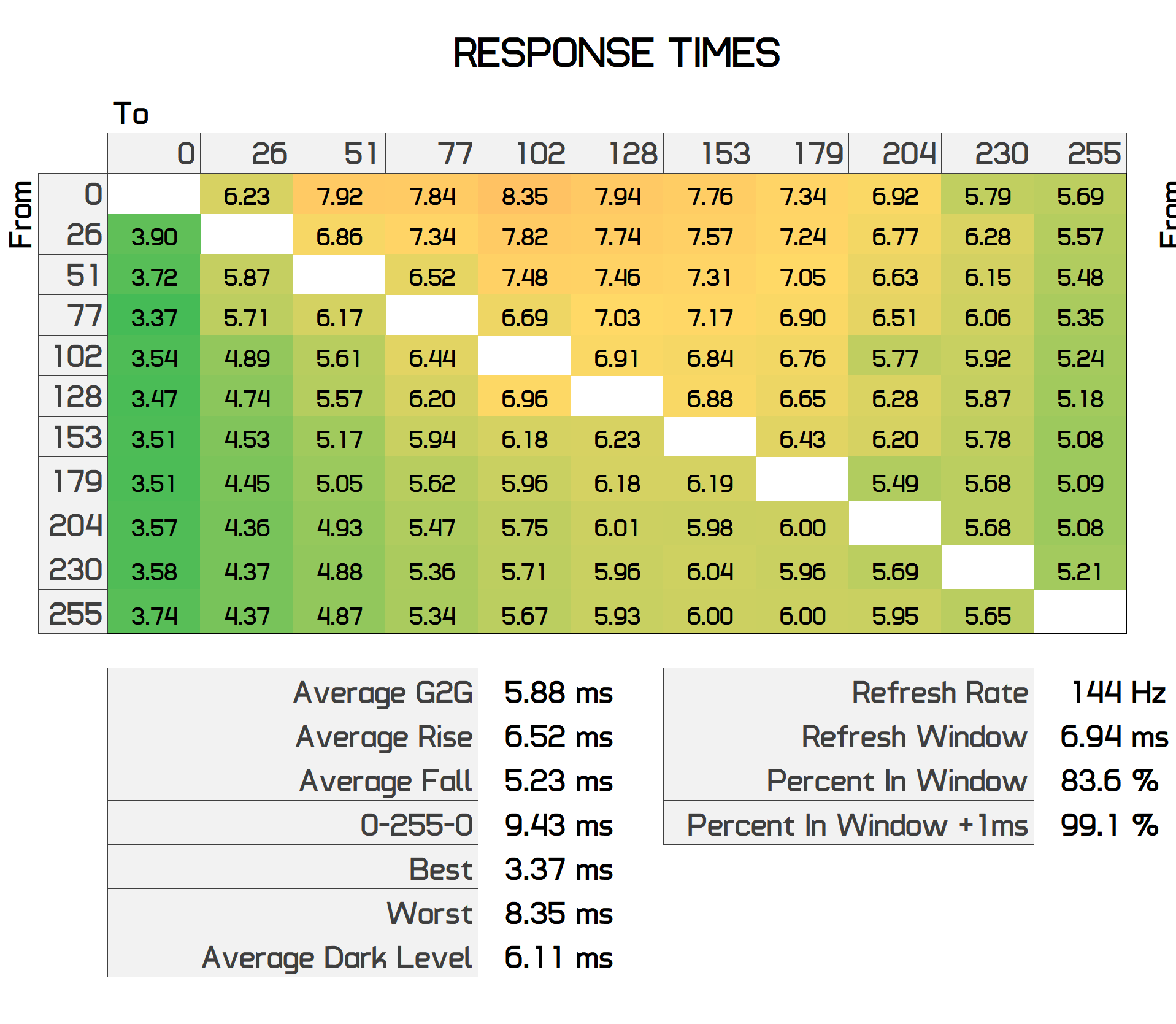
• Screen processing delay
• Touch controller speed
• Game engine optimization
• Thermal throttling
• Background apps
• Low battery mode
• Developer settings like touch smoothing
Even 1–3ms delay can change a clutch fight.
✅ 4. Why Some Phones Feel “Snappier”
Because of better hardware + software combo:
✅ Optimized touch drivers
✅ Faster touch IC
✅ Stable FPS
✅ Clean gaming mode priority
✅ Good thermals
This is why some mid-range phones beat high-end ones in responsiveness.
✅ 5. How to Reduce Touch Latency
Here are real gamer fixes:
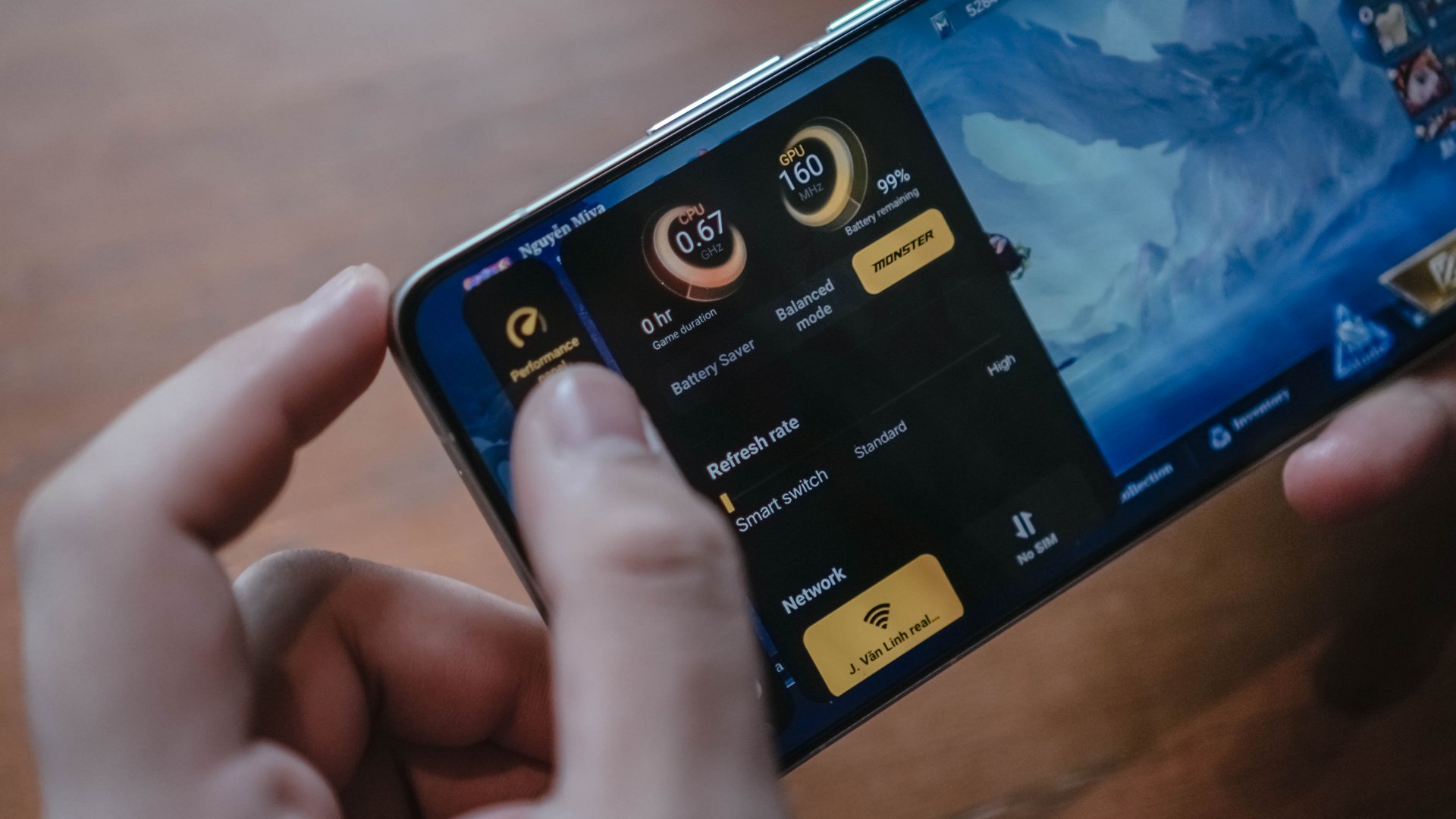
✅ Use Game Mode / Monster mode
✅ Keep battery above 25%
✅ Turn off animations
✅ Close background apps
✅ Avoid overheating
✅ Disable adaptive battery
✅ Use 120Hz mode while gaming
These small tweaks reduce delay by 8–20ms easily.
✅ Conclusion
Touch Latency is the ultimate difference between “I almost won” and “I clutch.”
Low latency = instant reactions + smoother aim + more kills.
Your phone’s speed isn’t just FPS — it’s the delay behind every tap.
THANK YOU
Please sign in
Login and share