



























🎮 Tech Behind Gaming | Part - VI | Thermal Throttling

If your game runs buttery smooth for 15 minutes and then suddenly turns into a slideshow — your system isn’t tired, it’s just too hot.
That’s Thermal Throttling in action — the invisible limiter that kicks in when your gaming hardware overheats.
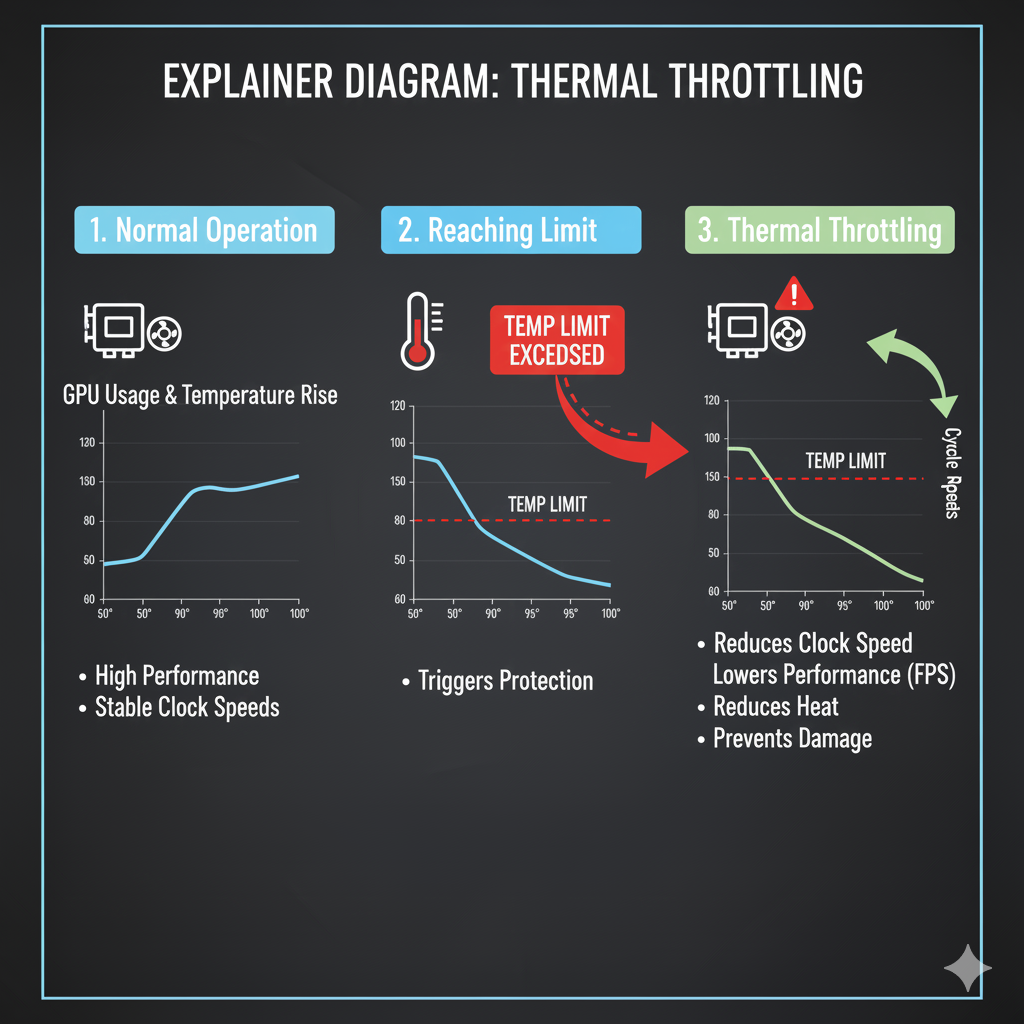
🔥 What is Thermal Throttling?
Thermal throttling is a self-defense mechanism built into CPUs and GPUs.
When temperatures rise beyond a safe level, the processor automatically slows down its clock speed to reduce heat generation.
In simpler terms — your PC chooses safety over speed.
⚙️ Why it Happens:
Every chip has a maximum safe temperature.
When you push your system with heavy tasks (like gaming, streaming, or rendering), heat builds up faster than it can be dissipated.
If your cooling can’t keep up, throttling activates to prevent permanent damage.
Common causes include:
- Poor ventilation or blocked air vents
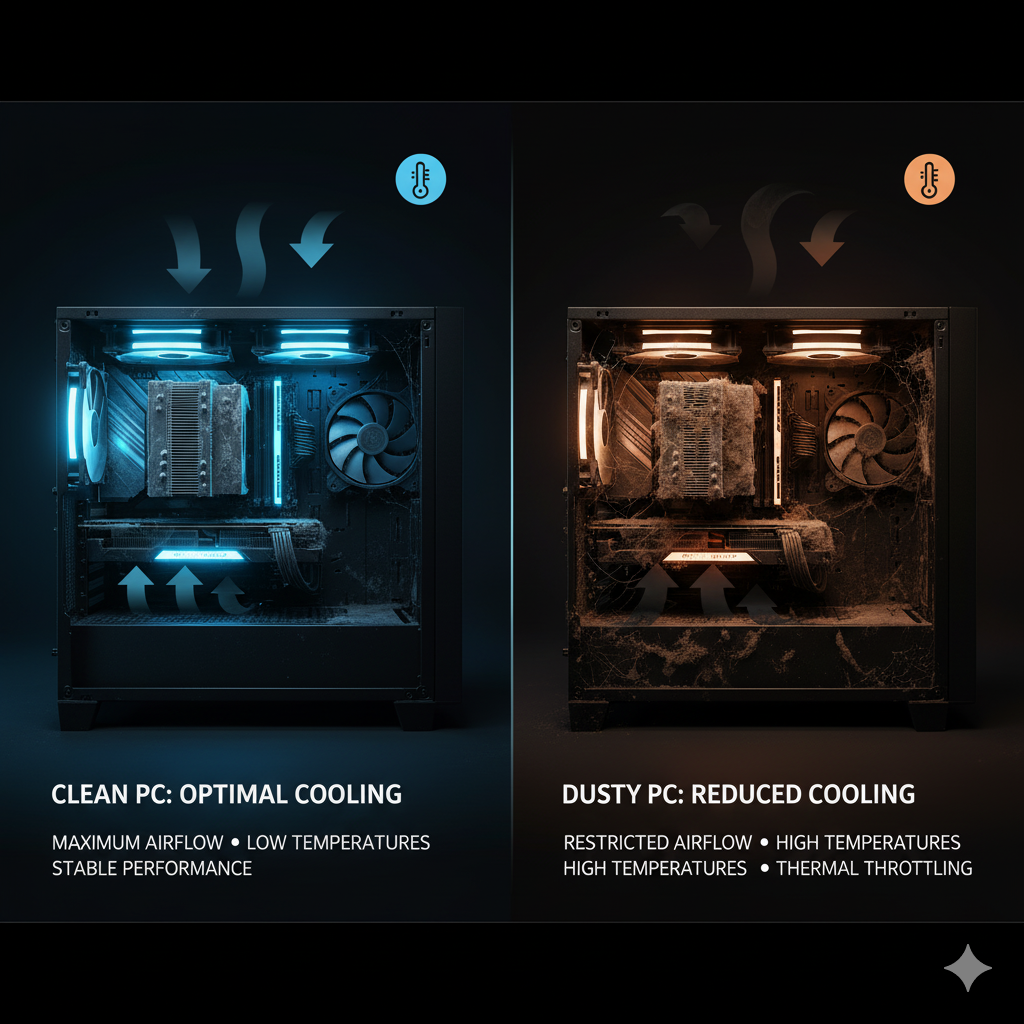
- Dust buildup in fans or heat sinks
- Worn-out thermal paste
- Overclocking without proper cooling
- Thin laptop chassis trapping heat
🎮 Impact on Gaming:
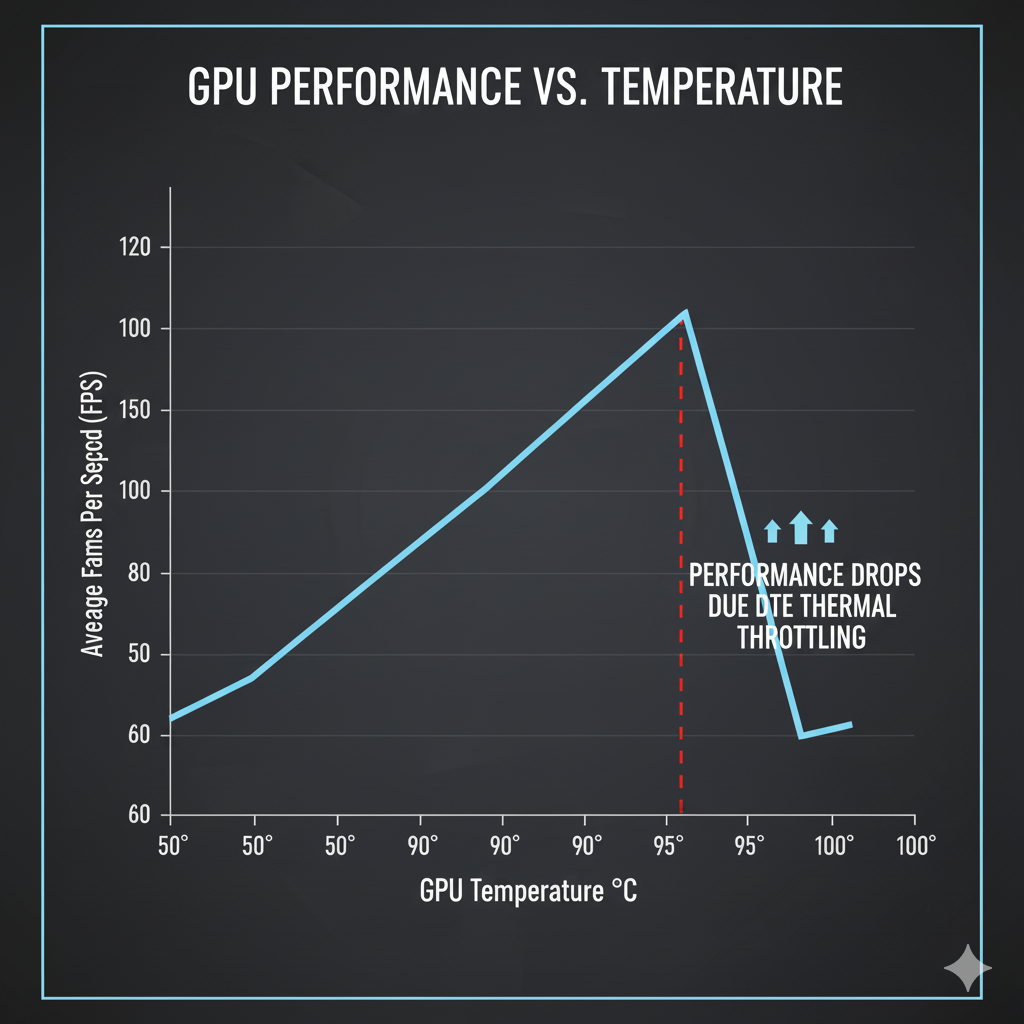
Thermal throttling directly affects FPS stability and game smoothness.
You might see:
- Sudden frame drops or lag spikes
- Inconsistent performance over time
- Higher fan noise as the system struggles to cool down
- Reduced benchmark scores or CPU/GPU utilization
For competitive gamers, even a few milliseconds of throttling can ruin aim timing or movement consistency.
🧊 How to Prevent It:
Keeping your setup cool = consistent performance.
Here’s how to fight back:
- Improve airflow: Ensure intake and exhaust fans are placed efficiently.
- Clean regularly: Dust kills cooling efficiency.
- Replace thermal paste: Fresh paste can lower temps by up to 10°C.
- Use cooling pads for laptops and liquid cooling for high-end PCs.
- Undervolt or optimize fan curves for efficient heat control.
💡 Quick Fact:
Most CPUs begin throttling around 90–95°C, and GPUs around 85–88°C.
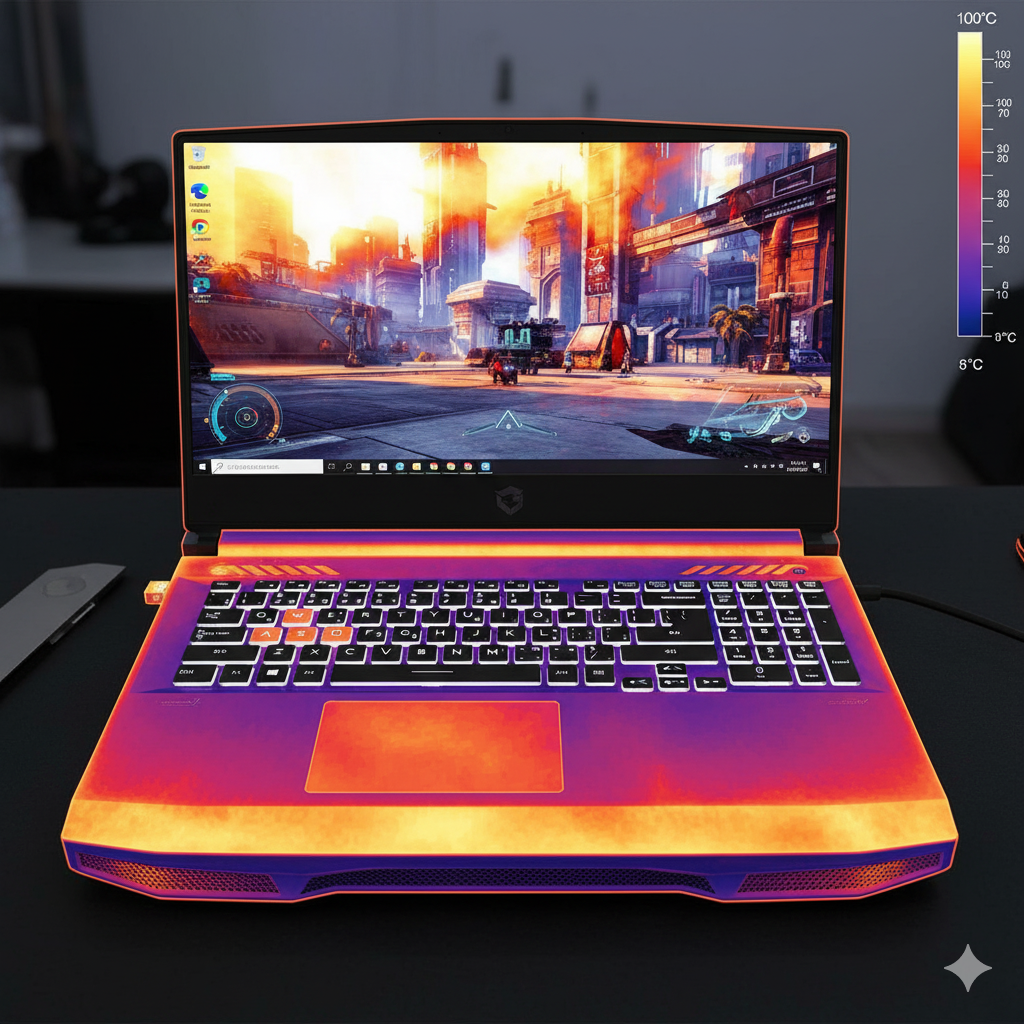
Gaming laptops, due to their compact design, hit these limits much faster than desktops.
THANK YOU @iQOO Connect
Please sign in
Login and share