



























OriginOS 6 Deep Dive: Meet Origin Island

Hey Questers! The notification and status bar experience is getting a major upgrade in OriginOS 6, moving beyond static icons to a dynamic, interactive space called Origin Island.
Forget constantly pulling down the shade—this feature is about delivering information and services where you need them, when you need them.
What is Origin Island?
Origin Island is a global messaging window that lives within your status bar area. It's designed to be a central, thought-aware hub for real-time information and service access. Think of it as a smart, evolving widget that adapts based on what you're doing.
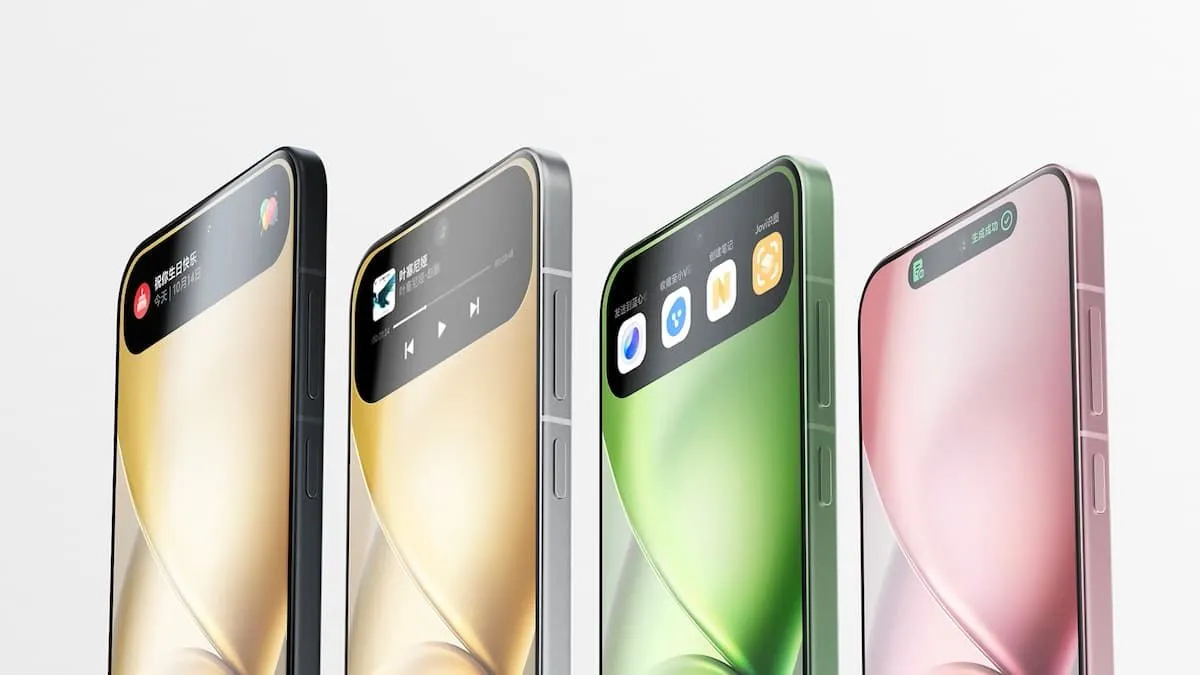
Here's what it provides:
- Critical Real-time Information: Immediate updates that matter most.
- Thoughtful Service Recommendations: The system learns your context and suggests services you might need right now.
- System Status Changes: Quick visual confirmation of device activity (e.g., charging, connecting).
- Notifications and Progress: See notifications and track ongoing processes, like file downloads, without leaving your current app
1. Origin Island: The Smart Status Hub
Origin Island is a global messaging window that lives within your status bar area. It's designed to be a central, thought-aware hub for real-time information and service access.
- Smart Integration: It uses Context suggestions and other services to provide notifications, progress updates, and quick access to essential apps like Origin Player.
- Seamless Access: It helps you obtain important information at any time and quickly access desired services, streamlining your entire mobile experience without constantly pulling down the notification shade.
2. Drag & Go: Effortless Content Sharing
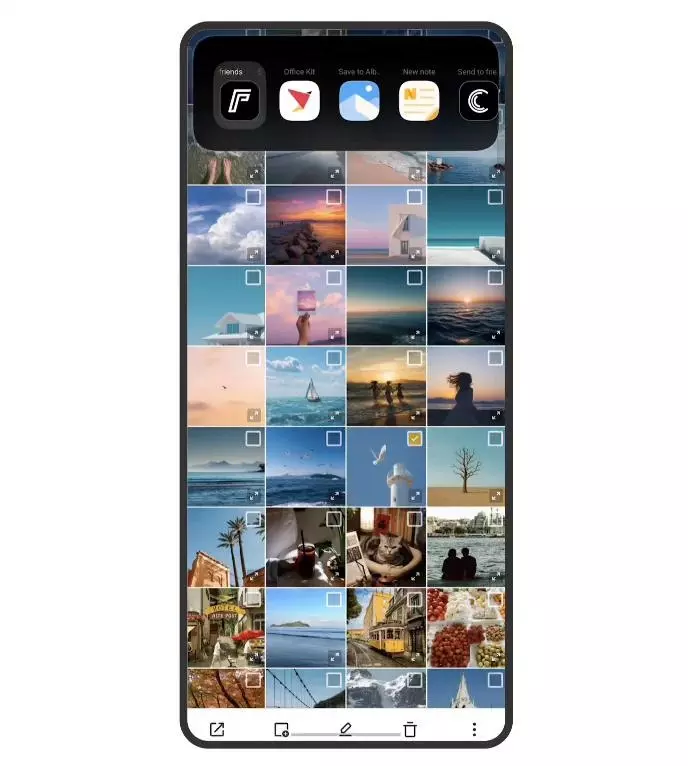
Tired of copy-pasting and switching apps just to share a photo or document? Drag & Go (which integrates with Origin Island) lets you handle files with a simple gesture.
- How it Works: In the video, we see a user select a photo in the gallery, drag it upwards towards a temporary storage area (often part of the Origin Island concept), and then drop it onto the desired sharing app icon (like "Flan" for posting).
- Benefit: This creates a temporary, fluid staging area for content, allowing you to instantly move photos, files, or links between applications, saving multiple taps and tedious navigation steps.
3. Quick URL Open: Instant Web Access
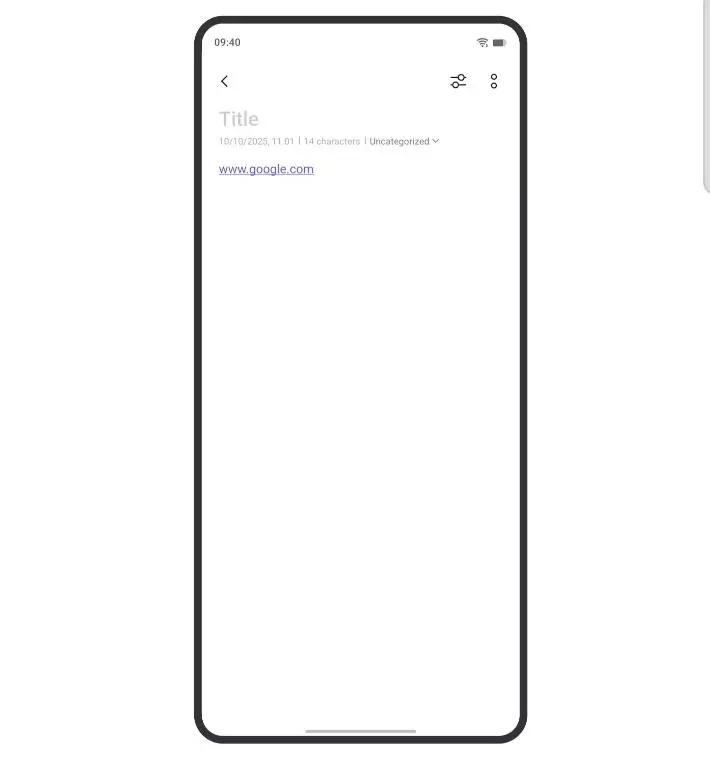
OriginOS 6 makes acting on text snippets faster than ever, especially when dealing with web links.
- How it Works: When you select text in an application (like the notes app in the video), if the text contains a recognizable URL (e.g., www.google.com), the system intelligently provides a dedicated "Open URL" option.
- Benefit: Instead of copying the link, closing the app, opening the browser, and pasting the link, you simply tap "Open URL" from the selection menu. The link then pops up from the Origin Island area and immediately directs you to the relevant webpage in your browser.
📲 How to Find Origin Island
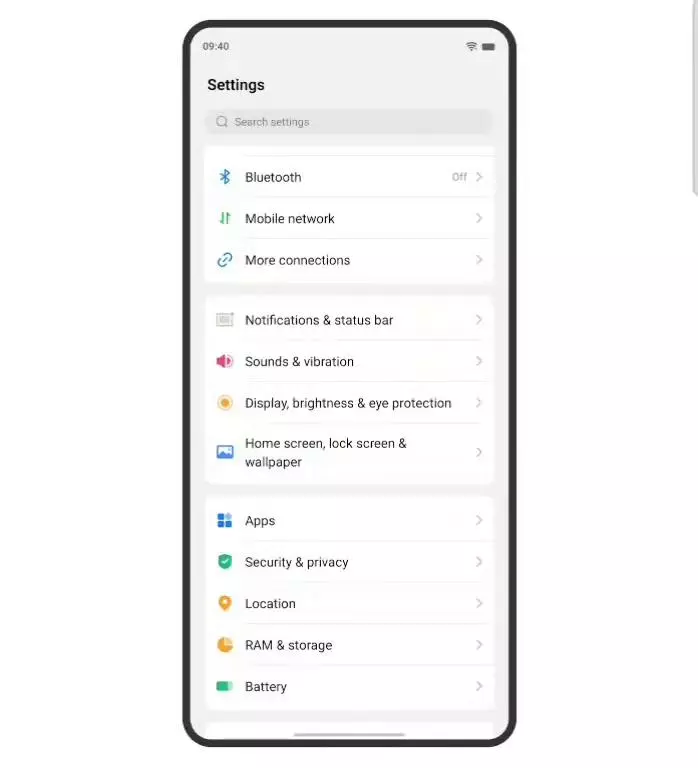
You can manage and explore the settings for this feature here:
- Go to Settings.
- Navigate to Notifications & status bar.
- Look for and tap on the "Origin island" option to customize its behavior.
Stay tuned for more features!
Please sign in
Login and share