



























How to Use Pixabay: Free Images & Videos for Any Project

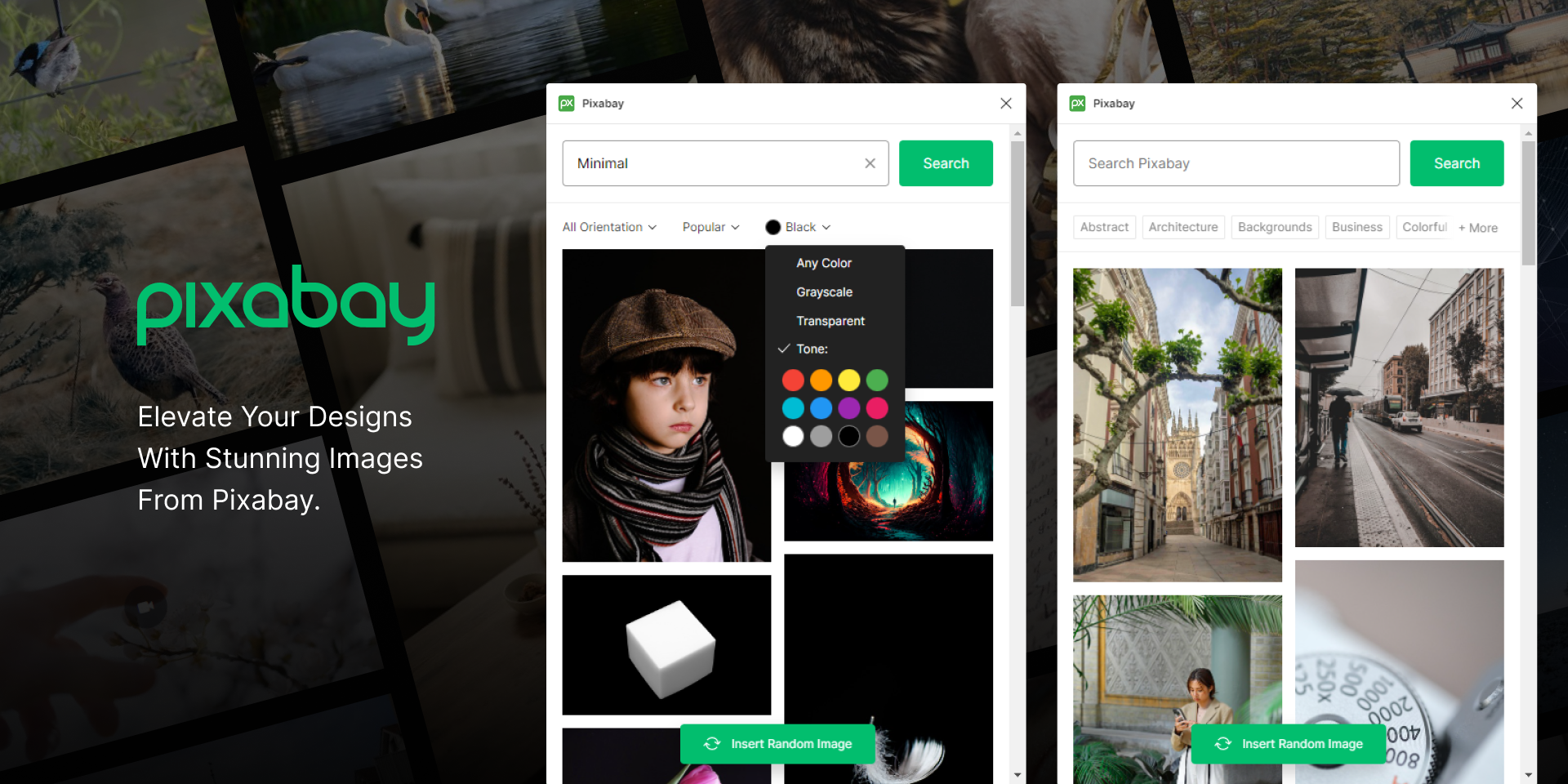
Pixabay is a free website where you can download copyright-free images, videos, vectors, music, and illustrations.
You can use all media for personal and commercial projects without paying or giving credit.
It is one of the best platforms for free stock photos.
✅ How Pixabay Works
Pixabay follows a simple process:
- Creators upload photos/videos
- Pixabay checks and approves the content
- Users (like you) can download these files for free
- No copyright issues — safe for use in any project
- High-quality images available without watermark
Pixabay earns through ads, so downloads stay free.
✅ How to Use Pixabay (Step-by-Step)
Step 1: Visit the Website
Go to: pixabay.com
Step 2: Search for Any Image or Video
Type in the search bar:
- Nature
- Technology
- Business
- Backgrounds
- Wallpapers
- Logos
- Social media images
- Animals
- 4K videos
Pixabay has millions of results.
Step 3: Choose Image Type
You can filter by:
- Photos
- Videos
- Vectors
- Illustrations
- Music
- Sound effects
Step 4: Select the Image You Want
Click on the image.
You will see:
- Resolution options
- Download button
- Related images
Step 5: Download
Click Free Download → select size → image saves to your device.
You don’t need an account to download.
✅ What You Can Use Pixabay For
Pixabay is very useful for:
✔ YouTube thumbnails
✔ Social media posts
✔ Posters / Flyers
✔ Website images
✔ School/College projects
✔ Graphic design work
✔ Blogs and articles
✔ Backgrounds for editing
✔ Mobile wallpapers
✔ Video B-roll clips
Everything is copyright-free, safe to use anywhere.
Thank you
Your Qool Quester
Ayush pandey
@JStreetS@TechSAM009@Milind_kahane@Khushi@NipunMarya
Please sign in
Login and share