



























Explaining iQOO One - Tap Transfer

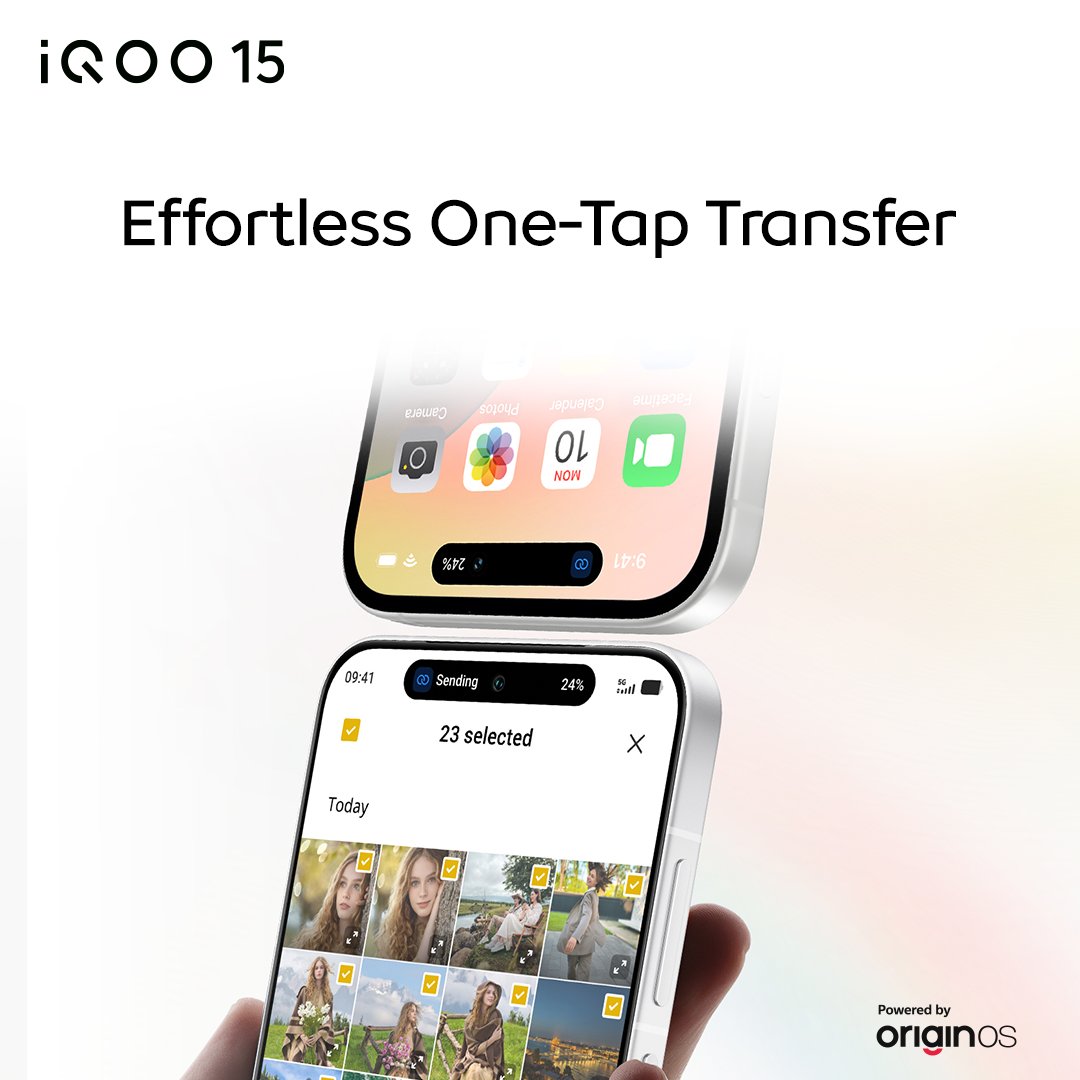
iQOO has officially launched OriginOS 6 globally, replacing the older FunTouch OS and ushering in a new era of performance, design, and AI integration. Among the suite of features designed to enhance cross-device productivity, the new One-Tap Transfer stands out as a critical tool for simplifying the digital lives of users worldwide.
What is One-Tap Transfer?
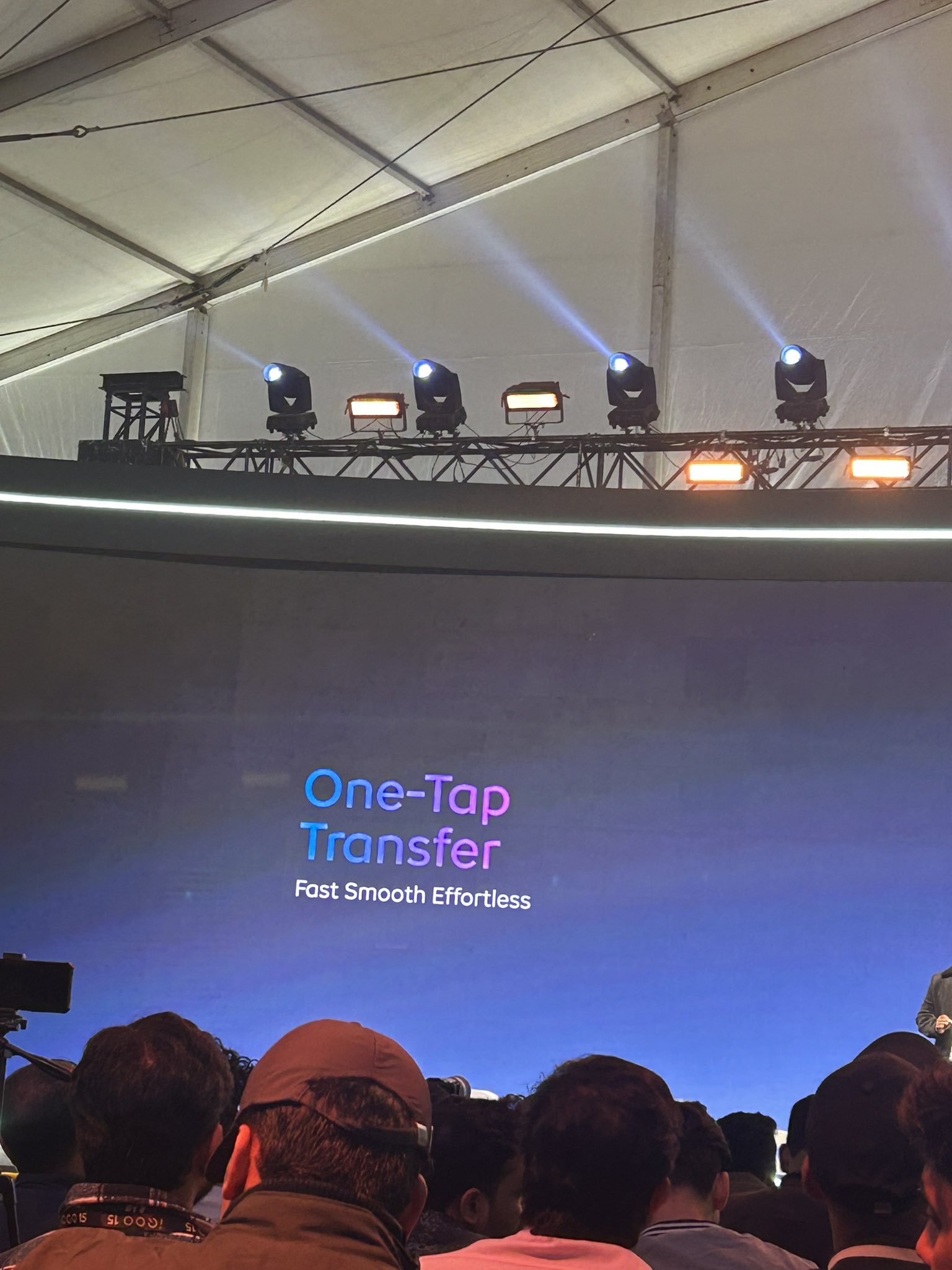
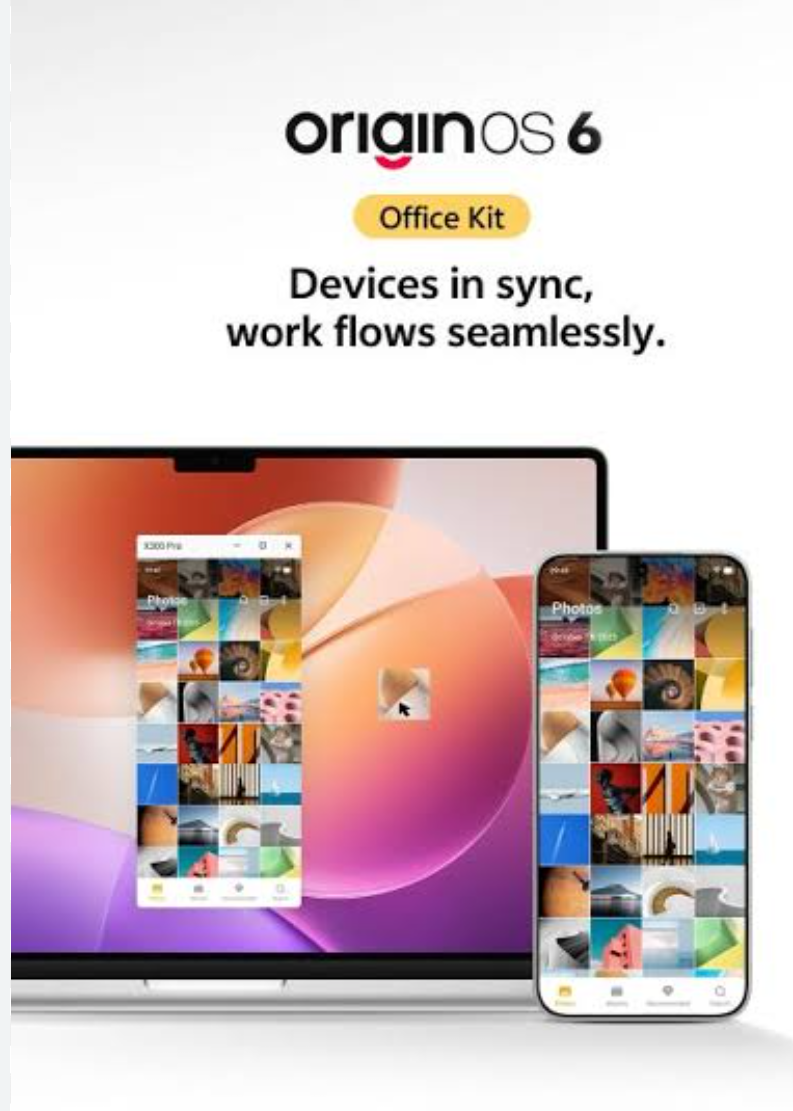
The One-Tap Transfer feature in OriginOS 6 is a key component of Vivo/iQOO's commitment to a seamless, cross-device experience. It is designed to facilitate incredibly fast, direct, and hassle-free file sharing between your Vivo/iQOO device and other operating systems, including Windows, Mac, and significantly, even Apple's iOS/iPadOS devices.This feature moves beyond basic Bluetooth or cloud sharing. It is positioned as an integral part of the larger Office Kit and Connection Center in OriginOS 6, creating a unified ecosystem where your work and media flow effortlessly between your smartphone and computer, or even when migrating from an old phone to a new one.
Key Aspects of the Feature
• Cross-Platform Compatibility
Effortlessly transfer files not only between Android devices but also to Windows PCs, Macs, and even iPhones/iPads, making it truly universal.
• Speed & Efficiency
Built on high-speed local network technology, it delivers near-instant transfers of large files, photos, videos, and documents without relying on mobile data or the internet.
• Simplified Migration
Acts as a robust phone replication system, securely shifting everything—from apps and photos to contacts and call logs—from your old device to your new one with minimal effort.
Which App Is Required for One-Tap Transfer?
EasyShare is the dedicated application needed for One-Tap Transfer—especially for cross-platform and phone-to-phone migration.
Why EasyShare?
It’s the official fast and secure file-transfer tool from Vivo/iQOO.
Works without internet, using local Wi-Fi/hotspot technology.
Supports very high transfer speeds (often 40 Mbps+).
Essential for completing the Phone Replication process, which powers the smooth “One-Tap Transfer” experience when switching to a new Vivo or iQOO device.
For PC/Mac
Some advanced features under Office Kit may require additional companion software on your computer for drag-and-drop transfer or screen mirroring.But EasyShare remains the main app for one-tap data migration and wireless sharing.
Beyond Transfer: OriginOS 6’s Ecosystem Vision
One-Tap Transfer is just one element of the larger ecosystem strategy behind OriginOS 6, which focuses heavily on smart productivity and seamless device interaction.
Key Ecosystem Features
• Office Kit
A unified multi-device workspace that links your phone with Windows PCs and Macs. It enables smooth screen mirroring, quick file sharing, and a more connected workflow across devices.
• Copy & Go
An intelligent assistant that instantly suggests the next relevant action—such as calling, messaging, or creating a calendar event—based on what you’ve copied.
• Drag & Go
Simply drag text or images onto the new Origin Island, and the system automatically recommends the best app for editing, sharing, or processing that content.
How It All Connects While EasyShare powers the heavy lifting of large-scale data migration through One-Tap Transfer, features like Copy & Go and Drag & Go streamline the small, everyday information flows—making the whole system feel faster, smarter, and more intuitive.
INFORMATION CREDIT : Google
Follow For More :@TESVIPER10
I QUEST ON AND ON 💛 🖤
Please sign in
Login and share