

























🤩 New iQOO 15 Feature Spotlight: Beat Motion Sickness with Motion Prompts! 🚗

Hello iQOO Fam! 👋
Ever been in the car, scrolling through your phone, only to feel that familiar wave of motion sickness hit you? 🤢
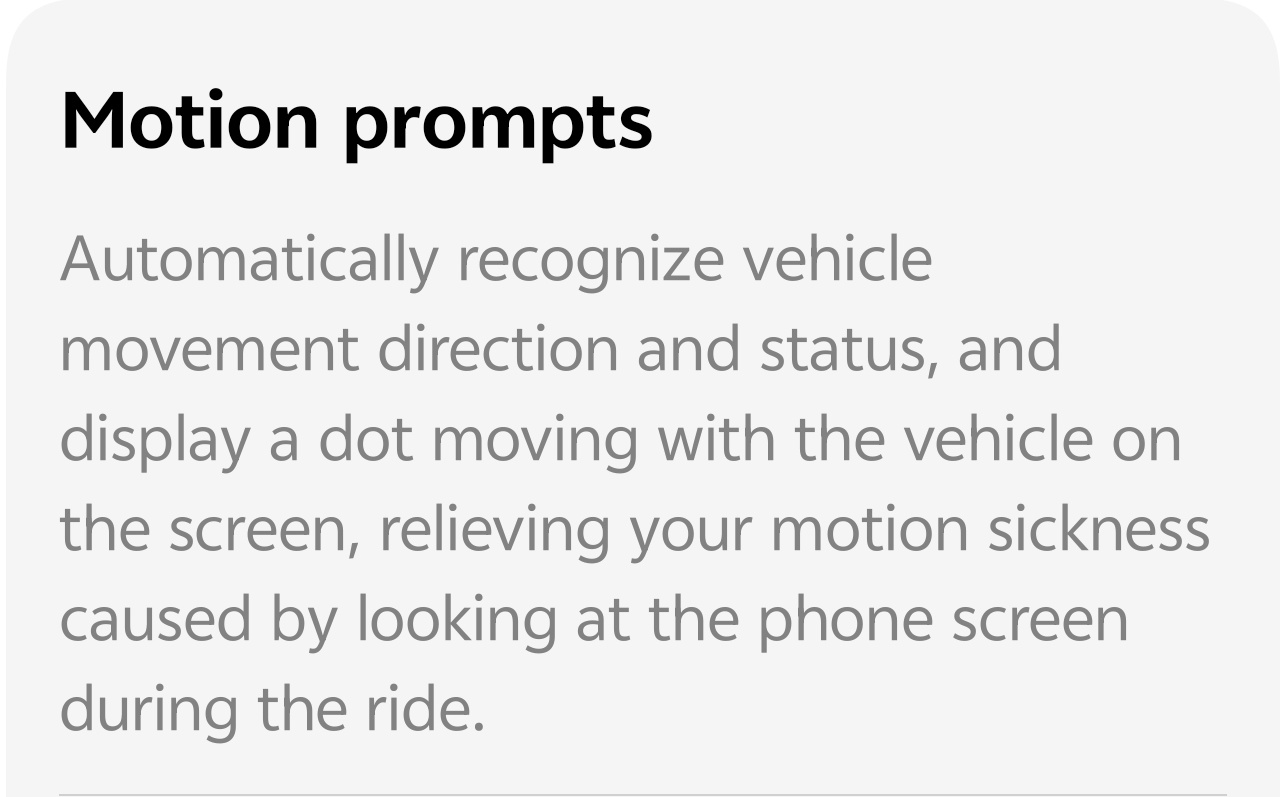
I recently discovered a cool feature on my device called Motion prompts, and I wanted to share it with the community! It's a game-changer for anyone who uses their phone while traveling.
What is "Motion Prompts"?
A) It's a smart feature that automatically recognizes your vehicle's movement (acceleration, deceleration, direction).
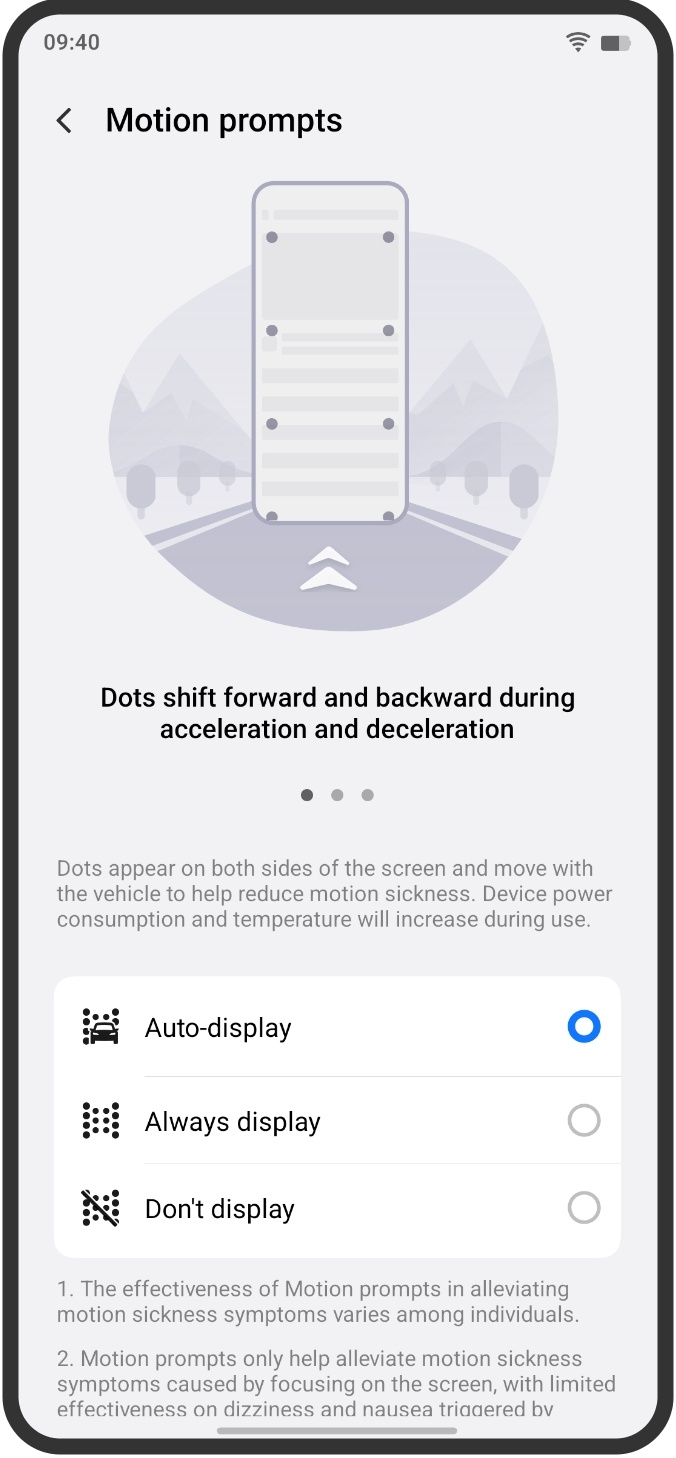
B) It displays small dots or movements on the edges of your screen that sync with the vehicle's motion.
C) The Science: By giving your eyes a visual anchor that matches the physical motion your inner ear is detecting, it helps reduce the conflict in your brain that causes motion sickness when you focus on a static screen.
How to Use It:
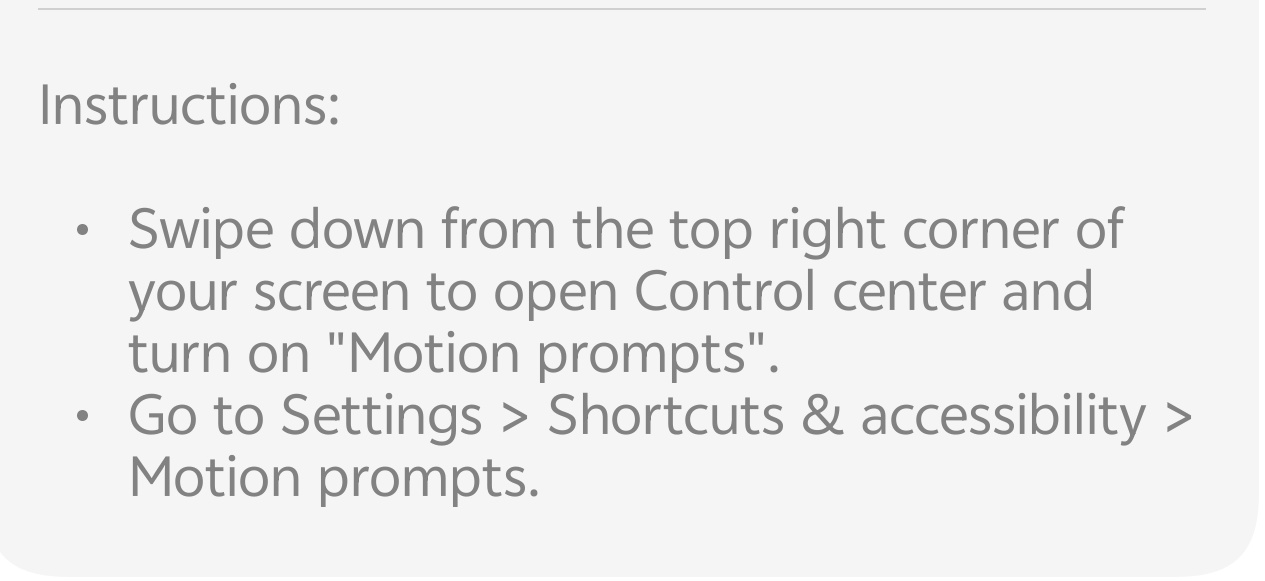
1. Find It: Swipe down from the top right corner to open the Control Center.
2. Enable It: Look for the "Motion prompts" toggle/tile and turn it on.
3. Customize (if available): You can often choose how it displays (e.g., Auto-display, Always display, Don't display).
💡 Pro Tip: The feature is designed to alleviate motion sickness, but keep in mind that any device power consumption and temperature may increase during use.
Let's discuss this awesome feature below! 👇😇
Follow me ➡️ @TechieGuyfor more such amazing content 🤘.
Please sign in
Login and share