



























🚀 Level Up Your Speed: Instantly Wake Your iQOO Phone with 'Raise to wake'!!

Hey Questers 👋,
In the world of esports and high-performance gaming, every millisecond counts. While our processors and display refresh rates give you the edge in-game, why not bring that same speed to your daily interactions?
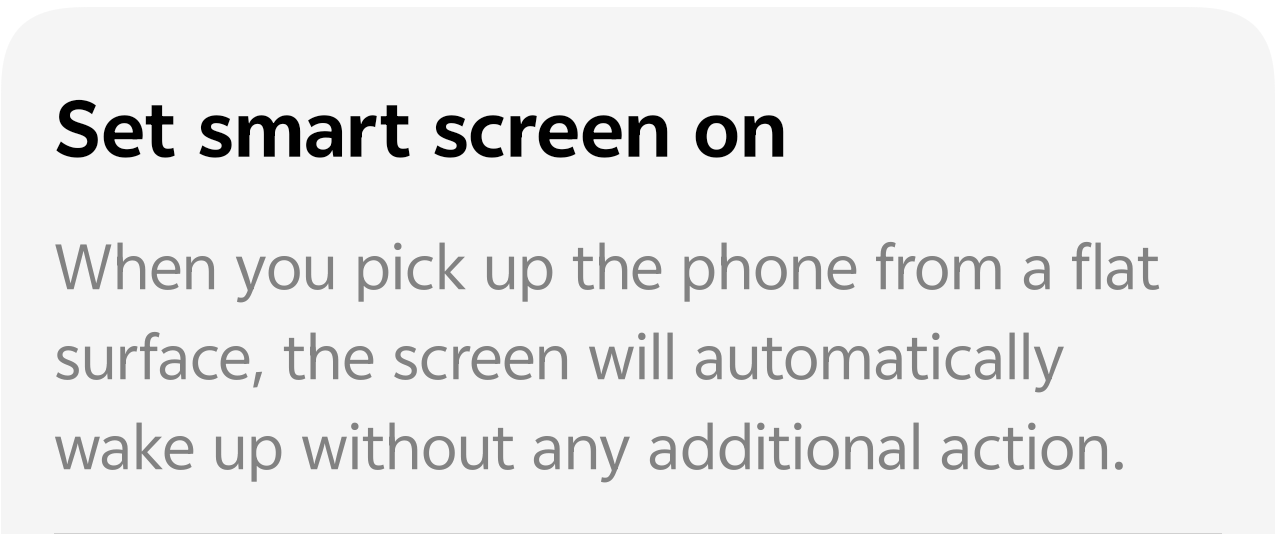
Today, I'm diving into a super convenient feature hidden within Smart Motion that will save you time and taps: Raise to wake!
This feature allows your phone's screen to automatically light up the moment you pick it up from a flat surface. No need to press the power button or double-tap—just lift and
go!
⚡️ What is Raise to wake?
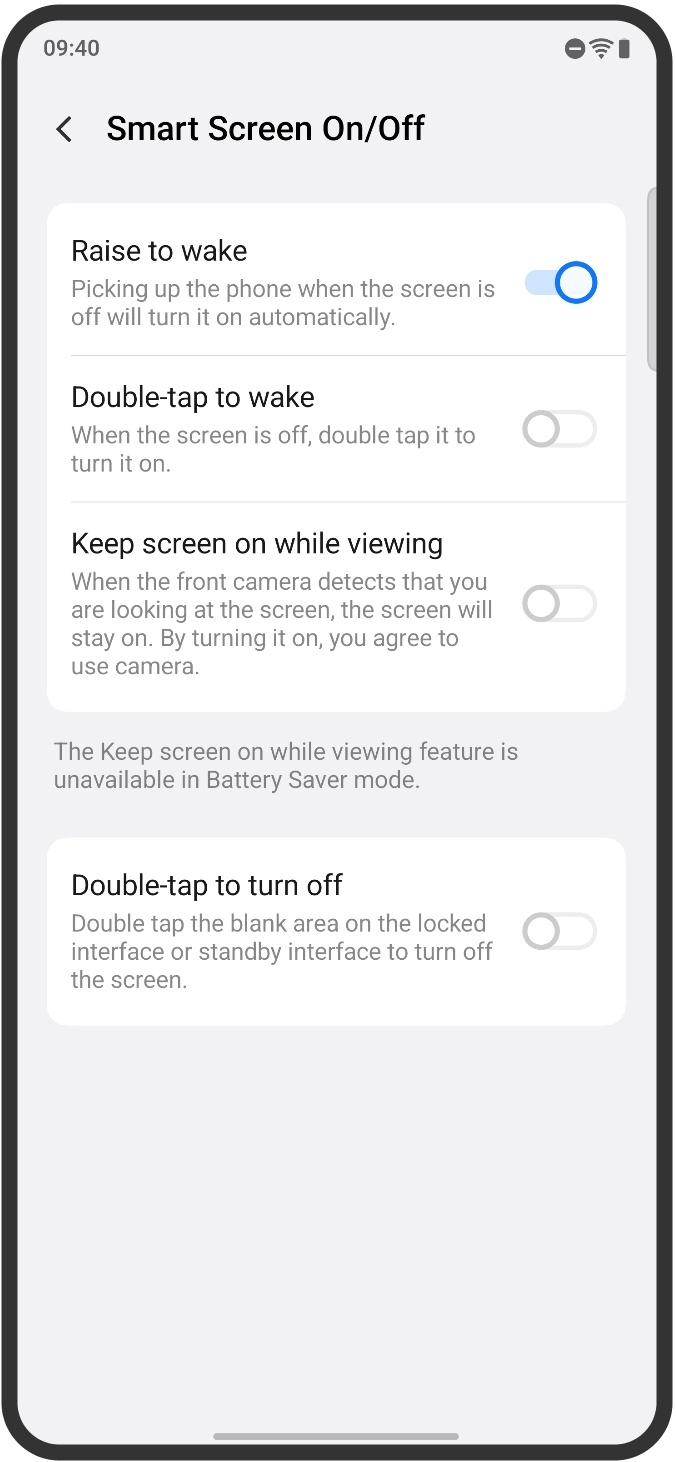
Part of the Smart Screen On/Off suite, Raise to wake uses your phone's sensors to detect a change in motion. When your iQOO device is lying face-up with the screen off, picking it up triggers the display to turn on instantly.
It’s perfect for:
A) Checking the time or notifications without a single tap.
B) Quickly accessing Face Unlock as soon as you lift the phone.
C) That moment when you grab your phone off the desk or nightstand.
🛠️ How to Enable This Speed Boost
Getting started is quick and easy. Follow these simple steps on your iQOO device:
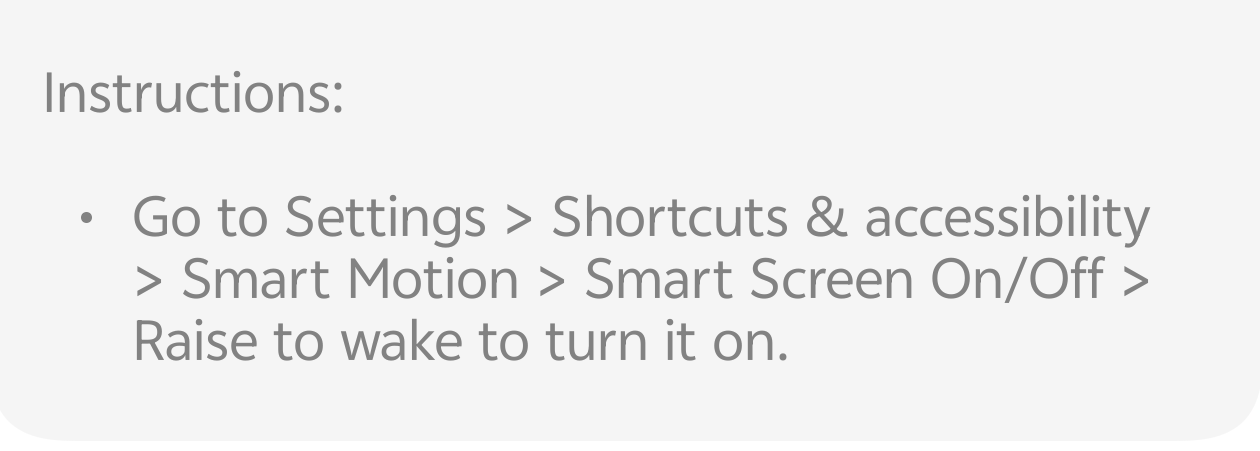
1. Go to Settings: Tap the Settings app on your home screen.
2. Find Accessibility: Scroll down and select Shortcuts & accessibility.
3. Enter Smart Motion: Tap on Smart Motion.
4. Access Screen Control: Select Smart Screen On/Off.
5 . Activate 'Raise to wake': Toggle the switch next to Raise to wake to turn it ON.
💡 Pro-Tip: While you're in the Smart Screen On/Off menu, check out other helpful features like Double-tap to wake and Double-tap to turn off screen for an even smarter experience!
🔋 Does it drain the battery?
You might be wondering about battery life. Rest assured, the feature is optimized. It uses low-power sensors to detect the movement, ensuring that the convenience doesn't come at a major cost to your long-lasting iQOO battery. It's all about making your daily interactions smoother and more efficient.
Let me know in the comments how much faster you can check your notifications now.👇
Please sign in
Login and share