



























Link to PC companion app

Windows and android have improved their cross connectivity over the years and OEM's like iQOO/Vivo have collaborated with windows closely , to provide more features to consumers , so today lets dive into all the features that are accessible by iQOO users.
how to sign-up
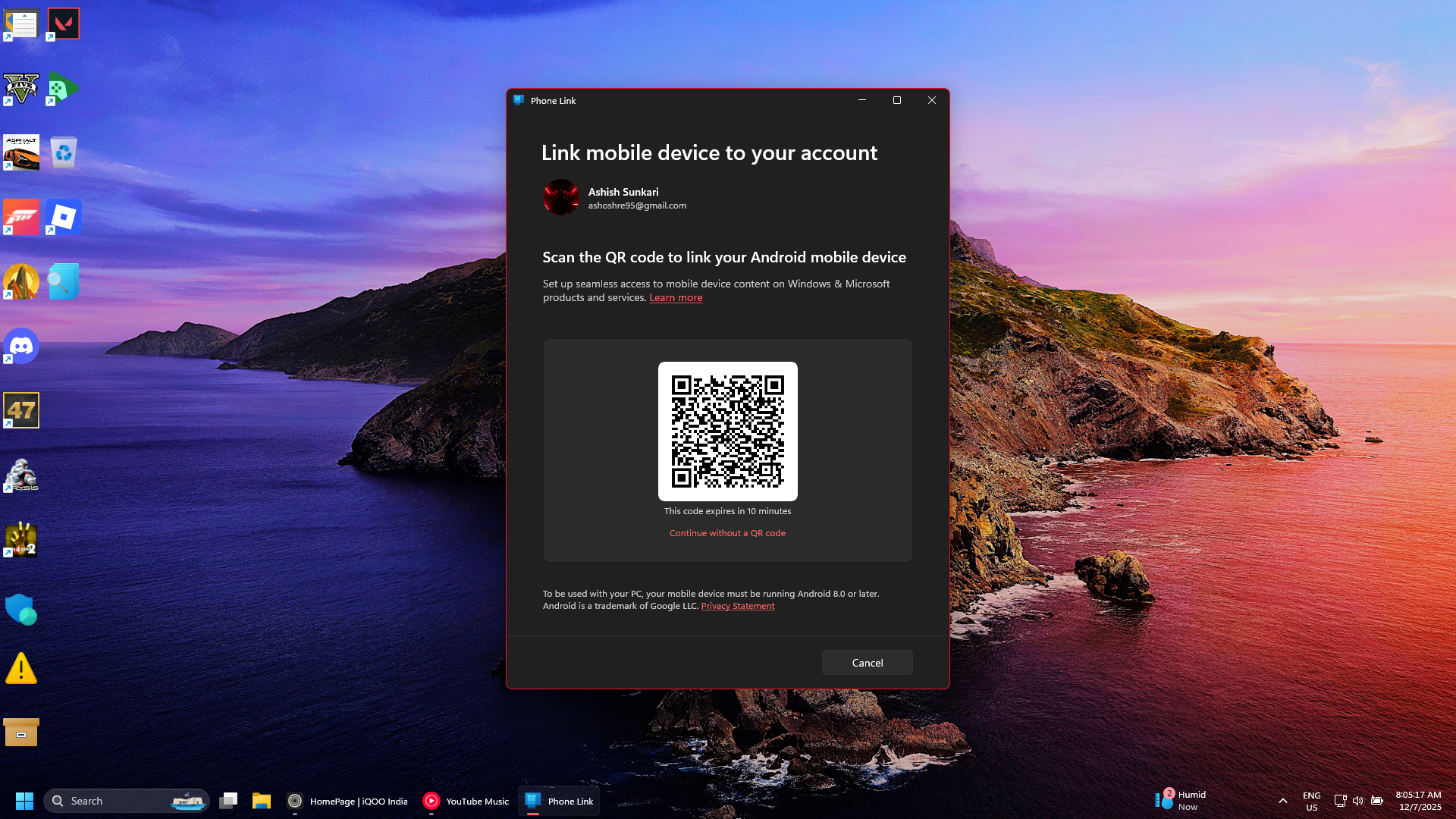
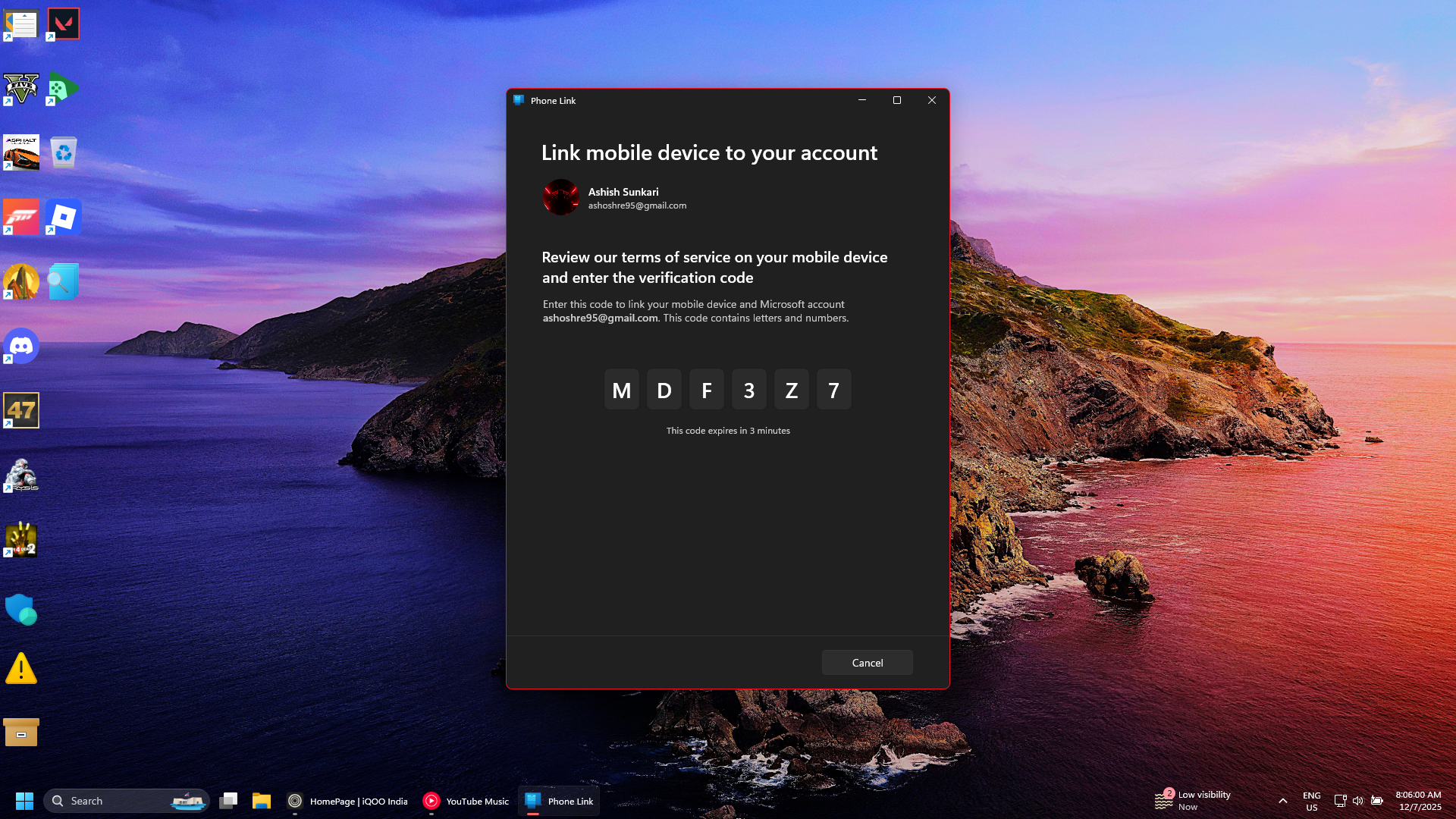
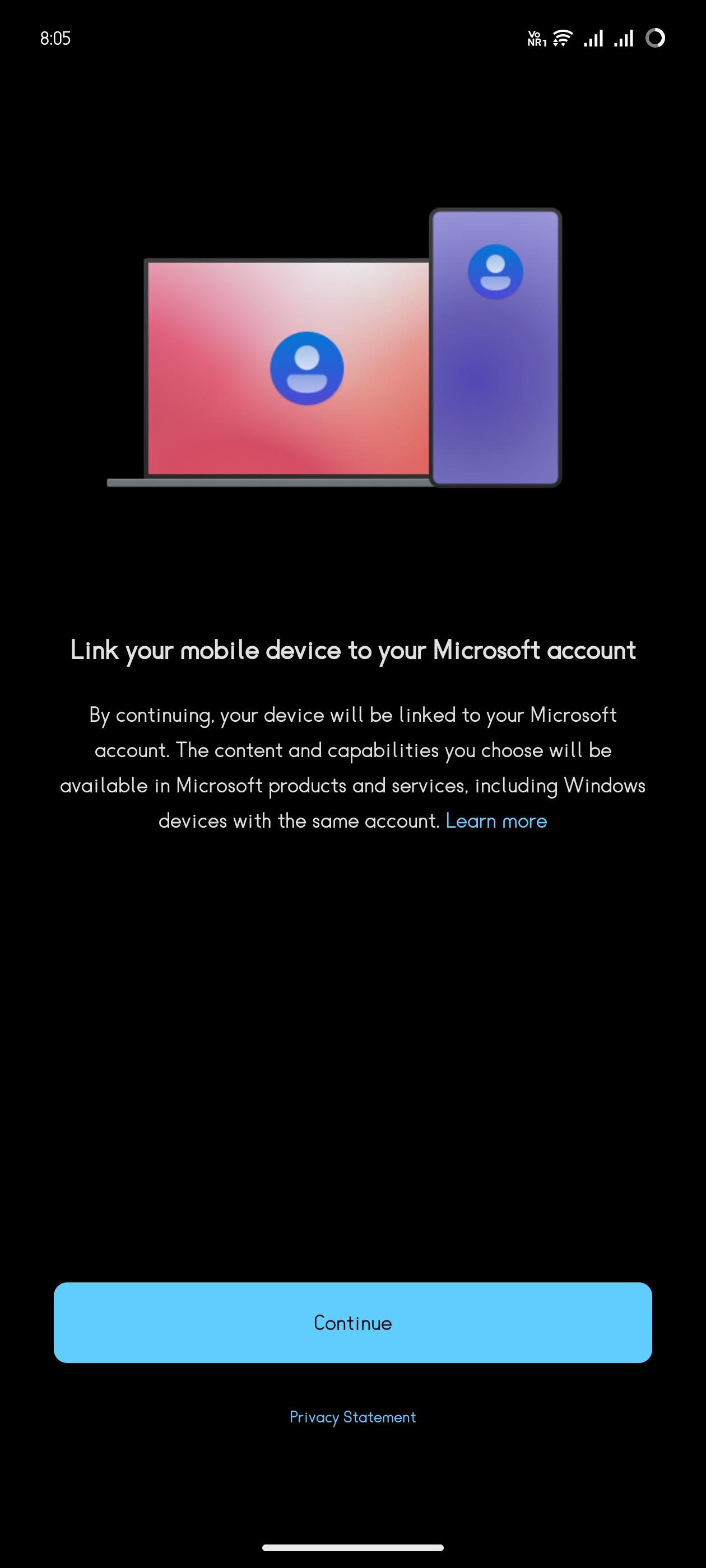
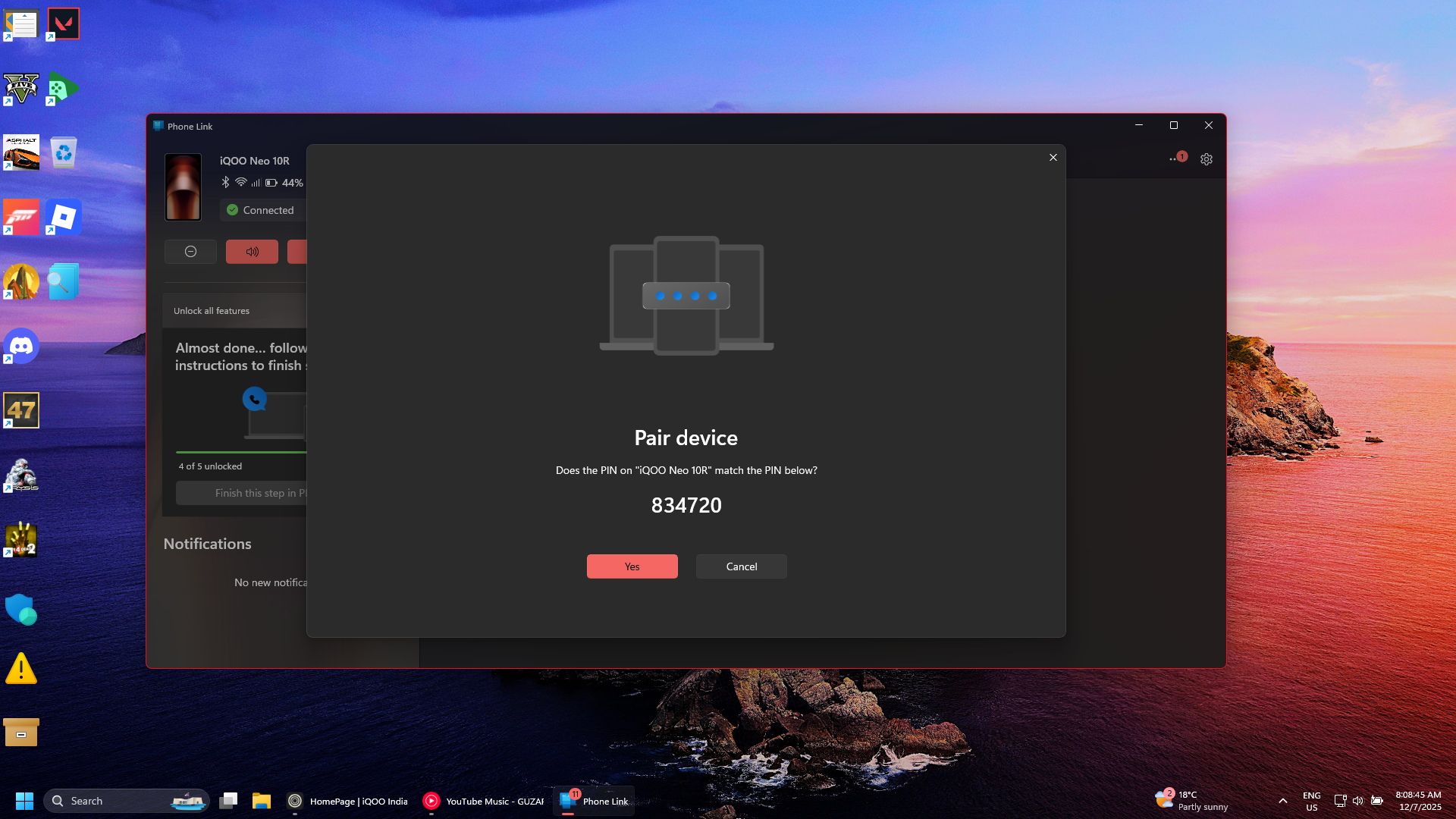
Scan the QR code from the desktop screen through the Link to PC app, and follow the on screen instructions.
UI
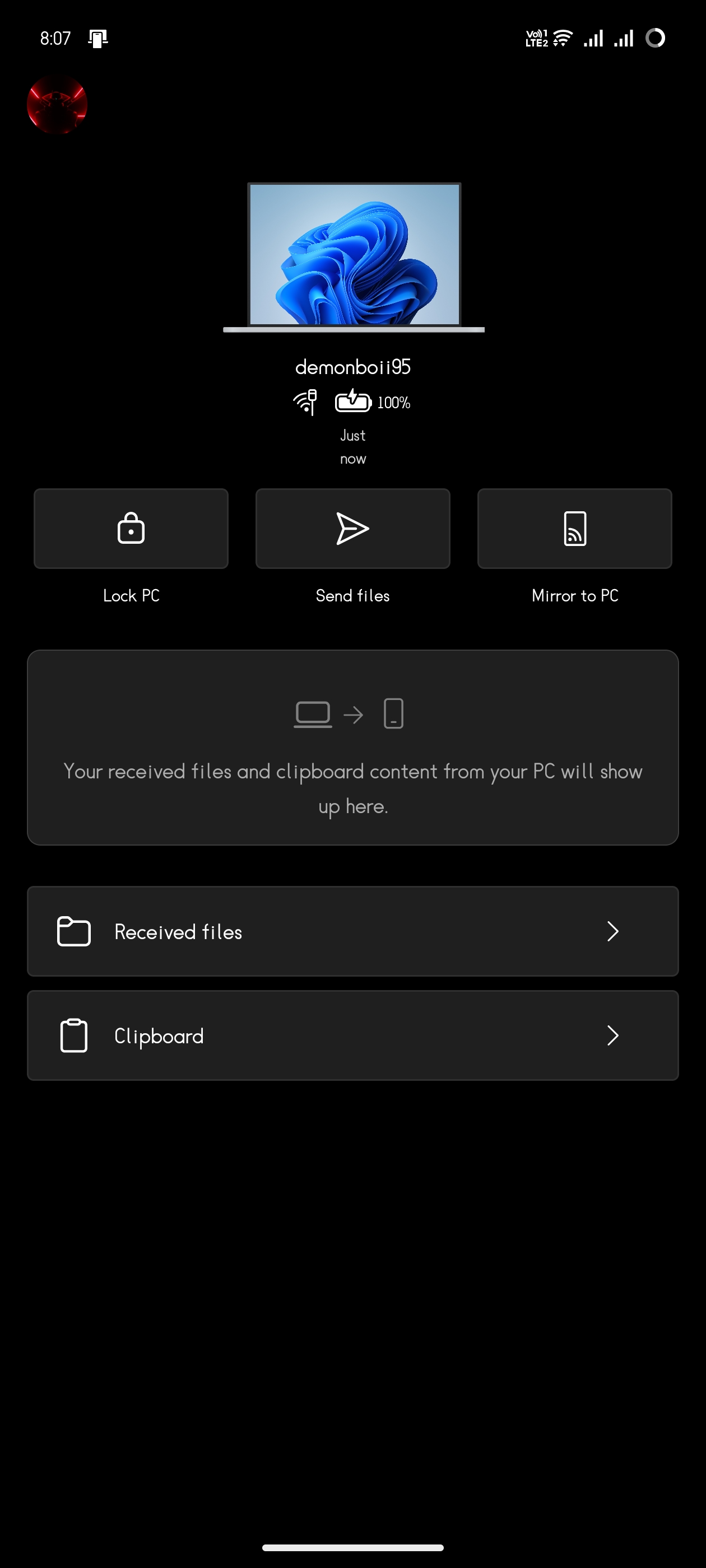
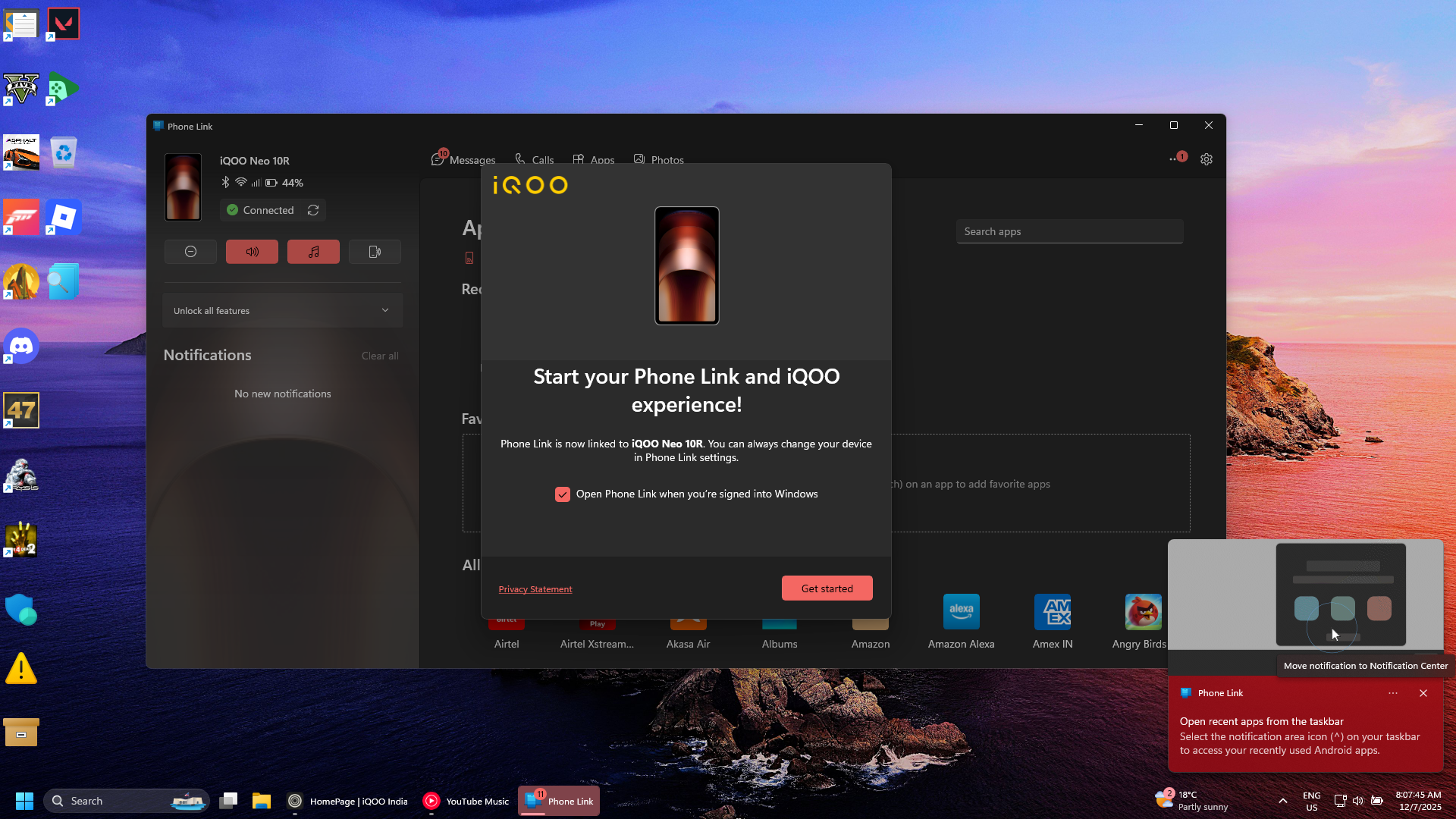
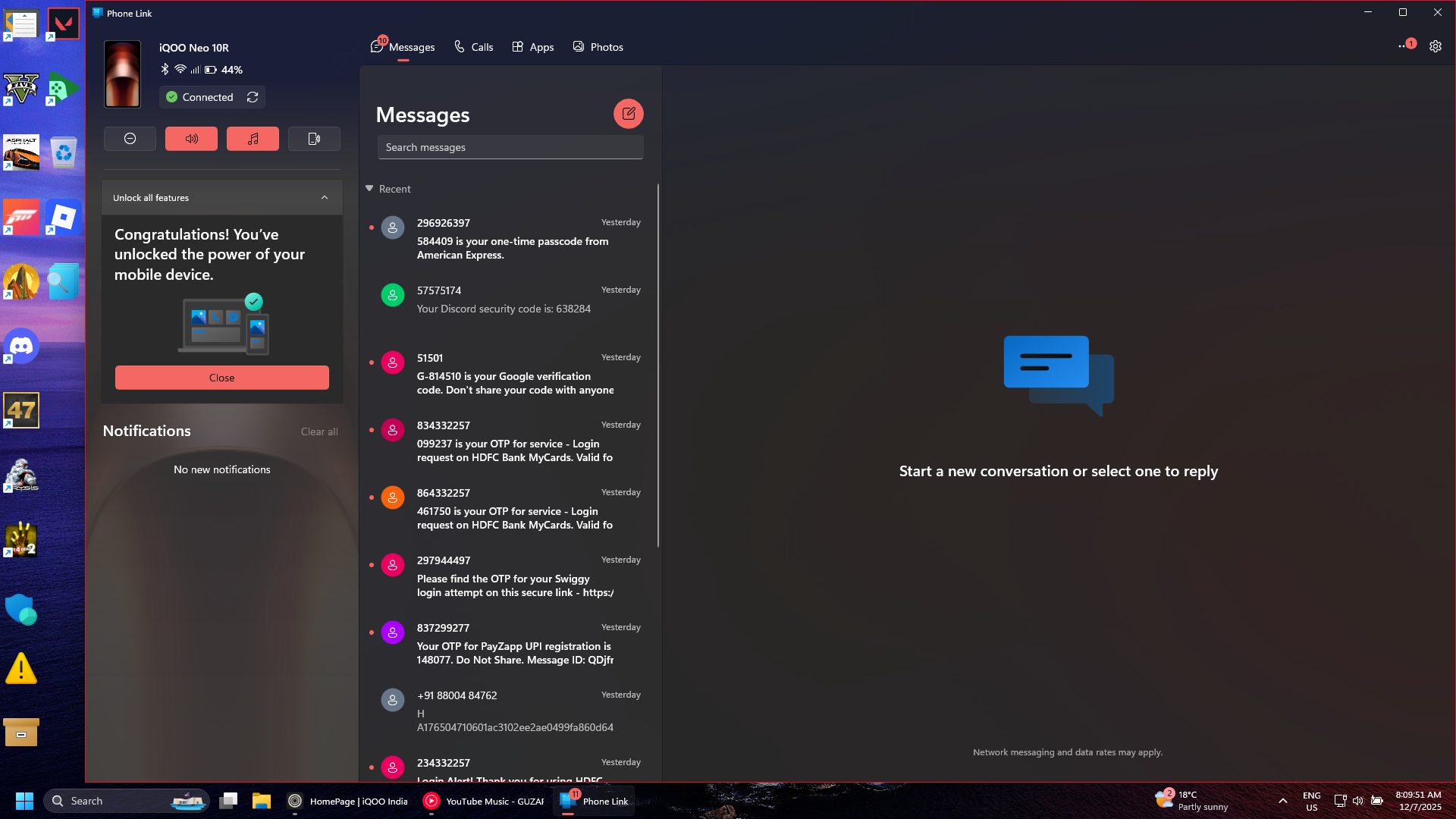
All the Connected Features
1.Screen mirroring
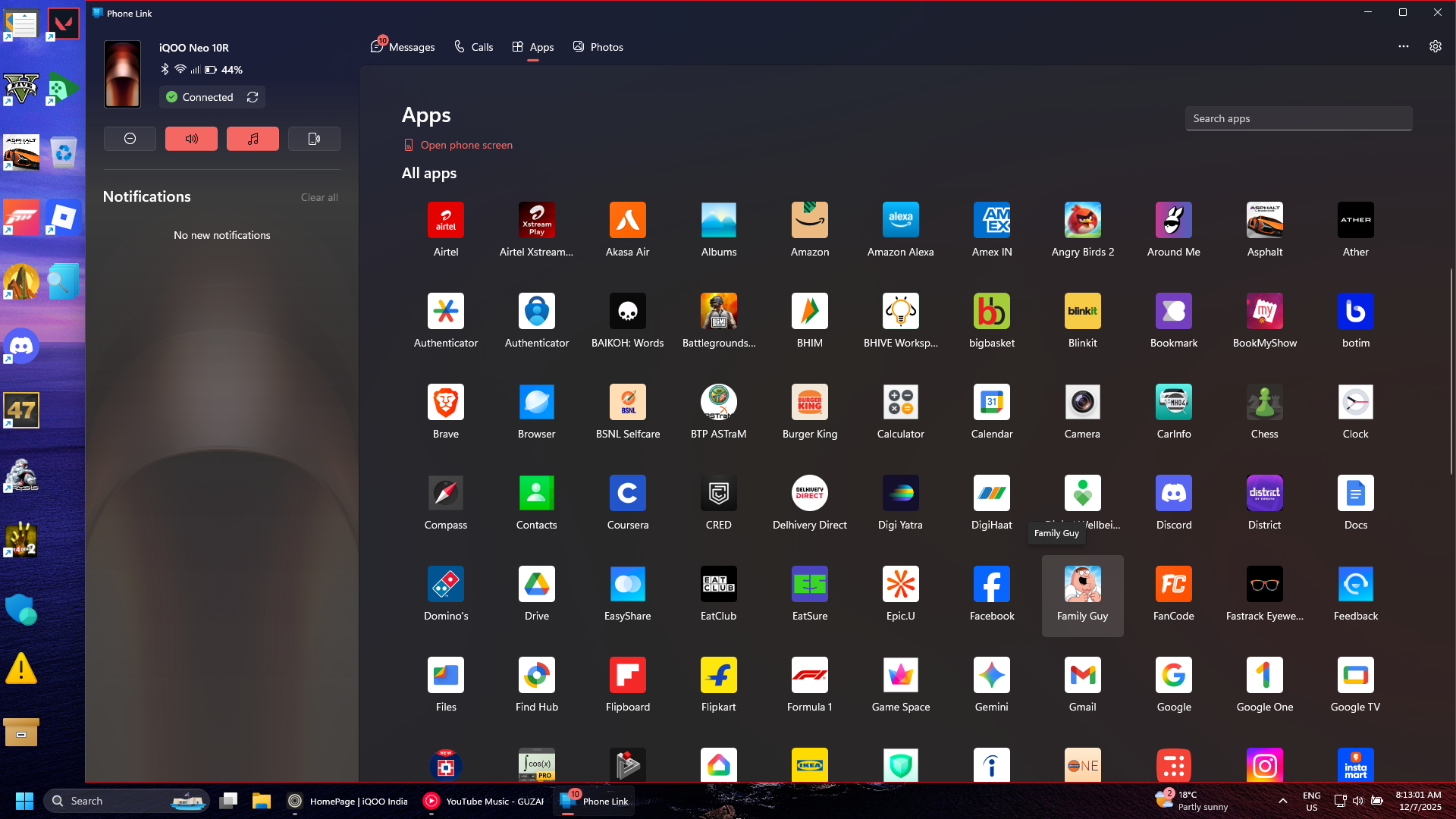
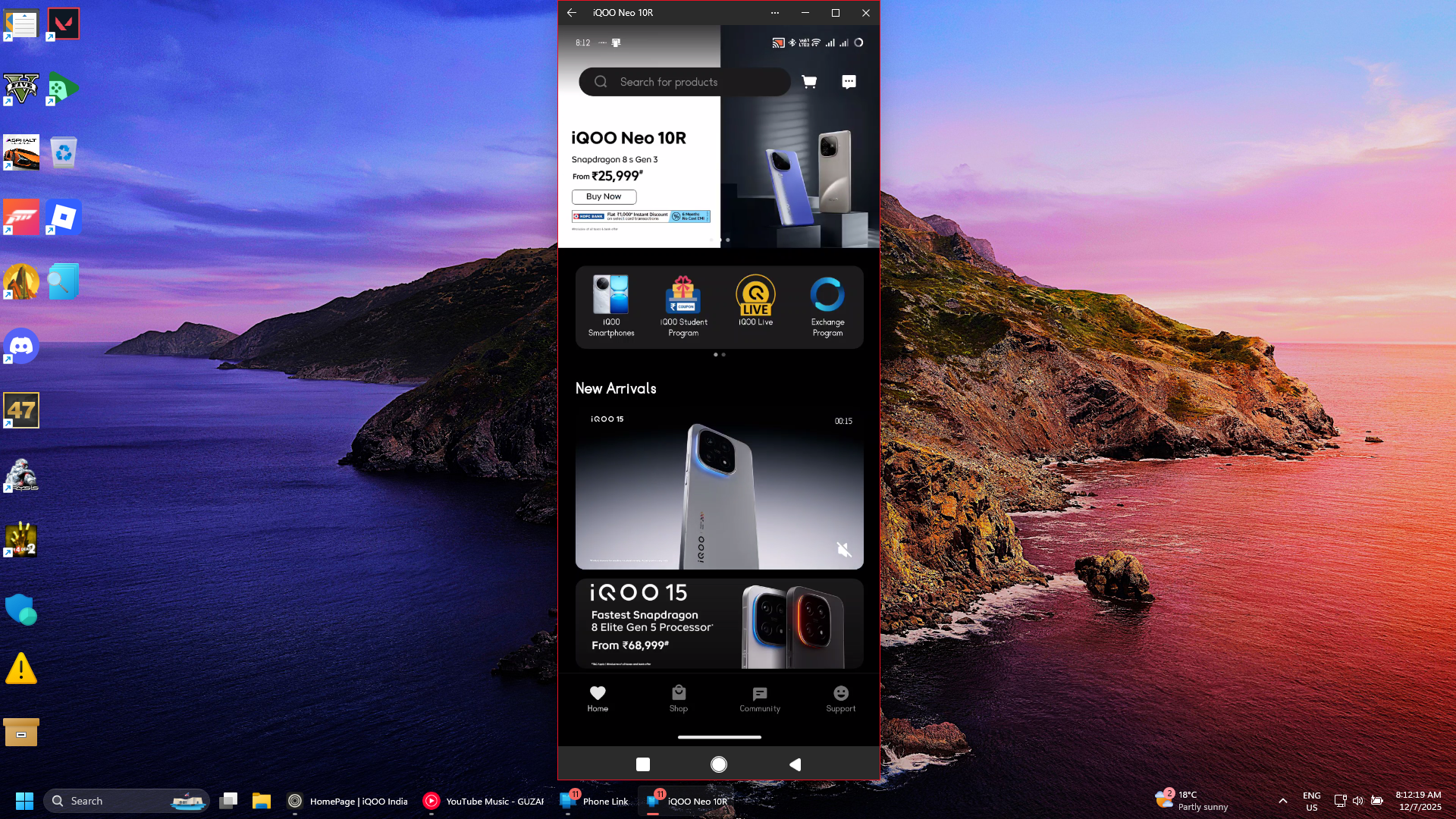
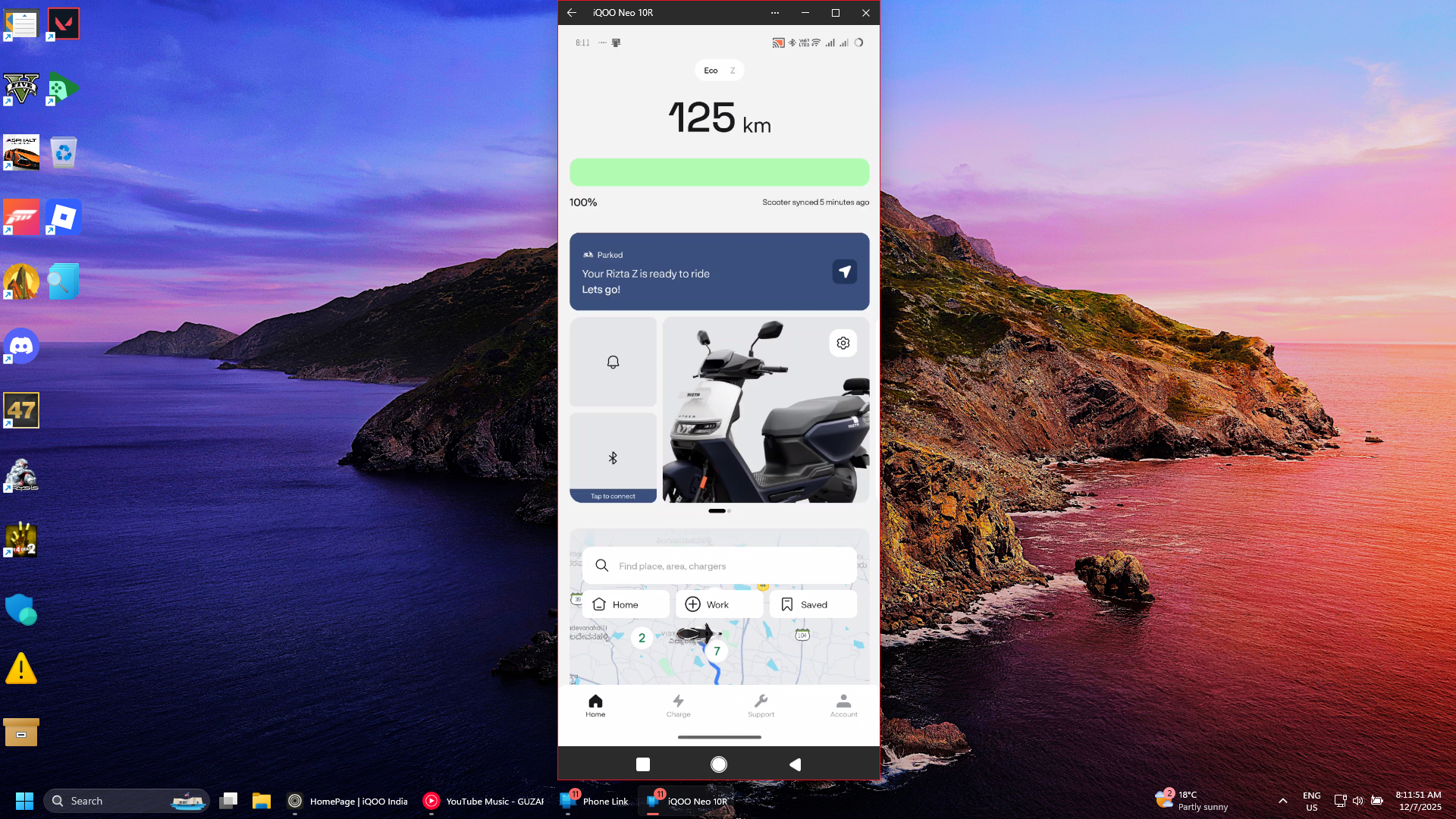
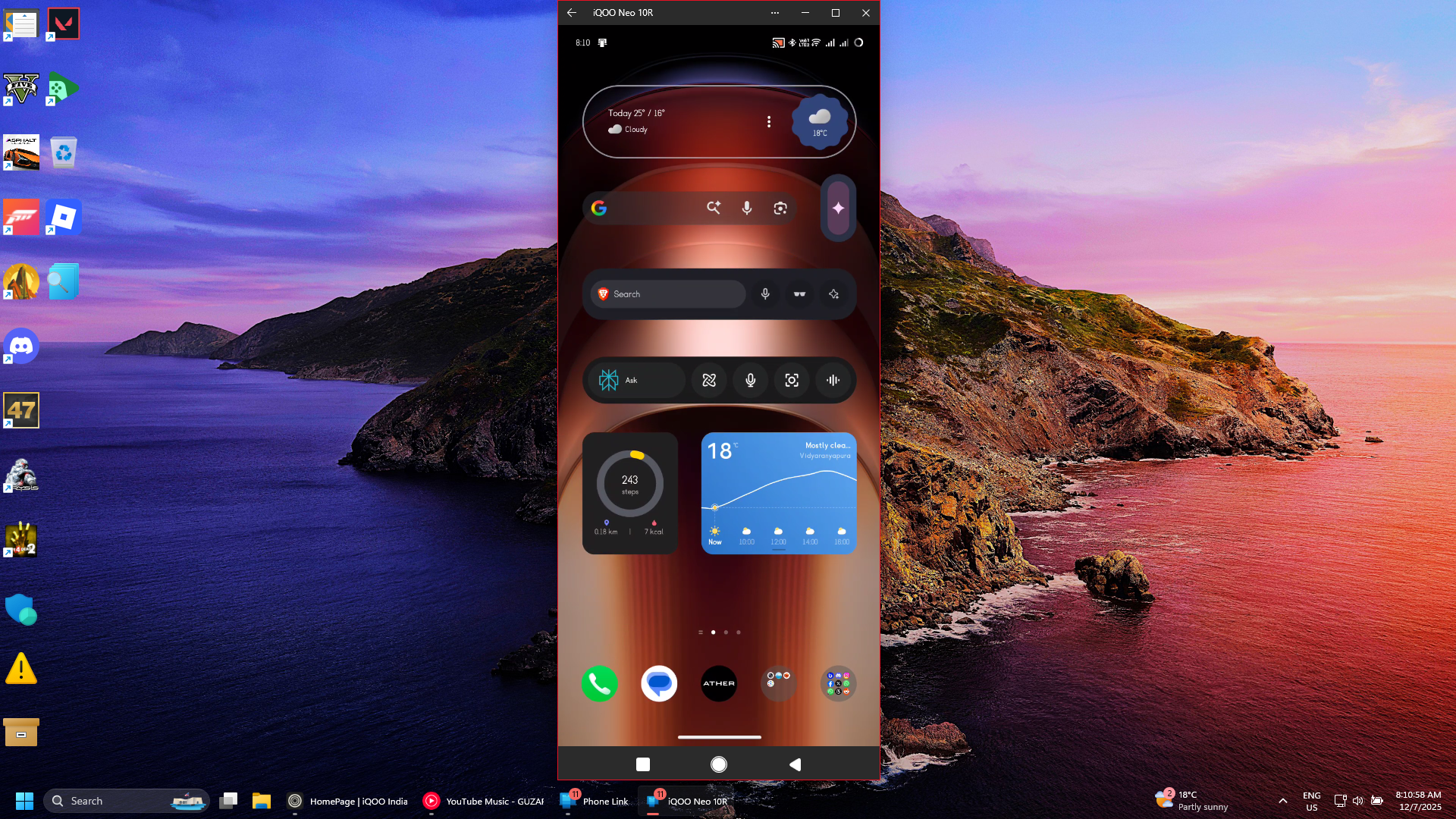
2. View all of your photos , sms'es , and call logs from Desktop
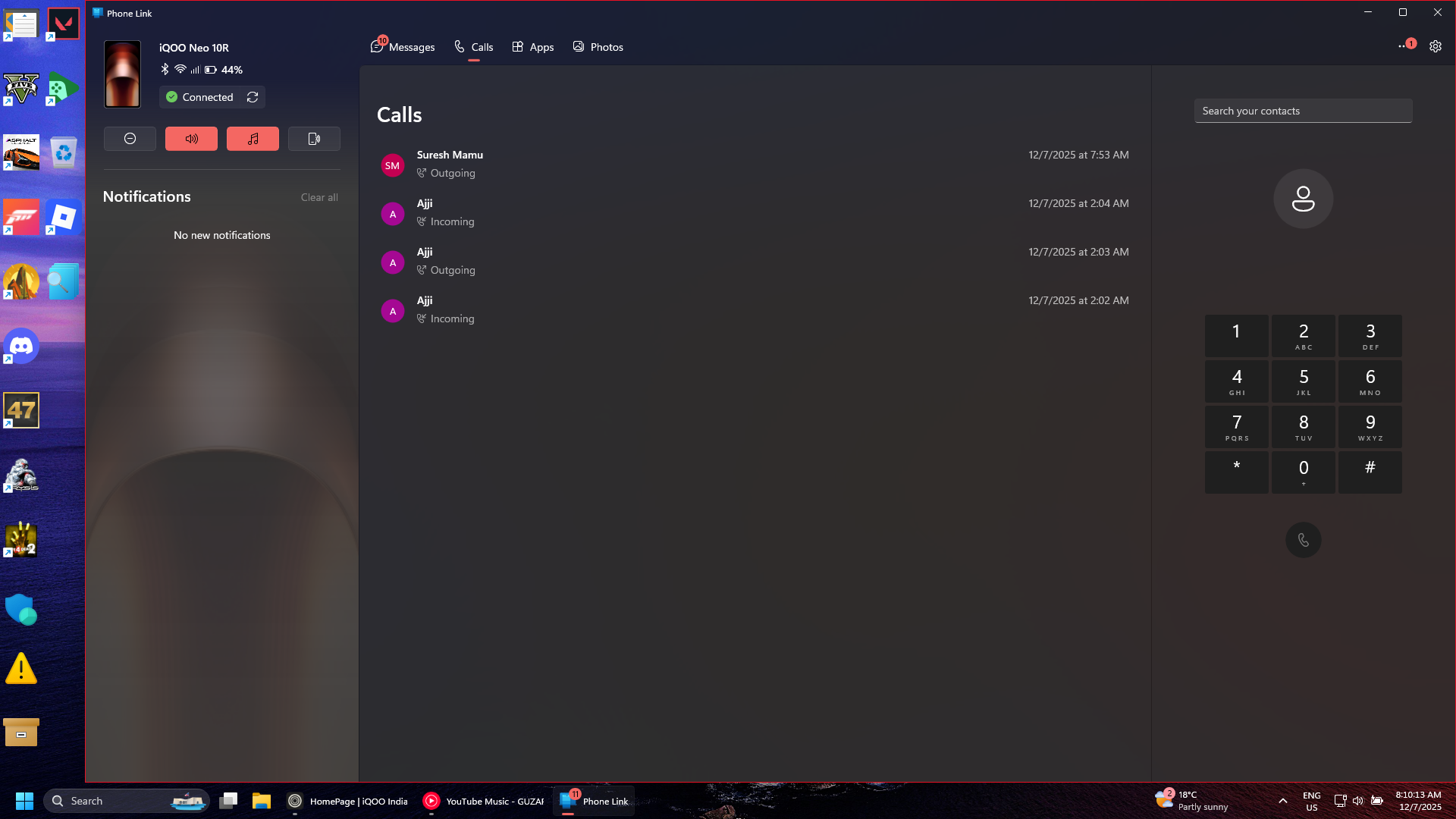
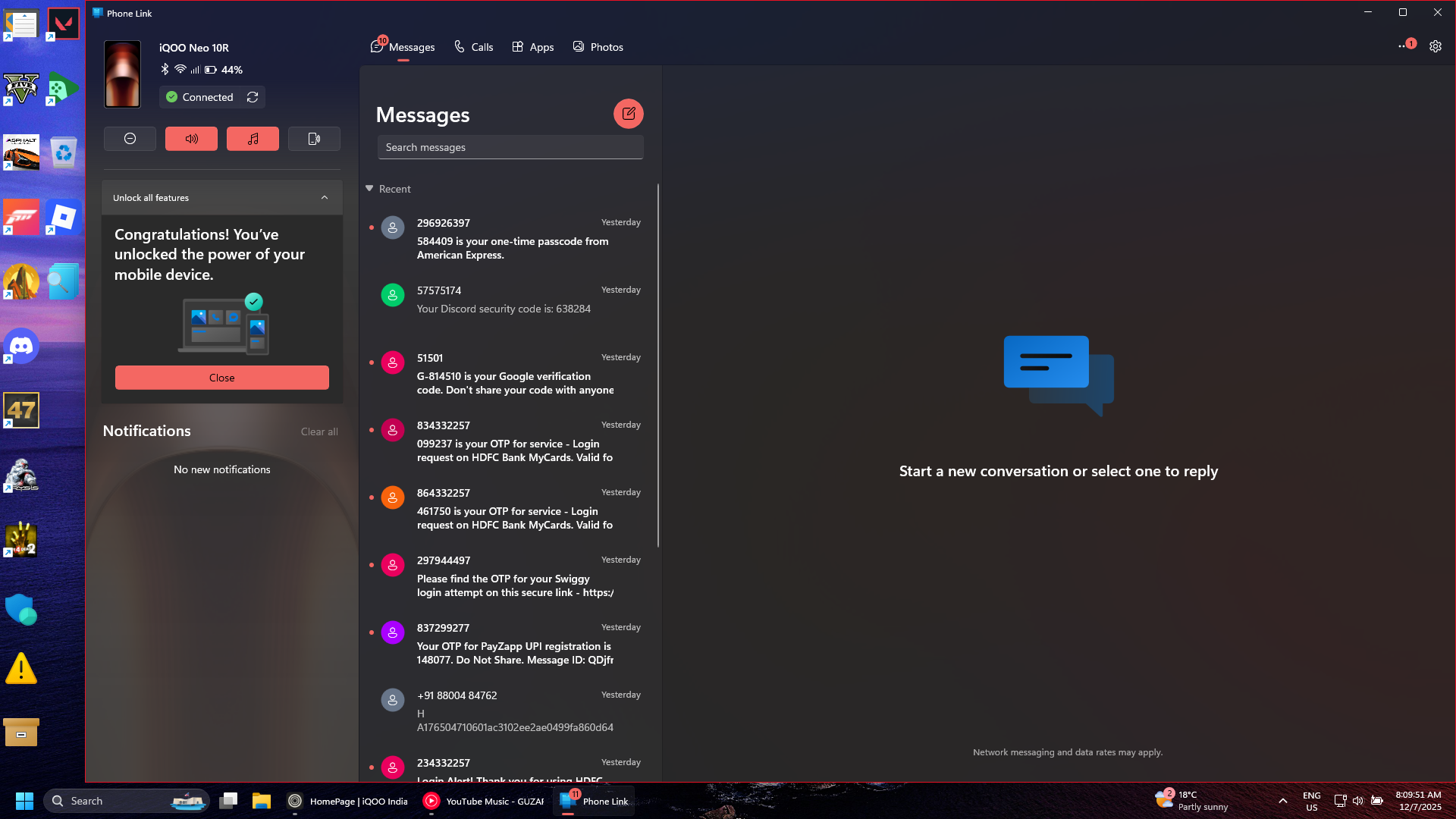
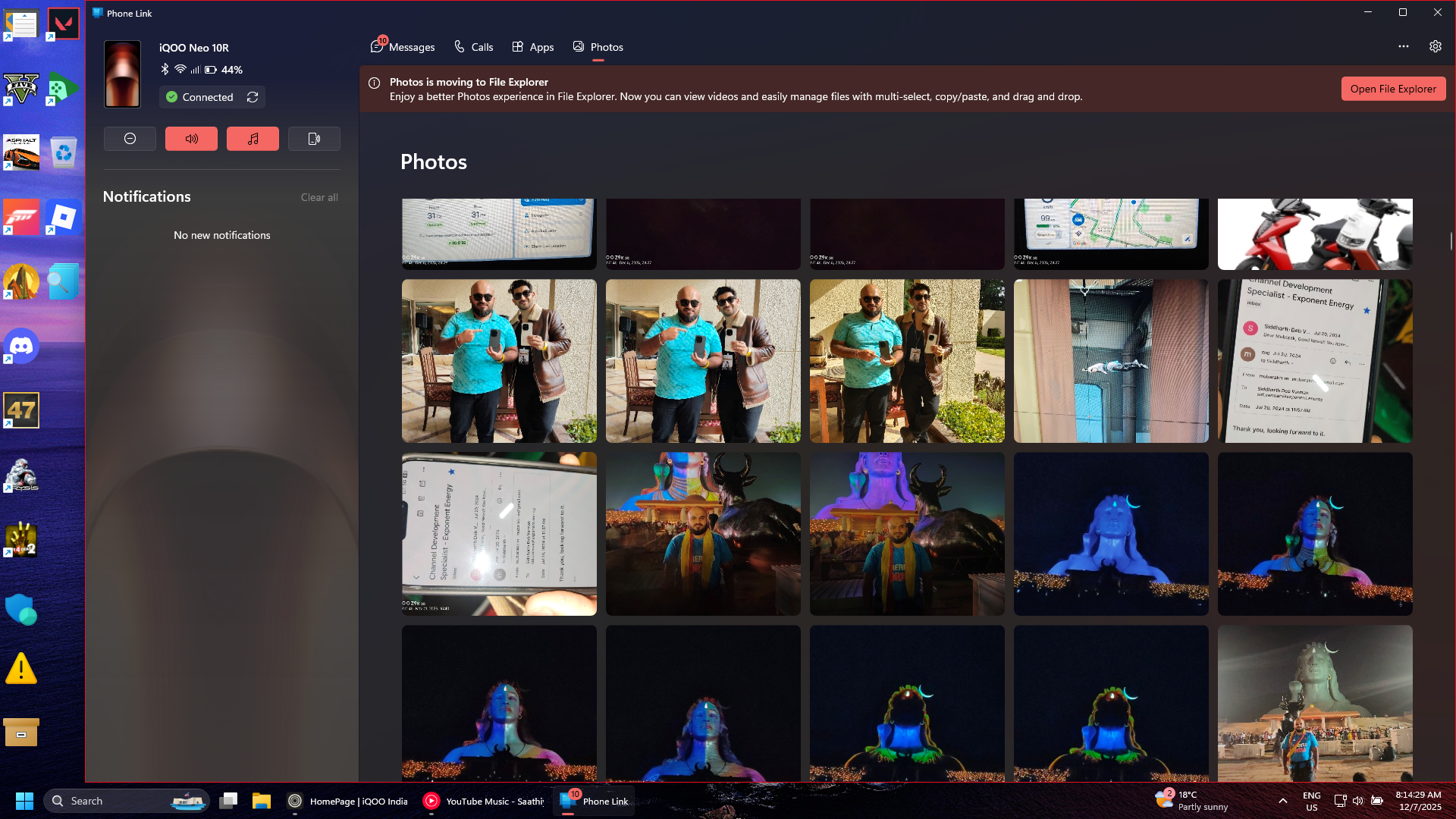
3.Answer calls directly from desktop
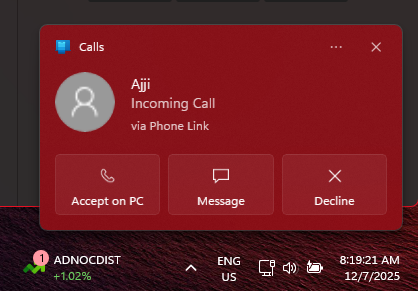
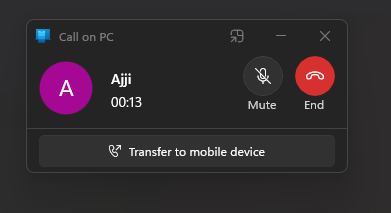
4.View your most recent apps from taskbar anytime
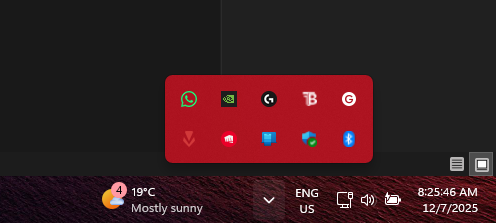
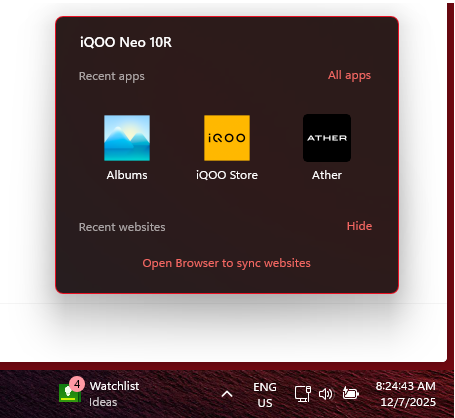
4.Direct access to your phone
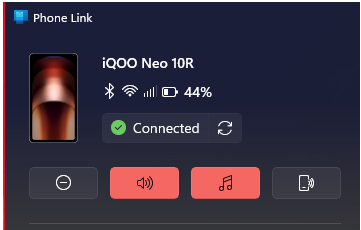
on the top left corner ,if u notce u will see this area ,in which u can see the percentage of battery left , how good if the wifi signal on your phone, call signals, and whether the phone is connected to PC via Bluetooth also, and also you can locate your phone, put it on silent ,DND mode and refresh the status when the phone isn't connecting .
P.S. if have to make threads on the iQOO community and there is a long list of photos to be transferred , it better to do it through send to PC rather than using the USB data cable or emailing yourself.
i hope you like the information i just shared above.
Device tested:iQOO neo 10R

Please sign in
Login and share