



























💡Master Your Phone with Smart Screen On/Off! 💡

Hey Questers 👋,
Tired of fumbling for the power button just to check a notification or the time? We all love the speed and performance of our iQOO devices, and today I'm diving into a feature that adds an extra layer of convenience and smart interaction to your daily life: Smart Screen On/Off, specifically the super handy 'Raise to wake' feature!
This is part of the Smart Motion suite that lets your phone respond to your physical movements, saving you precious seconds and making your device feel truly intelligent.
🧠 What is 'Raise to wake'?
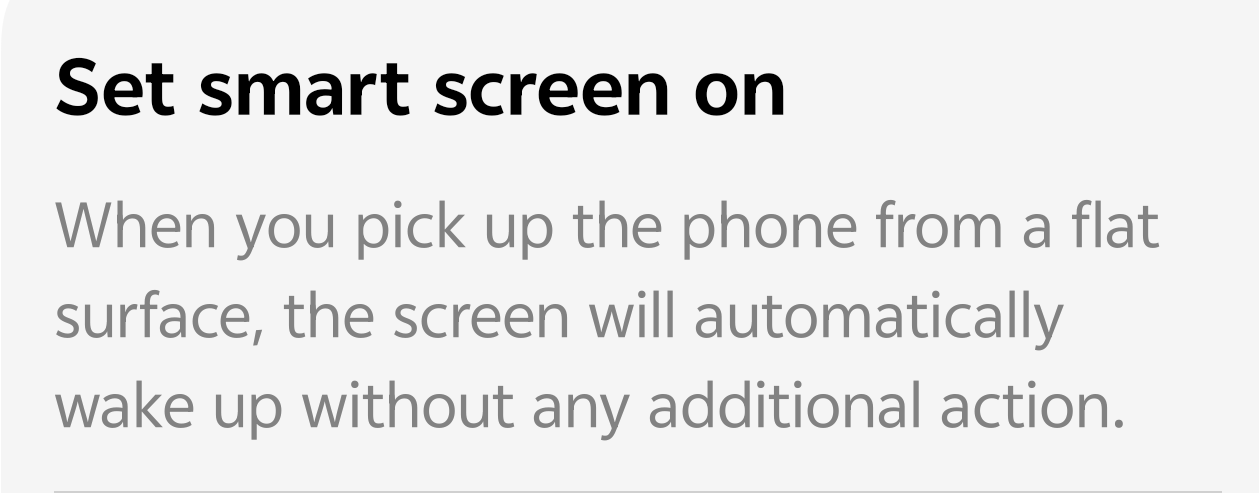
Simply put, 'Raise to wake' automatically turns your screen on the moment you pick your phone up from a flat surface (like a table or desk).
1) No Button Press: No need to press the power button or tap the screen.
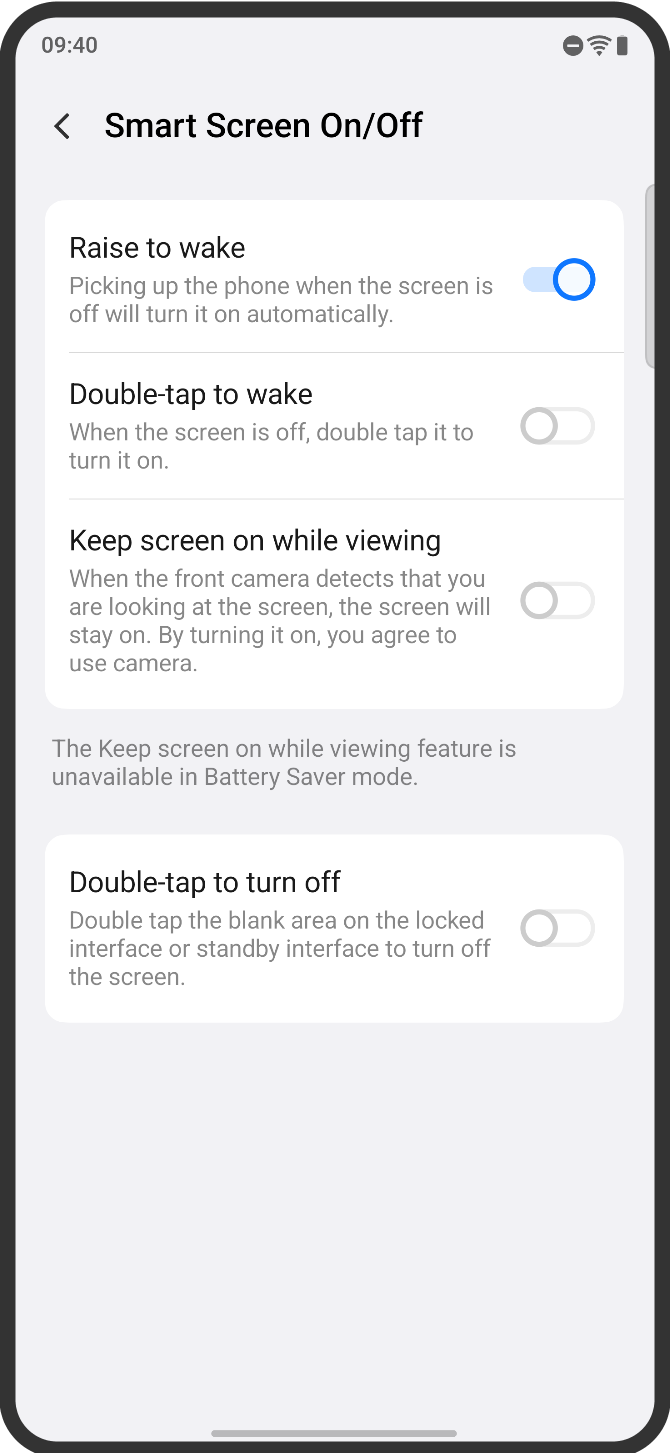
2) Seamless Interaction: The screen lights up, ready for you to glance at the time, check alerts, or unlock with face recognition/fingerprint.
3) Smart: It detects the change in position and wakes up, making your phone feel like it's anticipating your next move!
⚙️ How to Enable This Time-Saver
It's quick and easy to activate this feature and start experiencing a more fluid phone interaction.
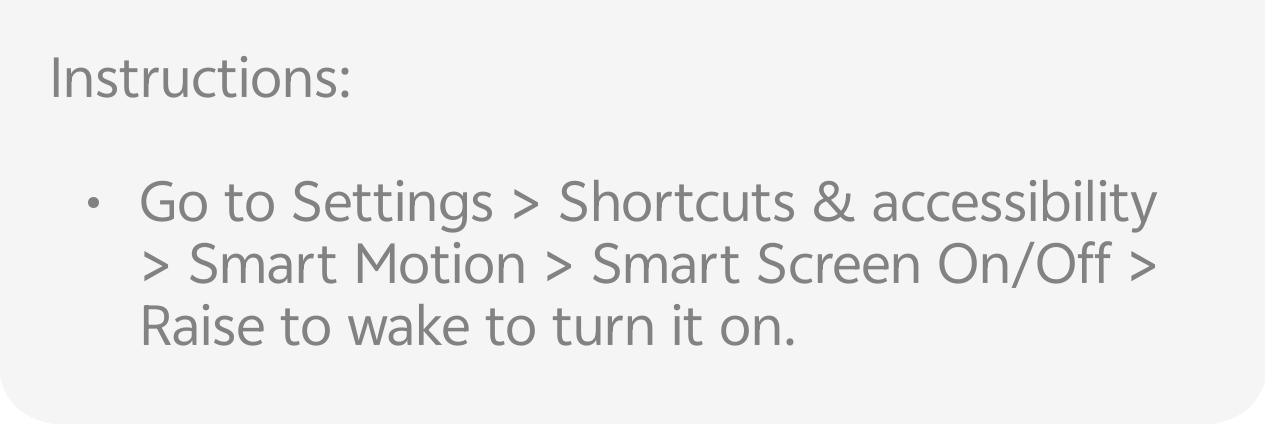
• Go to Settings.
• Scroll down and tap on Shortcuts & accessibility.
• Select Smart Motion.
• Tap on Smart Screen On/Off.
• Find the option Raise to wake and toggle it ON.
Pro Tip: While you're in the Smart Screen On/Off menu, check out other related features like:
A) Double-tap to wake: Tap the screen twice when it's off to turn it on.
B) Double-tap to turn off: Tap the blank area of the locked screen twice to turn it off.
🚀 Why Use 'Raise to wake'?
Speed: Instantly see your lock screen or notifications without an extra tap or press.
Convenience: Perfect for those quick glances when your phone is sitting on a desk. Just pick it up and go!
Protection: Reduces the wear and tear on your physical power button over time.
Follow me ➡️ @TechieGuy for more such amazing content 🤘 🤩.
Please sign in
Login and share