



























🤩 Bring Your Screen to Life! - How to Set Any Video as Your Device Wallpaper 💯

Hey Questers 👋,
Ready to give your iQOO device a dynamic new look? Forget static images! Your phone has an awesome, often overlooked feature that lets you set your favorite video clips as a moving, eye-catching wallpaper for your lock screen and home screen!
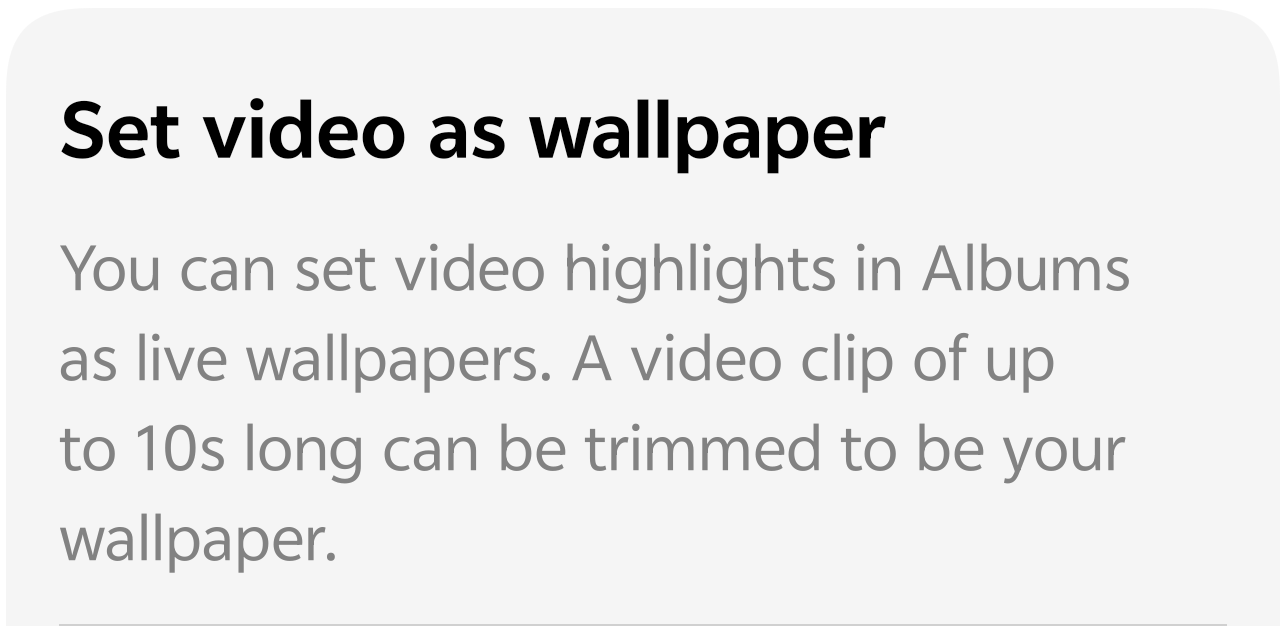
Imagine a short clip of your best gaming moment, a beautiful sunset from your last trip, or a cute moment with your pet, all playing continuously as your background! It’s the ultimate way to personalize your device and truly make it your own.
💡 Feature Spotlight: Video Wallpaper
The feature allows you to use a video highlight from your personal albums as a live, dynamic wallpaper.
• Maximum Clip Length: The video clip can be up to 10 seconds long.
• Trimming: If your video is longer, you will have the option to easily trim it down to the perfect 10-second (or shorter) highlight right before applying it!
🚀 The Quest: Setting Your Video Wallpaper
Follow these simple steps to transform your screen:
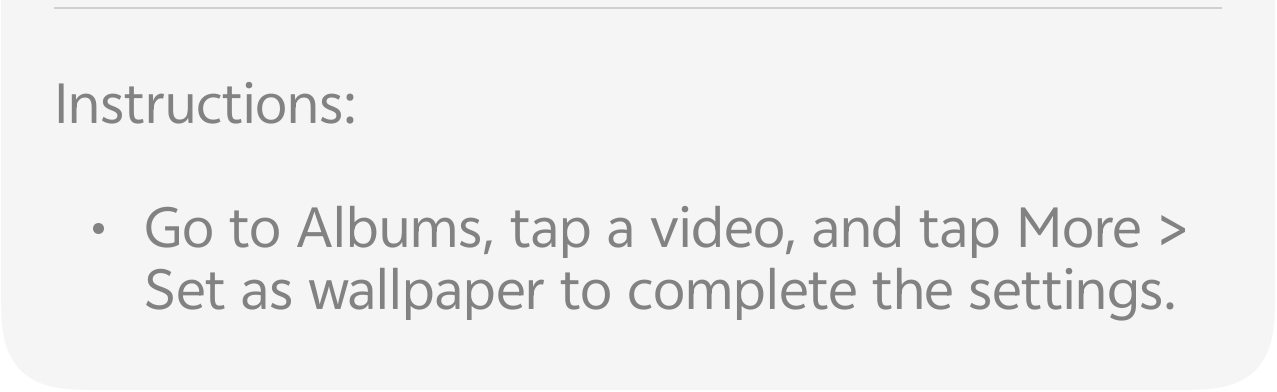
1. Open Albums (Gallery): Go to your phone's main Albums (or Gallery) app.
2. Select Your Video: Tap on the video you want to set as your wallpaper.
3. Find the Wallpaper Option:
•Tap the "More" option (usually represented by three dots ... or a menu icon).
•From the menu that appears, look for and select "Set as wallpaper".
4. Review and Customize:
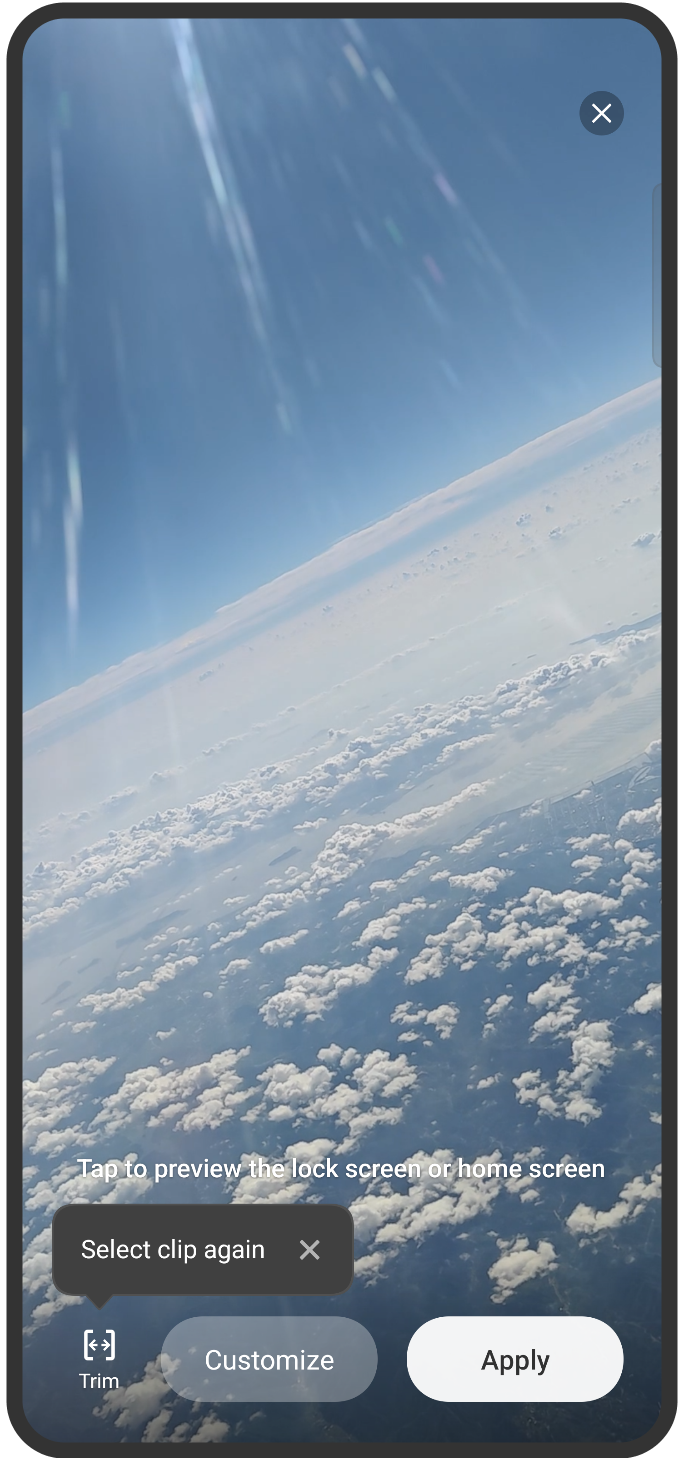
A preview screen, similar to the image above, will appear.
• Trim: If your video is longer than 10 seconds, you can use the Trim (or "Select clip again") option to choose your favorite 10-second segment.
• Customize (Optional): You may see a "Customize" option to adjust settings like audio or looping (though generally the video will loop automatically and silently).
5. Apply! Tap the "Apply" button.
6. Choose Screen: Select where you want the video to appear:
• Lock Screen
• Home Screen
• Both
That's it! Your video wallpaper is now set, and your screen just got a major upgrade in personalization and style!
✍️ Pro-Tip for the Best Look
For the best results, use a high-quality video clip that was recorded in portrait mode (vertical) to perfectly fit the aspect ratio of your phone's screen. A 10-second, high-resolution 9:16 video will look the most stunning!
Follow me ➡️ @TechieGuyfor more such amazing content 🤘 🤩.
Please sign in
Login and share