




























🤩 Unleash Global Efficiency with AI Screen Translation! 🌍

Hey Questers 👋,
Get ready to break down language barriers and boost your productivity! I'm excited to announce a powerful new feature that's here to make your digital life incredibly seamless: AI Screen Translation!
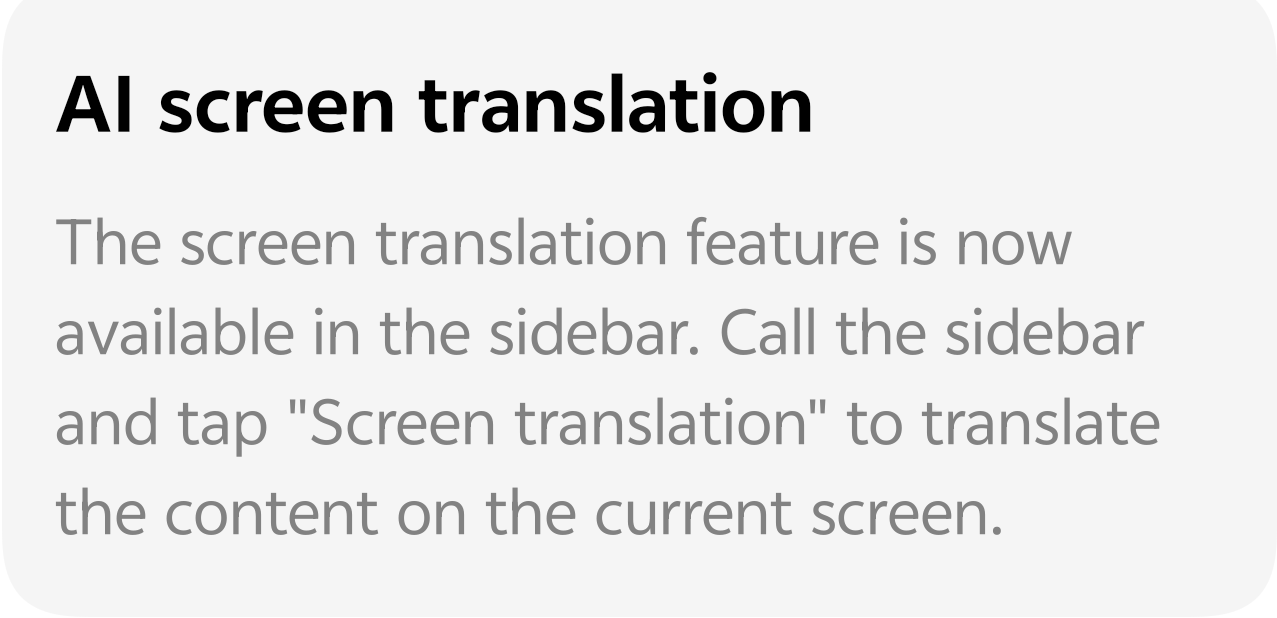
🚀 Translate Anything, Instantly
Gone are the days of laboriously copying text and switching between apps to understand foreign content. Whether you're browsing an international news site, reading a research paper, or exploring a new application, iQOO's AI Screen Translation feature delivers instant, system-level translation right on your current screen .
✨ How to Activate the Magic
The best part? This feature is brilliantly integrated for maximum efficiency! You don't even need to interrupt your current task.
1. Call the Sidebar: Access the handy Smart Sidebar (often a subtle tab on the edge of your screen, depending on your OS version).
2. Tap "Screen translation": Inside the sidebar, you'll find the new "Screen translation" option.
3. Witness the Translation: Tap it, and the AI will analyze the content on your screen and translate it on the spot!
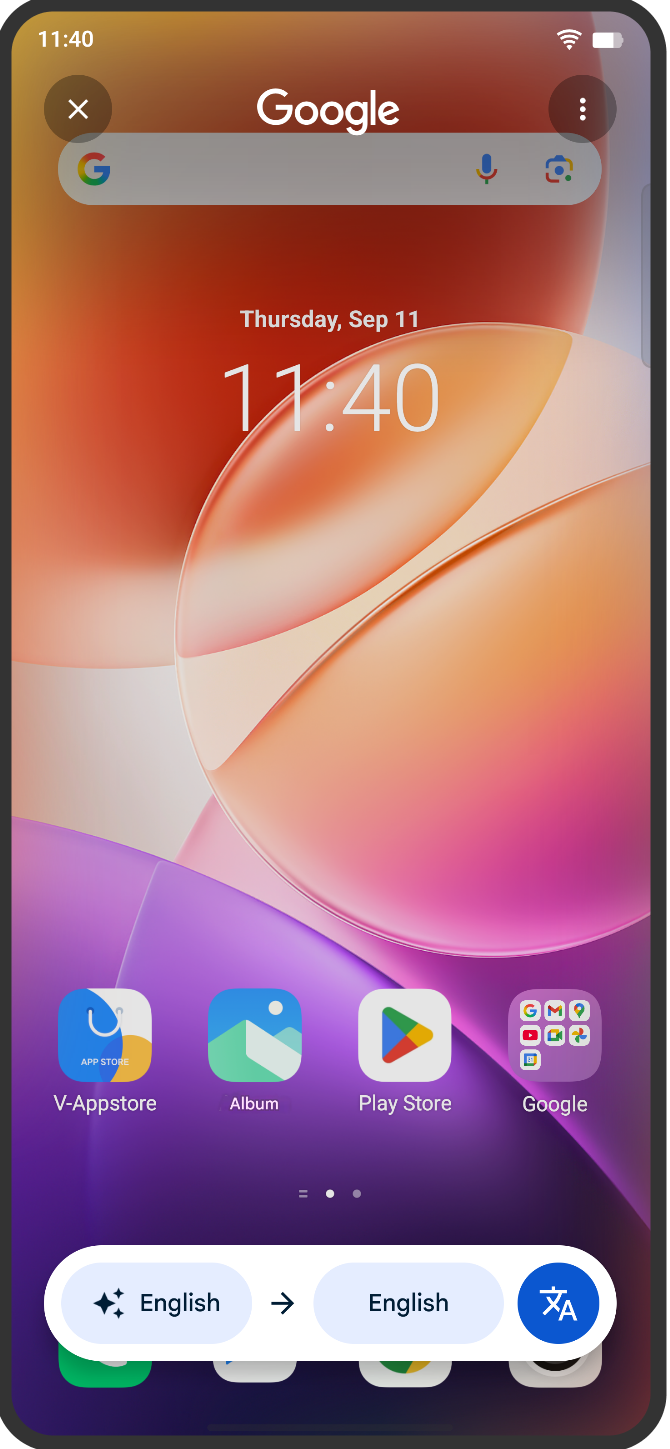
It’s that easy! A complex translation process is now reduced to a one-tap action, ensuring you can keep your focus on the content that matters.
💡 Why You'll Love This Feature
• Unmatched Efficiency: No more app-switching! Get the information you need in your preferred language instantly.
• System-Wide Support: It works across various apps and web pages, giving you comprehensive translation capabilities.
• Global Access: Read international articles, chat with friends abroad, or understand foreign app interfaces effortlessly.
Let me know how this is helping you dominate every task!👇
Follow me ➡️@TechieGuyfor more such amazing content 🤘🤠
Please sign in
Login and share