



























Ditch the Plastic: How to Activate eSIM on Your iQOO 15

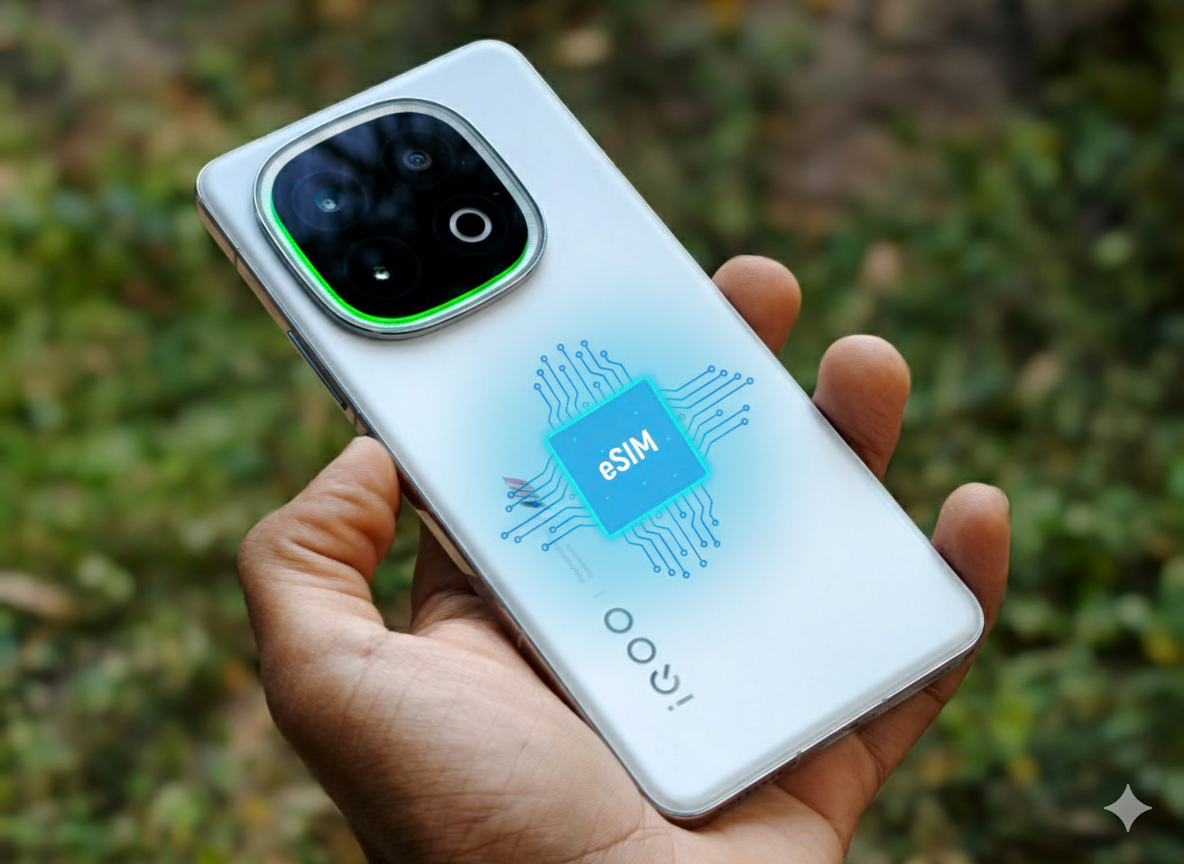
The iQOO 15 is built for flexibility. While it supports physical Nano-SIMs, the international version also includes eSIM (embedded SIM) support.
This allows you to:
- Maintain two numbers (or more) simultaneously (eSIM + Nano-SIM).
- Easily switch carriers, especially when traveling, without swapping tiny physical cards.
- Enhance security, as an eSIM cannot be physically removed if the phone is lost.
Before You Begin: The Three Essentials
To successfully set up an eSIM on your iQOO 15, you must have these three things:
- An eSIM-Compatible iQOO 15: (Confirmed for the International model).
- A Stable Wi-Fi Connection: Needed to download the profile.
- A QR Code or Activation Code: Provided by your mobile carrier/service provider.
Step 1: Obtain Your eSIM Profile
This is the most important step and is done through your carrier, NOT the phone.
- Existing Number: Contact your carrier (e.g., Vodafone Idea, Jio, Airtel etc.) via their app, website, or store to request a switch from physical SIM to eSIM.
- Your carrier will email or display a unique QR code and/or an activation code.
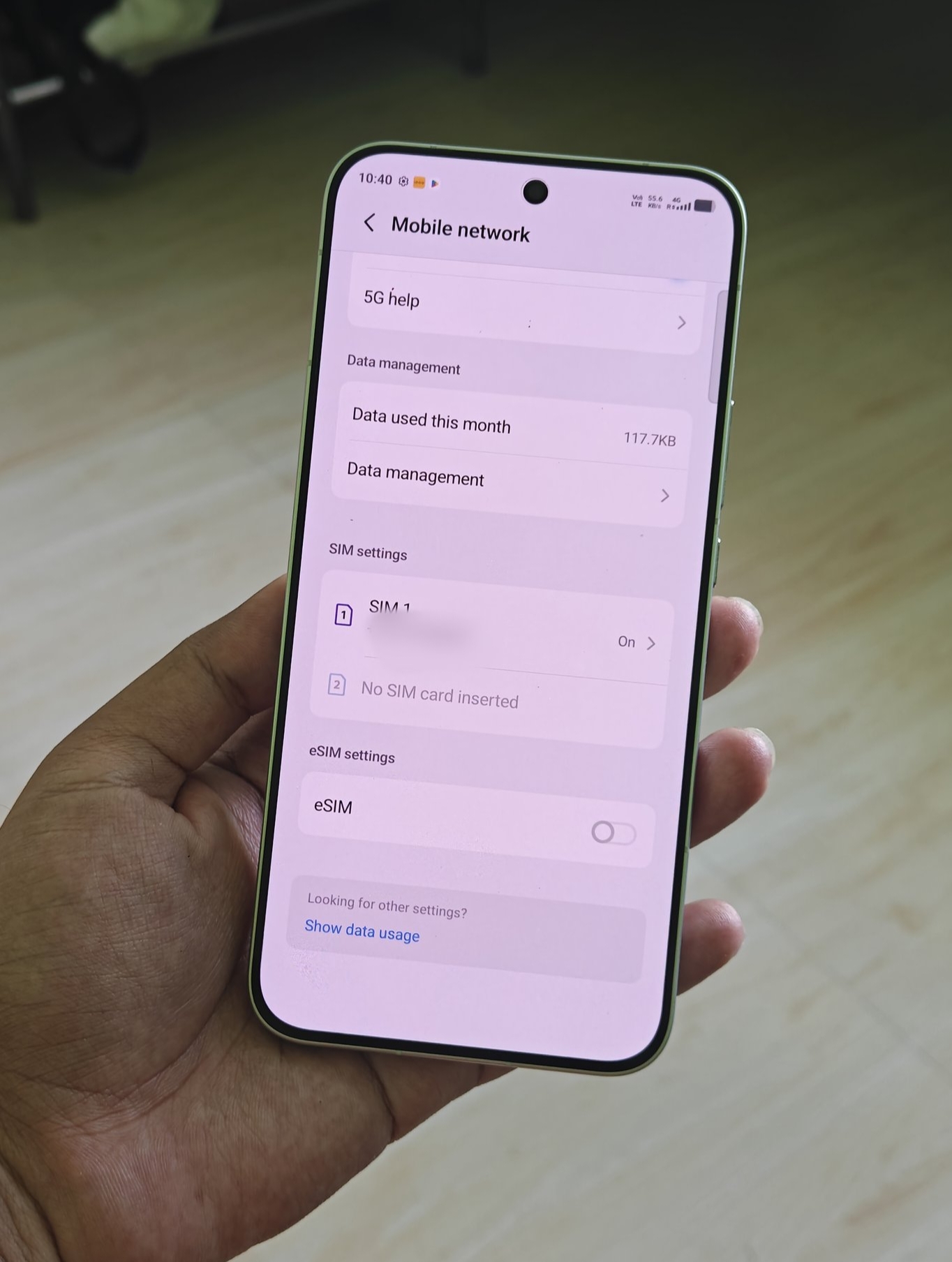
Step 2: Navigate to SIM Settings
Now, on your iQOO 15 running OriginOS/Funtouch OS:
- Go to Settings (The gear icon ⚙️).
- Tap on Network & Internet or SIM card & mobile network (The exact wording may vary slightly).
- Look for an option like SIM manager or Add eSIM.
Step 3: Scan the QR Code
Once you find the "Add eSIM" option:
- Tap on Download a new eSIM or Scan QR code from service provider.
- Your phone's camera will open. Use it to scan the QR code that your carrier provided (display it on a laptop or another phone).
- The phone will detect the mobile plan details automatically.
Manual Activation (If No QR Code)
If the QR code doesn't work, or your carrier provided a lengthy activation code:
- While on the QR scan screen, look for an option like "Enter it manually" or "Enter activation code."
- Input the full activation code and SM-DP+ Address provided by your carrier.
- Tap Continue or Next.
Download and Activate
The phone will connect to your carrier and download the eSIM profile. This may take a minute or two.
Once downloaded, you'll be prompted to Name the plan (e.g., "Primary," "Travel," "Work").
Ensure the toggle for the new eSIM is ON (Enabled).
Management and Final Check
- Your eSIM is now active and will function just like a physical SIM!
- You can manage both your physical SIM and your new eSIM under the SIM card & mobile network settings.
Tip: If you converted a physical SIM to an eSIM, remember to remove the old physical SIM from the tray to avoid confusion.
Do check out the latest More secured feature of iQOO 15 and share your experience in the comment section
Thanks
Please sign in
Login and share