



























🚀 Quick Guide: Declutter Your Status Bar! Disable Data Usage Display on your 📱

Hey Questers 👋,
While keeping an eye on your daily and monthly data usage is essential, sometimes that little counter in the notification bar can feel like unnecessary clutter, especially if you have a generous or unlimited data plan.
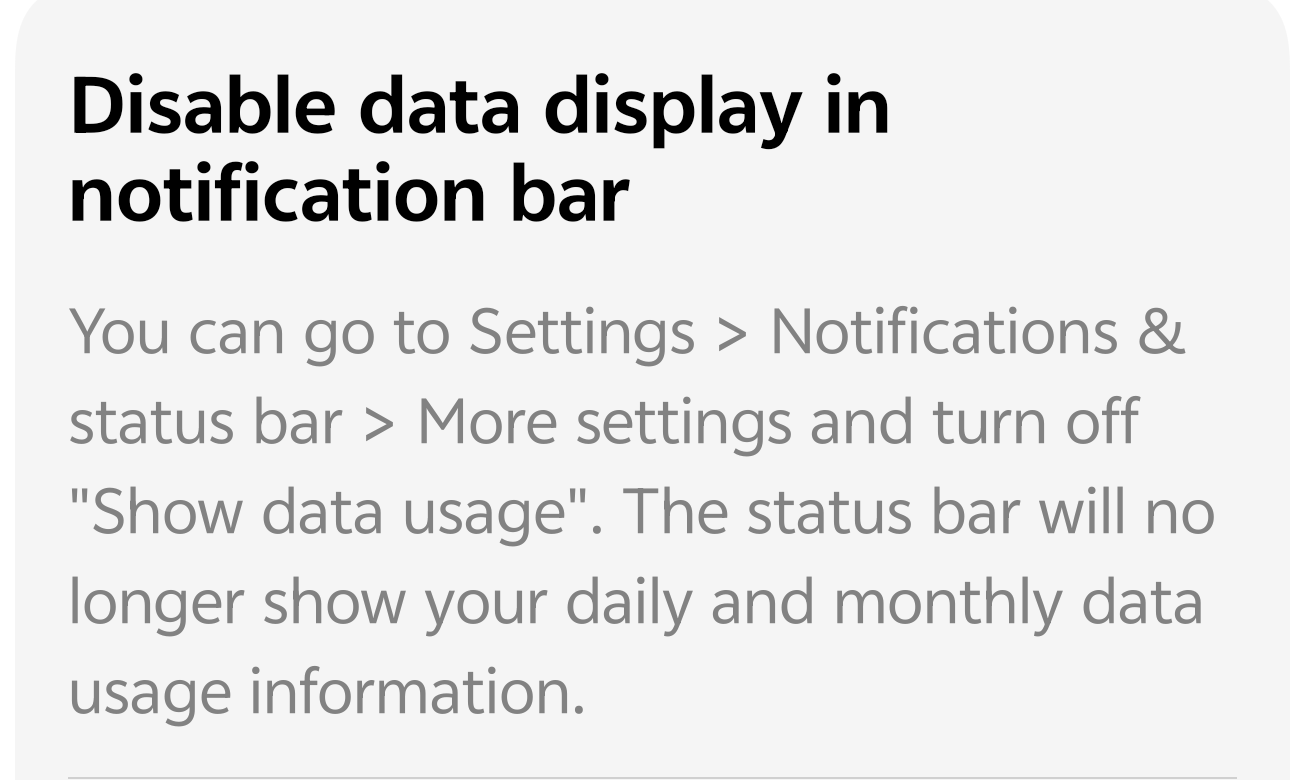
If you prefer a cleaner, more minimalist look for your Status Bar, here is the simple and quick way to disable the display of your data usage information.
⚙️ How to Disable Data Usage Display
The setting to manage this is nested within your phone's main Settings menu. Follow these quick steps to turn it off:
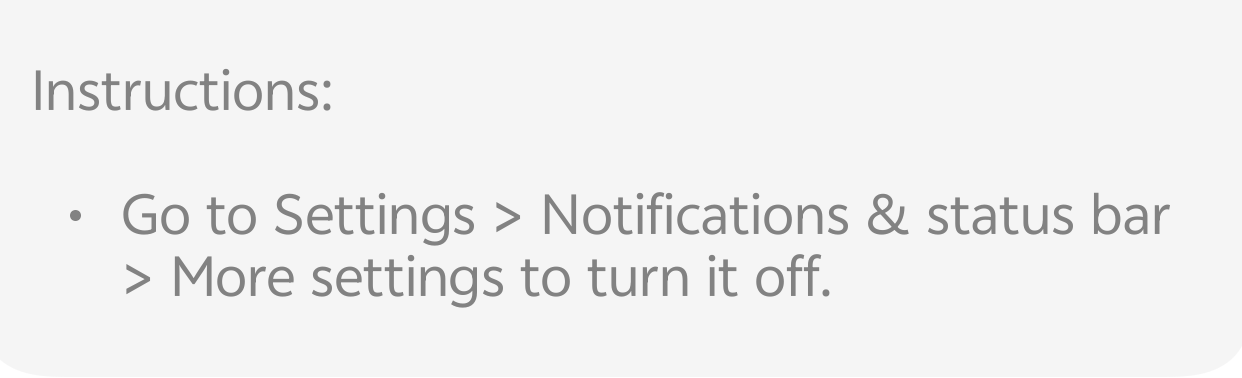
1. Go to Settings: Open the Settings app on your device.
2. Navigate to Notifications: Scroll down and find the Notifications & status bar (or similar) option and tap it.
3. Find More Settings: Look for and select More settings.
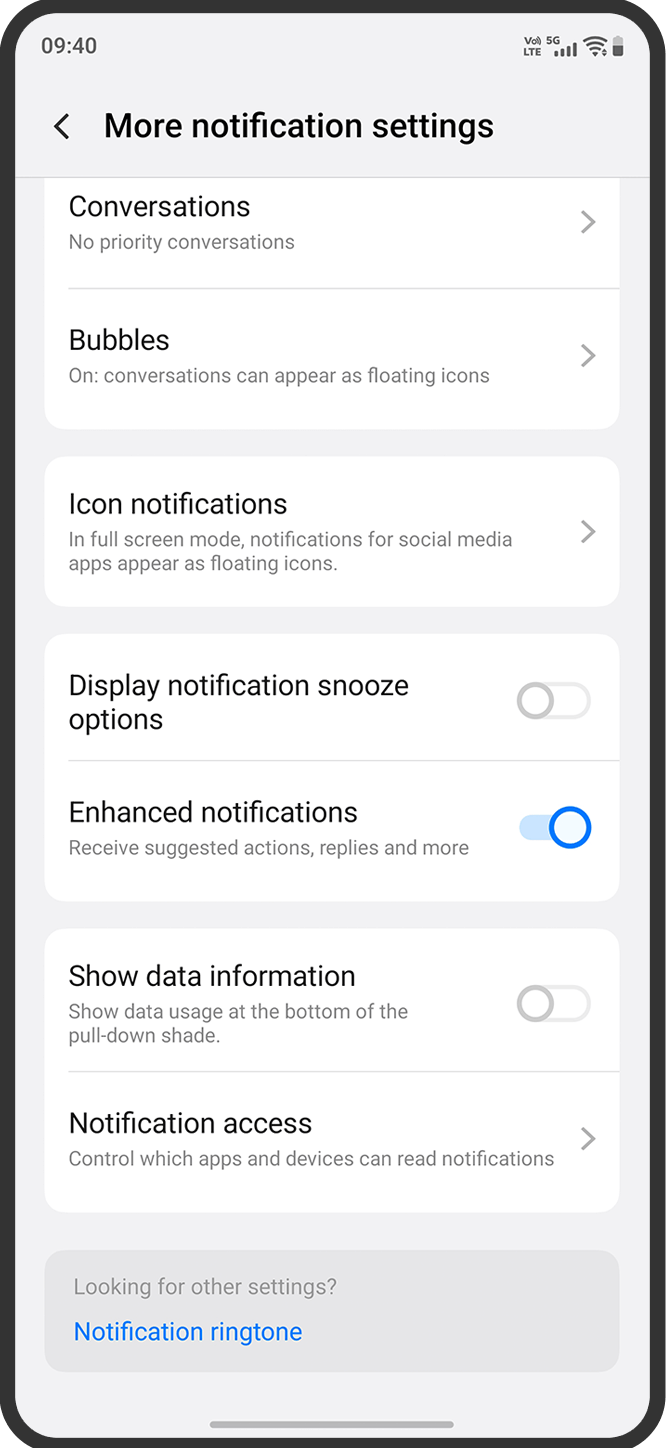
4. Toggle it Off: Locate the option labeled "Show data usage" or "Show data information".
5. Disable the Toggle: Tap the toggle switch to turn it OFF.
🎉 Done!
Your status bar and notification shade will now be free from the daily and monthly data usage statistics, giving you a cleaner, less distracting interface.
💡 Pro Tip for iQOO Users
On many iQOO users, you might also be able to find this setting directly through the pre-installed iManager app:
•Open iManager.
•Go to Data management (or Data traffic management).
•Look for the "Show data information" or "Show data usage" setting and disable it there.
Follow me ➡️ @TechieGuyfor more such amazing content 🤘 🤠.
Please sign in
Login and share