



























🎧 Level Up Your Productivity: Customize Your Timer Sound on Device 🚀

Hey Quester's 👋,
Tired of the same old timer ding every time you're perfectly timing your gaming cooldown, power nap, or that perfect instant noodle batch? I get it!
Personalization is key to a better smartphone experience, and that includes making even the smallest sounds your own.
Good news! Your iQOO device gives you a variety of system sounds and even the option for custom ones to make your Timer alarm truly yours.
💡 Customizing Your Timer Sound & Vibration
Follow these easy steps to find your perfect notification sound:
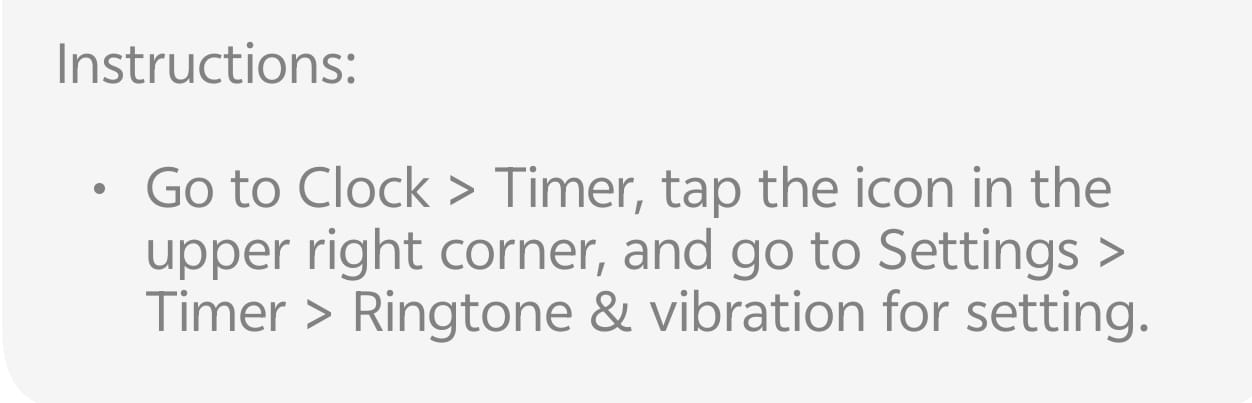
- Open the Clock App: Locate and tap the Clock app icon on your home screen or in your app drawer.
- Navigate to Timer: Select the Timer tab (usually found at the bottom or top of the screen).
- Access Settings: Look for the icon in the upper right corner (it often looks like three vertical dots or a settings/gear icon ⚙️ and tap it.
- Go to Settings: From the menu that appears, tap Settings.
- Find Ringtone & Vibration: Select Timer and then tap Ringtone & vibration for setting.
- Choose Your Vibe:
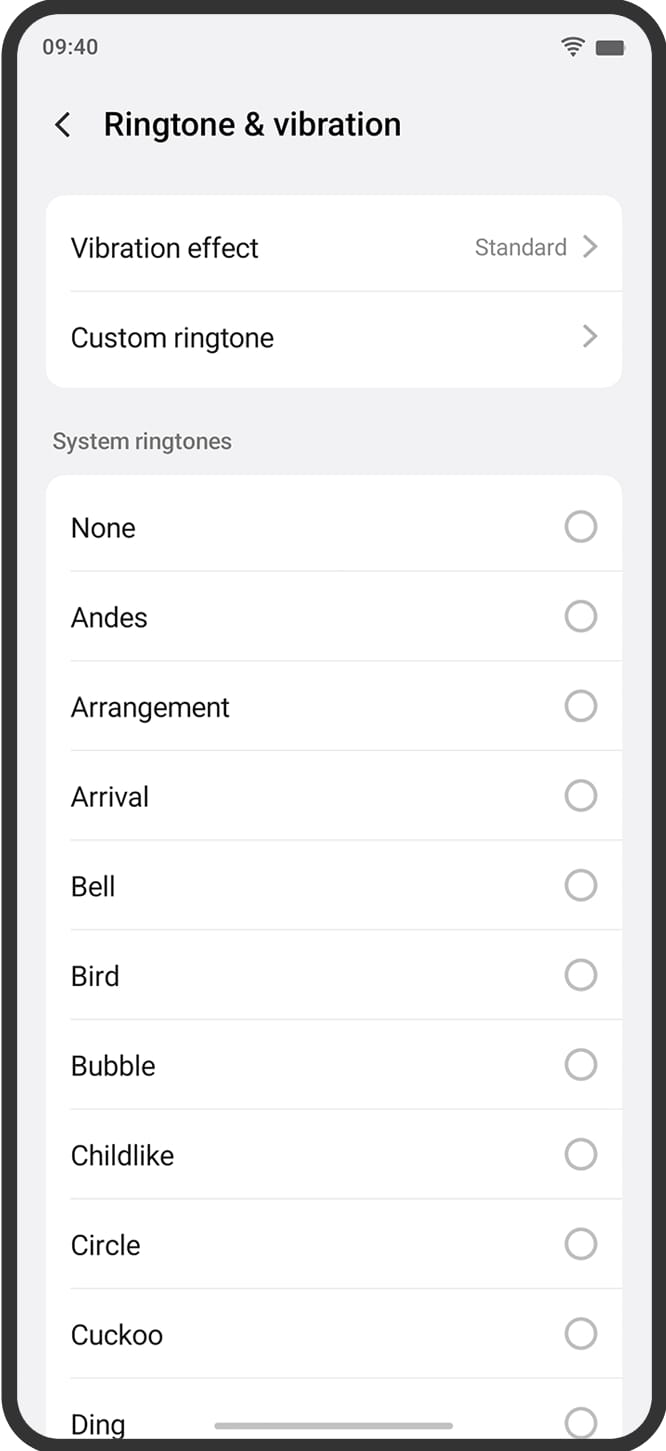
Ringtone: Tap on System ringtones to browse the variety of options like Andes, Arrival, Cuckoo, and more! You can also select Custom ringtone if you want to use a downloaded music file.
Vibration effect: Tap Vibration effect and select a style that suits you (like Standard or another pattern).
7. Select and Done! Once you tap your preferred ringtone, it will be automatically selected. Now, every timer you set will alert you with your new personalized sound!
🔥 Pro Tip: Experiment with different ringtones for different tasks! A soft, gentle chime for a focus timer, and a loud, distinct sound for a cooking timer.
Follow me ➡️@TechieGuy for more such amazing content 😇✌️.
Please sign in
Login and share