




























🤩 Level Up Your Productivity! Introducing Super Clipboard on Your Device

Hey Questers! 👋,
Tired of emailing yourself notes or sharing images just to move them between your iQOO phone and your computer? I've got some epic news for all the productivity champions out there! Say hello to Super Clipboard, a powerful feature within the Office Kit that's here to revolutionize your cross-device workflow.
🚀 What is Super Clipboard?
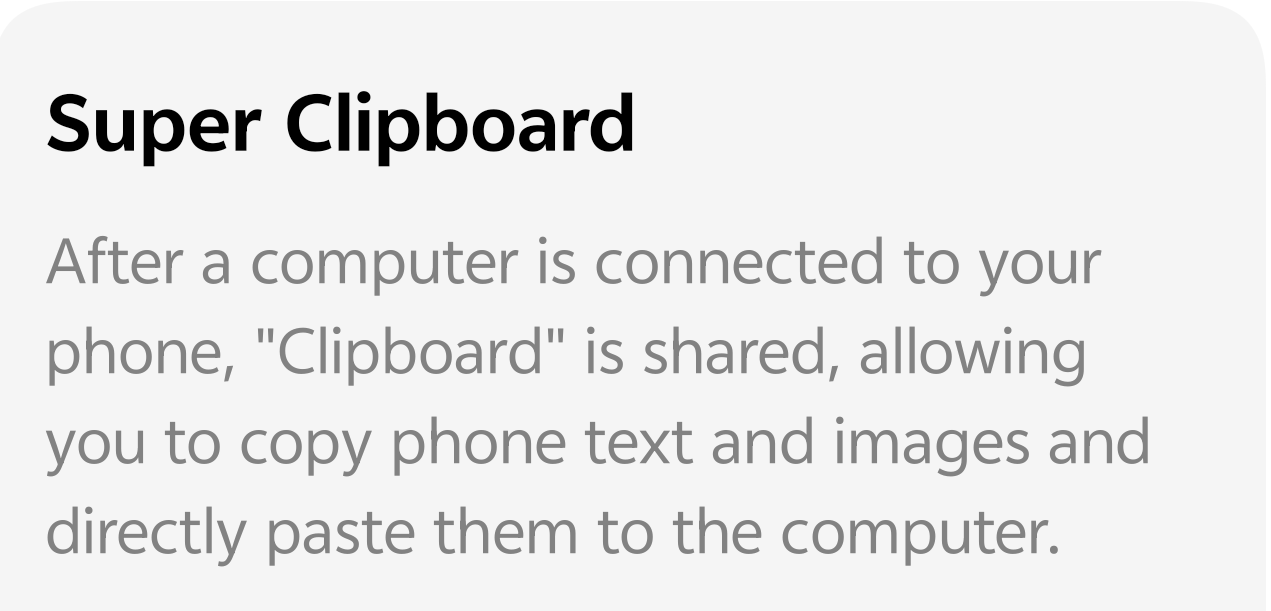
Imagine your phone and your computer sharing the exact same clipboard. That's the magic of Super Clipboard! Once your iQOO phone is connected to your Windows or macOS computer using the Office Kit, you can instantly copy text and images on your phone and directly paste them onto your computer and vice-versa! No more messy transfers, cables, or third-party apps. It’s seamless, fast, and super efficient!
✨ Key Benefits for iQOO Users
* ⚡️ Instant Text Transfer: Copy a web link, a phone number, or a long message on your phone, and hit Ctrl+V (or Cmd+V) on your PC to paste it instantly.
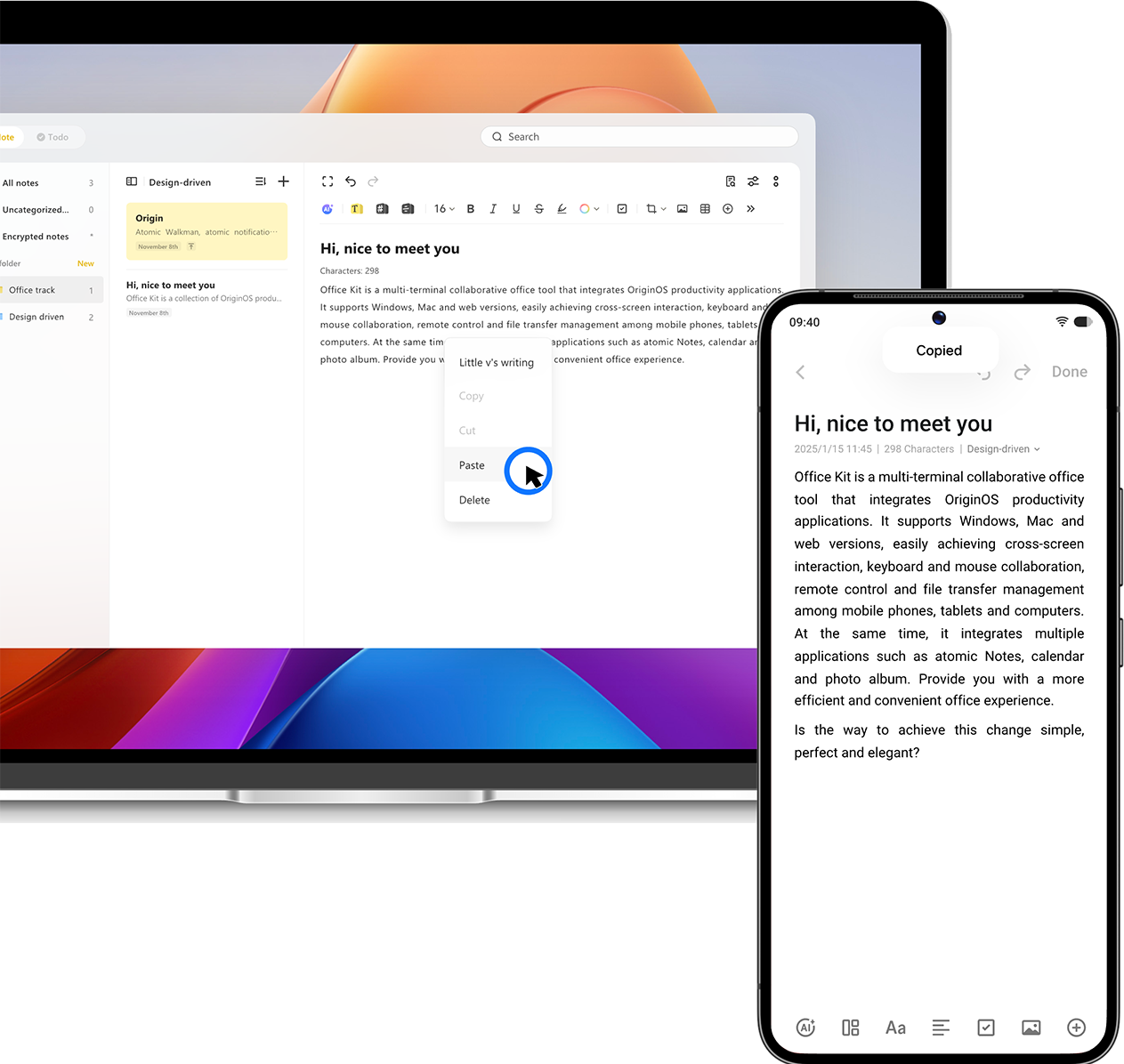
* 🖼 Seamless Image Sharing: Took an amazing screenshot or received a funny meme on your phone? Copy the image and paste it directly into your computer's document, email, or photo editor.
* 🔗 Truly Connected Ecosystem: Super Clipboard is a core part of the Office Kit, which is built for deep integration, ensuring a stable and secure connection between your iQOO device and your personal computer.
⚙️ How to Set Up Super Clipboard
Getting started is quick and easy. Follow these simple steps to activate the feature and start using it today:
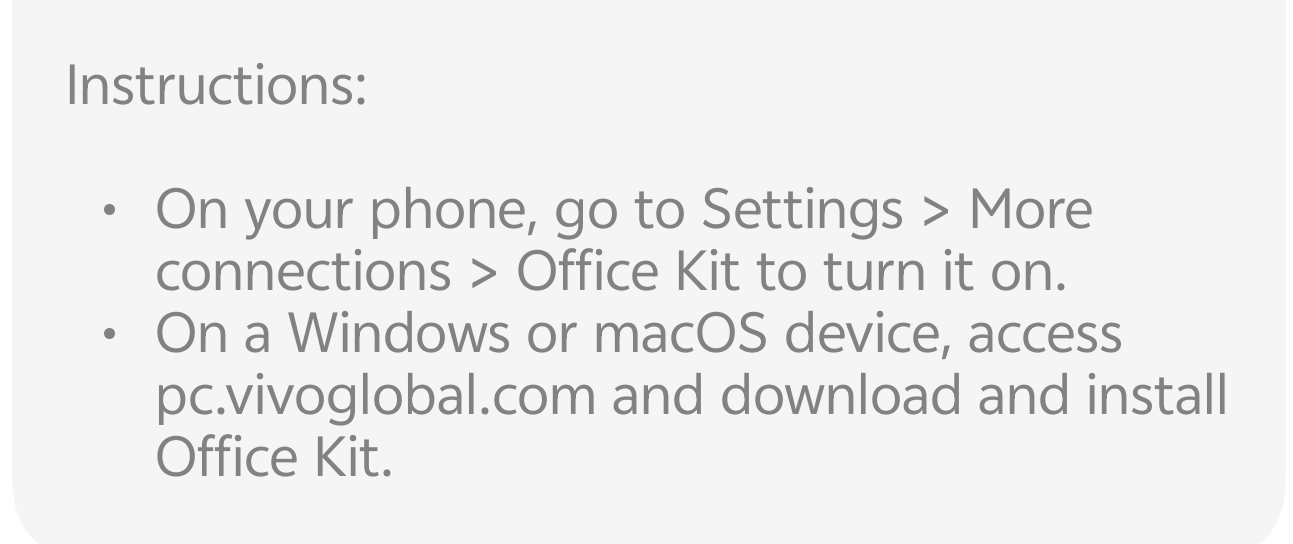
* On Your iQOO Phone:
* Go to Settings.
* Navigate to More connections (or similar based on your Funtouch/OriginOS version).
* Select Office Kit and turn it on.
* On Your Computer (Windows or macOS):
* Open your web browser and visit pc.vivoglobal.com.
* Download and install the Office Kit application.
* Follow the on-screen instructions in the
Office Kit app to connect your iQOO phone. This usually involves scanning a QR code.
That's it! Once the connection is established, your clipboard is instantly shared. Test it out by copying some text on your phone and pasting it on your PC!
💡 Keep Questing!
In the world of iQOO, the team is constantly pushing the boundaries of what's possible, and productivity features like Super Clipboard are all about giving you back your time and making your life easier.
Follow me ➡️ @TechieGuyfor more such amazing content 🤘 🤩.
Please sign in
Login and share