



























⚡️ Master the Quick Fix: How to Force Restart Your iQOO Device

Hey Questers 👋,
We all love the blazing-fast performance of our iQOO devices, but sometimes even the best technology can hit a snag. Has your phone become unresponsive, is an app frozen, or is your device lagging unexpectedly?
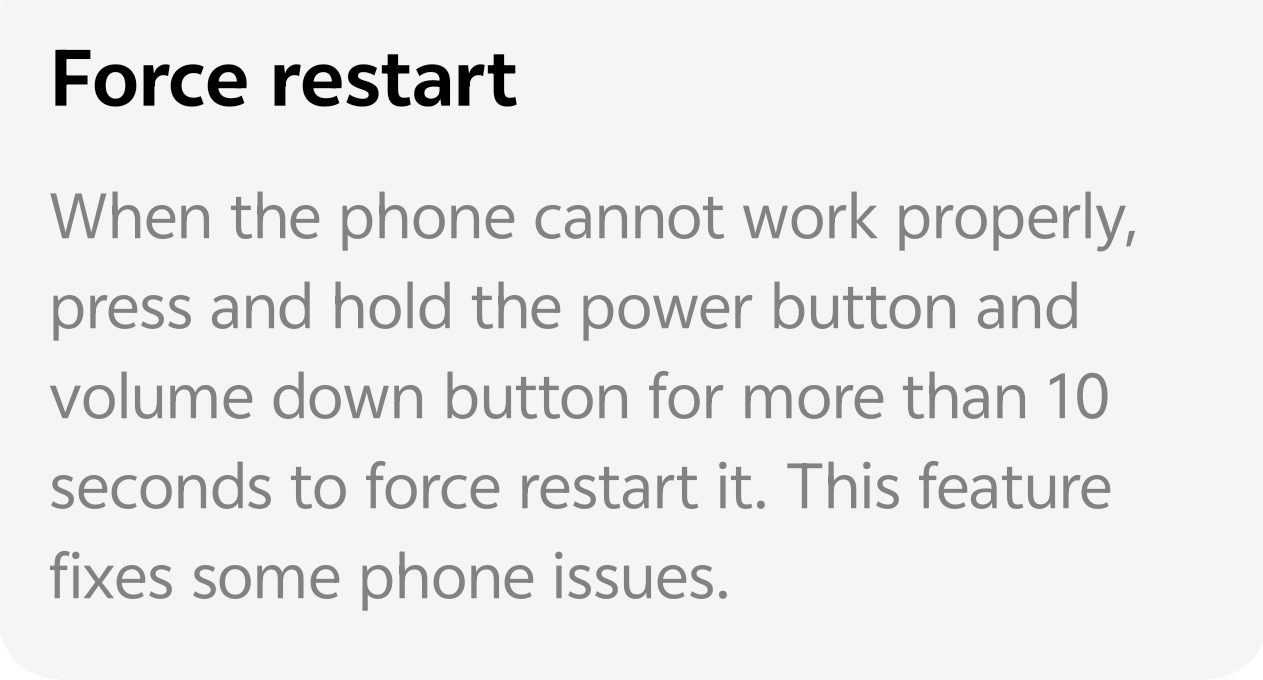
Before you panic or rush to a service center, there's one simple, powerful trick that can solve most temporary software glitches: the Force Restart. It's quick, easy, and often all you need!
⚙️ What is a Force Restart?
Unlike a regular power-off or restart (which relies on the software to respond), a Force Restart is a hardware-level command that cuts power and reboots the system. It's designed specifically for those times when your phone is so stuck that it can't execute a standard restart command.
Think of it as the ultimate "Ctrl+Alt+Del" for your smartphone!
🚀 The Simple Steps to Force Restart
The process is incredibly straightforward and works across most iQOO models:
* Locate the Buttons: Identify the Power Button and the Volume Down Button on your device's side.
* Press & Hold: Press and hold both the Power Button and the Volume Down Button simultaneously.
* Wait it Out: Keep holding these two buttons for a duration of more than 10 seconds.

> 💡 Pro-Tip: Don't worry if the screen goes black or you see a momentary flash,just keep holding until you feel a vibration and see the iQOO logo reappear.
Your phone will then perform a forced shut down and automatically begin the boot-up process. Once it loads, your device should be back to its normal, responsive state!
✅ When Should You Use Force Restart?
This feature is designed to fix specific issues:
* Unresponsive Screen: The phone won't react to taps or swipes.
* Frozen Apps: A critical application or the home screen is completely stuck.
* Persistent Lag: Your device is unusually slow and a normal restart isn't possible.
* Black Screen: The screen is black, but you know the phone is still technically on.
Remember: Force Restart is an effective first-aid solution for temporary software issues and is a great feature to know!
Follow me ➡️ @TechieGuyfor more such amazing content 🤘 🤩.
Please sign in
Login and share