




























🔑 Password Panic? Don't Worry! Reset Your Forgotten Lock Screen Password

Hey Questers 👋,
We've all been there,you just changed your lock screen password to something super secure, only to forget the new one an hour later!
🤯 A forgotten password can be stressful, but if you're using a modern Funtouch OS/Origin Os6 on your iQOO device, we have a 96-hour lifeline that can save your day (and your data!).
⏳ The 96-Hour Window: Your Password Safety Net
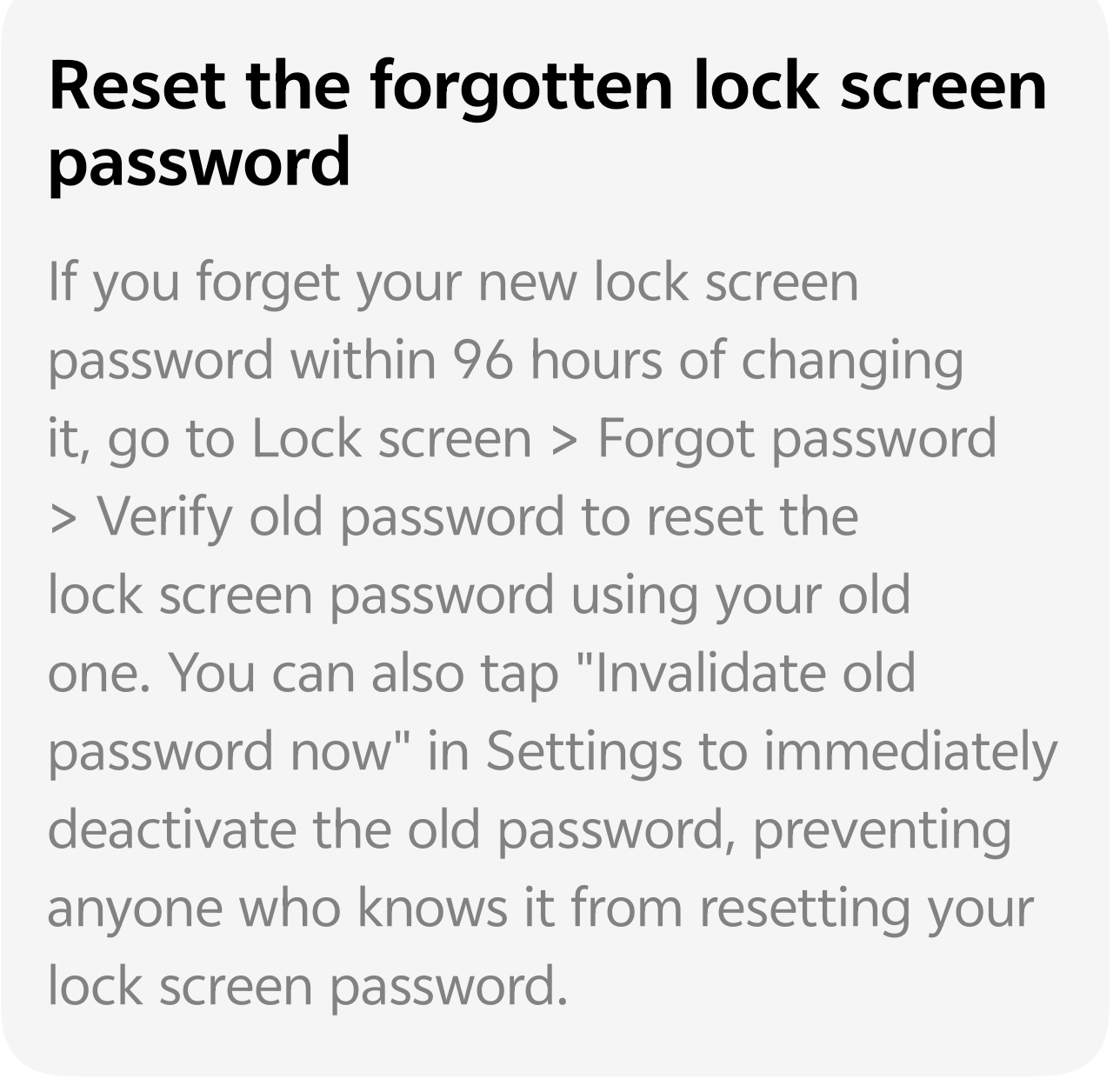
If you recently changed your lock screen password (Pattern, PIN, or Alphanumeric) and immediately forgot the new one, your iQOO device offers a grace period. For the first 96 hours (4 days) after changing the password, the old password remains temporarily valid for one crucial purpose: to reset the new one.
This is a brilliant feature designed to prevent permanent lockouts right after a change.
📝 Here's How to Reset Your Password Using the Old One:
If you are locked out because you forgot your new password, follow these steps to use your old one:
* On your phone's lock screen, attempt to enter the new password multiple times until you see the options appear.
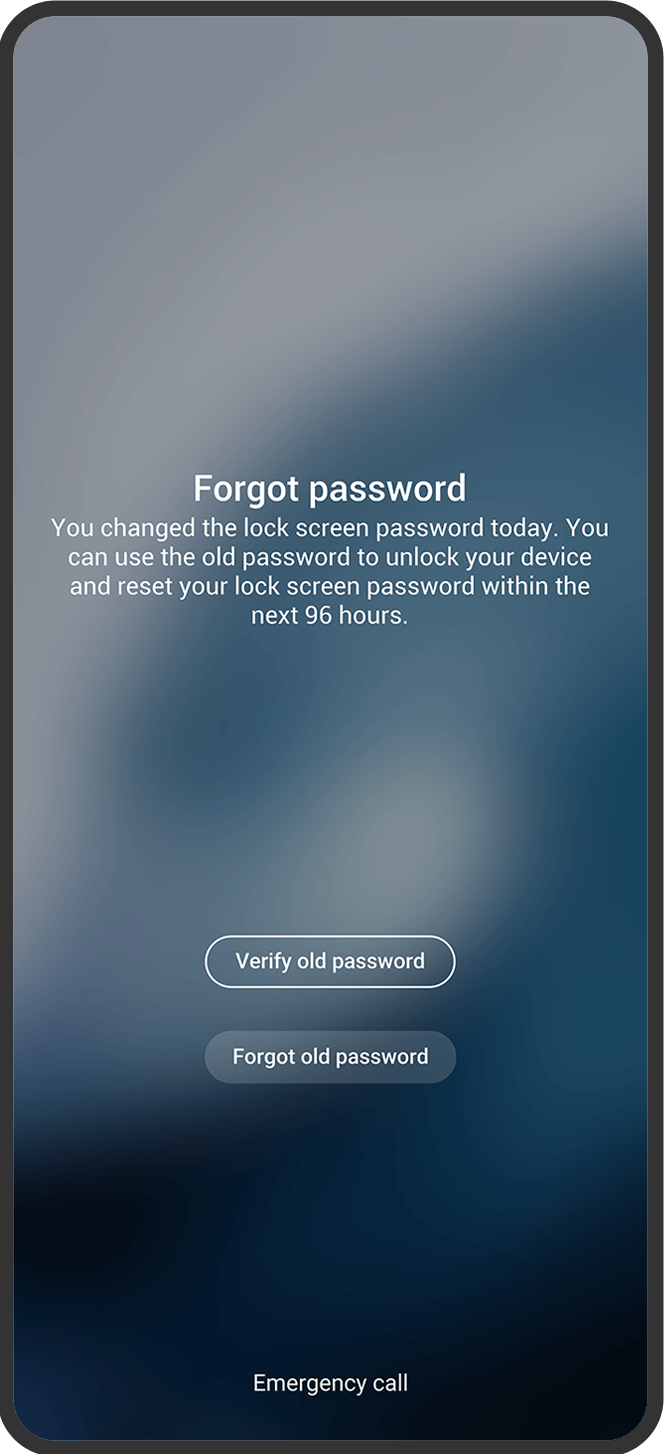
* Tap on the "Forgot password" option.
* You will see two options:
* "Verify old password": This is your way back!
* "Forgot old password"
* Select "Verify old password".
* Enter your previous lock screen password.
* If the old password is correct and you are within the 96-hour window, you will be prompted to set a new password.
> 💡 Remember: This "Verify old password" option is only available for 96 hours after the last password change. Don't delay!
🚫 Want to Immediately Deactivate the Old Password?
While the 96-hour safety net is great, some users may prefer to immediately invalidate their old password for extra security, especially if they suspect the old one was compromised.
If you are confident you will not forget your new password and want to deactivate the old password immediately, you can do so in the settings:
* Go to Settings.
* Navigate to Security (or Fingerprints, face and password).
* Go to Lock screen (or Screen lock).
* Look for and tap on "Invalidate old password now" to immediately deactivate the temporary use of the old password.
🚨 What if the 96 Hours Are Over OR I Forgot the Old One Too?
If you miss the 96-hour window or can't remember the old password, your options become more restrictive and may lead to data loss:
* Security Questions: On some older Funtouch OS versions, after multiple failed attempts, you may have the option to answer your pre-set security questions.
* Factory Reset via Find My Device (Google): You can use Google's "Find My Device" feature to remotely erase all data on your phone, which also removes the lock screen password. (Warning: This deletes all your local data!)
* Customer Service Center: If all else fails, you may need to visit an authorized iQOO service center with your proof of purchase and ID for assistance.
Follow me ➡️ @TechieGuy for more such amazing content 🤘 🤠.
Please sign in
Login and share