



























Save Your Memories: Understanding the 30-Day Safety Net for Deleted Photos! 📷

Hey Questers 👋,
We've all been there: that moment of panic after accidentally hitting 'Delete' on a precious photo or video. Whether you're quickly cleaning up storage or just made a mistake, losing a memory can be frustrating!
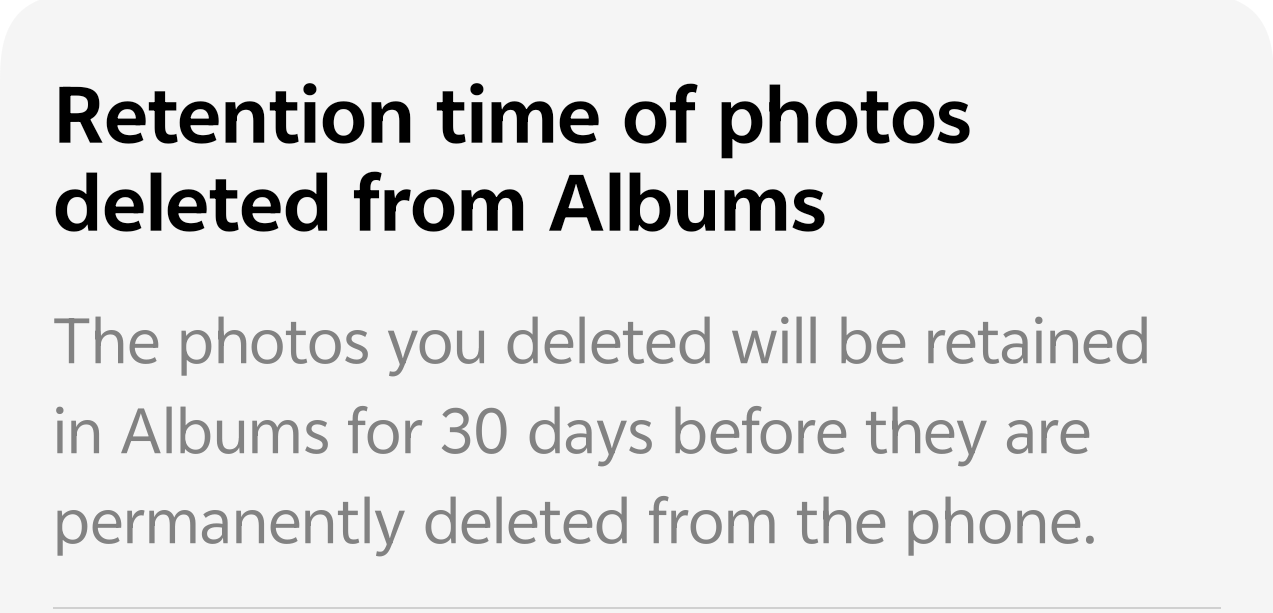
Good news! Our iQOO device has a built-in safety net to protect your deleted photos and videos. This crucial feature gives you a full 30 days to change your mind and restore those seemingly lost files.
🛡️ The 30-Day Photo Retention Rule
When you delete a photo or video from your Albums, it's not permanently erased immediately. Instead, it is moved to a special folder where it is safely kept for a fixed duration.
* Retention Time: Photos and videos you delete will be retained in the Recently Deleted album for 30 days before they are permanently deleted from your phone's storage.
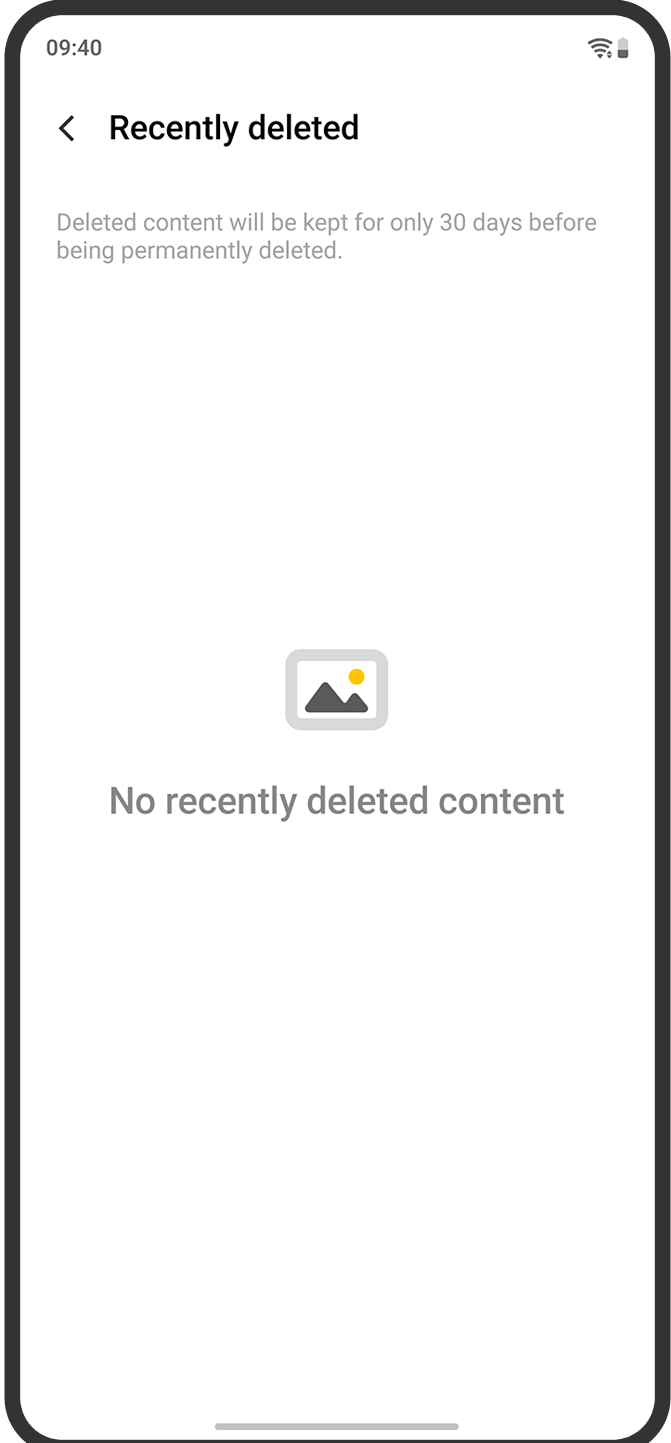
This means you have almost a full month to recover any file you deleted by mistake!
💡 How to Recover Your Deleted Photos
It's quick and easy to get your files back.
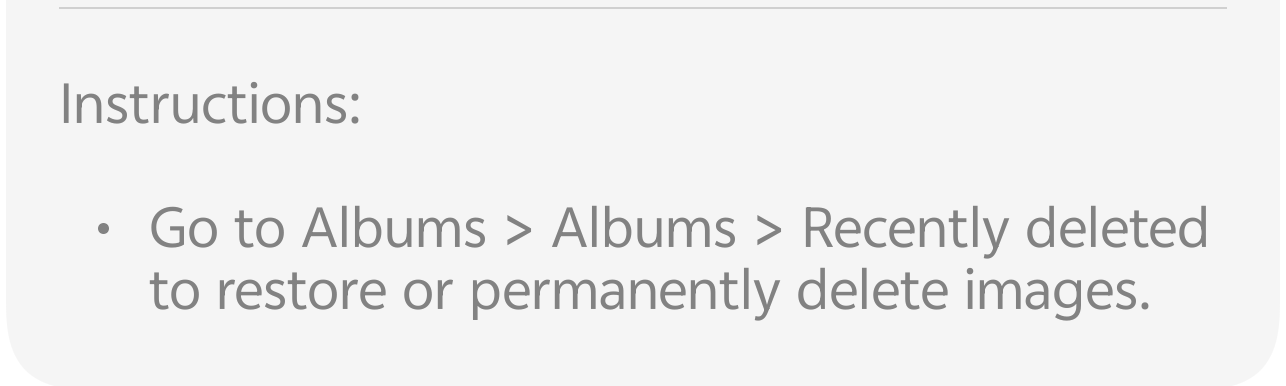
* Open the Albums (or Gallery) app on your phone.
* Tap on the Albums tab at the bottom of the screen.
* Scroll down to find and tap on Recently Deleted (or Trash, depending on your OS version).
* Browse the folder, select the photos/videos you want to keep, and tap Restore.
Voila! Your precious memories are back in their original albums.
📝 Key Takeaway
Remember, after the 30-day period, the content is permanently deleted and cannot be recovered via the Album app. It's a great habit to check your Recently Deleted folder every few weeks if you tend to clear out your gallery often!
Follow me ➡️ @TechieGuyfor more such amazing content 🤘 🤩.
Please sign in
Login and share