



























Upgrade Your Gallery: Meet the All-New "Intelligent Classification" in Albums!

Hey Questers 👋,
We all know the struggle,scrolling through thousands of photos just to find that one picture of your pet or that delicious meal you had months ago. Well, the latest Album Upgrade is here to do the heavy lifting for you.
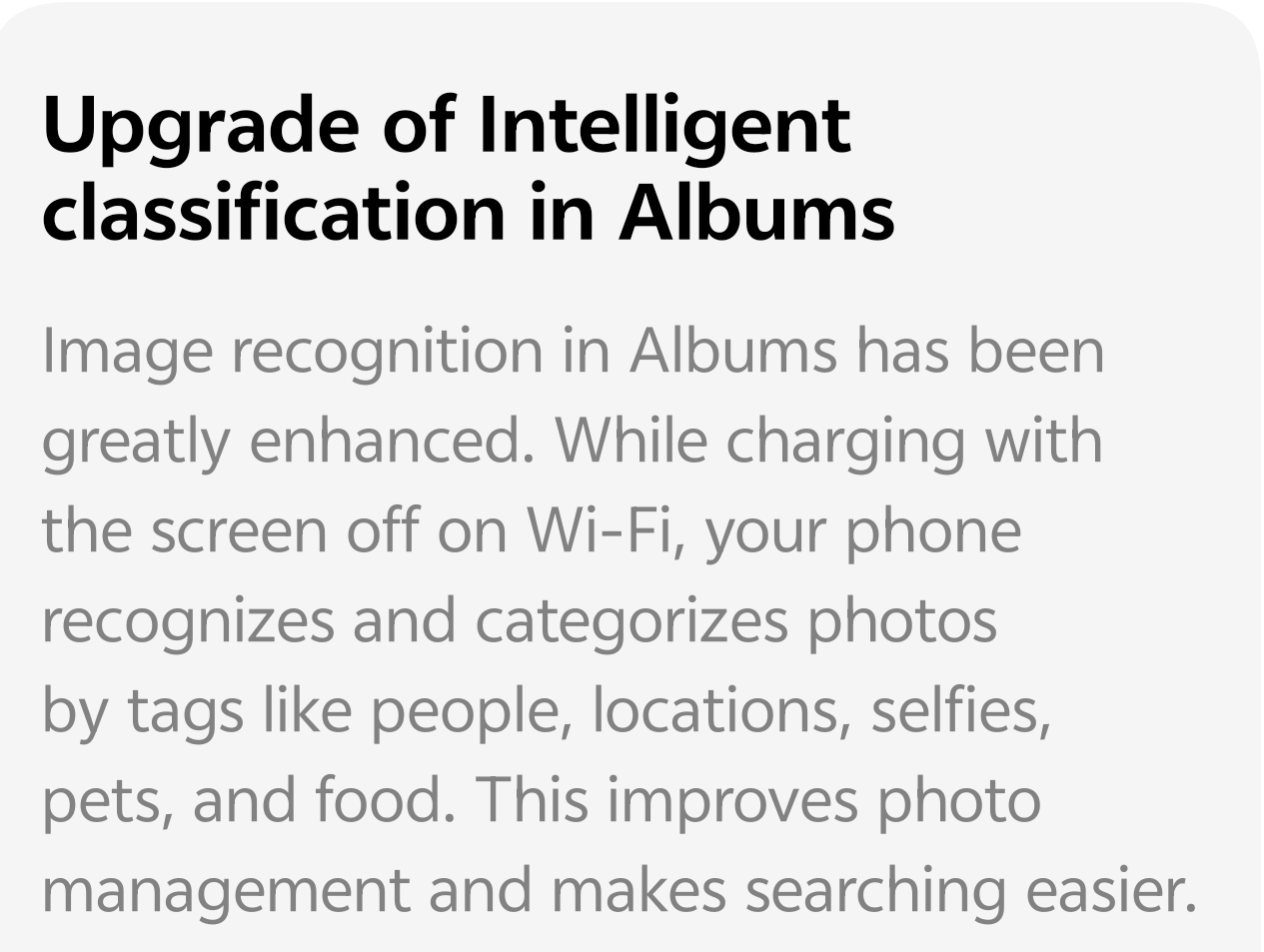
Say hello to Intelligent Classification, a smart AI-driven feature that organizes your memories while you sleep!
📸 What is Intelligent Classification?
This isn't just a basic folder system. Your iQOO phone now uses advanced image recognition to scan your local photos and group them into specific categories based on what’s actually in the picture.
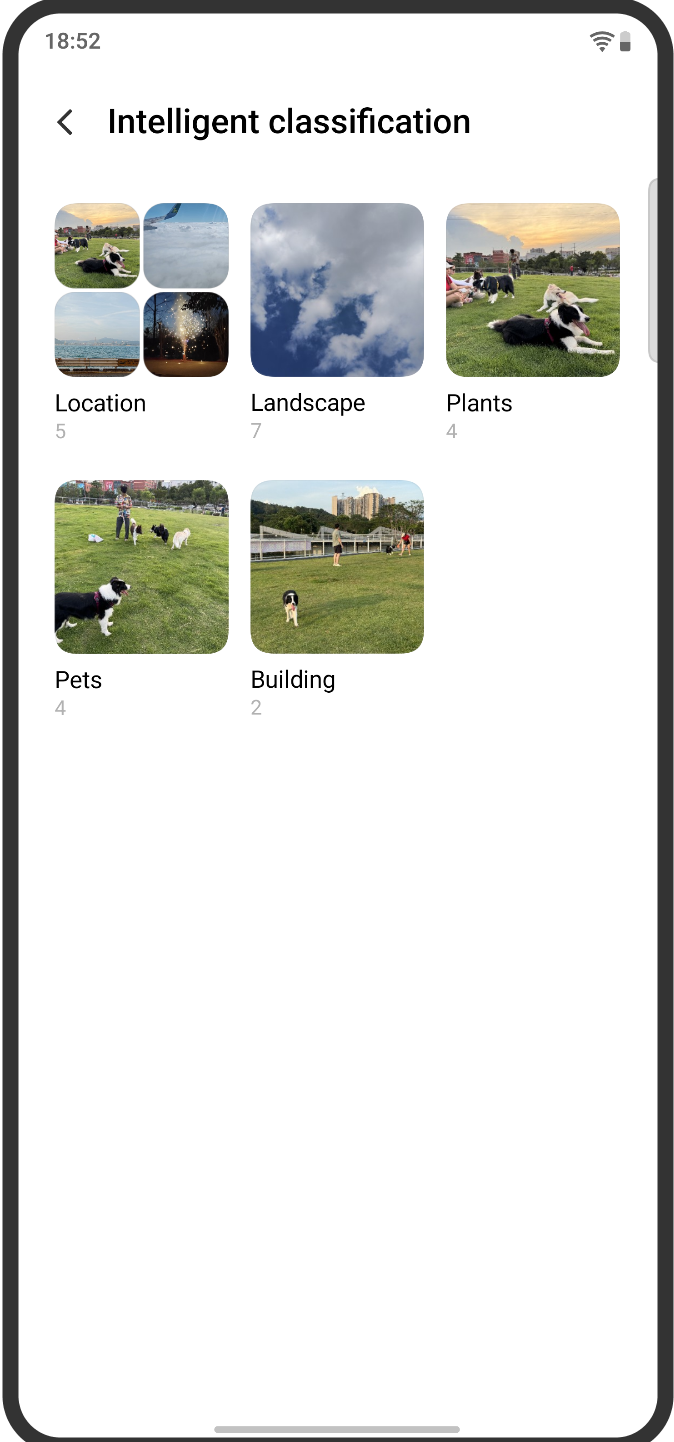
Whether it’s a stunning landscape, a group selfie, or your favorite four-legged friend, the AI automatically tags and sorts them into smart albums like:
* People: Every face recognized and grouped together.
* Locations: Relive your travels by city or landmark.
* Pets & Plants: Perfect for animal lovers and nature photographers.
* Food & Scenery: Instantly find your "foodie" shots or mountain views.
⚡ How Does It Work? (The "Smart" Part)
To ensure your phone stays lightning-fast during the day, the AI does its "thinking" at the perfect time. The image recognition process kicks in only when:
* Your phone is charging 🔋
* The screen is off 📱
* You are connected to Wi-Fi 📶
This ensures that the heavy processing doesn't drain your battery or heat up your device while you're actually using it. By the time you wake up and unplug, your gallery is perfectly organized!
💡 Why You’ll Love It
* Effortless Searching: Just tap "Pets" or "Buildings" to find specific shots in seconds.
* Privacy First: All the recognition happens locally on your device. No photos are uploaded to the cloud for this classification.
* Clean Layout: Your "Albums" tab looks much more professional and clutter-free.
How to find it?
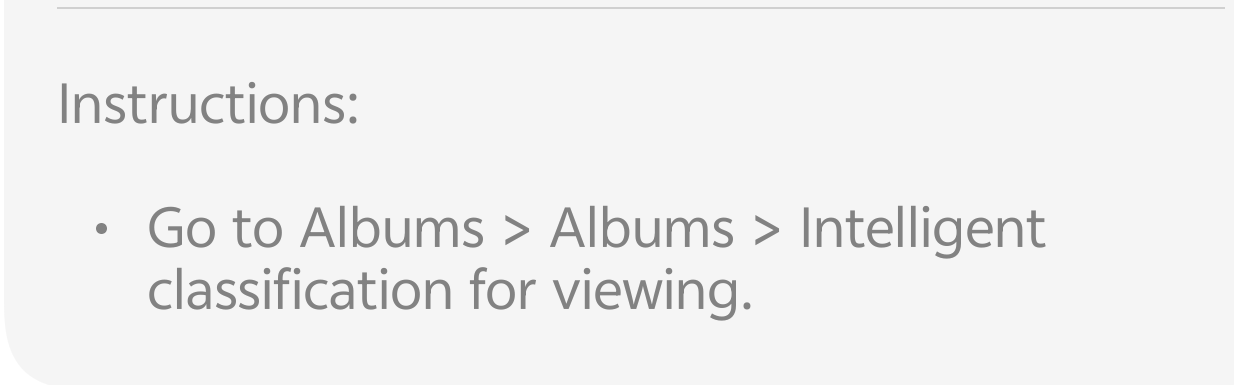
Open your Albums app > Tap on the Search/Explore bar or look for the Intelligent Classification section under the "Recommend" or "Discover" tab!
Please sign in
Login and share