




























Keep Your Gallery Organized with the "Cleanup Suggestions" Feature! 📸✨

Hey Questers 👋,
We’ve all been there,trying to capture the perfect shot and ending up with 20 versions of the exact same pose. Or perhaps your storage is crying for help because of a year's worth of forgotten screenshots and screen recordings.
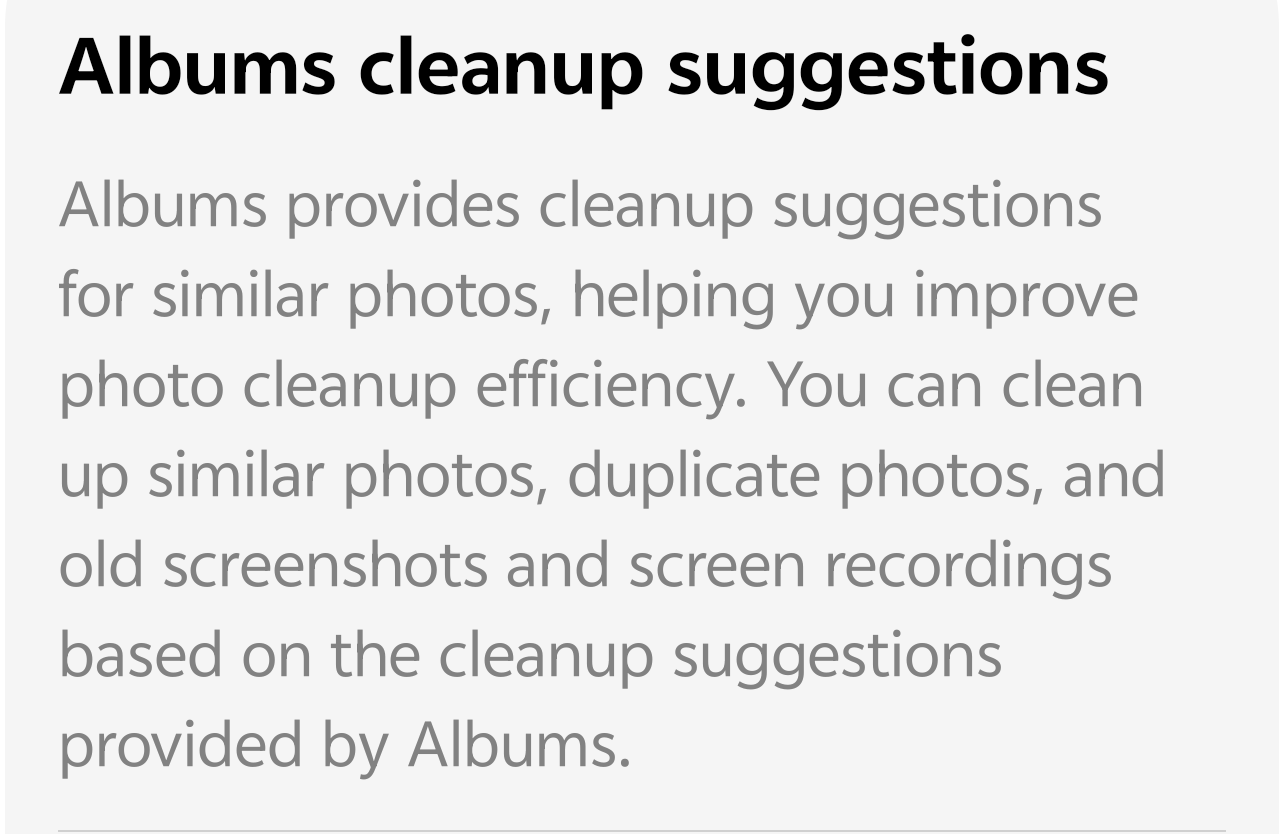
Manually sorting through thousands of photos to find duplicates is a chore nobody wants. That’s where the Cleanup Suggestions feature in the iQOO Gallery (Albums) app comes to the rescue!
What are Cleanup Suggestions? 🧹
The Albums app on your iQOO device is smarter than you think. Using intelligent classification, it analyzes your library to identify "clutter" that you likely don't need anymore. This feature helps you improve cleanup efficiency by grouping items into easy-to-manage categories:
* Similar Photos: Detects bursts or multiple shots of the same scene so you can keep the best one and ditch the rest.
* Duplicate Photos: Identifies exact copies of the same image taking up double the space.
* Old Screenshots: Those one-time food orders or tracking numbers from months ago? It finds them for you.
* Large Screen Recordings: Helps you locate those heavy video files that are eating up your GBs.
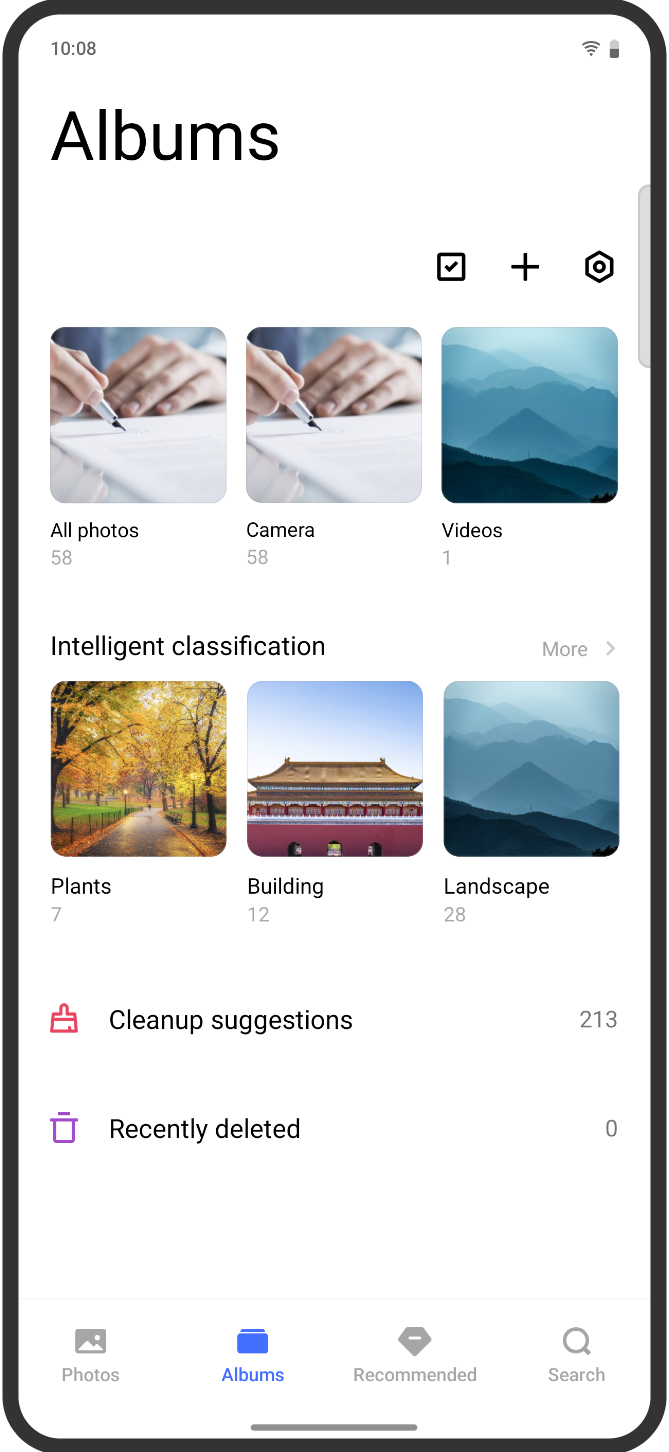
How to Use It (Step-by-Step) 🛠️
Ready to reclaim your storage? Follow these simple steps:
* Open the Albums app on your iQOO smartphone.
* Tap on the Albums tab at the bottom.
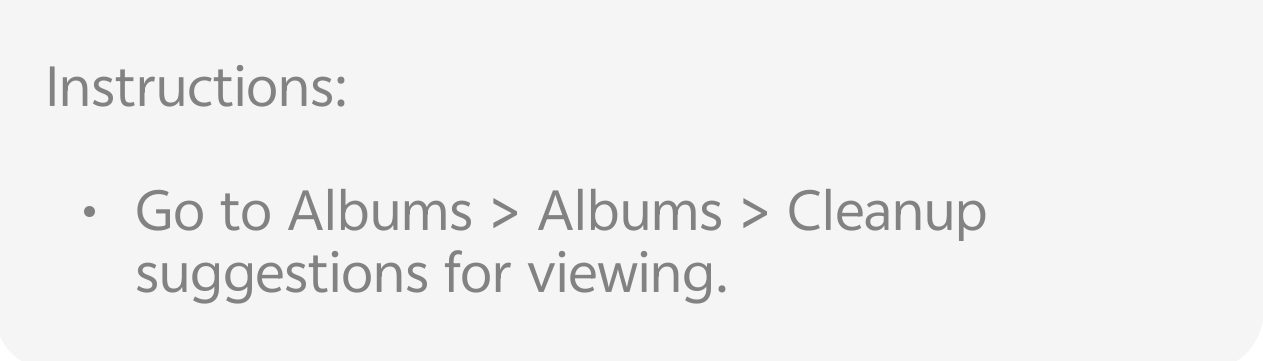
* Scroll down to the bottom or look for the Cleanup suggestions section.
* Review the suggested items and select what you want to delete.
* Confirm and enjoy your newly freed-up space!
> Check your Trash! Deleted items usually stay in the "Recently Deleted" folder for 30 days before being permanently erased, giving you a safety net if you accidentally remove a favorite memory.
Why You’ll Love It 🚀
* Saves Time: No more endless scrolling to find junk.
* Optimizes Performance: A less cluttered storage helps your system run smoother.
* Smart Classification: It even categorizes your photos into Plants, Buildings, and Landscapes to help you find what you do want to keep!
Follow me ➡️ @TechieGuyfor more such amazing content 🤘 🤩.
Please sign in
Login and share