



























What Is the Android System WebView?

Hi #iQOO Fans,
If you use an Android device, you may have come across an app called Android System WebView. It's a system app that regularly receives updates via the Google Play store. But what does it do, and should you remove it?
Android System WebView is a system component for the Android operating system (OS) that enables Android apps to display web content directly inside an application.
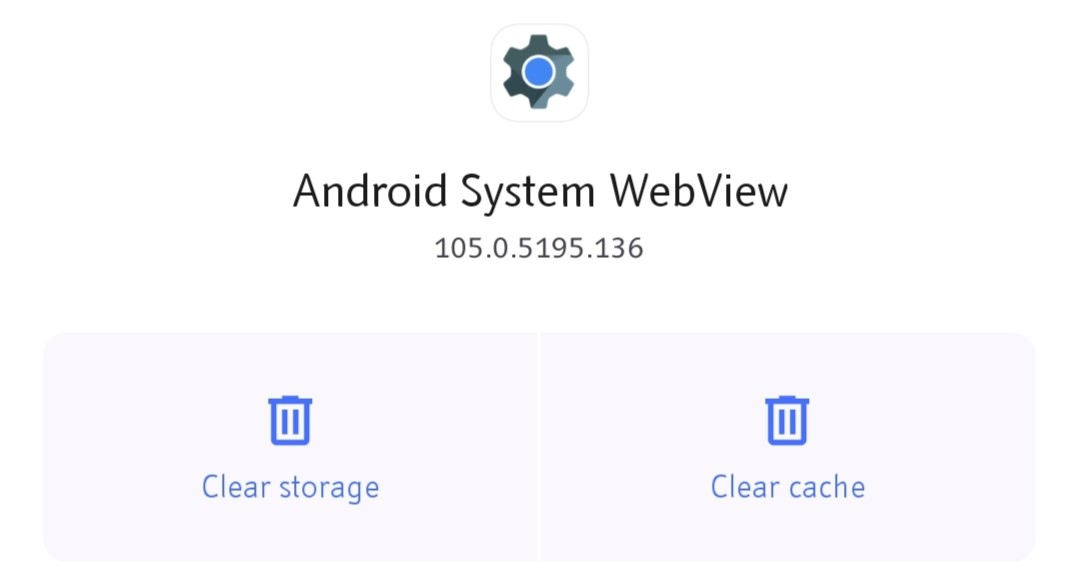
There are two ways to open web content on an Android device: you can use a traditional web browser or an Android application that includes WebView in the layout.
A developer who wants to add browser functionality to an application can include the WebView library and create an instance of the WebView class. This approach essentially embeds a browser within the app to do things like render webpages and execute scripts.
It's commonly used in apps like Twitter and Facebook to open the shared hyperlinks within the app. But a wide variety of other Android applications also use it to display web content that isn't a part of the app.
The WebView app is based on Chromium, the same open source project that powers the Google Chrome web browser, but it doesn't include all the features present in the full version of Chrome. So it's not a replacement for a regular browser.
Why Do Apps Use It?
Google offers apps multiple ways to show external content, including the WebView, Custom Tabs, and the ability to trigger a regular web browser. But in order to keep users within their apps and deliver a seamless experience, the app developers employ the WebView functionality whenever there is a need to show external content.
Thanks to WebView, whenever you tap on a URL in an app, a container opens within it and renders the complete webpage. Furthermore, the app developers can customise this container to match the app's overall interface. So you get a consistent experience and aren't transferred to the separate browser app to open external web content.
All in all, the Android System WebView app is an integral part of the core Android experience. However, it isn't your typical app. So it isn't listed in the app launcher, nor can you open it manually. But it's there for when an app needs it. It's a good idea to know about it so that you don't disable it or remove the updates and end up causing problems.
SOURCE: Android System WebView
I hope this thread was informative. I'll catch you soon with another topic. Do share your thoughts below in the comments section.
Regards,
Sharon Anto
Please sign in
Login and share