



























🚀 Elevate Your Lock Screen: A Guide to the New Lock Screen Widgets!

Hey Questers 👋,
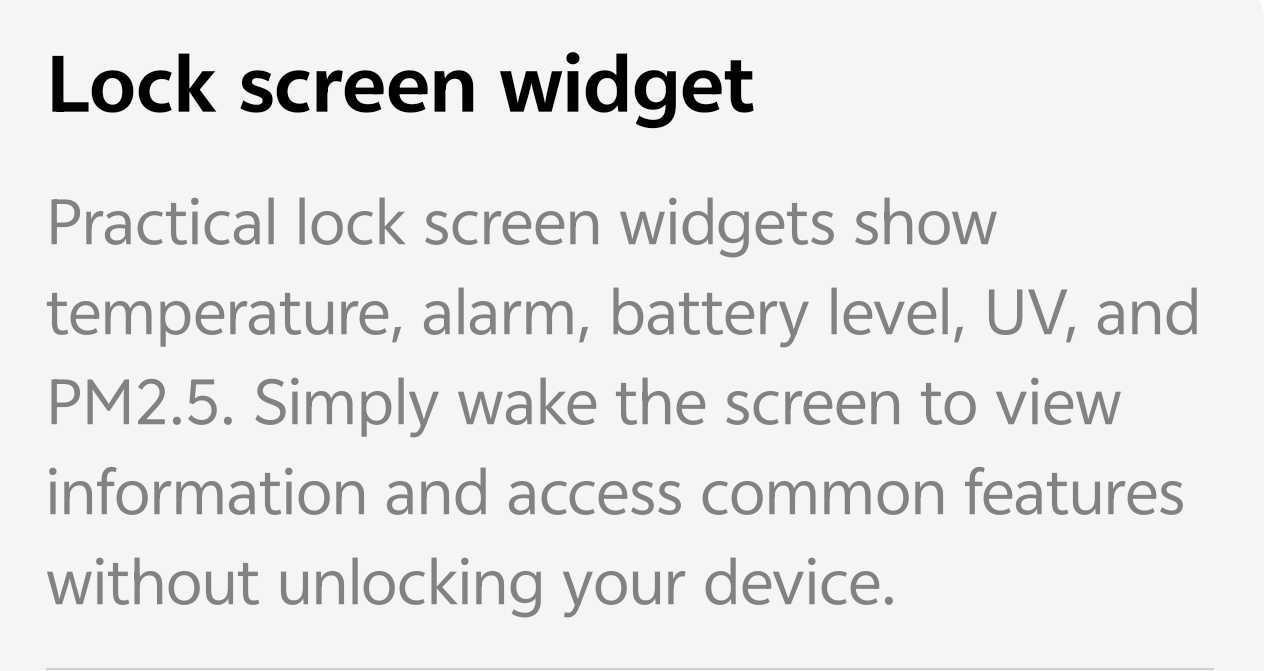
We all know that iQOO devices are built for speed and performance, but personalization is where the real soul of the phone lies. With the latest updates to Origin OS6, iQOO has introduced a more "Practical Lock Screen" experience. You no longer need to unlock your phone just to check the weather or your step count.
🌟 What’s New?
The new widget system allows you to place "complications" (mini-widgets) directly under the clock. These are designed to be clean, minimalist, and incredibly useful.
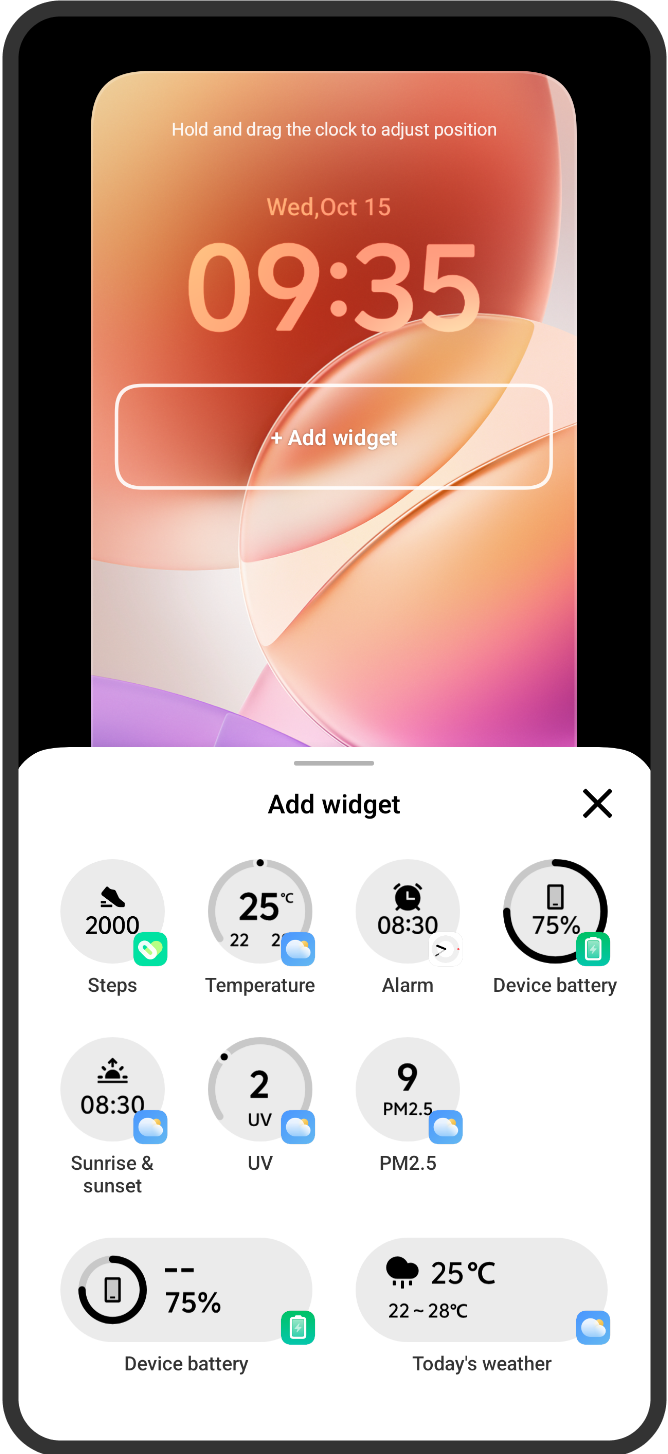
Available Widgets Include:
* Fitness: Keep track of your daily Steps at a glance.
* Weather & Environment: Real-time Temperature, UV Index, and PM2.5 levels.
* Utility: Quick views for your Alarm and Sunrise/Sunset times.
* Battery: Monitor your Device Battery percentage without pulling down the notification shade.
🛠️ How to Customize Your Lock Screen
Setting this up is simple and takes less than a minute. You can do it in two ways:
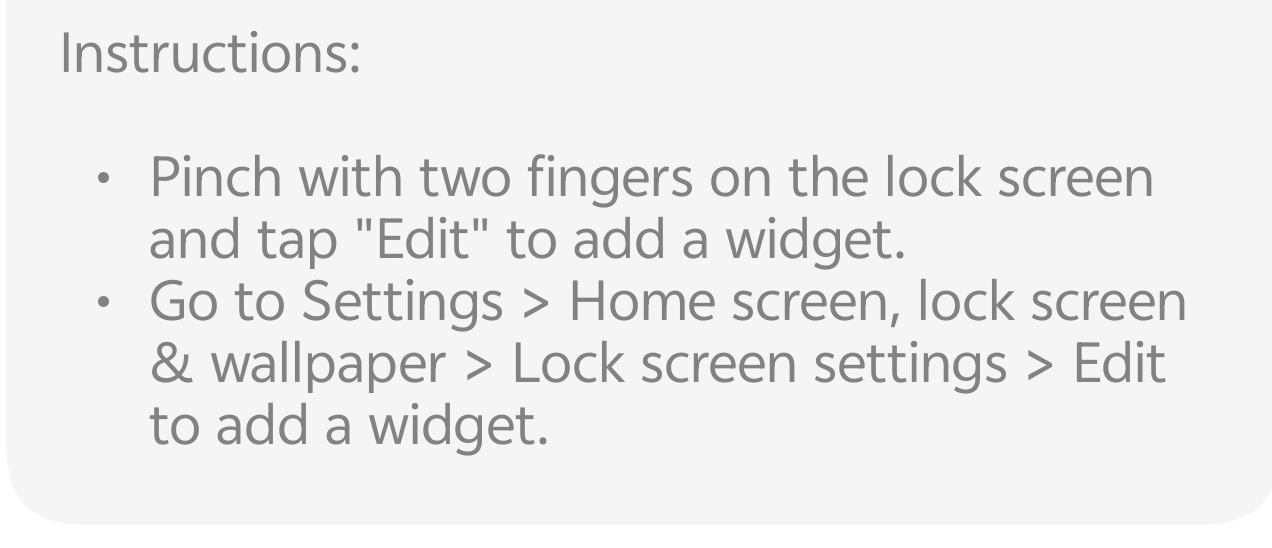
Method 1: The Quick Pinch (Fastest!)
* Wake your screen (stay on the Lock Screen).
* Pinch with two fingers on the wallpaper.
* Tap the "Edit" button that appears.
* Tap the + Add widget box to open the widget library.
Method 2: Via Settings
* Go to Settings > Home screen, lock screen & wallpaper.
* Tap on Lock screen settings.
* Tap Edit to enter the customization mode.
> Pro Tip: You can also hold and drag the clock to adjust its position to perfectly fit your wallpaper!
💡 Why You’ll Love It
* Battery Efficiency: Checking the time or weather on the lock screen saves you from unlocking and diving into apps, which helps save battery over time.
* Personal Style: Match your clock font and color with the widgets for a cohesive, aesthetic look.
* Instant Access: Access common features and information without compromising your device security.
Follow me ➡️ @TechieGuyfor more such amazing content 😇 🤘.
Please sign in
Login and share