



























Master Your Audio: Elevate Your iQOO Listening Experience🚀

Hey Questers 👋,
We all know iQOO devices are performance beasts when it comes to gaming and multitasking. But did you know there’s a hidden "studio" inside your phone? If you’ve been sticking to the default sound settings, you’re missing out on the true potential of your speakers and headphones.
Whether you're an audiophile or just want your favorite tracks to hit harder, the Audio Effect & Equalizer settings in iQOO’s Music app are your best friends.
🎧 How to Access the Equalizer
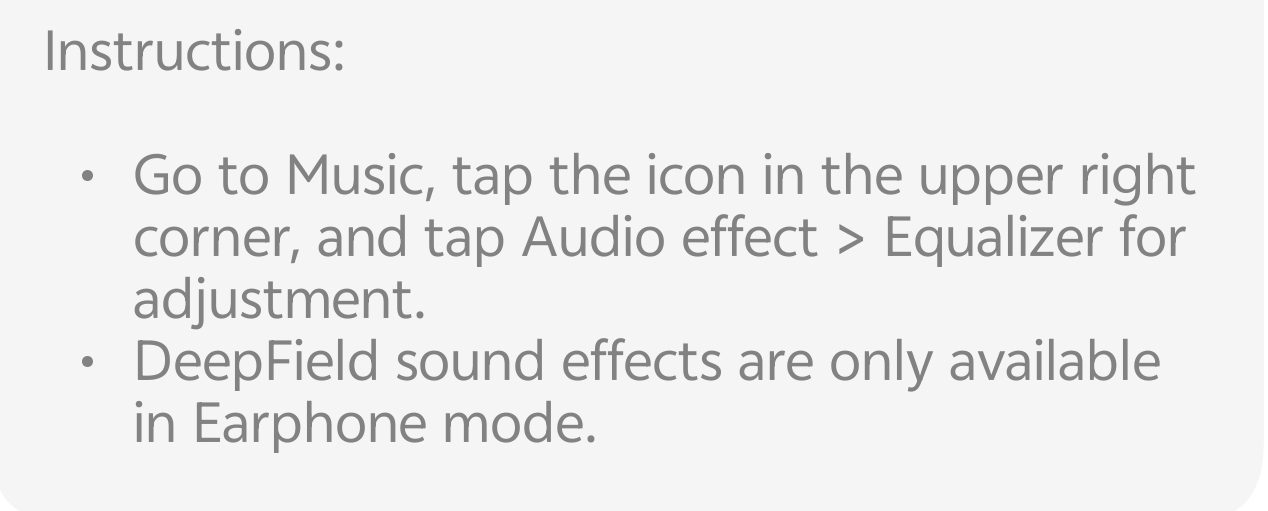
Getting there is simple. You don't need to dig through your main system settings; it’s built right into the music player for quick adjustments:
* Open the Music app on your iQOO device.
* Tap the icon in the upper right corner (usually looks like three lines or a profile icon).
* Select Audio effect.
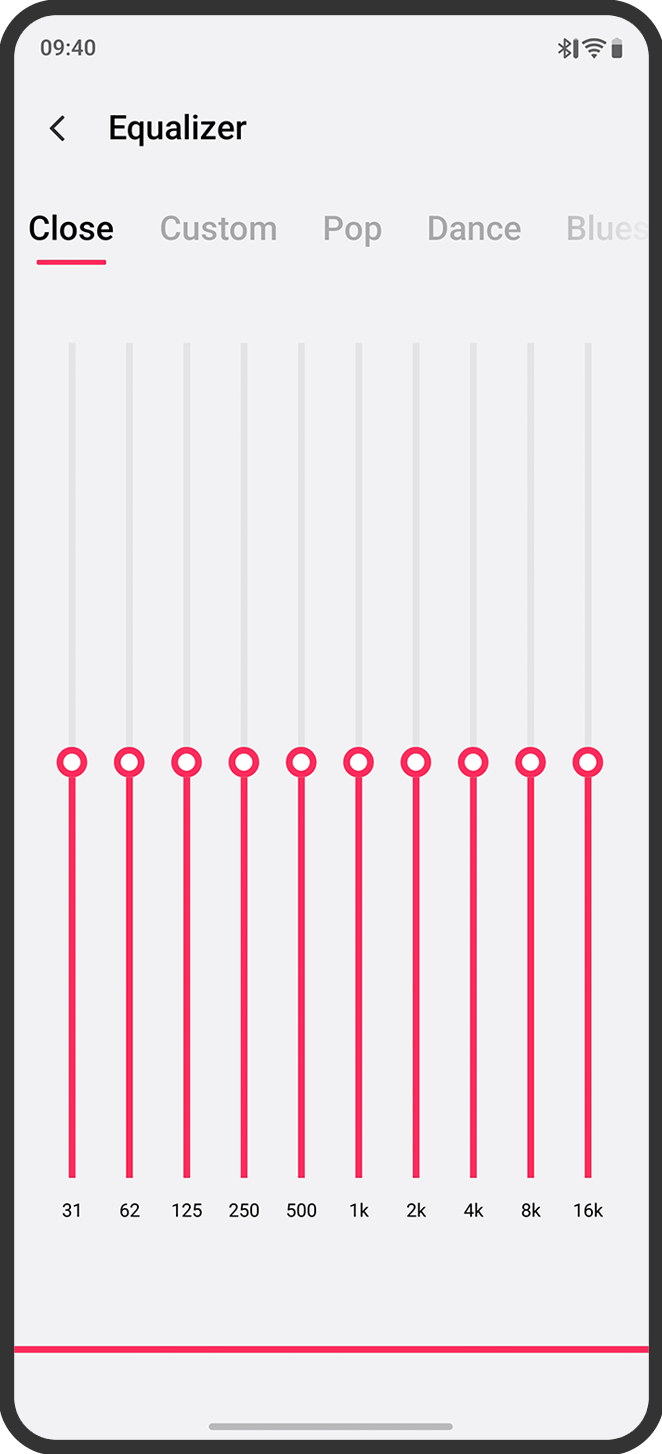
* Tap on Equalizer to enter the customization suite.
🔊 Fine-Tuning Your Sound
The iQOO Equalizer offers a professional-grade 10-band interface, allowing you to control frequencies from deep bass (31Hz) to crisp treble (16kHz).
* Presets for Every Mood: Not sure where to start? Choose from built-in presets like Pop, Dance, Blues, or Classical. These are professionally tuned to enhance the specific characteristics of those genres.
* Go "Custom": If you want total control, switch to the Custom tab. Want more "thump"? Raise the sliders on the left (31Hz to 125Hz). Want clearer vocals? Boost the mid-range (500Hz to 2k).
* Deep Space Sound Effects: Inside the Audio Effect menu, don’t forget to explore "Deep Space" effects. These simulate different environments—like a Concert Hall or a Grand Theater—to give your music a massive sense of scale.
💡 Pro Tip: Super Audio & Hi-Fi
For the ultimate experience, check if your model supports Super Audio. Under Settings > Sound & Vibration > Sound Quality, you can enable "Smart" mode which automatically adapts the EQ based on whether you are watching a movie, gaming, or listening to music.
The Result? A soundstage that feels wider, richer, and more immersive.
Follow me ➡️ @TechieGuyfor more such amazing content 🤘 🤩.
Please sign in
Login and share