


















Using the To-Do Widget in OriginOS 6

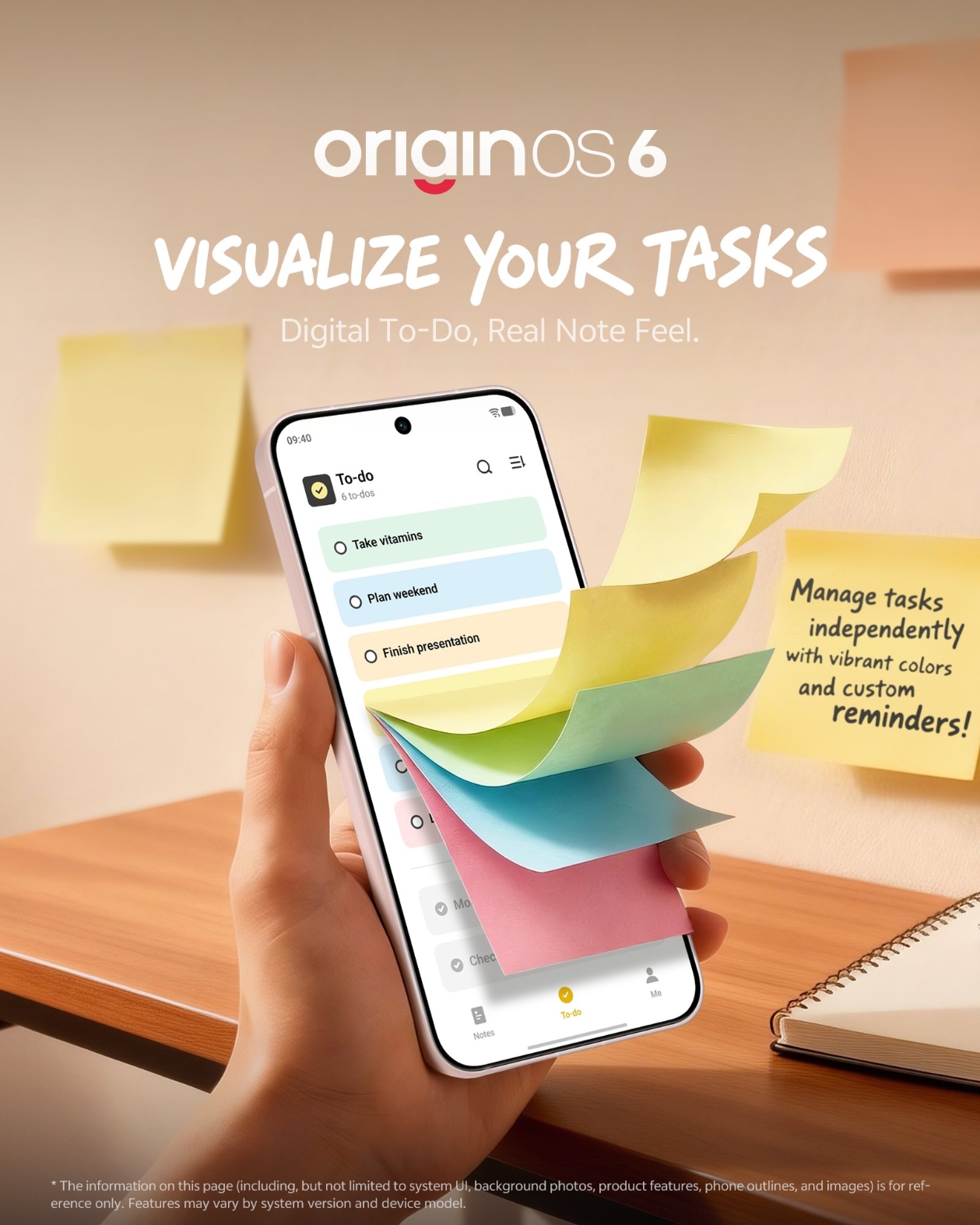
Figure 1, view larger image
Hey Questers,
OriginOS doesn't just have a boring list app; it uses "Atomic Notes" interactive widgets that let you manage tasks directly from your home screen without ever opening an app.
Here is how to set up and use your ultimate productivity dashboard.
Find the "Atomic Note" Widget
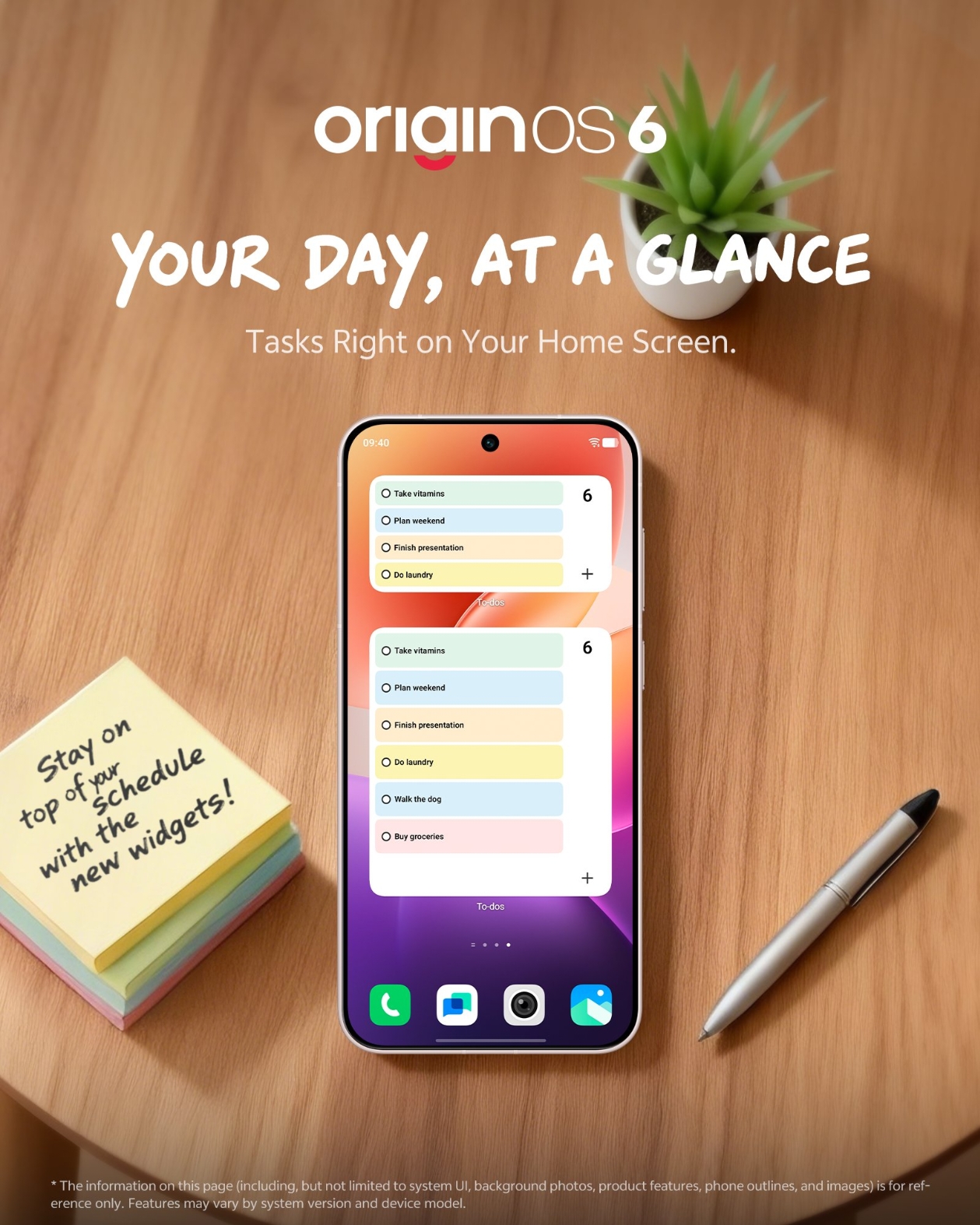
Figure 2, view larger image
In OriginOS, the To-Do functionality is built into the Atomic Note app. You need to place its widget on your home screen first.
- Long press an empty space on your Home Screen.
- Tap Origin Kits (or "Widgets" in global versions).
- Scroll or search for "Atomic Note".
- Drag the widget style that looks like a checklist (usually the 2x2 or 2x4 size) onto your screen.
Turn a Note into a Checklist
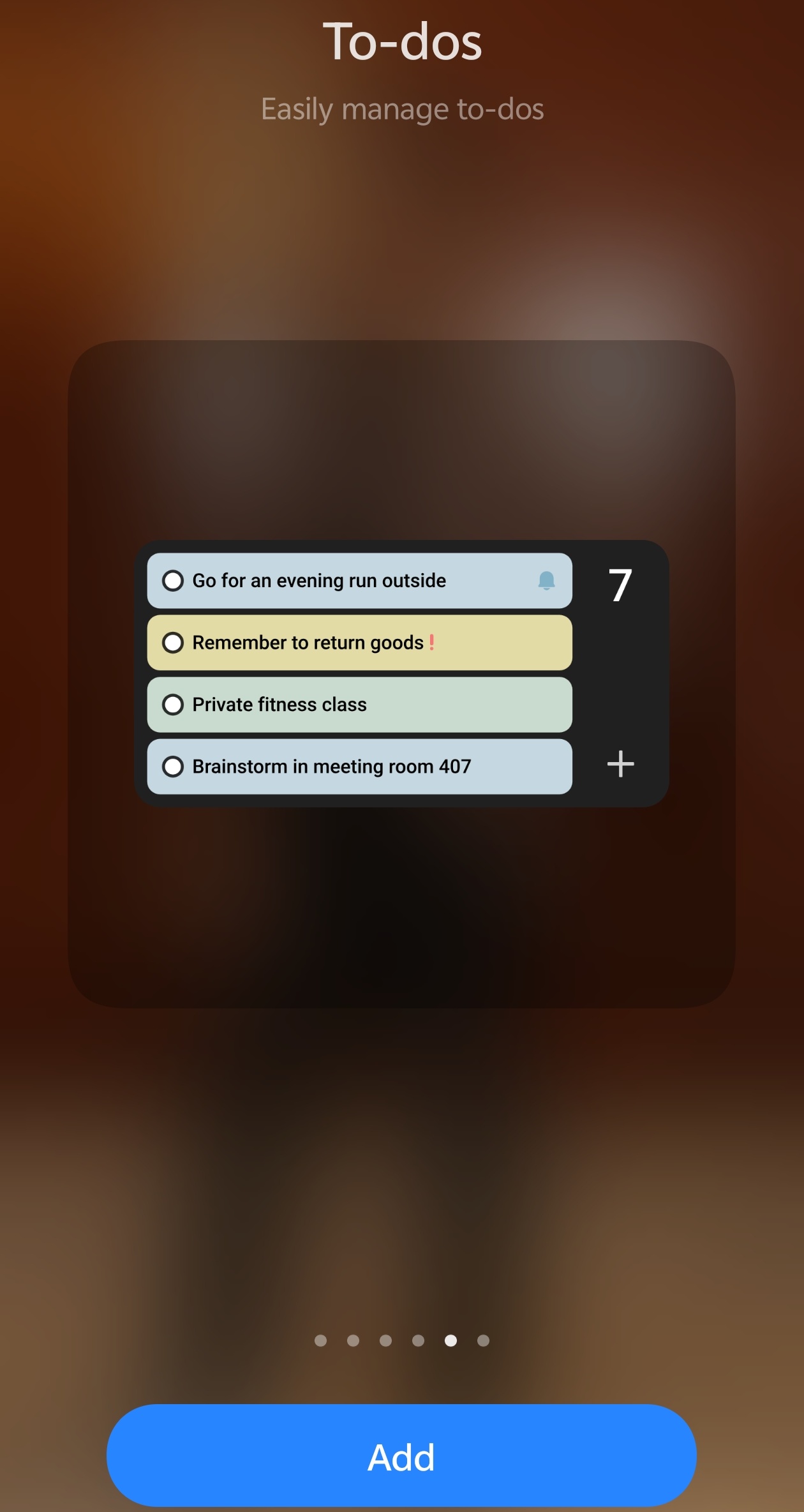
Figure 3, view larger image
By default, the widget might just show text. Here is how to make it a functional To-Do list:
- Tap the widget to open it.
- Create a new note.
- Look for the Checklist Icon (usually a tick inside a box) in the formatting bar above the keyboard.
- Type your tasks.
- Save/Exit. The widget on your home screen will now display these as clickable items.
Lock Screen Access (New in OS 6)
OriginOS 6 now allows widgets on the Lock Screen.
- Go to Settings > Notifications & Status Bar > Lock Screen.
- Tap Lock Screen Customization.
- Tap the "+" area under the clock.
- Add the "Upcoming Tasks" or "Note" widget here.
Result: See your top 3 tasks immediately when you lift your phone, without unlocking it.
Thanks
OriginOS 6
971
9
Please sign in
Login and share
Sign in